 夜雨聆风
夜雨聆风


Mac word批量转PDF快捷方法 Apple script

整理一堆文件的时候难免脑袋发晕😵💫,下面分享word文件批量转为PDF的快捷方法
1️⃣依托于好使的PDF阅读器,比如福昕PDF编辑器,高校师生可以看看学校的免费正版软件库,可以直接实现
2️⃣ 利用MAC系统中 Applescript(脚本编辑器)编写简单代码,实现一些mac生态的自动化操作,提高效率,尊的很方便!!!
1.进入脚本编辑器(两种方法)
①五指捏合进入启动台,在顶部搜索栏搜索脚本编辑器;②command+空格打开聚焦搜索,直接搜脚本编辑器进入
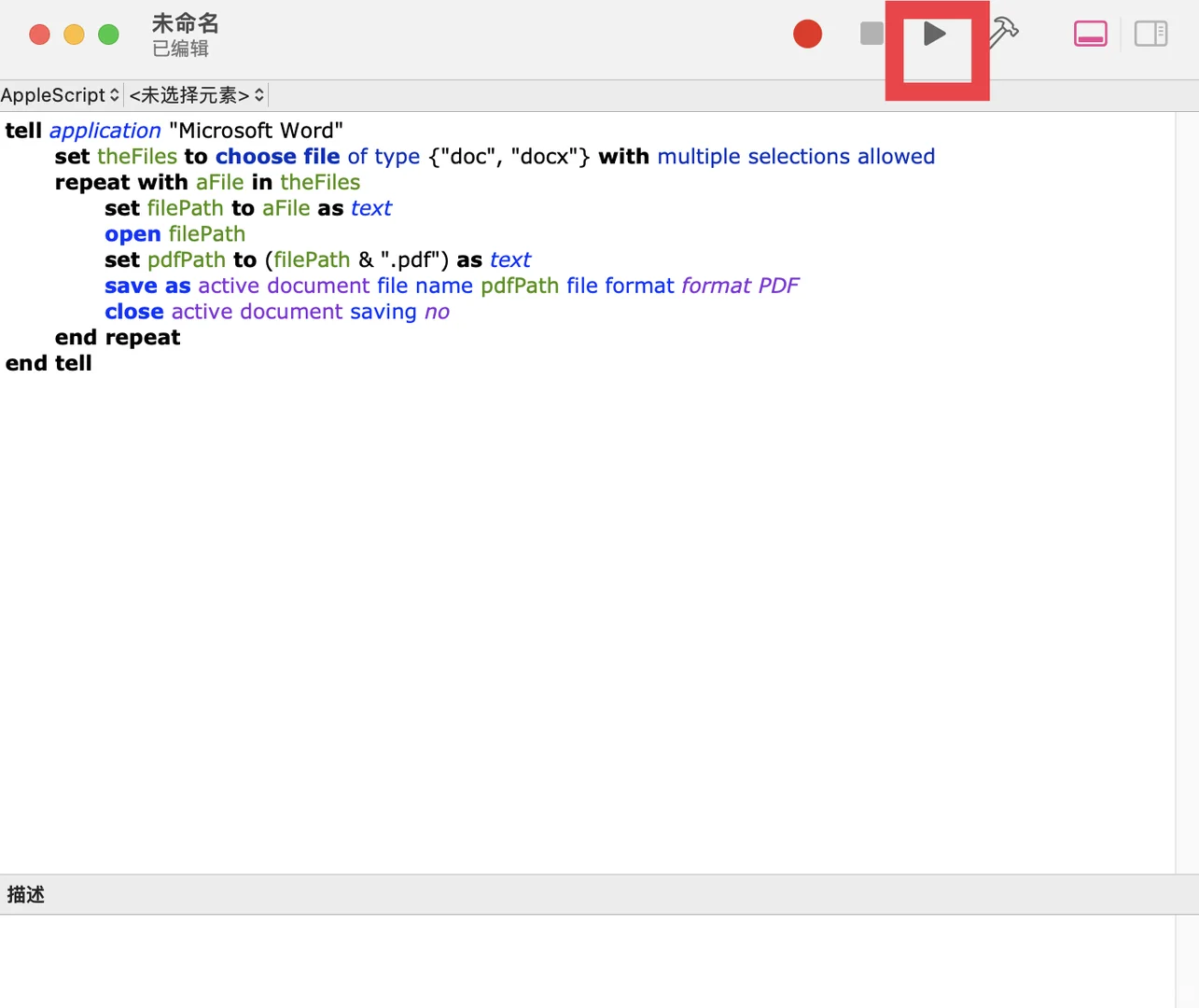
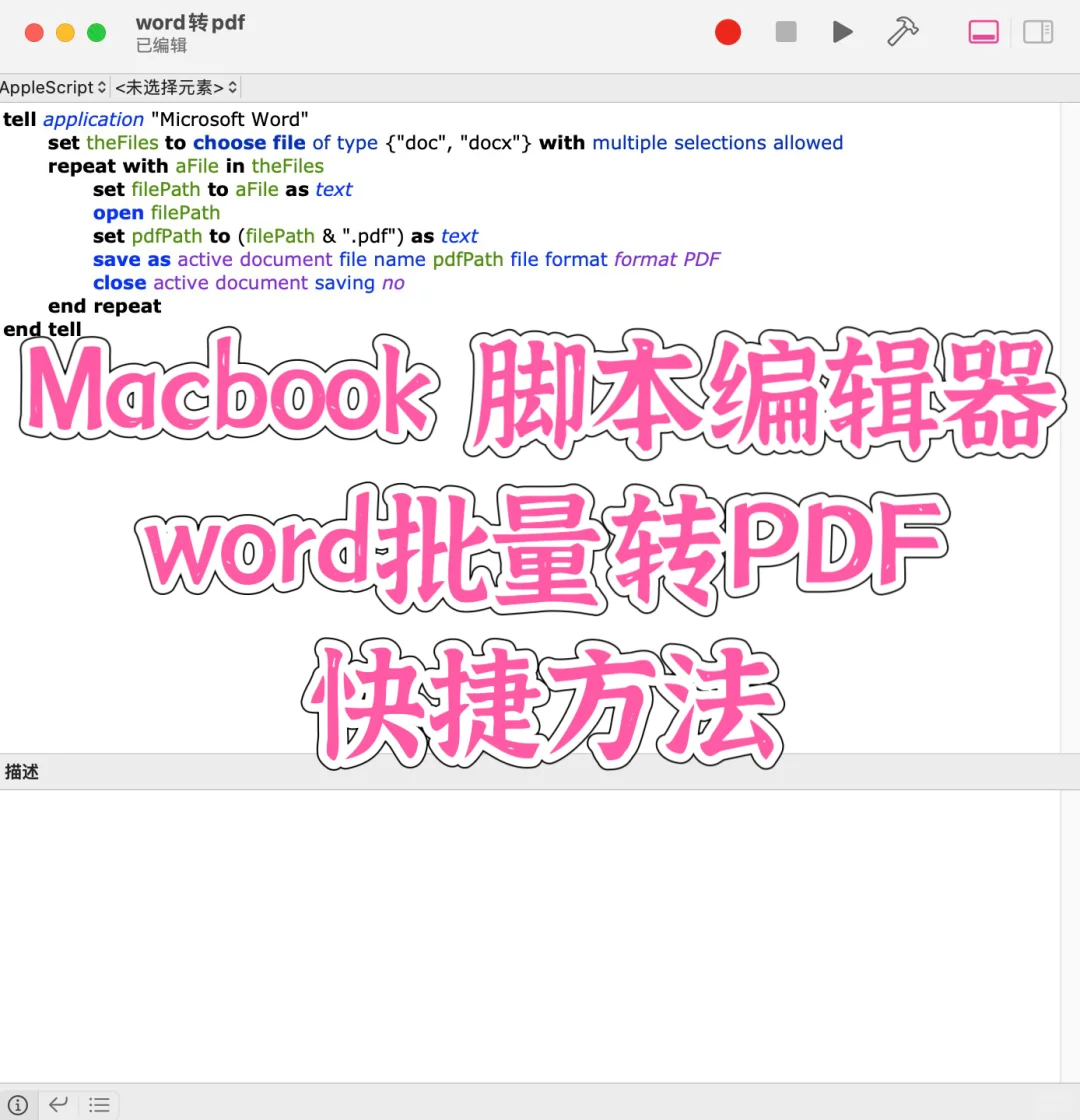
2.新建文稿,输入以下代码
tell application ”Microsoft Word“
set theFiles to choose file of type {”doc“, ”docx“} with multiple selections allowed
repeat with aFile in theFiles
set filePath to aFile as text
open filePath
set pdfPath to (filePath & ”.pdf“) as text
save as active document file name pdfPath file format format PDF
close active document saving no
end repeat
end tell
3.ctrl+s命名,选择“脚本(.scpt)”格式并保存至桌面,点击右上角▶️即可运行这个脚本。
它会提示你选择要转换的Word文件,并将它们逐一转换为PDF。
#word #PDF #macbook #文件格式转换 #word转pdf #苹果系统 #脚本编辑器 #AppleScript #效率神器 #办公技巧 @知识薯
1️⃣依托于好使的PDF阅读器,比如福昕PDF编辑器,高校师生可以看看学校的免费正版软件库,可以直接实现
2️⃣ 利用MAC系统中 Applescript(脚本编辑器)编写简单代码,实现一些mac生态的自动化操作,提高效率,尊的很方便!!!
1.进入脚本编辑器(两种方法)
①五指捏合进入启动台,在顶部搜索栏搜索脚本编辑器;②command+空格打开聚焦搜索,直接搜脚本编辑器进入
2.新建文稿,输入以下代码
tell application ”Microsoft Word“
set theFiles to choose file of type {”doc“, ”docx“} with multiple selections allowed
repeat with aFile in theFiles
set filePath to aFile as text
open filePath
set pdfPath to (filePath & ”.pdf“) as text
save as active document file name pdfPath file format format PDF
close active document saving no
end repeat
end tell
3.ctrl+s命名,选择“脚本(.scpt)”格式并保存至桌面,点击右上角▶️即可运行这个脚本。
它会提示你选择要转换的Word文件,并将它们逐一转换为PDF。
#word #PDF #macbook #文件格式转换 #word转pdf #苹果系统 #脚本编辑器 #AppleScript #效率神器 #办公技巧 @知识薯

