夜雨聆风
夜雨聆风(1)运行命令"openclaw dashboard" 打开控制界面,可以查看访问链接
Dashboard URL: http://127.0.0.1:18789/#token=xxx
这里配置Nginx 反向代理通过公网IP外网访问OpenClaw,参考配置如下:
#!/bin/bash
# 停止 Nginx
systemctl stop nginx
# 备份原配置
mv /etc/nginx/conf.d/openclaw.conf /etc/nginx/conf.d/openclaw.conf.bak 2>/dev/null
# 重新生成证书
mkdir -p /etc/nginx/ssl
openssl req -x509 -nodes -days 365 -newkey rsa:2048 \
-keyout /etc/nginx/ssl/openclaw.key \
-out /etc/nginx/ssl/openclaw.crt \
-subj "/CN=外网IP" \
-addext "subjectAltName=IP:【外网IP】"
chmod 600 /etc/nginx/ssl/openclaw.key
# 写入简化配置
cat > /etc/nginx/conf.d/openclaw.conf << 'EOF'
server {
listen 8443 ssl;
server_name _;
ssl_certificate /etc/nginx/ssl/openclaw.crt;
ssl_certificate_key /etc/nginx/ssl/openclaw.key;
location / {
proxy_pass http://127.0.0.1:18789;
proxy_http_version 1.1;
proxy_set_header Upgrade $http_upgrade;
proxy_set_header Connection "upgrade";
proxy_set_header Host localhost:18789;
proxy_set_header Origin https://localhost:18789;
proxy_read_timeout 86400;
proxy_buffering off;
}
}
EOF
# 测试并启动
nginx -t && systemctl start nginx
echo "Nginx 状态:"
systemctl status nginx --no-pager
(2)公网IP访问OpenClaw
https://IP:8443/#token=xxx
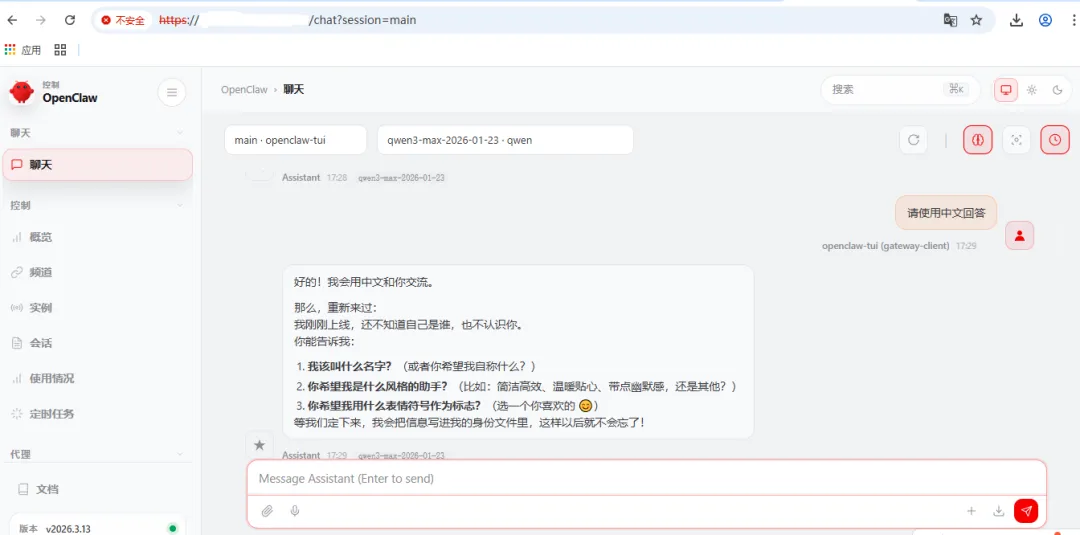
打开后聊天界面如下:
3.飞书接入OpenClaw
(1)访问飞书开发平台“https://open.feishu.cn/app”,使用飞书账号登录。
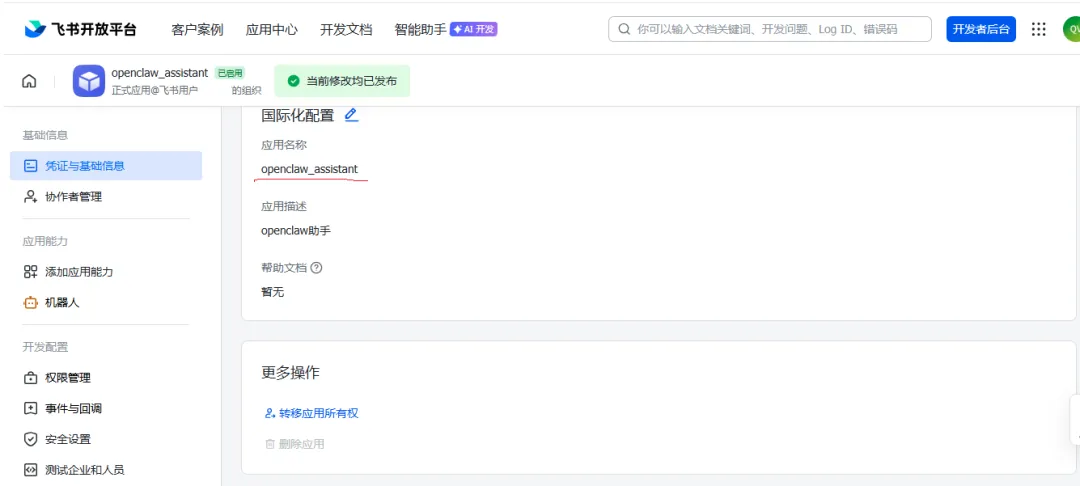
(2)点击“创建企业自建应用”,填写应用名称和描述,最后发布应用。
(3)配置OpenClaw
在OpenClaw中添加飞书聊天渠道。直接在Ubuntu客户端运行向导,添加飞书。使用命令openclaw onboard
(4)启动并测试
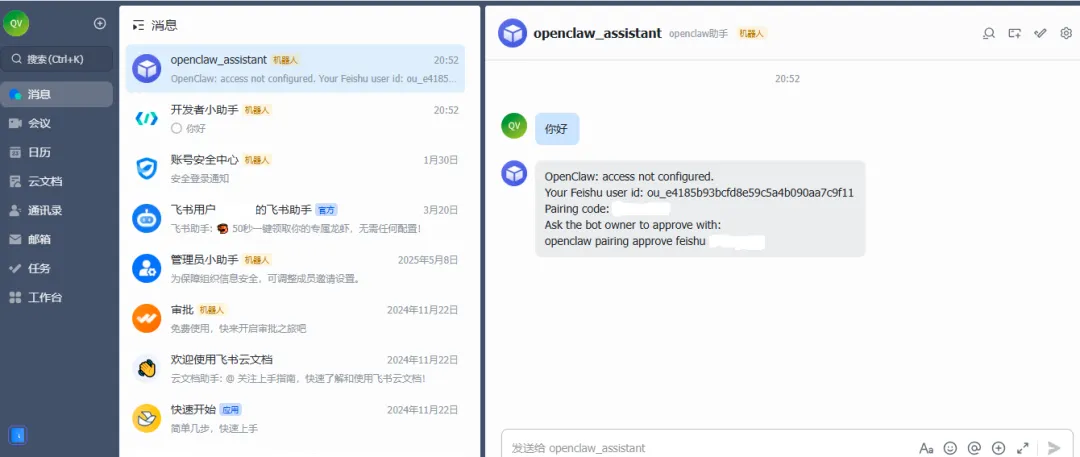
在飞书中找到创建的机器人进行对话进行测试,首次对话会返回一个配对码。需要在Ubuntu终端执行如下命令与OpenClaw进行配对:
openclaw pairing approve feishu <配对码>
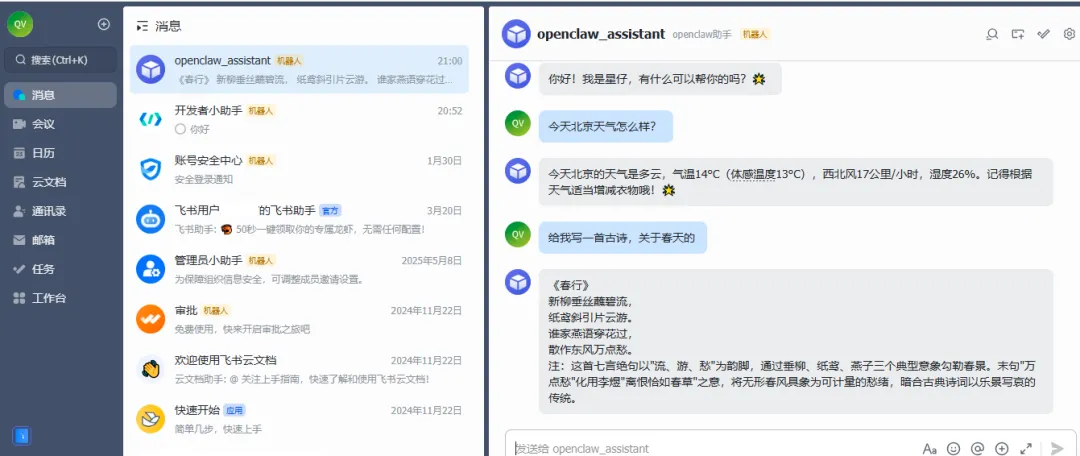
飞书聊天界面如下: