 夜雨聆风
夜雨聆风先吐槽一下微信 ClawBot
1. 把绑定变成一句话丢给 OpenClaw 自己搞定 2. 消息或公众号文章等不能转发微信 ClawBot 3. 微信ClawBot能不能支持 代码块(Code Blocks)和 Markdown 语法,让信息显示更加主次分明
如何绑定多个微信 ClawBot,一个 OpenClaw 全家一起用,下面是具体绑定方法:
单微信号
1.依据微信 ClawBot 提示的方式来
路径:微信-设置-插件-微信 ClawBot
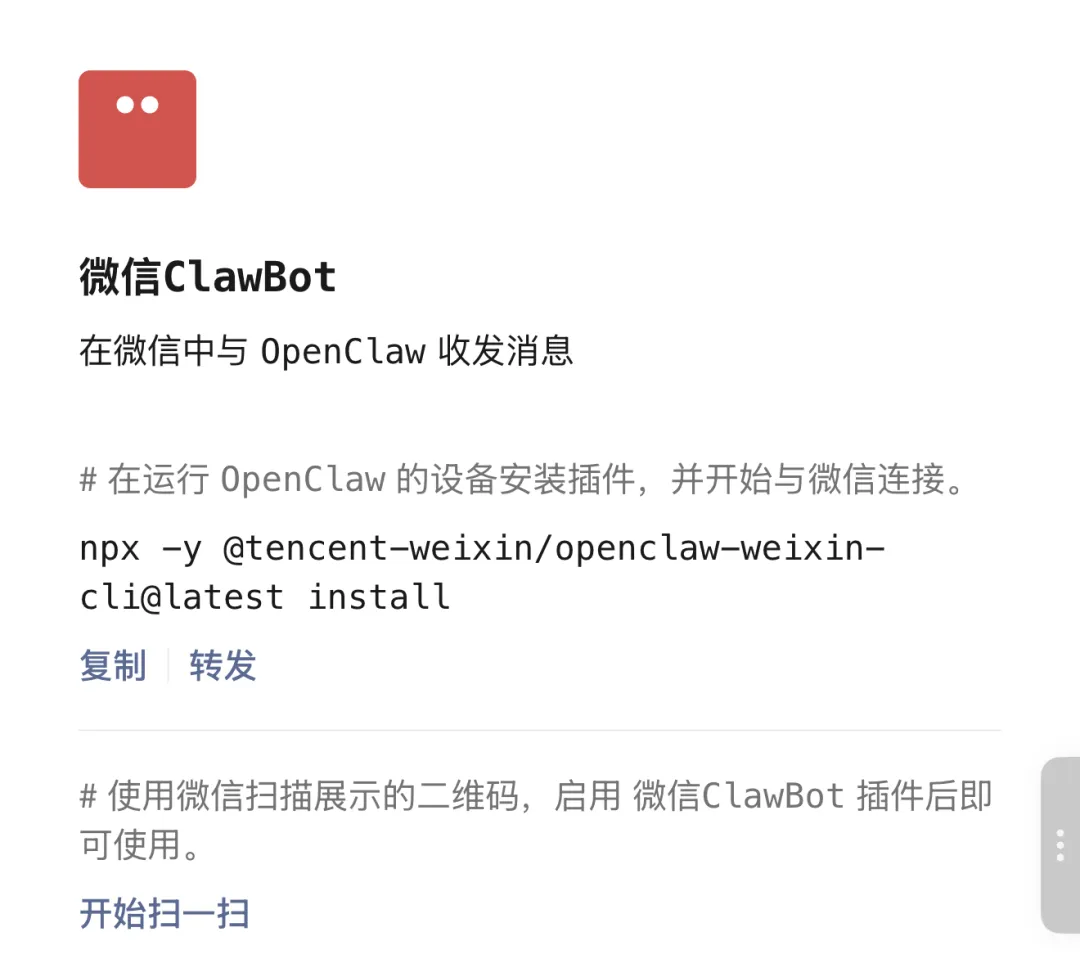
2.使用命令行
# 首次安装插件(已装可跳过)npx -y @tencent-weixin/openclaw-weixin-cli@latest install绑定多个微信
1)使用命令,必须且只能这么玩……
要使用微信扫码绑定,试了在 Discord 中无法展示终端的二维码
openclaw channels login --channel openclaw-weixin绑定完成之后,你会在这个目录看到新增的账号,并且这两个账号默认都是绑定到 main Agent 的,初次用新绑定的微信发消息响应较慢,大概是在初始化一些文件
~/.openclaw/openclaw-weixin/├── accounts.json # 账号 ID 列表└── accounts/ └── faf8xxxxxxxx-im-bot.json # 单账号凭证 └── d1d3xxxxxxxx-im-bot.json # 新增账号凭证2)隔离两个账号,有两个诉求
如果都绑定到 main Agent,但不同账号之间的会话隔离(不同渠道不同账号),不会串会话,但仍然共享的是同一个工作空间
openclaw config set session.dmScope "per-account-channel-peer"如果绑定不同 Agent,直接让OpenClaw干
1.先问清楚已经绑定的账号列表
## 问,直接发给 OpenClawopenclaw-weixin绑定了哪些账号## 或在终端运行命令cat ~/.openclaw/openclaw-weixin/accounts.json2.没有 Agent,就先创建 Agent
## 问,直接发给 OpenClaw创建一个新的 Agent,命名为 weixin(自己起名)## 或在终端运行命令openclaw agents add weixin --workspace ~/.openclaw/workspace-weixin3.已经有 Agent,那就直接绑定
直接问:openclaw-weixin 中绑定了两个账号,如何让不同账号绑定到不同的 agent
绑定方法 使用 --bind openclaw-weixin:<accountId> 格式:# 将 faf8xxxxxxxx-im-bot 绑定到 main agentopenclaw agents bind --agent main --bind "openclaw-weixin:faf8xxxxxxxx-im-bot"# 将 d1d3xxxxxxxx-im-bot 绑定到 fav agentopenclaw agents bind --agent weixin --bind "openclaw-weixin:d1d3xxxxxxxx-im-bot"以上是 OpenClaw 检索之后给出的建议方案,如果确认就直接让他执行,需要修改就明确绑定方案。或者明确告诉 OpenClaw 把 d1d3xxxxxxxx-im-bot 绑定到 weixin Agent
还是有其他配置方式的,大神直接找命令行方式的,可以自己搜索找找看