夜雨聆风
夜雨聆风


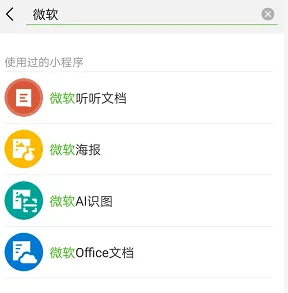
小程序丨微软海报&Office文档

微软海报
01
如果说
「微软AI识图」可以让图片变成文字
「听听文档」可以让图片说话
那么今天将要介绍的第三款小程序
「微软海报」
可以让你的图片“抖”起来
As we introduced before
Microsoft AI Graph can recognize characters
Talking Document can add voice to pictures
the third mini program
Microsoft Poster
can beautify pictures

讲述自己的标题故事
它不仅拥有丰富的滤镜、特效、音乐,可以把图片制作成小视频,还可以简简单单让你拥有朋友圈和微博同款九宫格封面。
It not only has filters, special effects and music to make short videos from pictures, but also can design the pictures used on social media.

微软Office文档
02
介绍完三位手机上的微软小助手
终于轮到这位文档管家出场
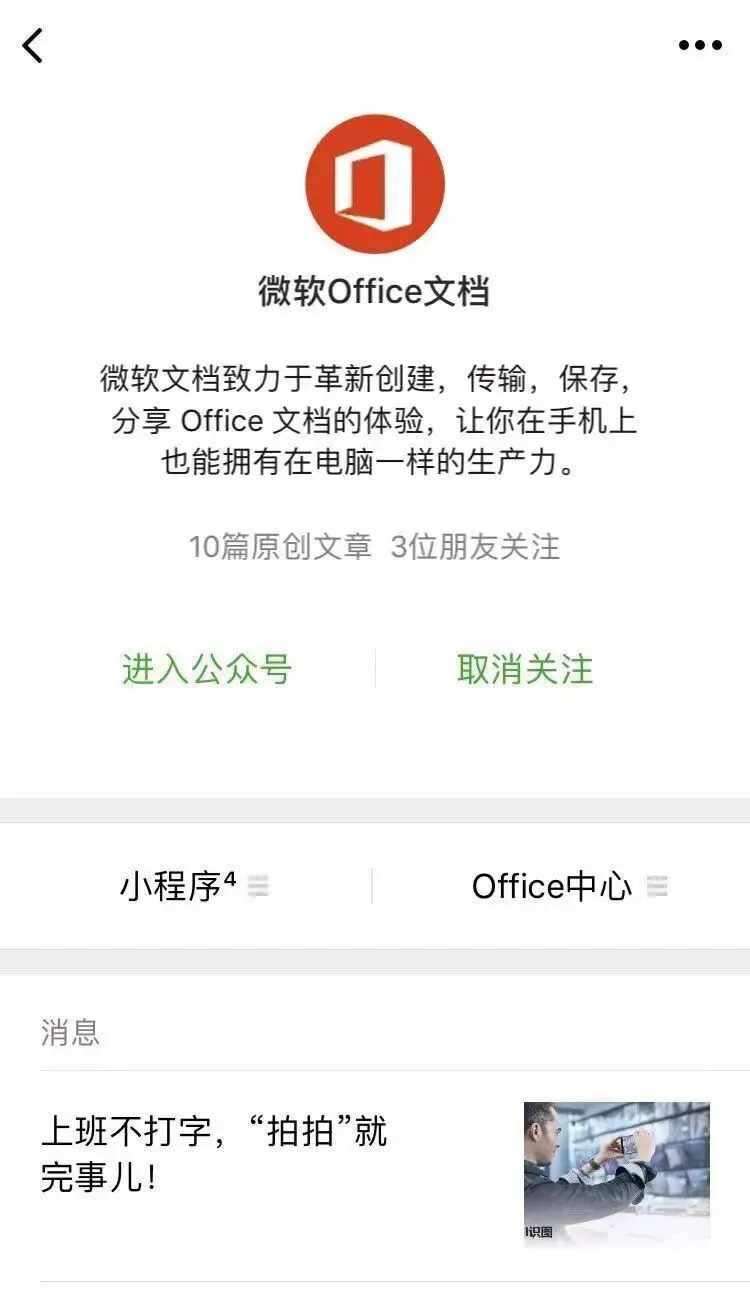
「微软Office文档」
After introducing
three assistants on mobile phone
It is the turn of
Microsoft Office Document
the steward of document
手机也高效
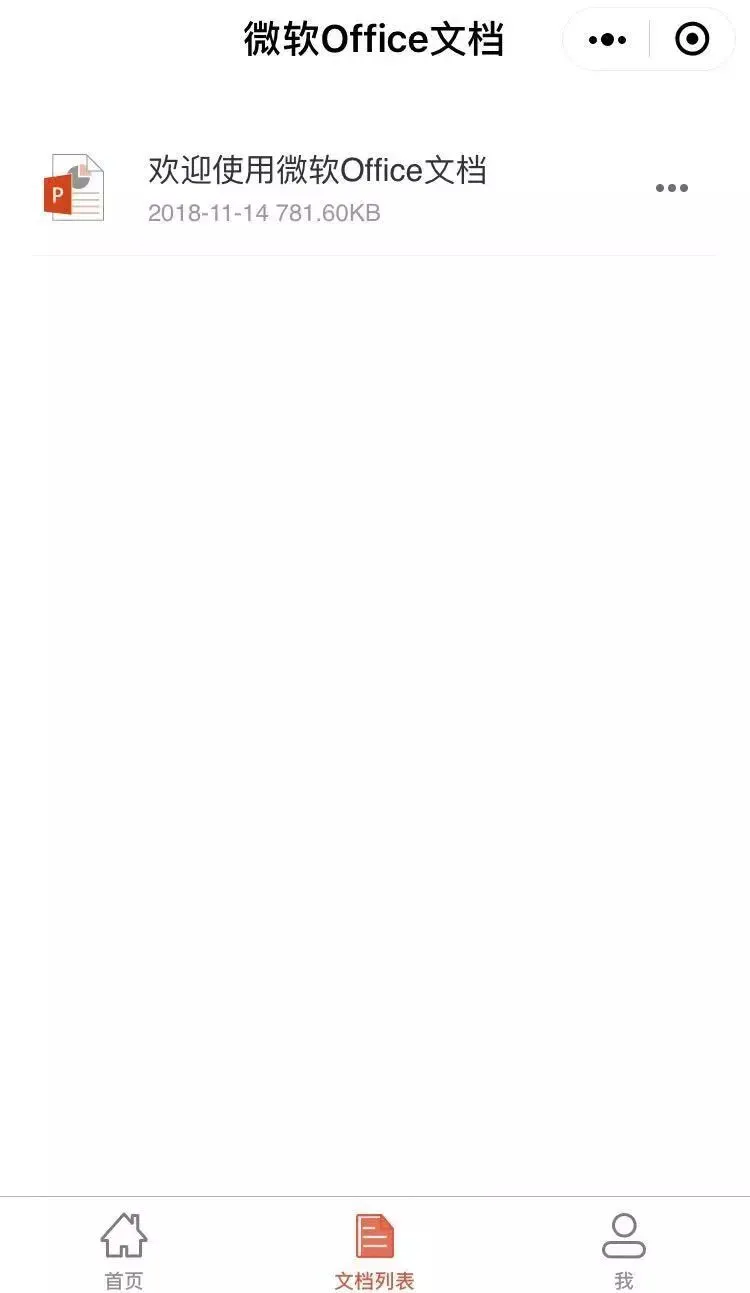
「微软office文档」小程序中,用微信即可访问OneDrive for Business,快速查看、设置权限和分享文档。
In its mini program, you can visit OneDrive for Business on Wechat to take a quick look, set the permissions and share documents.
「微软office文档」服务号整合了微软Office 365与微软认知服务,主要拥有三大功能:
关联所有的微软小程序,轻松一点,即可切换。
根据用户的需求,推荐适合的PPT或者图表模版。
帮助用户把微信文章转换成PPT或word文档,方便收藏文章。
In its Wechat interface, it integrates Microsoft Office 365 and Microsoft cognitive service. Basically, it has three functions:
It is associated with all Microsoft mini programs.
According to the requirements of users, it can recommend proper templates of PPT and chart.
It can convert articles on Wechat into PPT or word files.

正如微软中国项目组的目标
「在手机上拥有到在电脑上一样的生产力」
我们期待着它带来更多的惊喜
The goal of Microsoft China is to
make mobile phones as prodoctive as computers
There’s still more to come from them