 夜雨聆风
夜雨聆风大家好啊,我是兔老师。
组会、文献汇报和答辩都要用 PPT,但是没必要每次从空白页开始手搓。今天分享六套学术PPT模板,大家可以直接下载使用,也可以通过调用SKILL的方式,实现论文一键转学术PPT。
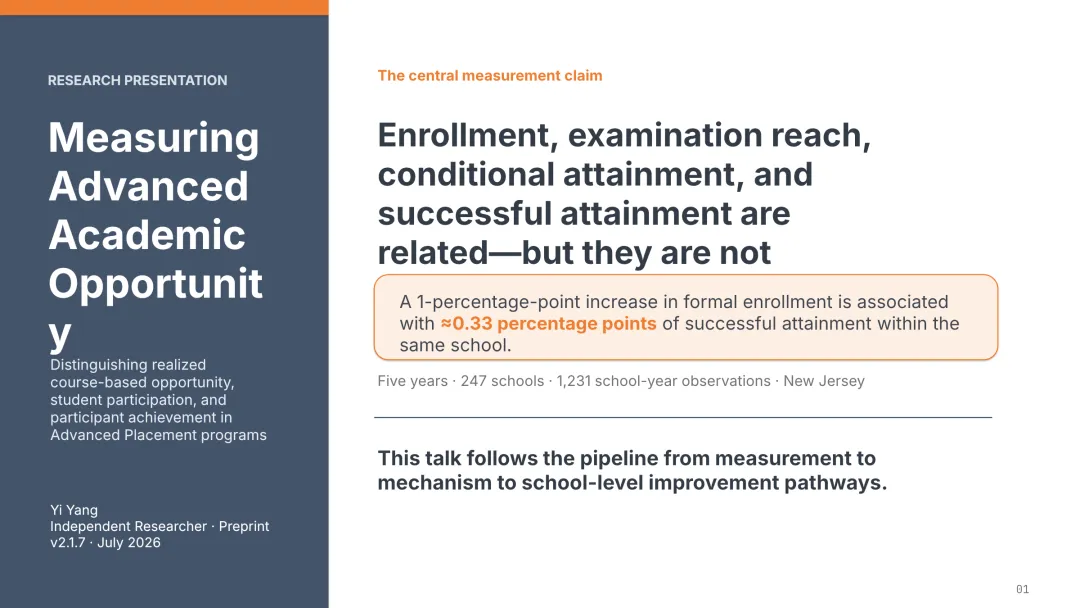
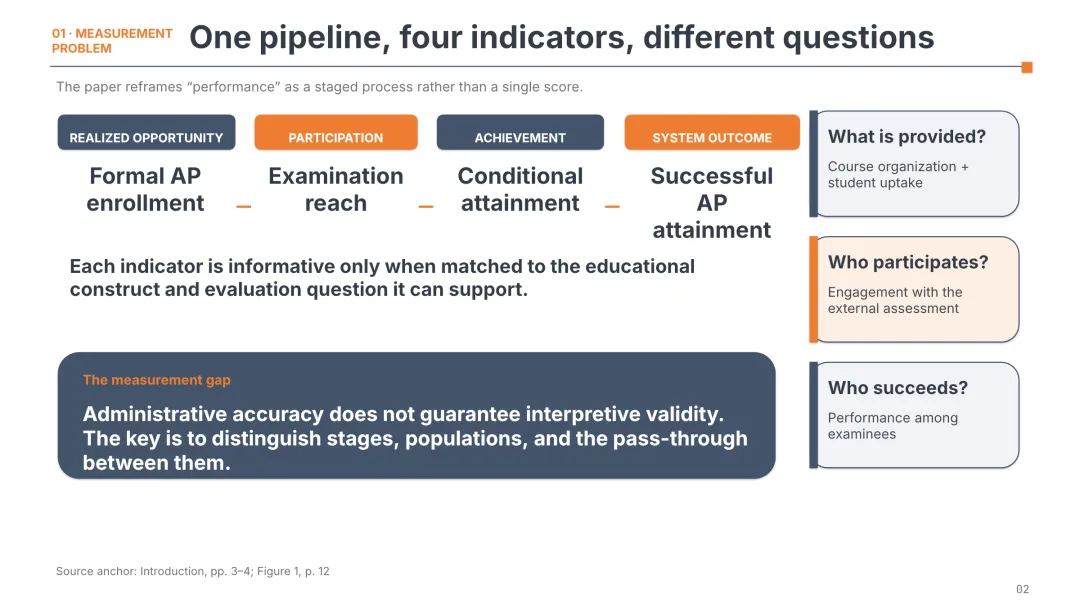
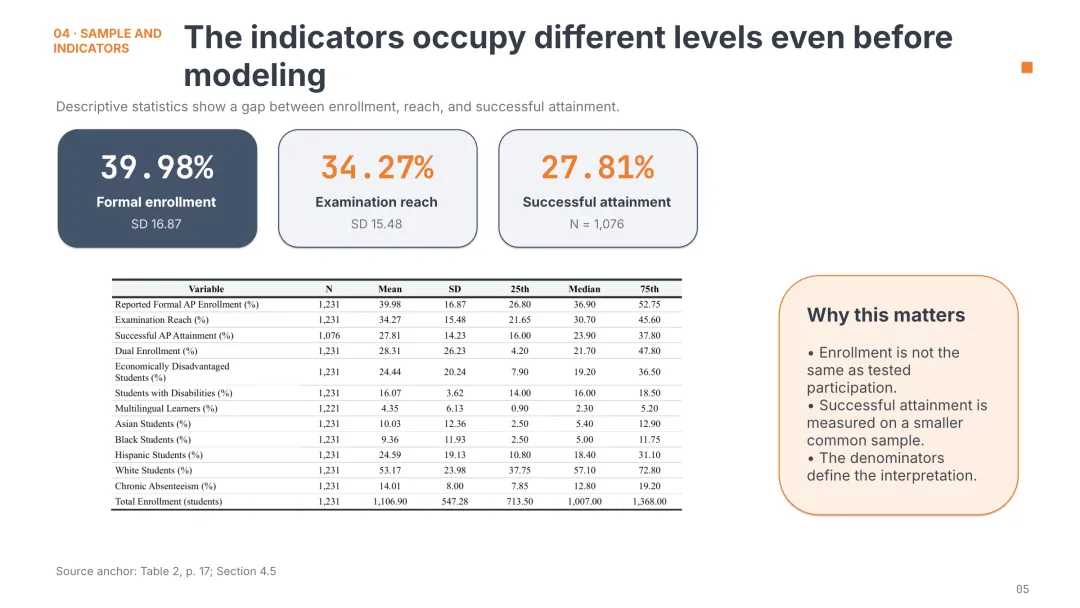
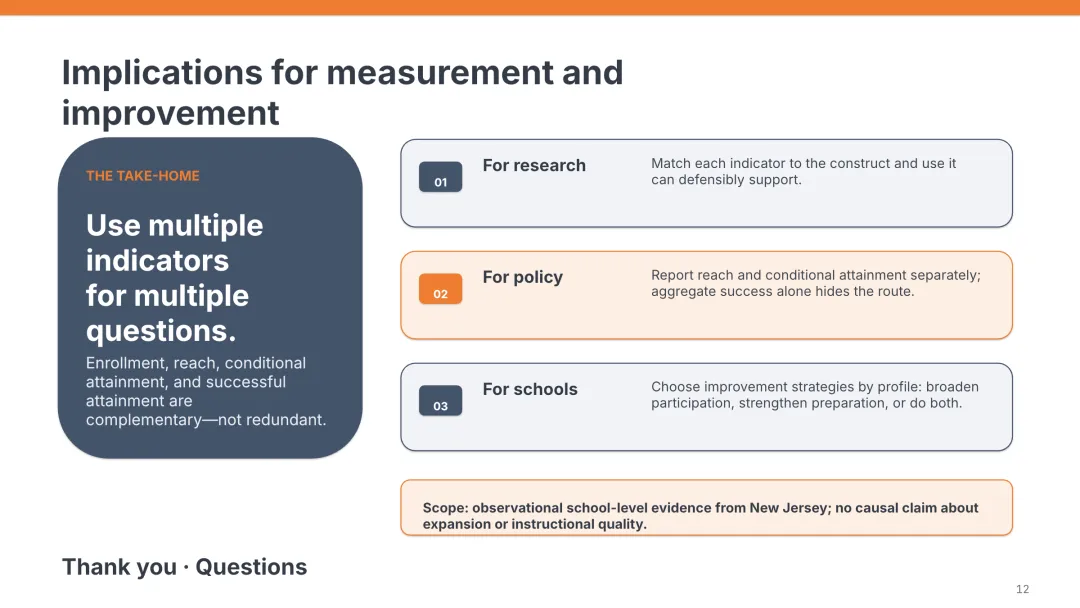
我个人最喜欢的是第2套和第4套模板。
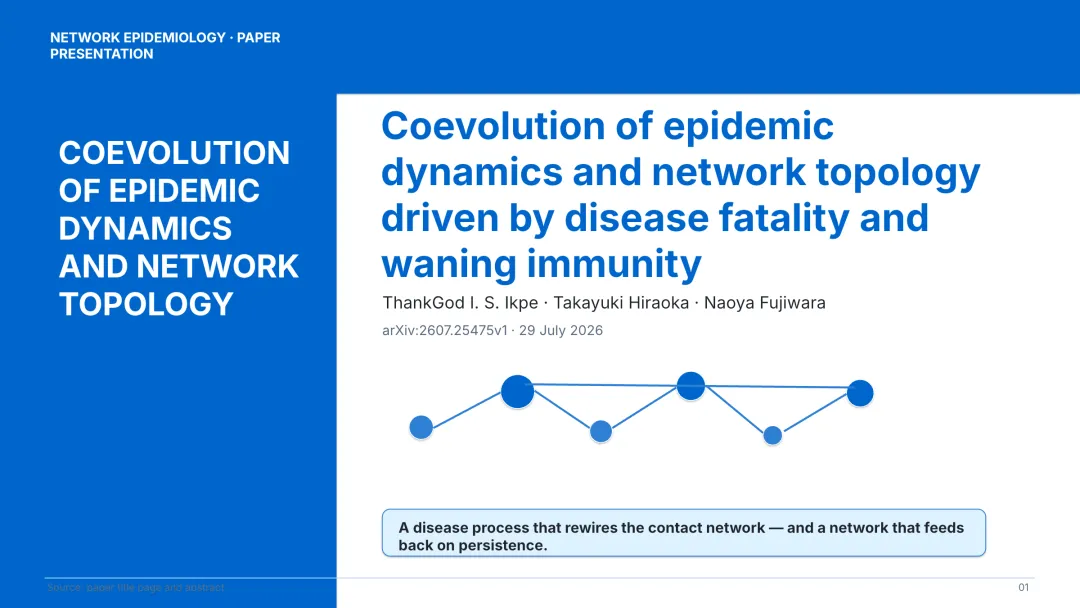
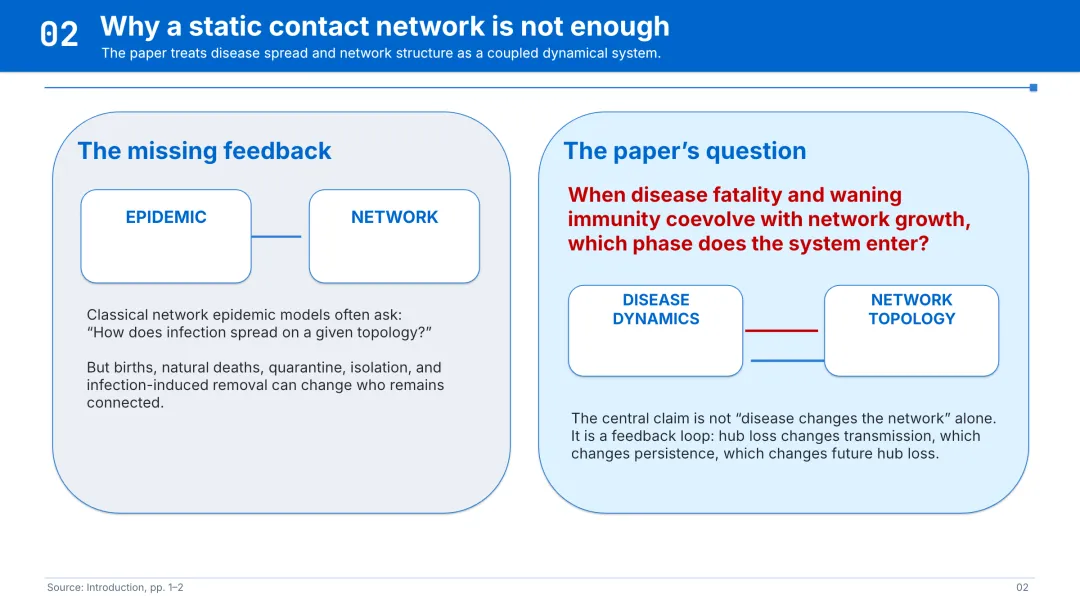
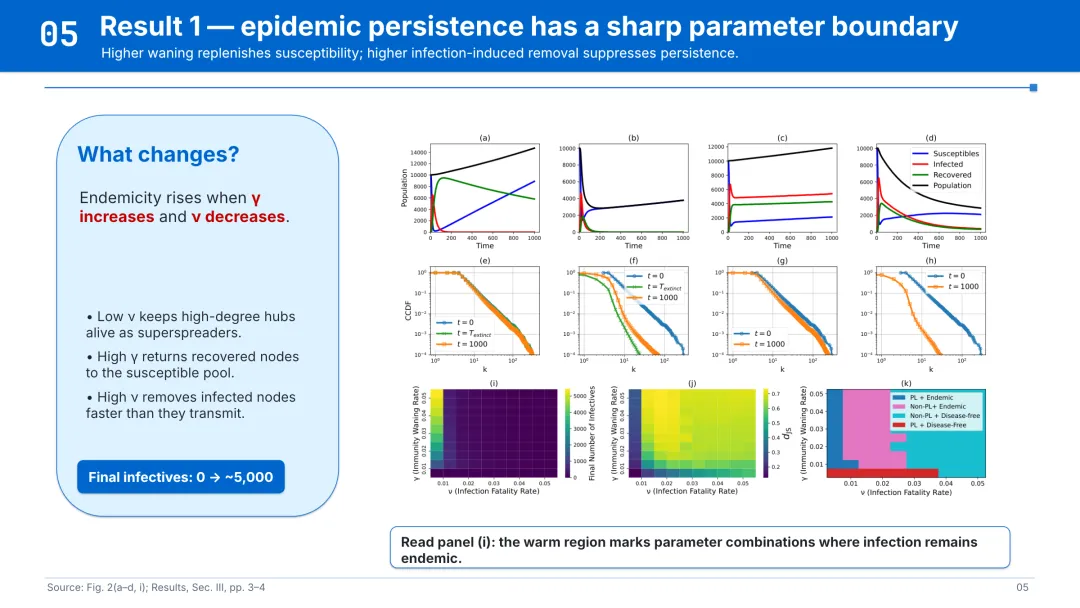
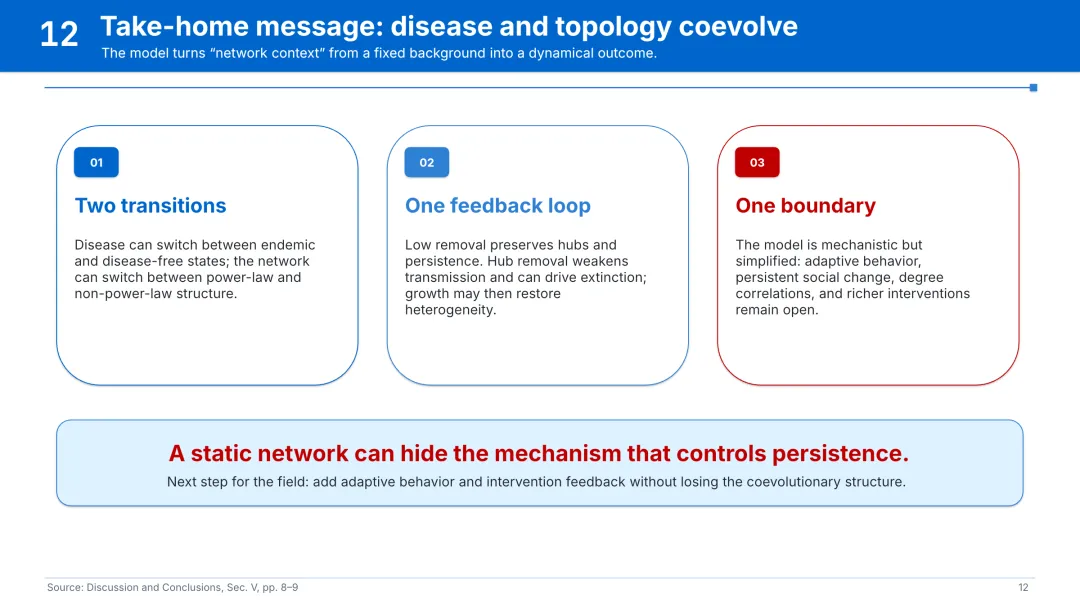
01 Bright Azure|明亮蓝
下载可编辑 PPTX[1]
02 Slate Orange|石板橙
下载可编辑 PPTX[2]
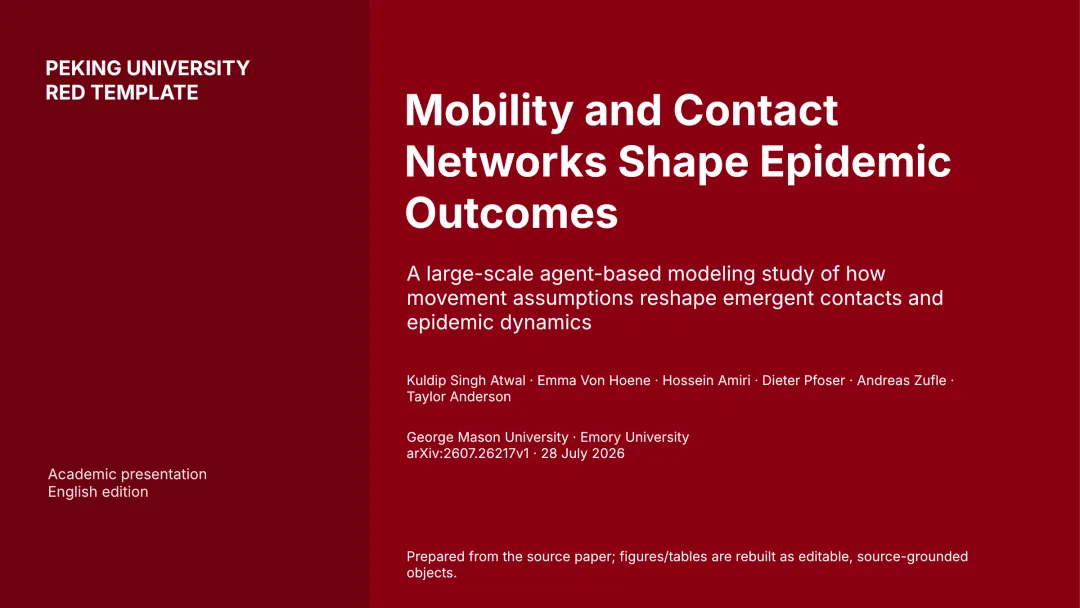
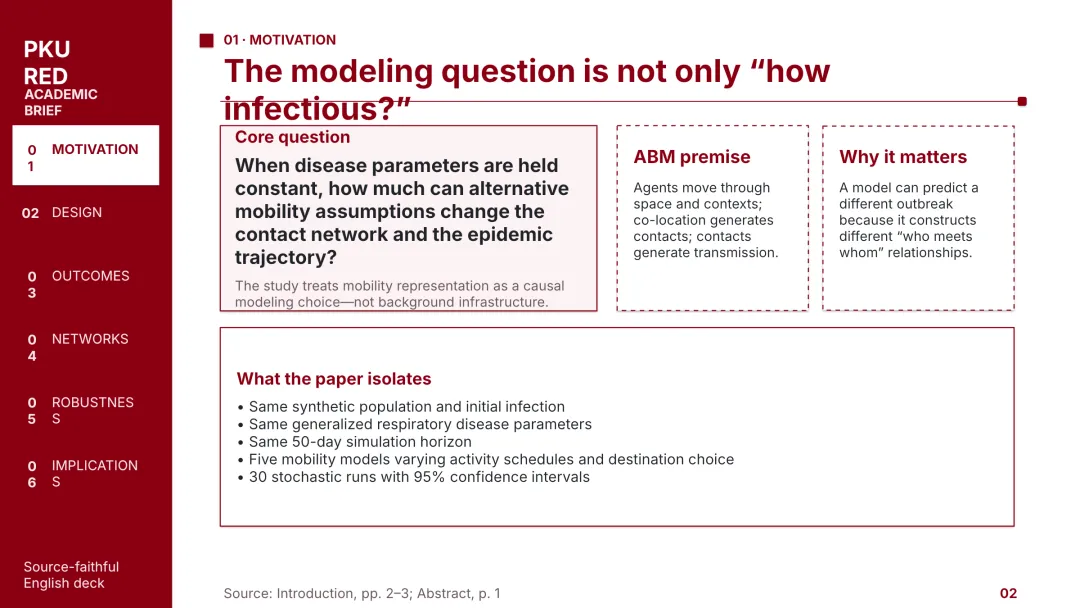
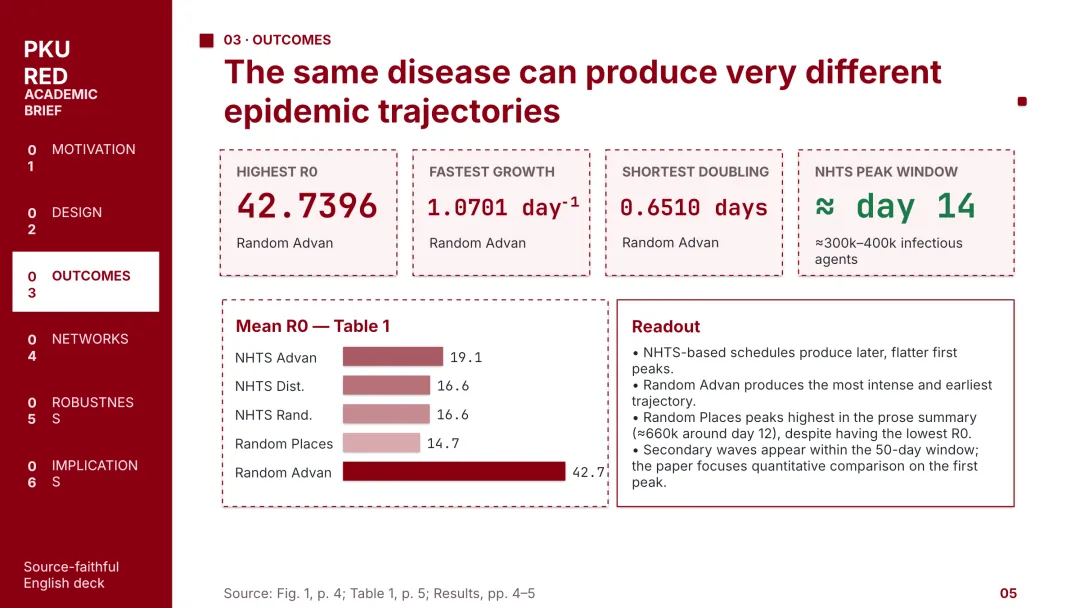
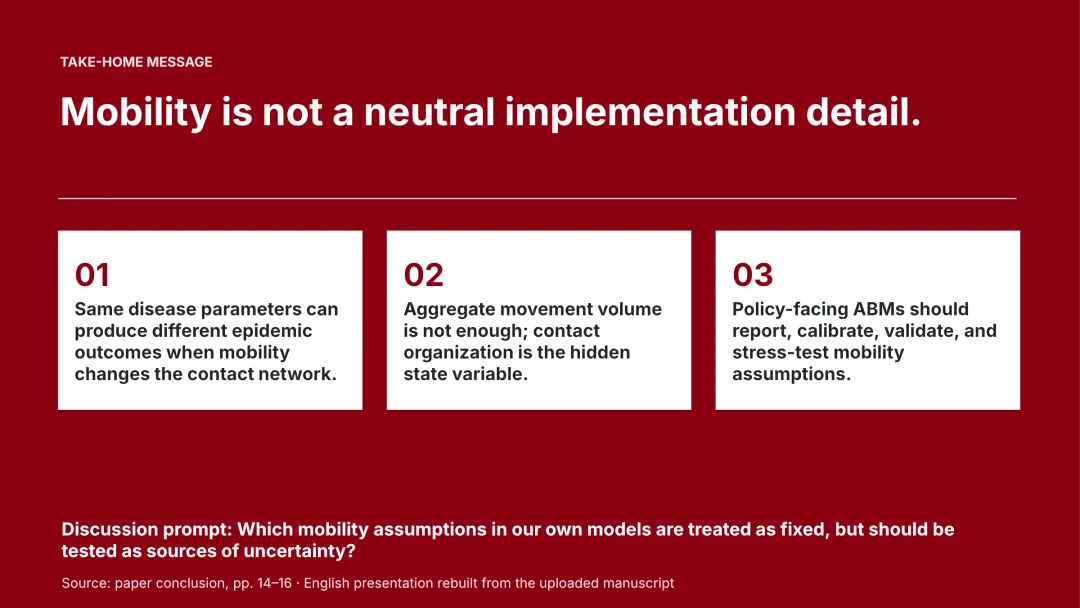
03 PKU Red|北大红
下载可编辑 PPTX[3]
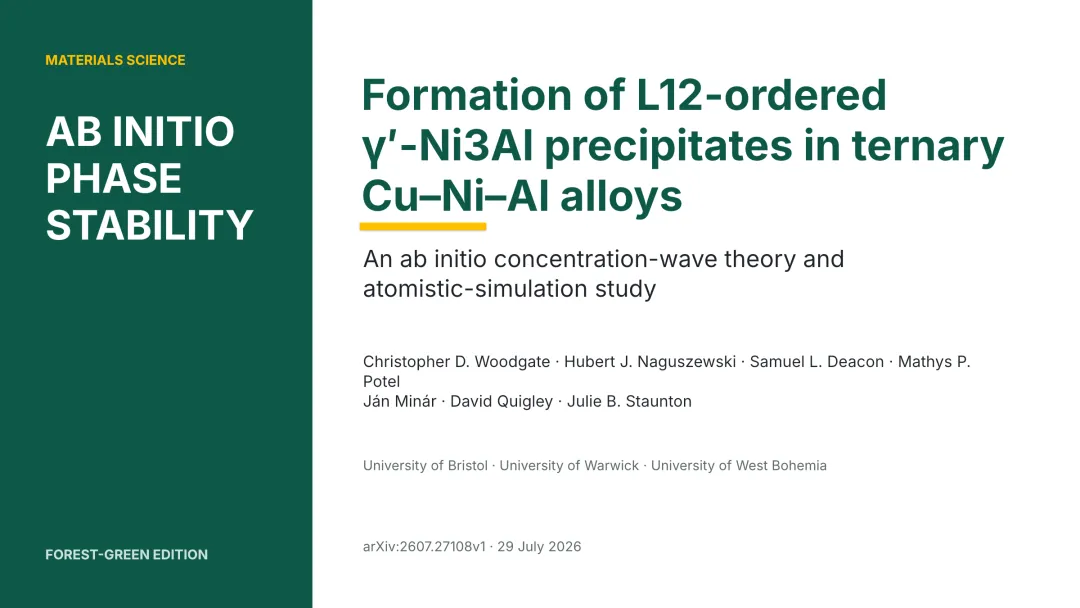
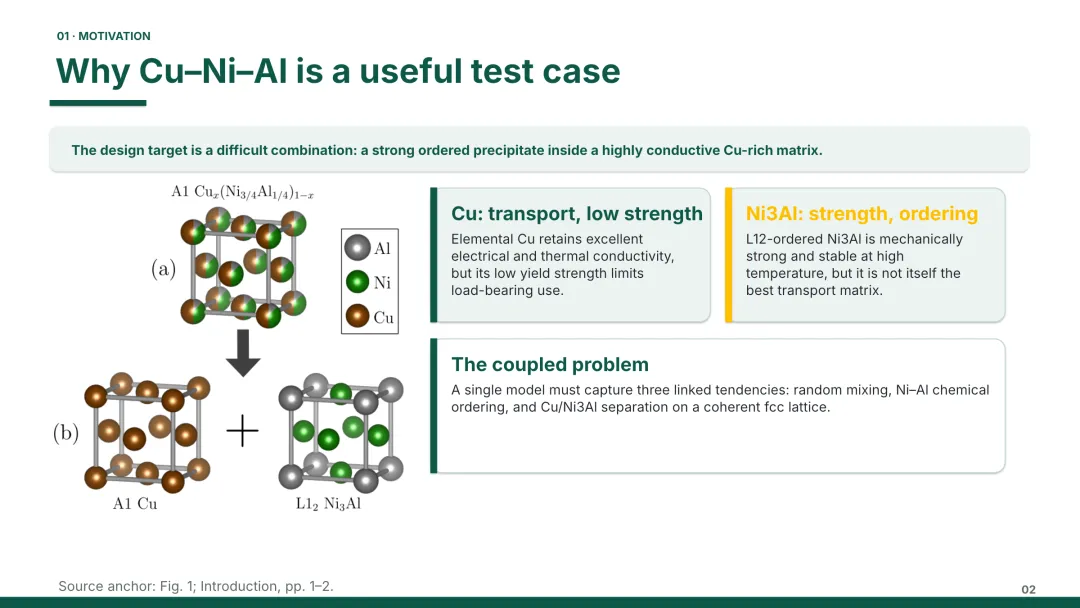
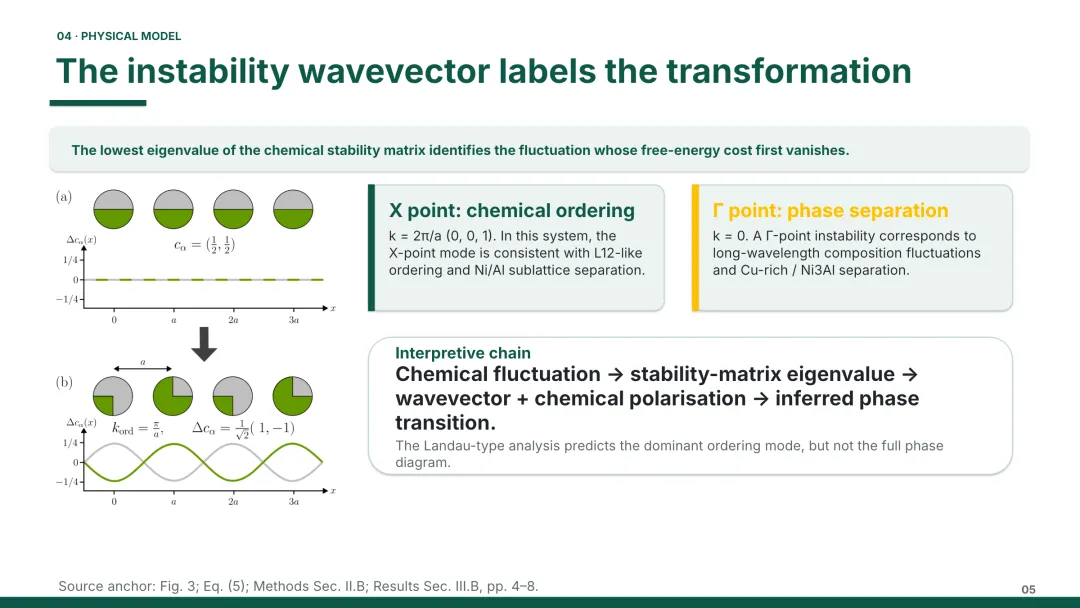
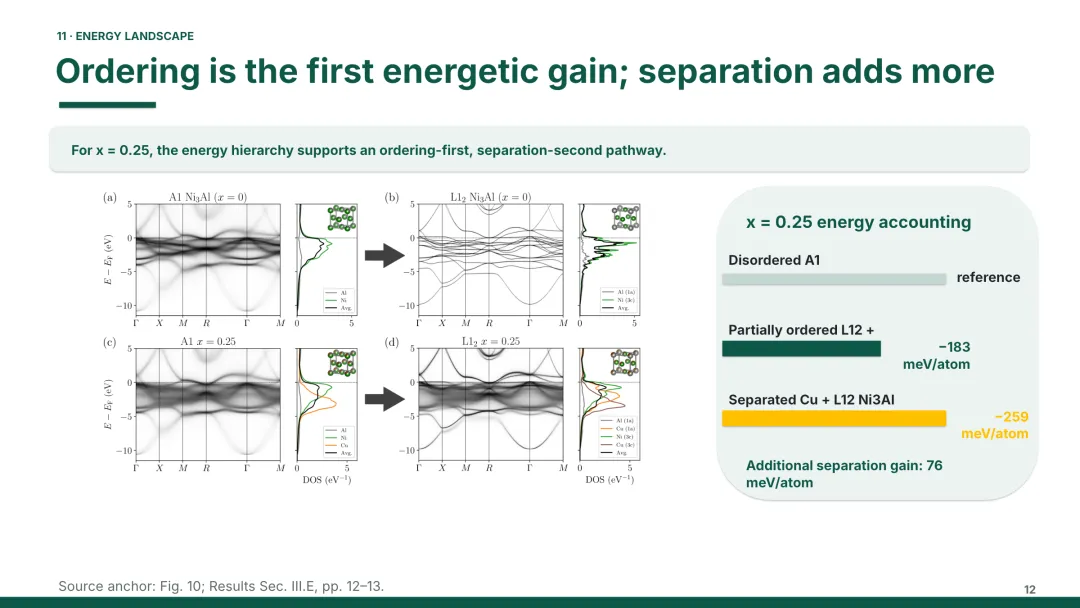
04 Forest Green|森林绿
下载可编辑 PPTX[4]
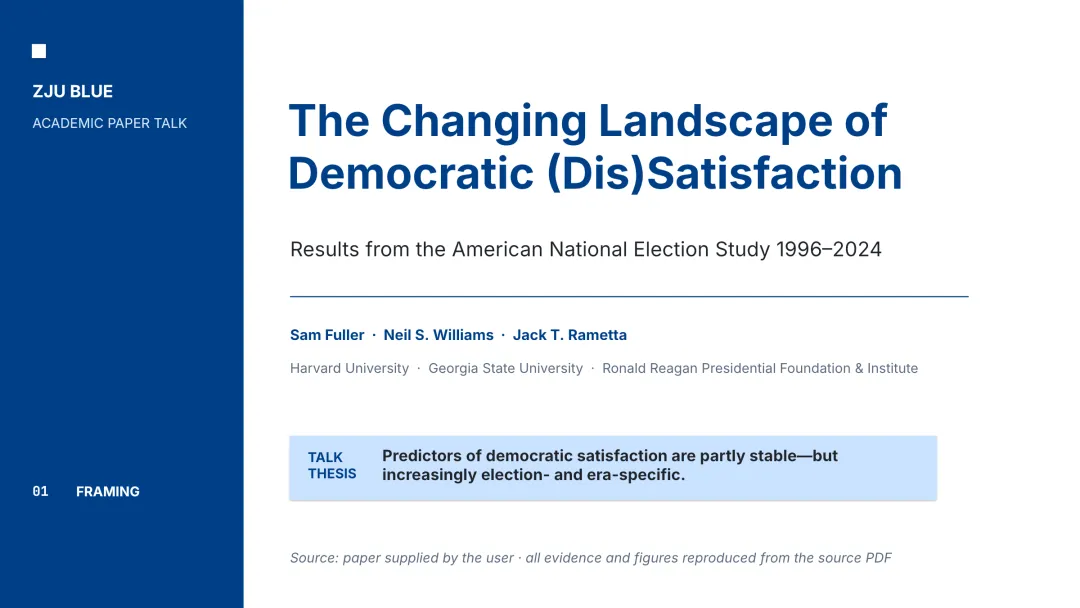
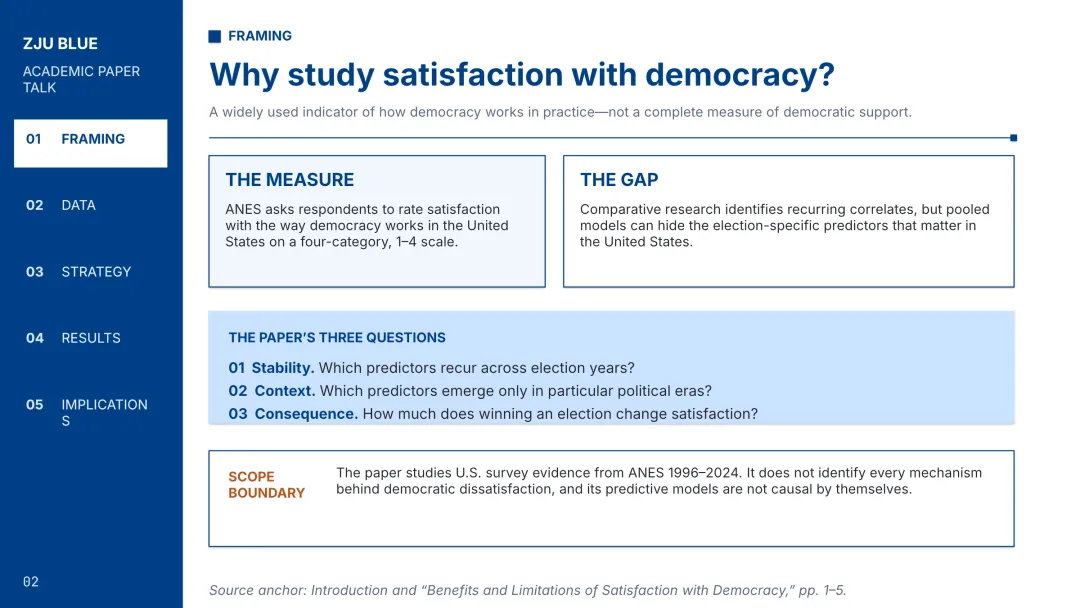
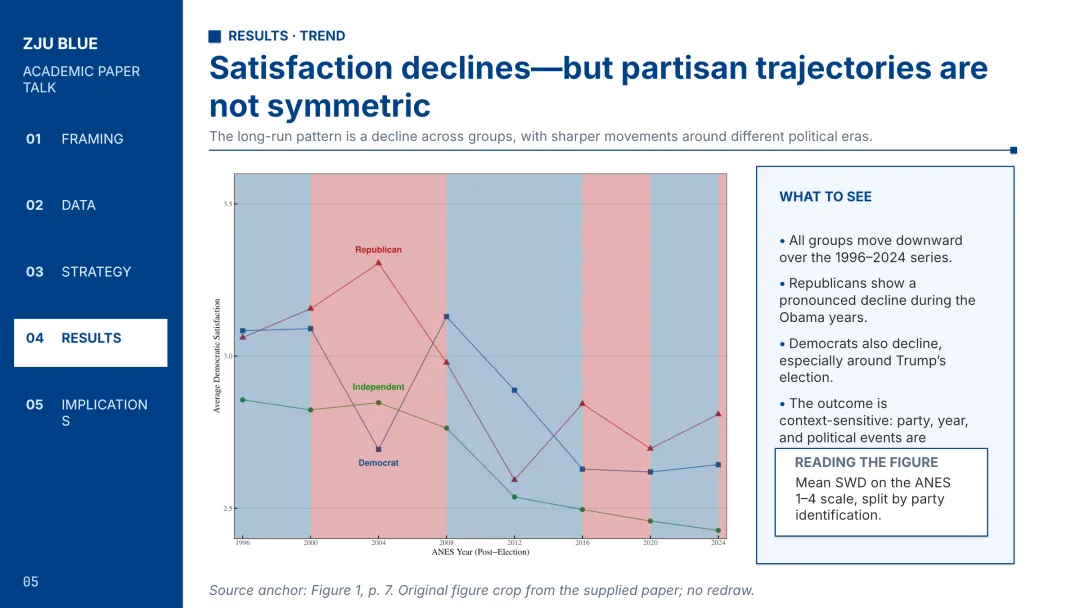
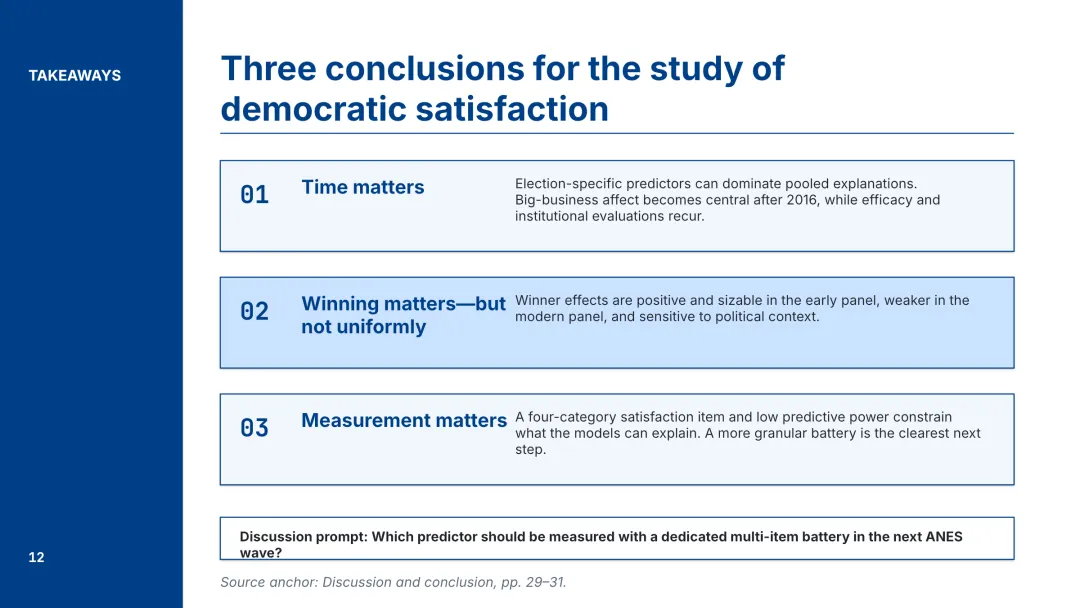
05 ZJU Blue|祖母蓝
下载可编辑 PPTX[5]
06 Deep Violet|深紫
下载可编辑 PPTX[6]
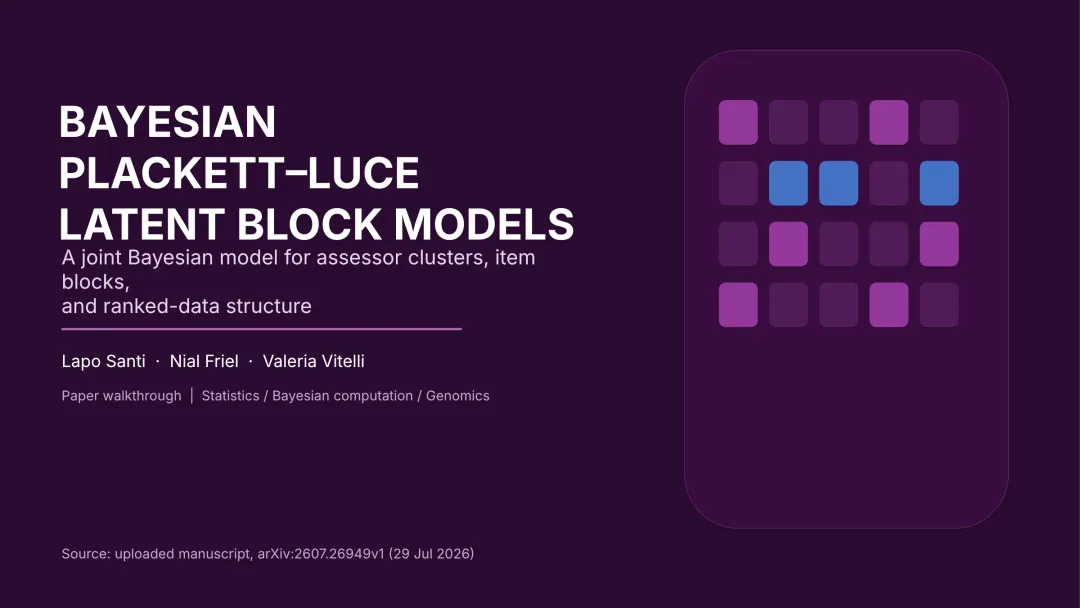
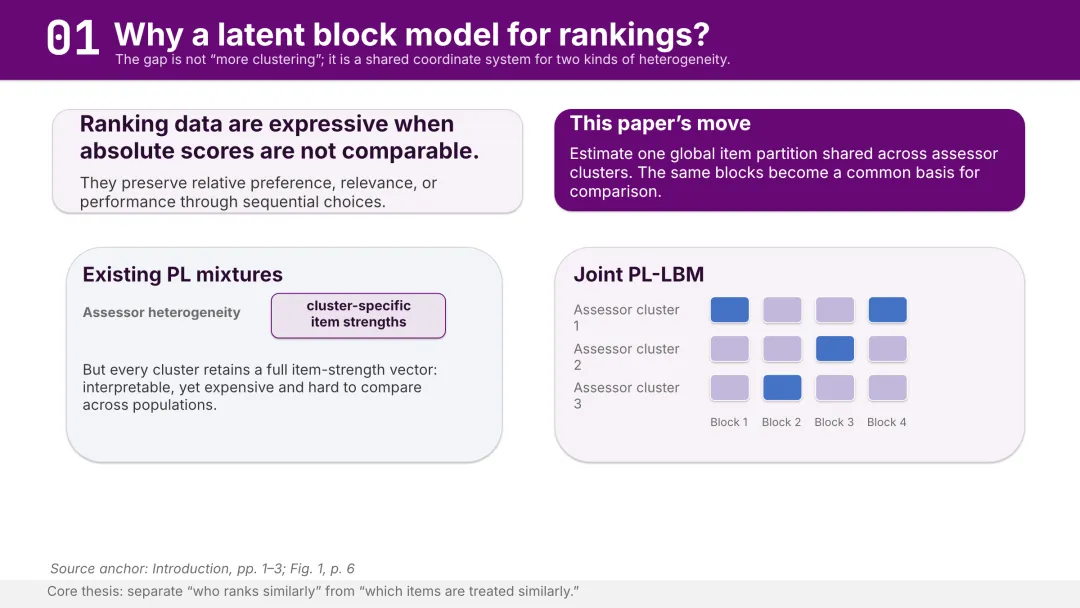
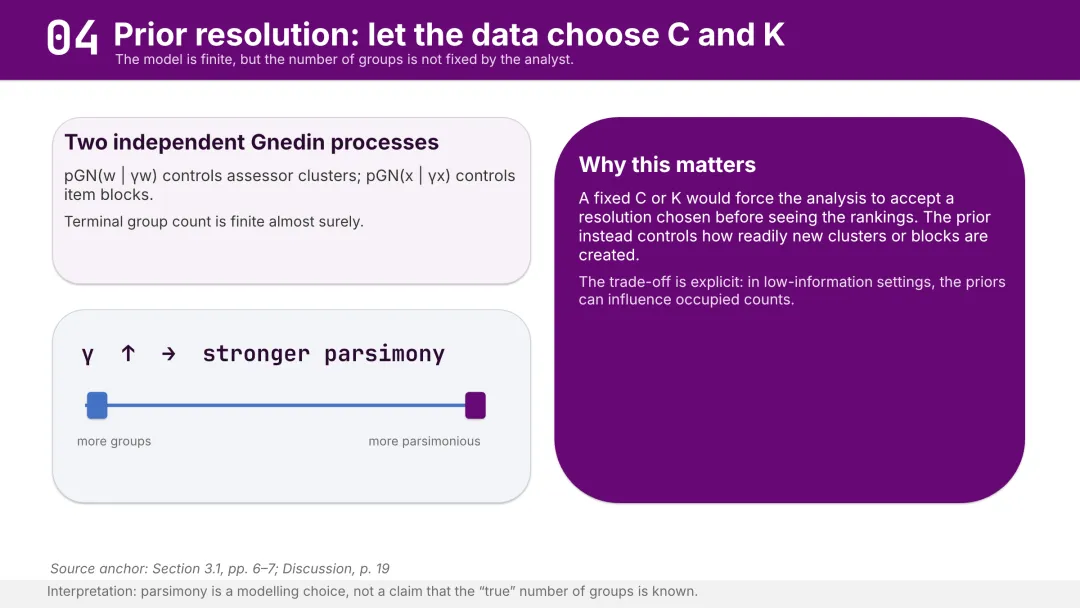
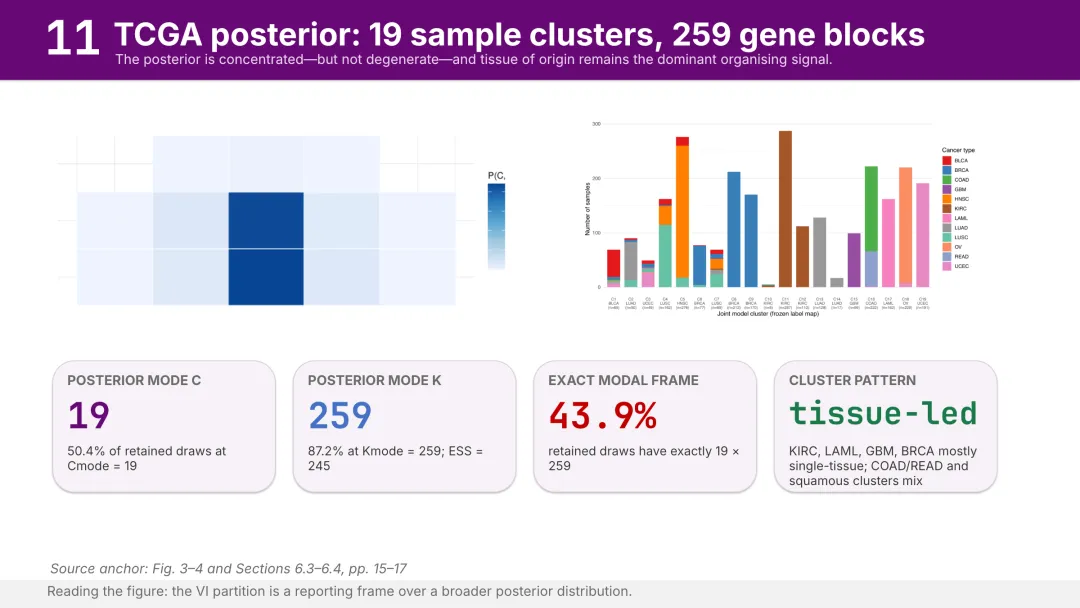
不想手动改?让 Agent 调用 Skill
仓库地址:https://github.com/Yila-AI/sci-ssci-skills
如果你在用 Codex或者Workbuddy,可以直接安装 research-presentation:
npx skills add Yila-AI/sci-ssci-skills --global --agent codex --skill research-presentation --yes --copy安装后,把论文 PDF 或研究材料交给 Agent,并在提示词中指定模板风格:
请使用 $research-presentation,把这篇论文做成可编辑的学术汇报 PPT。使用 Bright Azure 主题;保留论文中的关键图表、来源标记和 speaker notes,并在输出前完成渲染检查。换成 Slate Orange、PKU Red 等主题名,就可以切换视觉风格。熟悉 WorkBuddy 或其他支持 Skill 的 Agent,也可以直接使用同一个仓库和同一套提示词。
最后提醒一句:模板负责降低排版成本,研究问题、证据和结论仍然需要作者自己核对。先选一套顺眼的,下载下来改起来吧。
完整案例与 6 套模板清单:research-presentation Showcase[8]
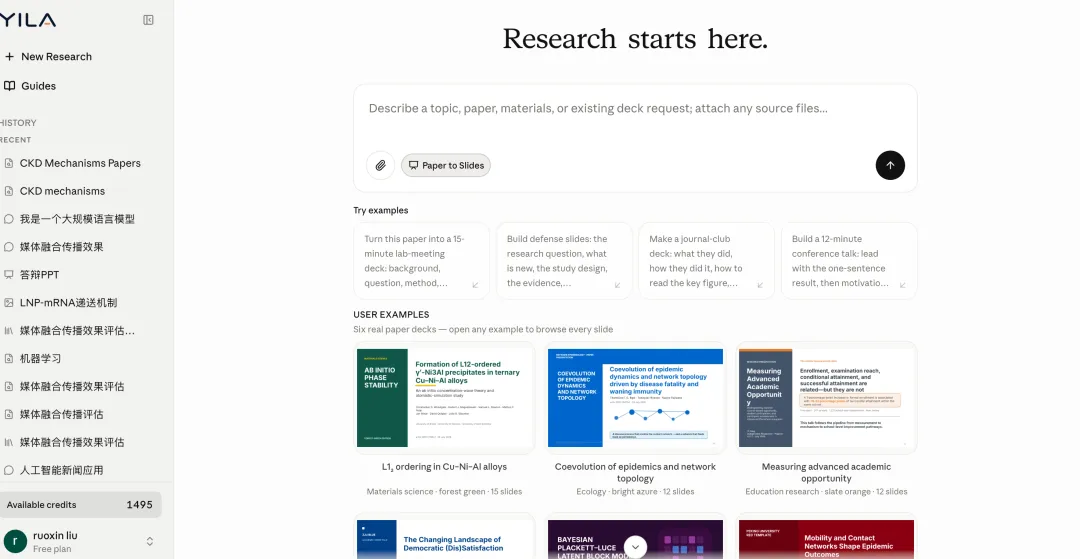
如何不想自己编辑PPT,也不会使用SKILL,还可以直接在https://yila.ai/里使用。系统已经集成了skill,上传论文即可生成ppt。
参考链接
- 下载 PPTX: https://github.com/Yila-AI/sci-ssci-skills/raw/main/showcase/research-presentation/ecology-network/bright-azure-template.pptx
- 下载 PPTX: https://github.com/Yila-AI/sci-ssci-skills/raw/main/showcase/research-presentation/education-opportunity/slate-orange-template.pptx
- 下载 PPTX: https://github.com/Yila-AI/sci-ssci-skills/raw/main/showcase/research-presentation/epidemic-mobility/pku-red-template.pptx
- 下载 PPTX: https://github.com/Yila-AI/sci-ssci-skills/raw/main/showcase/research-presentation/materials-alloy/forest-green-template.pptx
- 下载 PPTX: https://github.com/Yila-AI/sci-ssci-skills/raw/main/showcase/research-presentation/sociology-democracy/zju-blue-template.pptx
- 下载 PPTX: https://github.com/Yila-AI/sci-ssci-skills/raw/main/showcase/research-presentation/statistics-ranking/deep-violet-template.pptx
- Yila-AI/sci-ssci-skills: https://github.com/Yila-AI/sci-ssci-skills
- research-presentation Showcase: https://github.com/Yila-AI/sci-ssci-skills/tree/main/showcase/research-presentation

