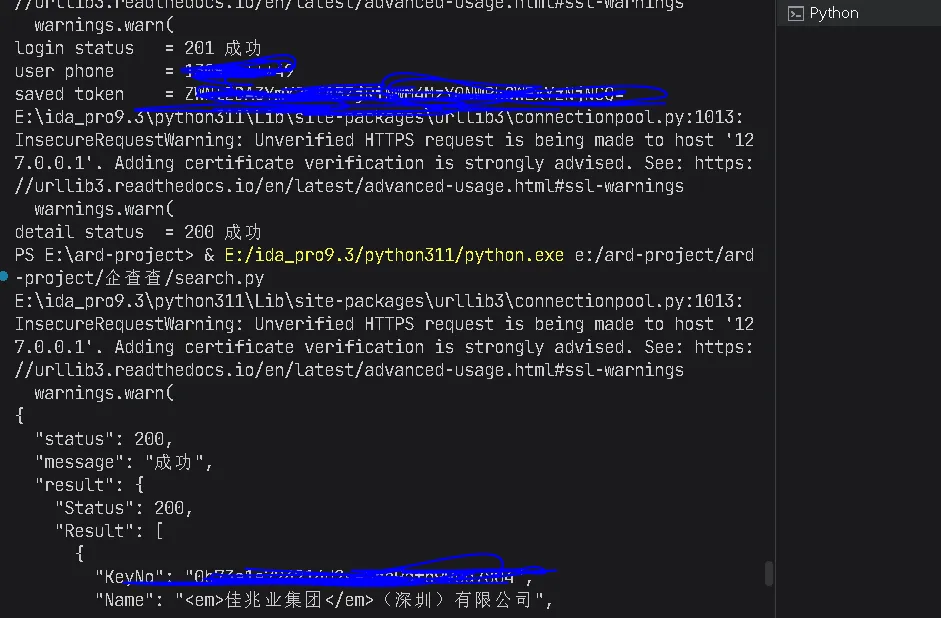
def call_api(url: str, params: dict, method: str = "get") -> dict: token = ensure_token() params = _signed(params) headers = { "Authorization": "Bearer " + token["access_token"], } fn = requests.getifmethod == "get" elserequests.post r = fn(url, headers=headers, params=params if method == "get"else None, data=params if method == "post" else None, timeout=10, verify=False) return r.json()if __name__ == "__main__": print("deviceId =", DEVICE_ID) print("deviceUniqueId =", DEVICE_UNIQUE_ID) body = login_and_save( account_type="2", key="oX2R8jiHQ8rSFf_5FRzmQ8_vBq2Y", token="", ) print("login status =", body.get("status"), body.get("message")) if body.get("result"): print("user phone =", body["result"].get("userInfo", {}).get("encryPhone")) print("saved token =", body["result"].get("token", {}).get("access_token")) detail = call_api( "/detail", { "unique": "", "sourcePage": "search", }, ) print("detail status =", detail.get("status"), detail.get("message"))
 夜雨聆风
夜雨聆风