夜雨聆风
夜雨聆风





OpenClaw 2026.3.11升级到2026.3.13


npm view openclaw versions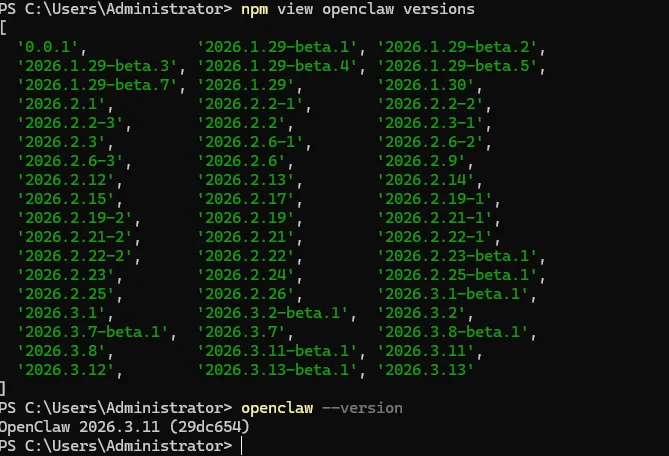
3、升级到OpenClaw 2026.3.13
# 1. 配置 Git 代理(替换为你的代理地址和端口,如 127.0.0.1:7890)git config --global url."https://github.com/".insteadOf git@github.com:git config --global url."https://github.com/".insteadOf ssh://git@github.com/# 2. 清理 npm 缓存npm cache clean --force# 3. 停止网关服务openclaw gateway stop# 4.切换回 npm 官方源npm config set registry https://registry.npmmirror.com
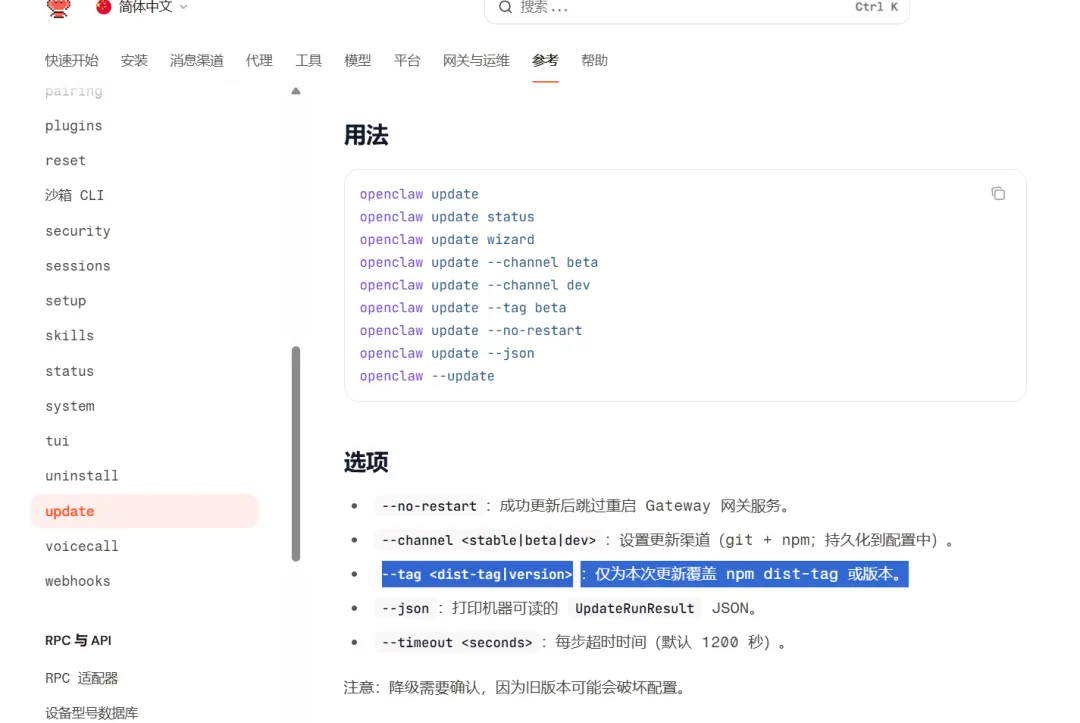
--no-restart
:成功更新后跳过重启 Gateway 网关服务。 --channel <stable|beta|dev>
:设置更新渠道(git + npm;持久化到配置中)。 --tag <dist-tag|version>
:仅为本次更新覆盖 npm dist-tag 或版本。 --json
:打印机器可读的 UpdateRunResultJSON。--timeout <seconds>
:每步超时时间(默认 1200 秒)。
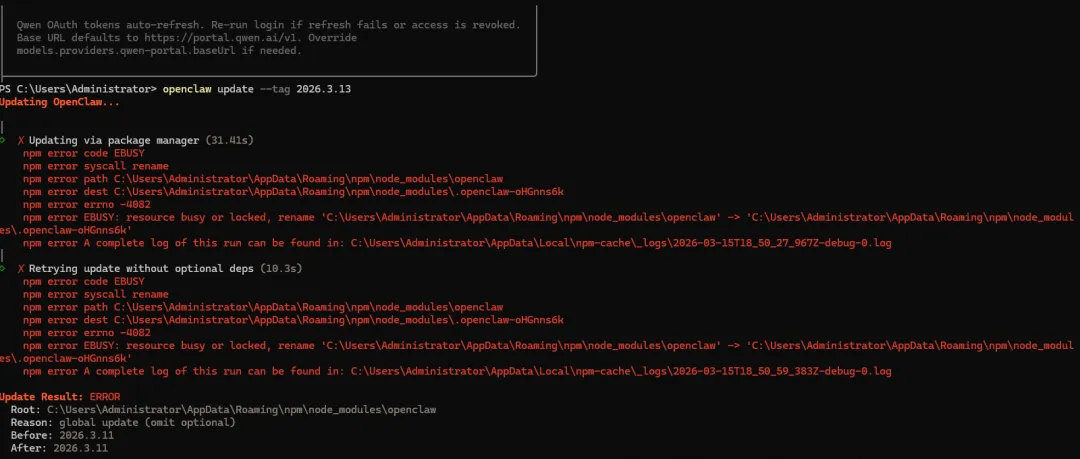
openclaw update --tag 2026.3.13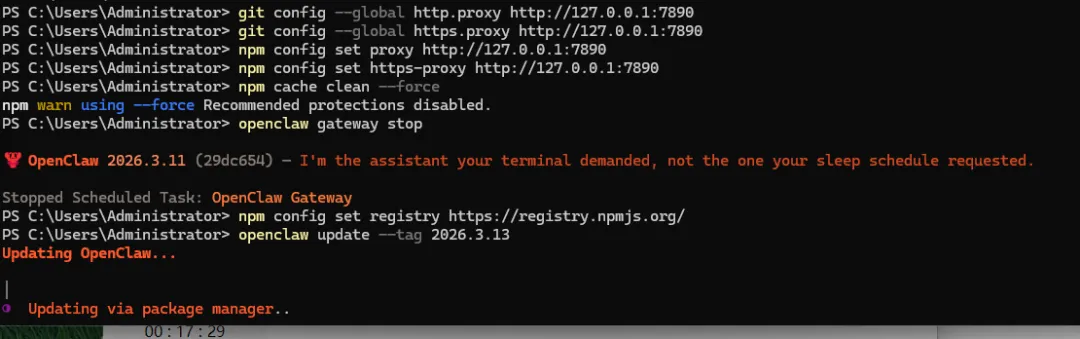
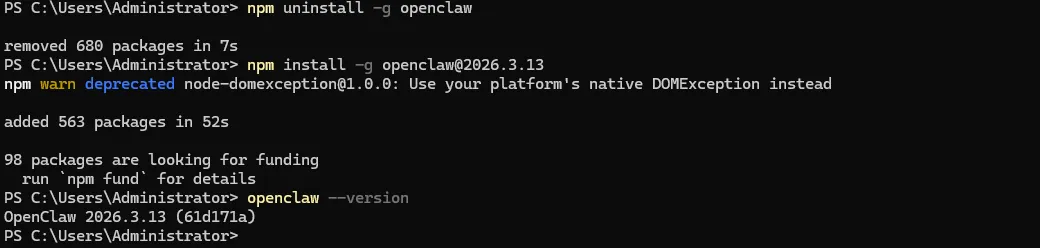
# 1. 卸载旧版本(仅删除文件,保留配置)npm uninstall -g openclaw# 2. 安装指定版本(和 update 拉取的包完全相同)npm install -g openclaw@2026.3.13
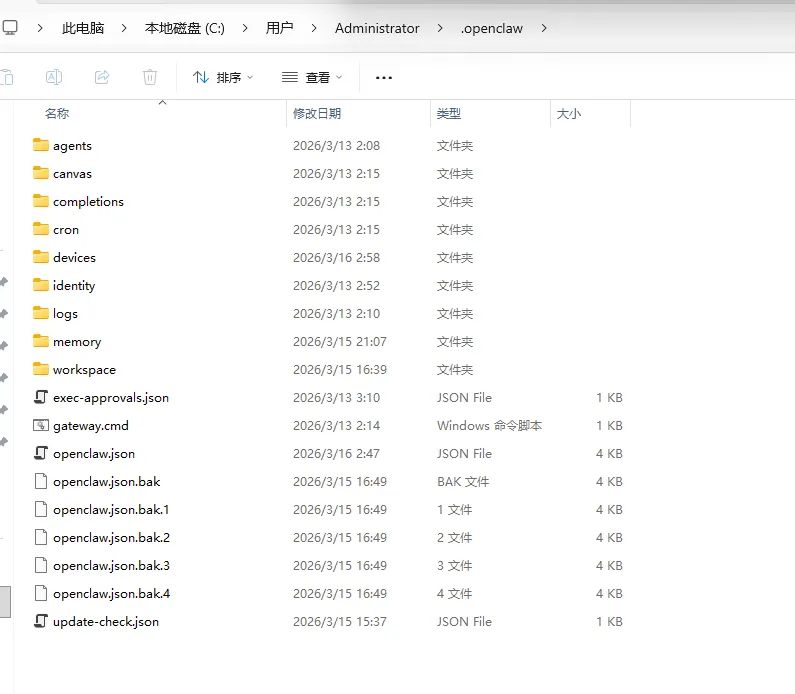
反复执行 openclaw update --tag 2026.3.13 持续报 EBUSY,本质是 Windows 系统对全局 npm 目录的「排他性锁定」 ——openclaw update 依赖 npm 的「重命名旧目录→安装新版本」逻辑,但 Windows 内核会阻止对正在注册为全局命令的 openclaw 目录进行重命名操作,这是无法通过常规命令 / 配置解决的系统级限制。
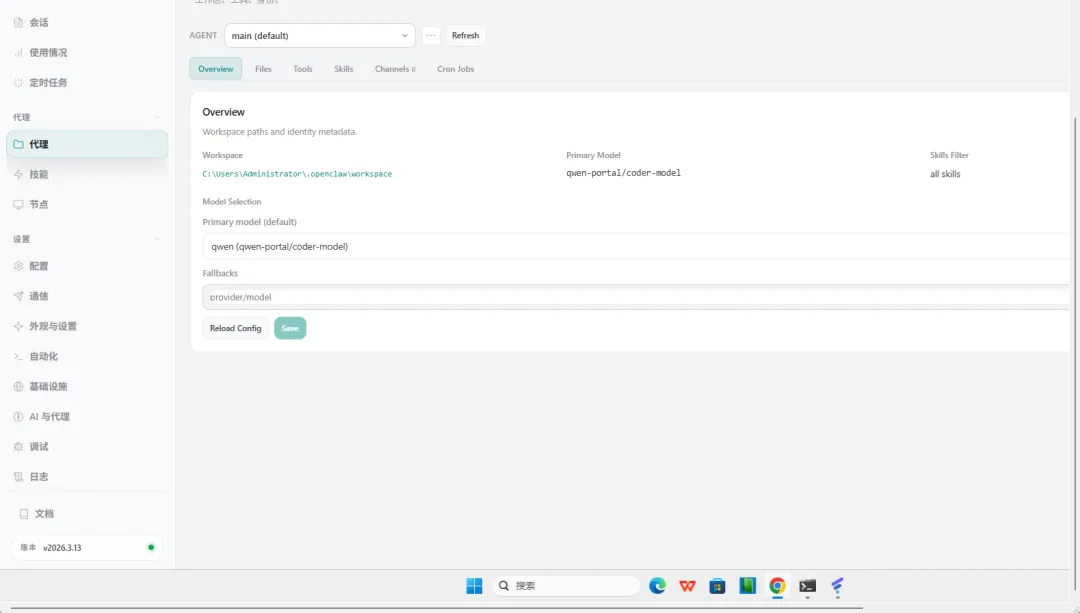
验证版本(确认和 update 效果一致)
openclaw --versionC:\Users\Administrator\.openclaw