 夜雨聆风
夜雨聆风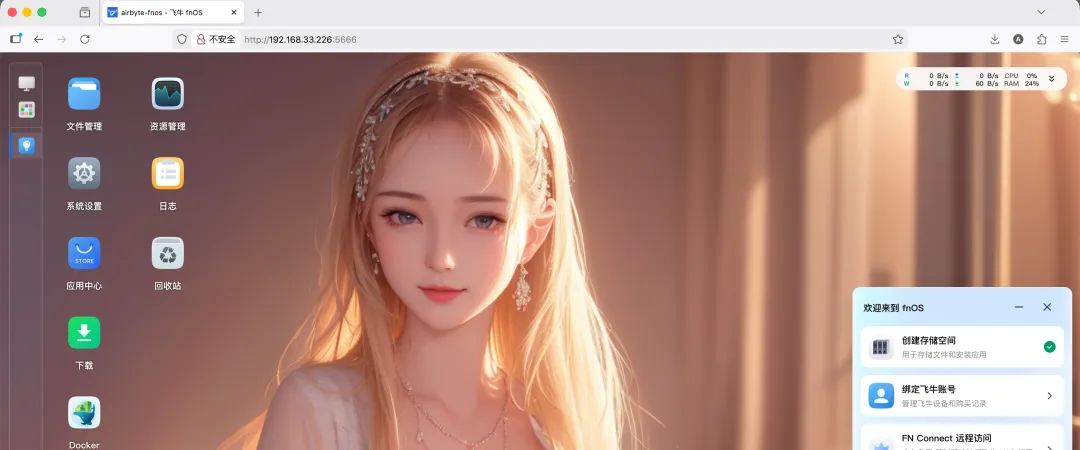
01
安装环境
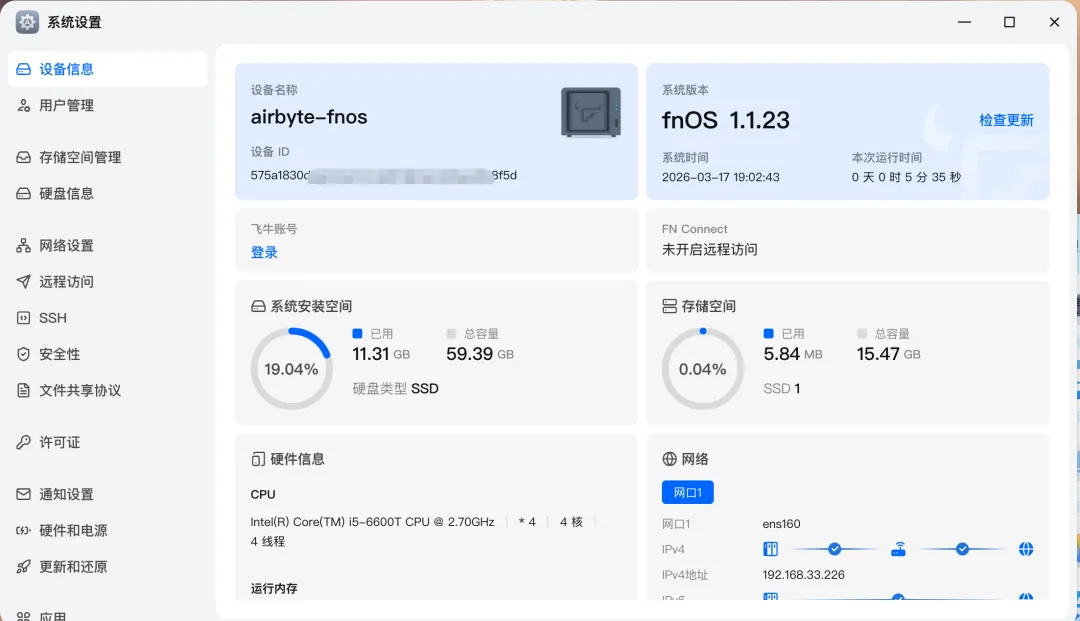
系统: 飞牛NAS(Debian GNU/Linux 12 bookworm)
内核: Linux 6.12.18-trim x86_64
架构: x86_64
主机名: airbyte-fnos
02
飞牛NAS的特殊性
基于Debian 12:兼容标准Linux命令
预装Node.js v18:需要升级到v22
systemd限制:用户级服务可能无法正常工作
详细安装步骤
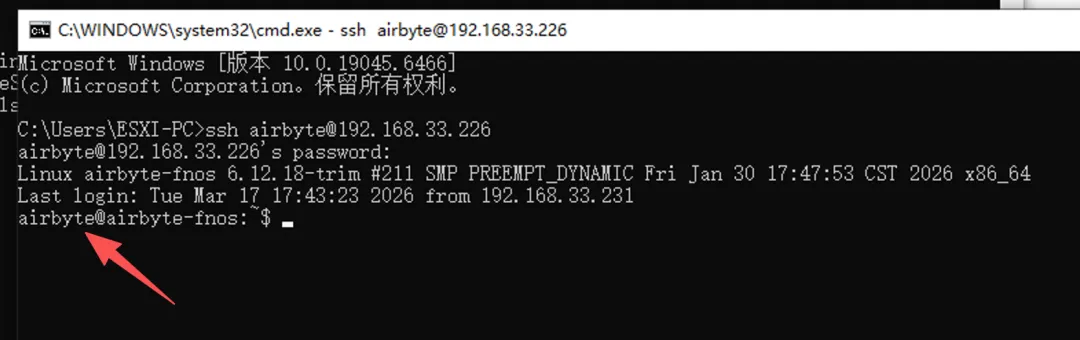
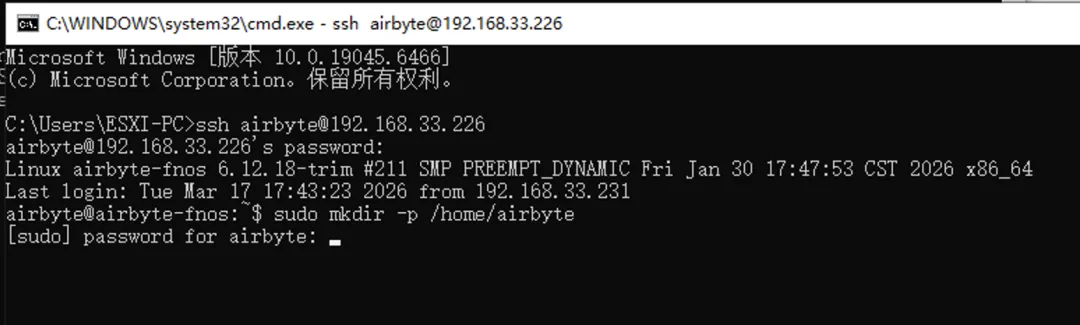
sudo mkdir -p /home/airbyte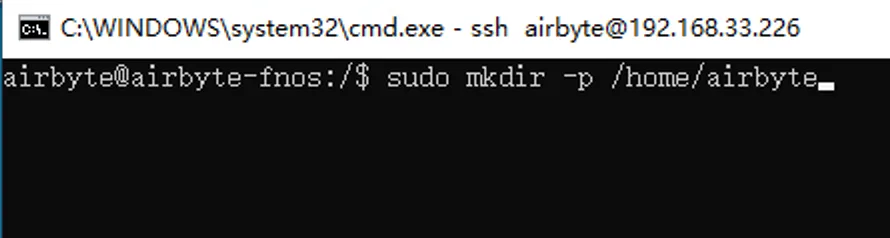
sudo chown airbyte:Users /home/airbyte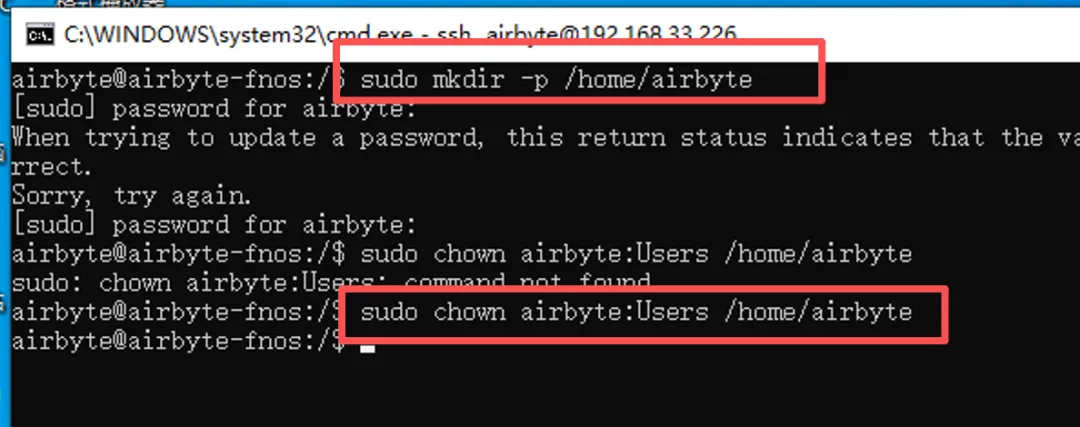
curl -fsSL https://openclaw.ai/install.sh | bash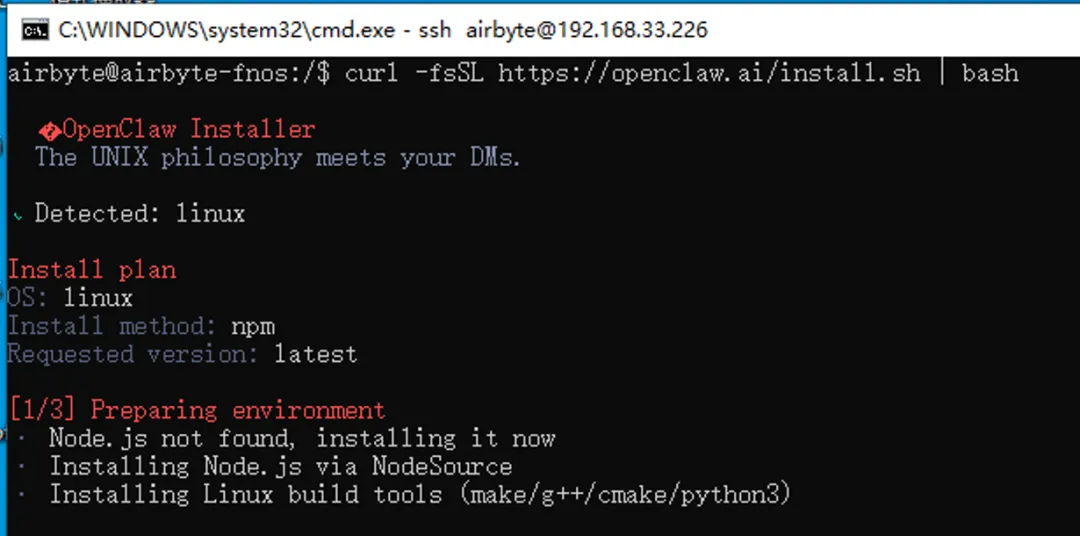
检测系统:linux
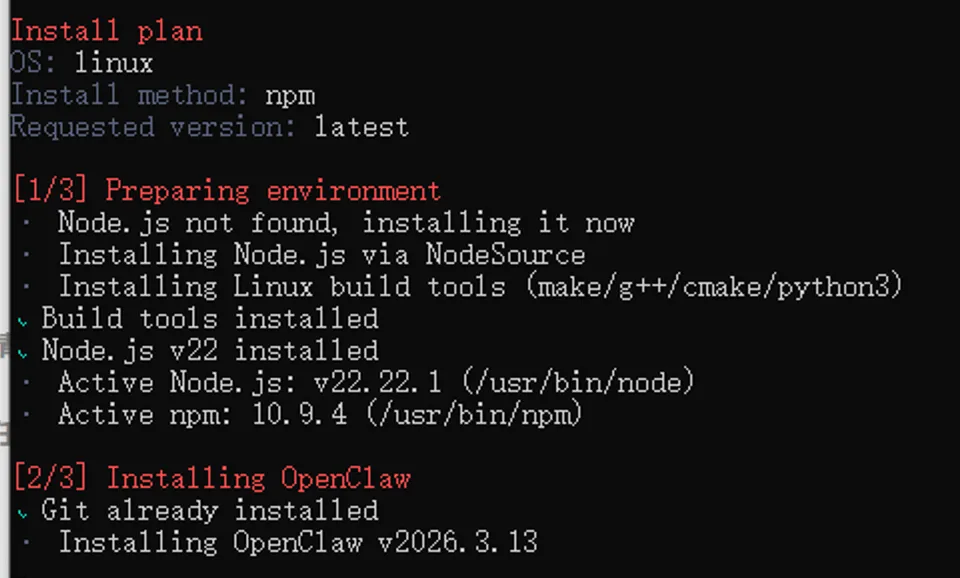
安装Node.js:v22.22.1
安装npm:10.9.4
安装构建工具:make/g++/cmake/python3
安装OpenClaw:v2026.3.13
npm WARN EBADENGINE Unsupported engine {package: 'openclaw@2026.3.12',required: { node: '>=22.16.0' },current: { node: 'v18.20.4' }}

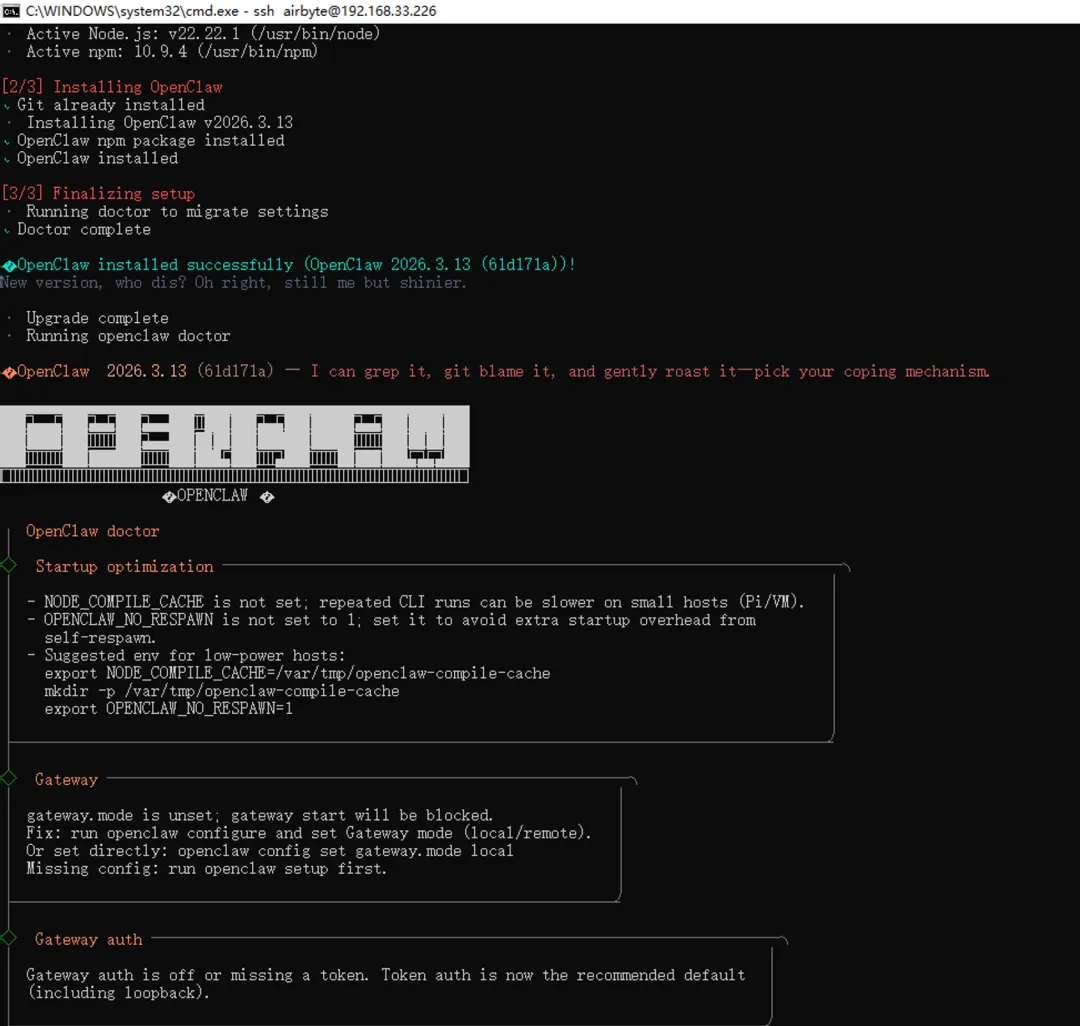
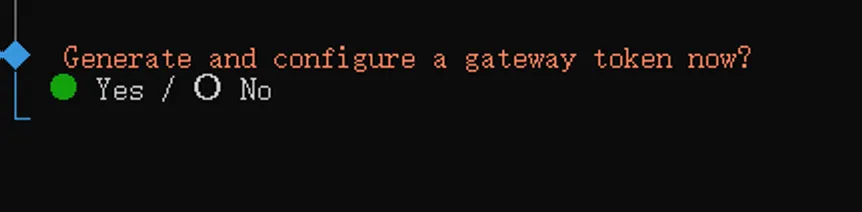

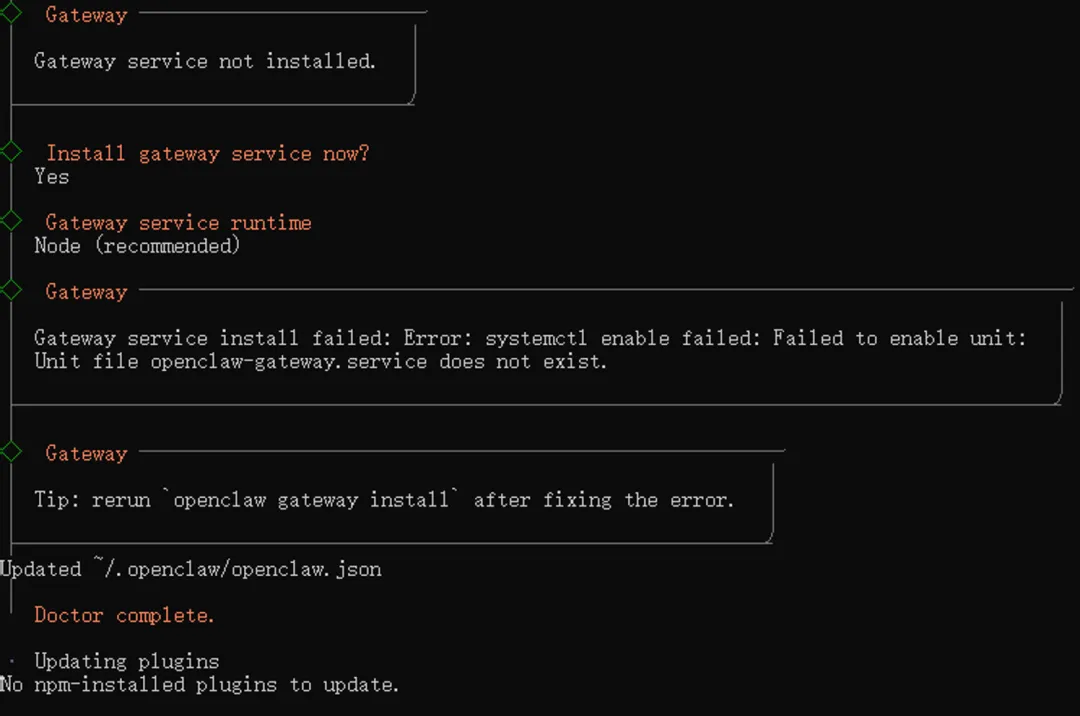
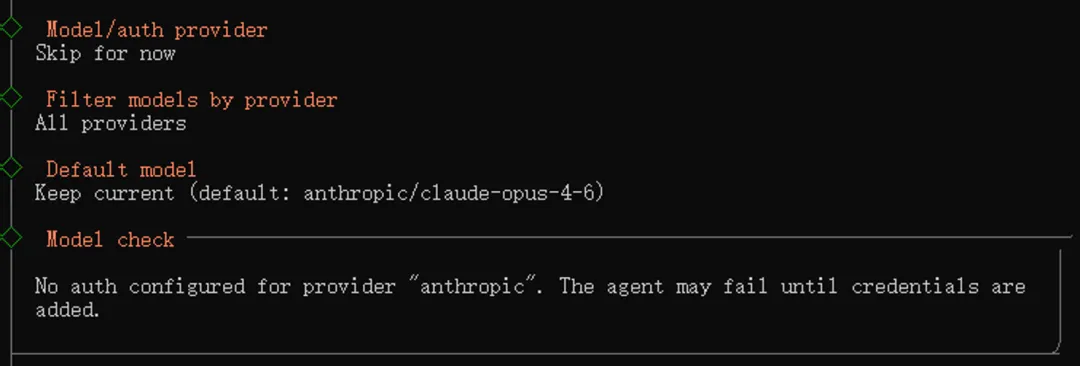
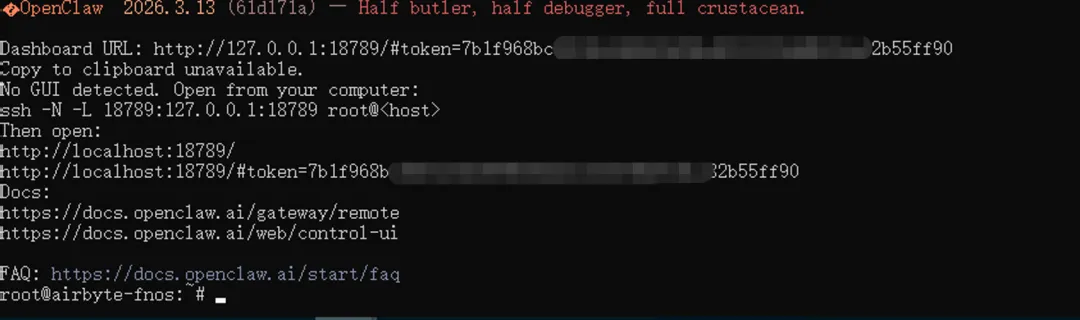
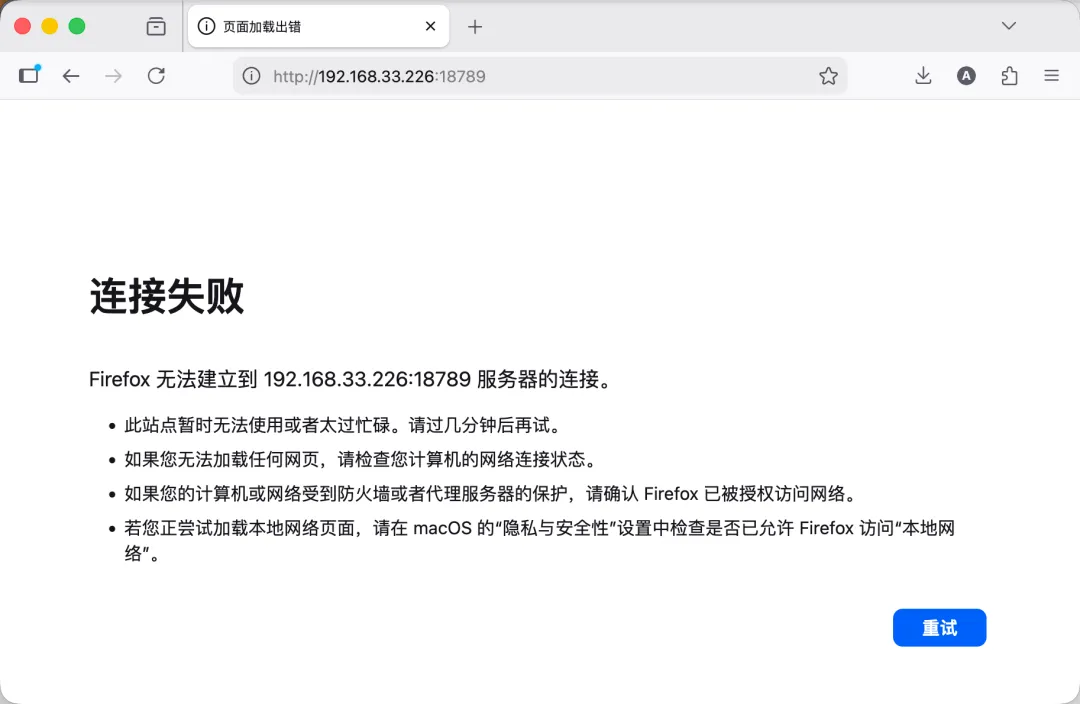
Gateway start blocked: set gateway.mode=local (current: unset) or pass --allow-unconfigured.openclaw config set gateway.bind lan
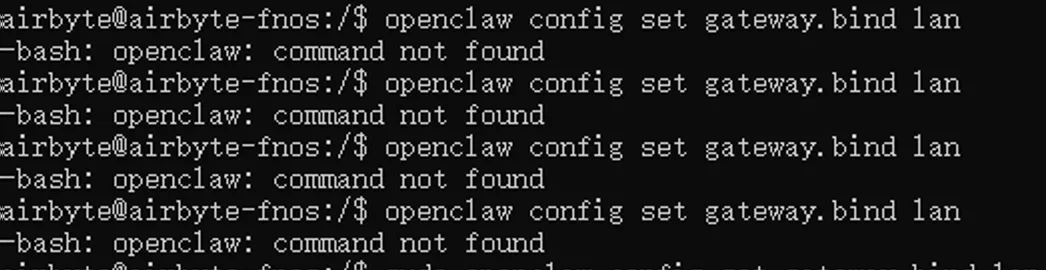
echo'export PATH="$HOME/.npm-global/bin:$PATH"'>>~/.bashrcsource~/.bashrc

openclaw config set gateway.bind lan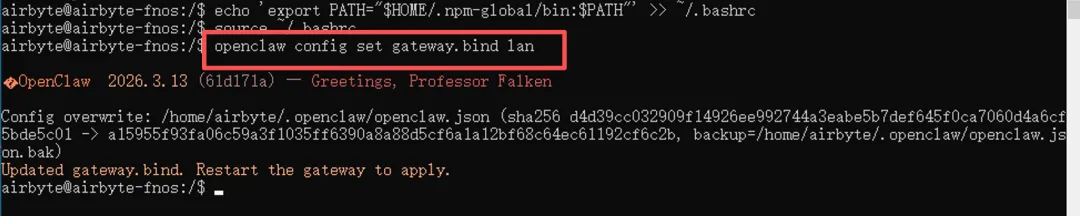
openclaw config set gateway.controlUi.allowedOrigins '["*"]'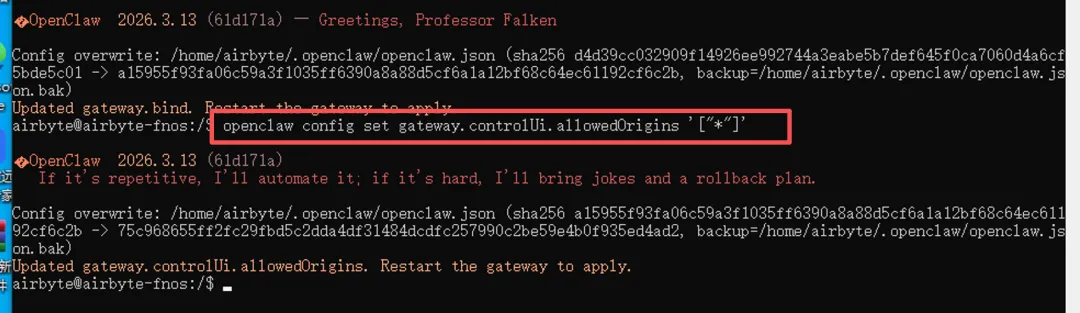
pkill -f 'openclaw-gateway'nohup openclaw gateway --port 18789 > /tmp/openclaw-gateway.log 2>&1 &

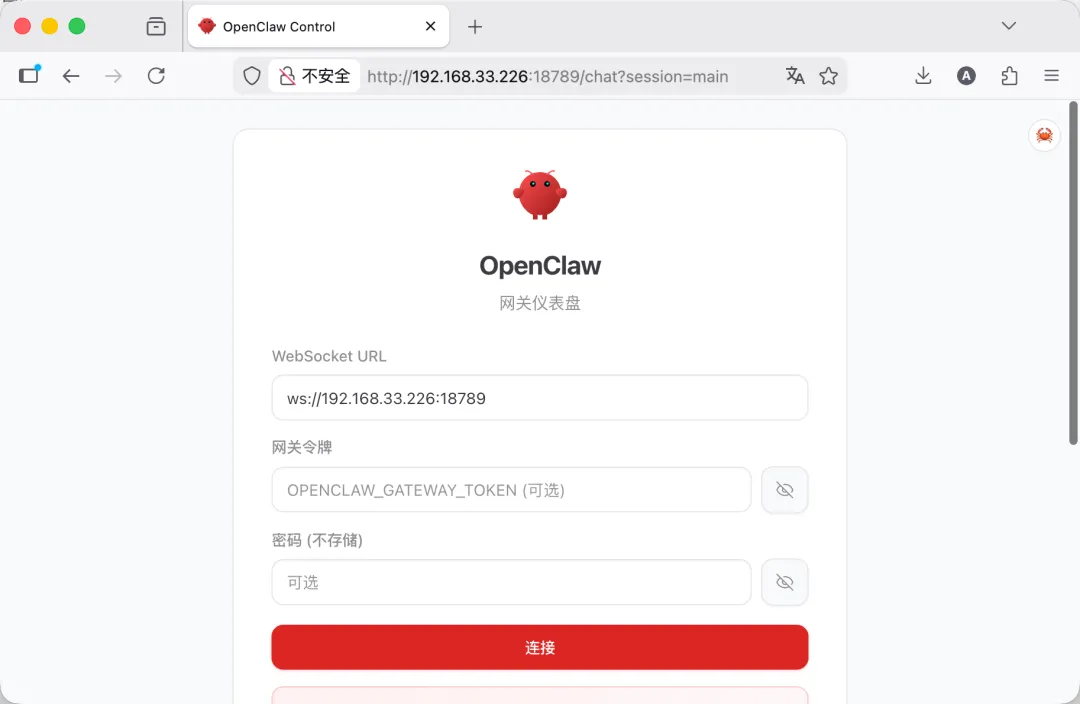
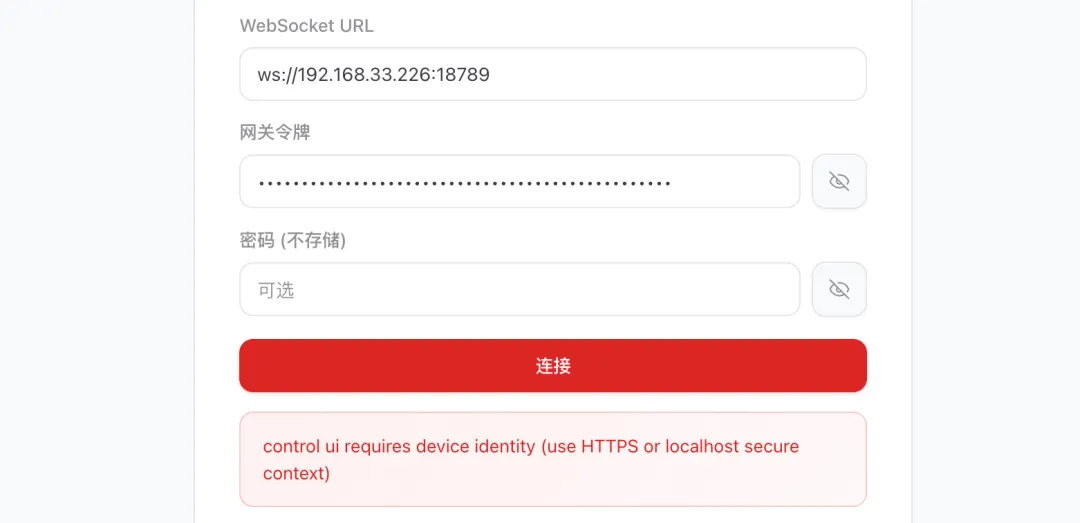
错误提示:control ui requires device identity (use HTTPS or localhost secure context)原因:Control UI需要安全上下文(HTTPS或localhost)才能使用设备身份认证功能。
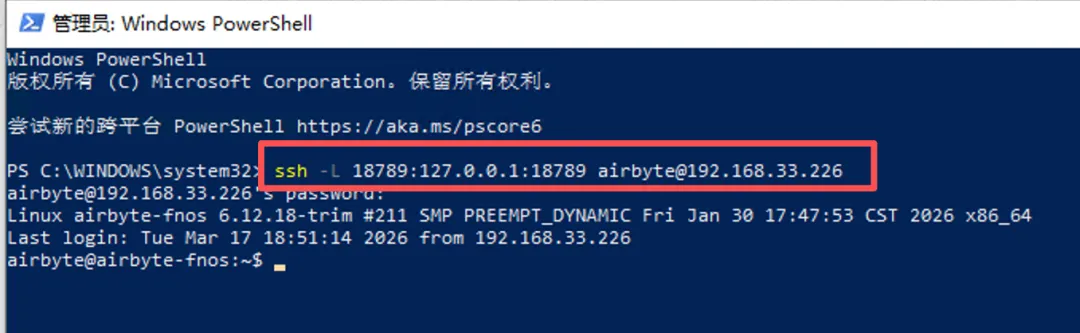
ssh -L 18789:127.0.0.1:18789 飞牛用户名@飞牛局域网IP比如小白这里是ssh -L 18789:127.0.0.1:18789 airbyte@192.168.33.226如果本地18789端口被占用,则改为其他端口,比如18780ssh -L 18780:127.0.0.1:18789 飞牛用户名@飞牛局域网IP
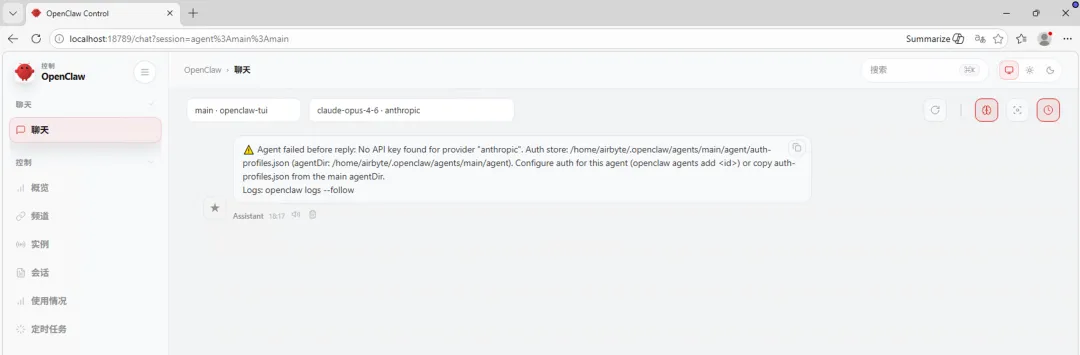
注意事项
nohup openclaw gateway --port 18789 > /tmp/openclaw-gateway.log 2>&1 &设置社交软件机器人命令openclaw channels add运行交互式配置向导openclaw config wizard
# 添加到.profileecho'export PATH="$HOME/.npm-global/bin:$PATH"'>>~/.profile
# 添加到.bash_profiletouch ~/.bash_profileecho 'export PATH="$HOME/.npm-global/bin:$PATH"' >> ~/.bash_profile
cat > ~/start-openclaw.sh << 'EOF'#!/bin/bashexport PATH="$HOME/.npm-global/bin:$PATH"nohup openclaw gateway --port 18789 > ~/openclaw-gateway.log 2>&1 &EOFchmod +x ~/start-openclaw.sh
# 添加@reboot任务(crontab -l 2>/dev/null | grep -v 'start-openclaw'; echo '@reboot /home/airbyte/start-openclaw.sh') | crontab -
--End--