 夜雨聆风
夜雨聆风


OpenCLAW 配置全流程总结,为AI工作坊准备环境
最终稳定配置
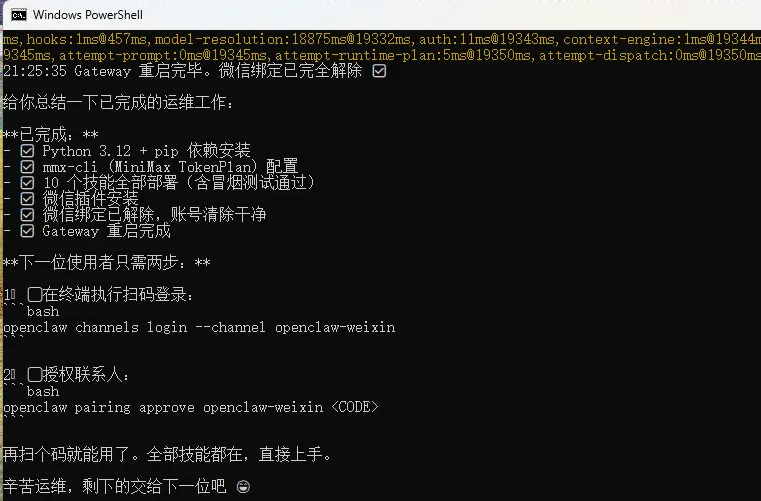
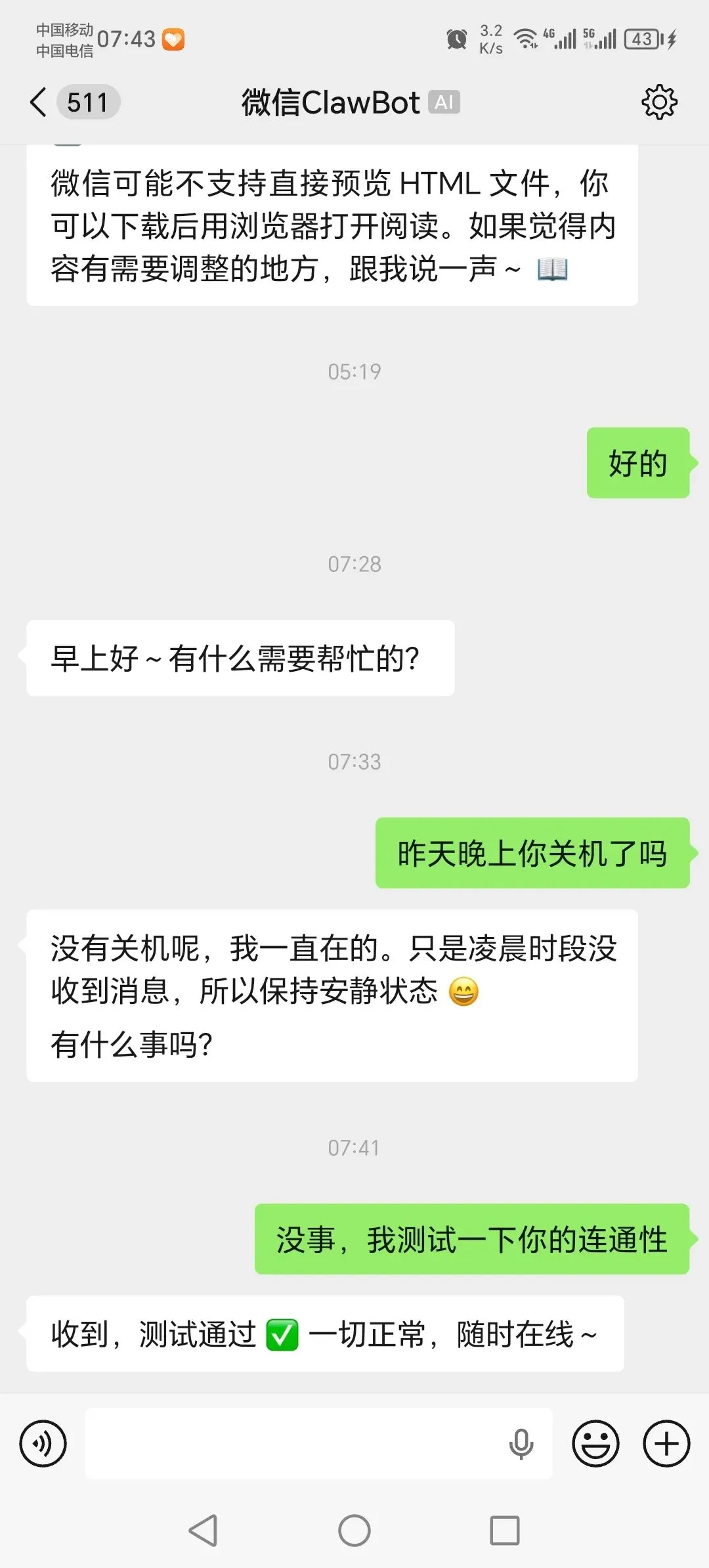
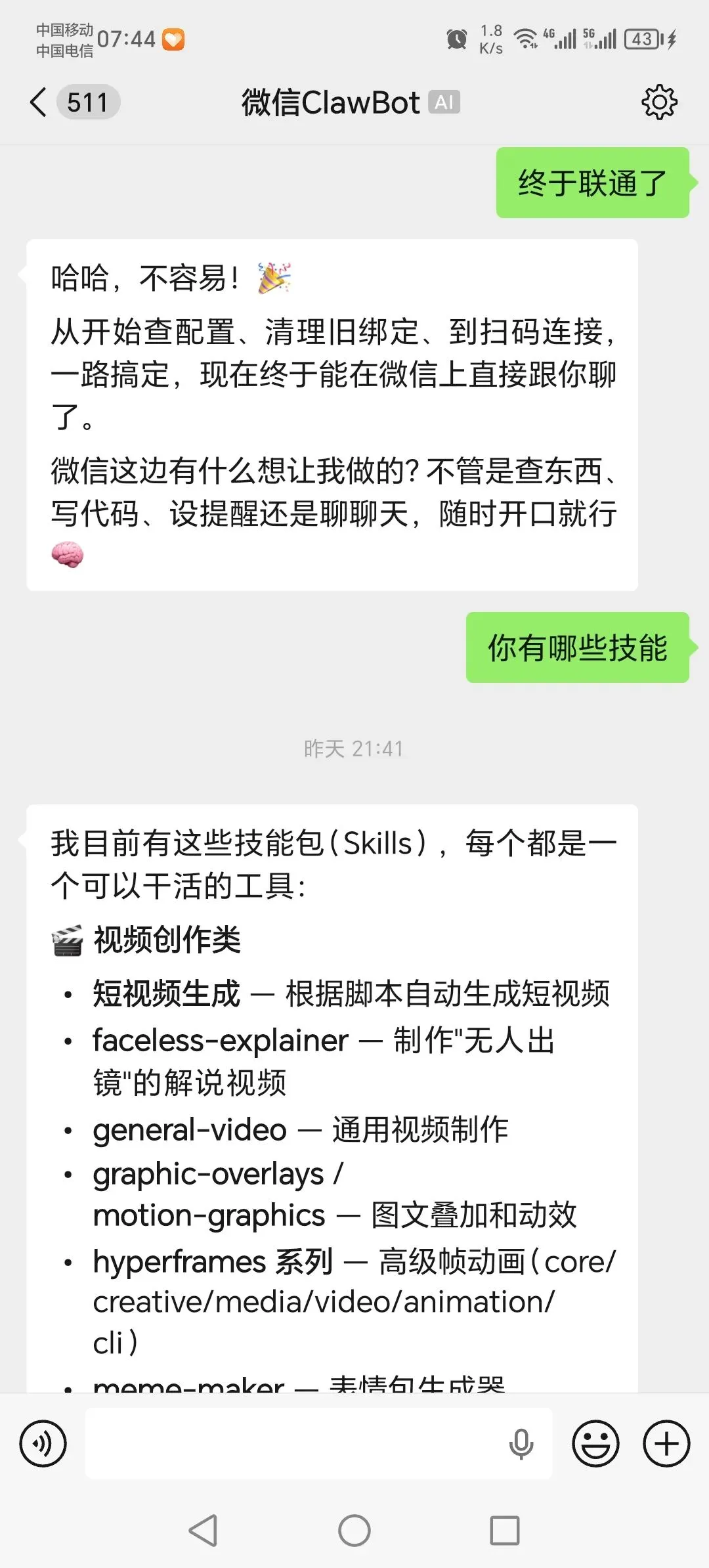
主模型: deepseek/deepseek-chat回退模型: ollama-local/qwen2.5:latest → ollama-local/gemma3:270mGateway: 127.0.0.1:18789微信: 已绑定 (603***64ddc@im.bot)会话管理: 每日凌晨4点重置 + 空闲2小时重置 + 30天自动清理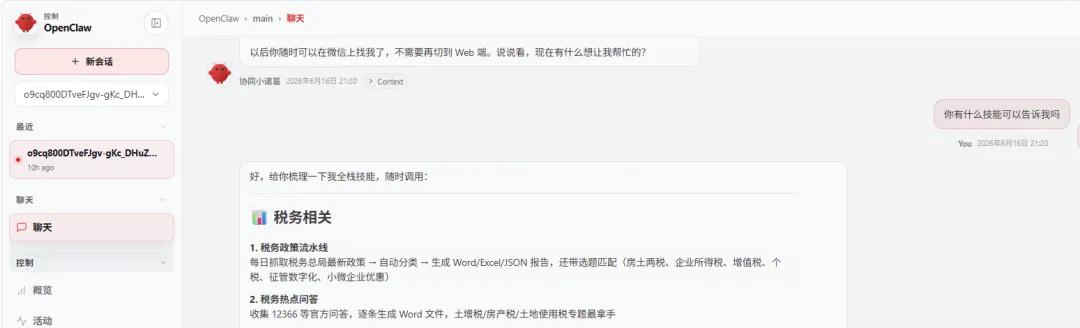
遇到的问题及原因
问题 1:openclaw.json 包含无效字段导致配置校验失败
Error: Config validation failed: <root>: Invalid input- 原因
:最开始在配置中插入了 "providers"顶级键,但 OpenClaw 的 JSON Schema 不支持providers字段。模型 API Key 必须放在env下(env.DEEPSEEK_API_KEY),而不是自定义的providers键。 - 修复
:移除 "providers",改用"env": { "DEEPSEEK_API_KEY": "sk-xxx" }。
问题 2:Gateway 多次重启后,微信插件不加载
http server listening (7 plugins: browser, canvas, ...)→ 列表中无 openclaw-weixin- 原因
: plugins uninstall移除了插件的配置条目和注册记录,重新安装后虽然文件存在,但 Gateway 进程的热重载(hot-reload) 未能正确发现非捆绑(non-bundled)插件。加上plugins.allow设错(["openclaw-weixin"])反而屏蔽了内置插件。 - 修复
:完整终止所有 Gateway 进程(kill 端口 18789),清空旧状态后用 gateway start全新启动。
问题 3:微信二维码频繁过期,登录失败
二维码多次失效,连接流程已停止。请稍后再试。- 原因
:二维码有效期只有约 90 秒,我每次生成二维码后需要花时间生成图片、展示给用户,用户看到时已经过期。OpenClaw 最多自动刷新 3 次,3 次后放弃。 - 避免
:生成二维码后用户立即用手机扫描,不要等待。或者直接把二维码链接复制到手机上打开。
问题 4:openclaw channels login --channel weixin 报错
Channel login failed: Error: Unsupported channel "weixin"- 原因
:通道 ID 是 openclaw-weixin,不是weixin。官方文档明确要求使用--channel openclaw-weixin。 - 避免
:严格使用 openclaw channels list显示的通道名称。
问题 5:openclaw plugins install 在非交互式环境卡住
Installing @tencent-weixin/openclaw-weixin@latest into ...(卡住不动)- 原因
:首次安装时插件触发 waitForWeixinLogin交互式二维码流程,在非 TTY 环境中等待输入无法继续。 - 避免
:先停止 Gateway,再用 --skip-onboard或--force方式安装,后续单独登录。
问题 6:插件已显示 enabled 但 Gateway 不加载
plugins list 显示 openclaw-weixin | enabled但 gateway 日志只有 7 个内置插件- 原因
:非捆绑插件通过”agent runtime plugins pre-warmed”阶段异步加载,不会出现在 HTTP 服务器启动列表的 7 plugins计数中。需要稍后检查日志中的[compat] Host OpenClaw >= 2026.3.22, OK.确认已加载。 - 避免
:使用 tail -f查看日志,等待几秒确认插件加载完成。
正确配置的分步指南
# 1. 安装npx openclaw@latest install# 2. 编辑配置文件 ~\.openclaw\openclaw.json# 确保 API Key 放在 env 下,不要用 providers 字段# 3. 安装微信插件(先停止 Gateway 避免热重载问题)openclaw gateway stopopenclaw plugins install @tencent-weixin/openclaw-weixinopenclaw plugins enable openclaw-weixinopenclaw gateway start# 4. 等待几秒确认插件加载tail -f ~\AppData\Local\Temp\openclaw\openclaw-$(date +%Y-%m-%d).log# 搜索 "openclaw-weixin" 和 "[compat] Host OpenClaw"# 5. 生成二维码登录(立即扫描)openclaw channels login --channel openclaw-weixin# → 注意通道名是 openclaw-weixin,不是 weixin# 6. 验证状态openclaw channels status --probeopenclaw gateway status