 夜雨聆风
夜雨聆风





OpenClaw 多 Agent 配置全解:个人/家庭/工作分身,一个 Gateway 服务所有人
0. 引言
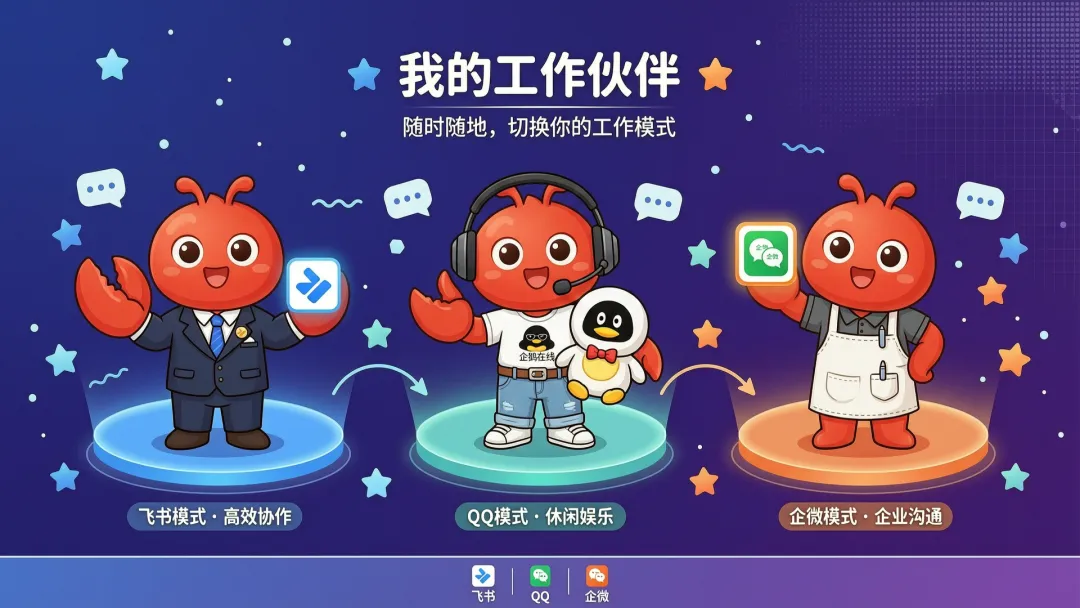
OpenClaw系列前 13 篇,你的 AI 已经能聊天、查数据、操作浏览器、定时自动干活、分身并行、连上手机了。但它还面临一个问题——
它只有一个”人格”。
你想让 AI 工作时严谨专业,生活时轻松幽默;你想给家人一个专属 AI,给自己一个深度工作 AI;你想一个号码服务所有人,但每个人的数据和偏好互不干扰——
单个 Agent 做不到这些。
今天这篇,带你解锁 OpenClaw 的多 Agent 配置——让一个 OpenClaw 拥有多个人格、多个工作区、多套认证,服务不同的人。
打个比方:
|
|
|
|
|---|---|---|
|
|
|
|
| 第 14 篇(今天) | AI 有多个人格,服务不同人/场景 | 助理带了团队,每人负责不同领域 |
多 Agent = 一个 AI 系统,多个人格,互不干扰。
1. 什么是多 Agent?
1.1 一句话告诉你:一个 Gateway 能服务多个 AI 人格
多 Agent 是在同一个 Gateway 里运行多个完全隔离的智能体——每个 Agent 有自己的工作区、人格、会话、认证、甚至不同的 AI 模型。
1.2 每个 Agent 都是独立的”大脑”,互不干扰
|
|
|
|---|---|
| 独立工作区 |
|
| 独立会话 |
|
| 独立认证 |
|
| 独立技能 |
|
| 独立模型 |
|
1.3 和多通道的区别
别搞混了——多通道 ≠ 多 Agent:
|
|
|
|
|---|---|---|
| 是什么 |
|
|
| 共享工作区 |
|
|
| 共享会话 |
|
|
| 适合场景 |
|
|
一句话:多通道 = 一个大脑多张嘴巴,多 Agent = 多个大脑各干各的。
2. 三种经典场景
场景知道了,具体怎么配?别急,先看三个最常见的例子——
2.1 场景一:工作人格 VS 生活人格
需求:工作时 AI 严谨专业,生活时轻松幽默,互不干扰。
{ "agents": { "list": [ { "id": "chat", "name": "生活助手", "workspace": "~/.openclaw/workspace-chat", "model": "qwen-plus" }, { "id": "opus", "name": "深度工作", "workspace": "~/.openclaw/workspace-opus", "model": "qwen-max" } ] }, "bindings": [ // 飞书私信 → 生活助手 { "agentId": "chat", "match": { "channel": "feishu", "peer": { "kind": "dm" } } }, // 飞书群聊 → 深度工作 { "agentId": "opus", "match": { "channel": "feishu", "peer": { "kind": "group" } } } ]}效果:
|
|
|
|
|---|---|---|
|
|
|
|
|
|
|
|
2.2 场景二:全家每人一个专属 AI,互不干扰
需求:你和家人共用一个 QQ 机器人,但每个人的 AI 偏好和记忆独立。
{ "agents": { "list": [ { "id": "xiaoming", "name": "小明的 AI", "workspace": "~/.openclaw/workspace-xiaoming" }, { "id": "xiaohong", "name": "小红的 AI", "workspace": "~/.openclaw/workspace-xiaohong" } ] }, "bindings": [ { "agentId": "xiaoming", "match": { "channel": "qqbot", "peer": { "kind": "dm", "id": "100001" } } }, { "agentId": "xiaohong", "match": { "channel": "qqbot", "peer": { "kind": "dm", "id": "100002" } } } ], "channels": { "qqbot": { "dmPolicy": "allowlist", "allowFrom": ["100001", "100002"] } }}效果:同一个 QQ 机器人,不同人发消息,AI 用不同的人格和记忆回应。
2.3 场景三:家庭群里怎么共享一个 AI?
需求:在家庭企业微信群里有一个专属 AI,权限受限,只能用 @提及触发。
{ "agents": { "list": [ { "id": "family", "name": "Family", "workspace": "~/.openclaw/workspace-family", "identity": { "name": "家庭助手" }, "groupChat": { "mentionPatterns": ["@family", "@家庭助手"] }, "sandbox": { "mode": "all", "scope": "agent" }, "tools": { "allow": [ "exec", "read", "sessions_list", "sessions_history", "sessions_send", "sessions_spawn", "session_status" ], "deny": ["write", "edit", "apply_patch", "browser", "canvas", "nodes", "cron"] } } ] }, "bindings": [ { "agentId": "family", "match": { "channel": "wecom", "peer": { "kind": "group", "id": "wr_family_group_xxx" } } } ]}效果:家庭群里只有 @家庭助手 时 AI 才会回复,且只能用安全的工具(不能改文件、不能操作浏览器)。
3. 路由规则:消息怎么找到对的 Agent?
上面三个场景配好了,但消息到底是怎么找到对的 Agent 的?这就涉及到路由规则——
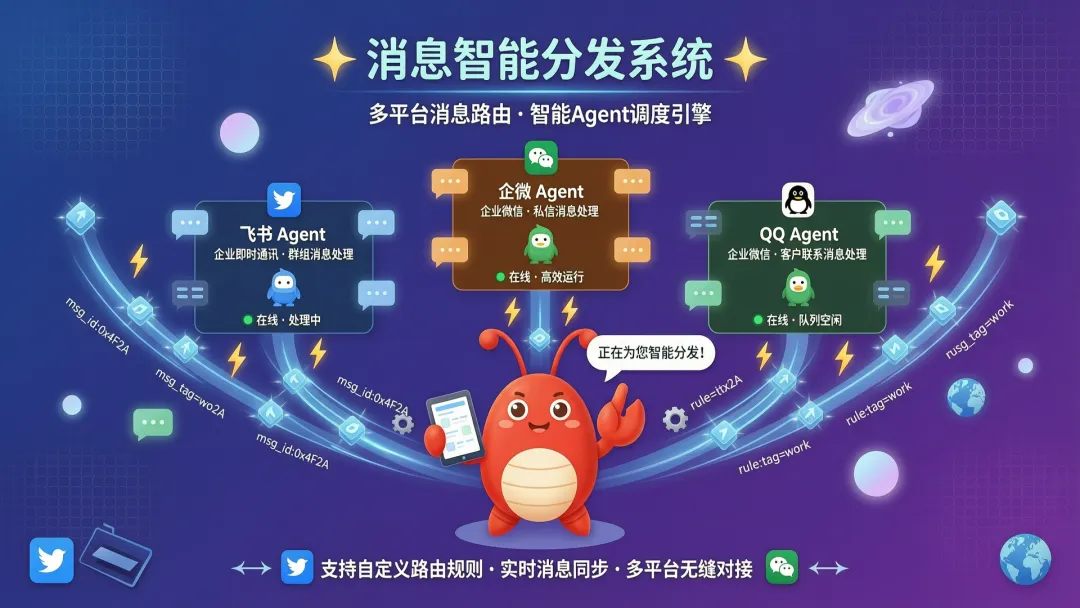
3.1 优先级顺序:从”最具体”到”最宽泛”
路由规则的本质是:条件越具体的规则,优先级越高。
系统从上到下逐条检查,第一条匹配的规则生效,后面的不再看。
|
|
|
|
|
|
|---|---|---|---|---|
| 1(最高) | peer 匹配 |
|
|
|
| 2 | accountId |
|
|
|
| 3(最低) |
|
|
|
|
| 4(兜底) |
|
|
|
|
怎么理解这四个级别?
- peer:最具体,直接指定”某个人”或”某个群”。比如”张三的私信走这个 Agent,开发群走那个 Agent”。
- accountId:中等具体,区分同一个平台的不同应用。比如你配了两个飞书应用(个人版和企业版),用 accountId 区分它们。
- 渠道级匹配:最宽泛,只说”所有飞书消息”,不管是谁发的、从哪个应用来的。配置里只写 channel: “feishu”,不加 peer 或 accountId。
- 默认 Agent:兜底,其他都没匹配上时走这里。
3.2 accountId 配置示例(什么时候需要区分账户)
场景:你配了两个飞书应用,一个是个人版,一个是企业版,想让不同应用的 AI 走不同的 Agent:
{ "agents": { "list": [ { "id": "personal", "name": "个人助手" }, { "id": "work", "name": "工作助手" } ] }, "bindings": [ // 规则 A:个人版飞书应用的消息 → 个人助手 { "agentId": "personal", "match": { "channel": "feishu", "accountId": "personal_app" // 指定某个飞书应用 } }, // 规则 B:企业版飞书应用的消息 → 工作助手 { "agentId": "work", "match": { "channel": "feishu", "accountId": "work_app" // 指定另一个飞书应用 } } ]}效果:
|
|
|
|
|---|---|---|
|
|
|
|
|
|
|
|
|
|
|
|
💡 什么时候用 accountId? 当你在同一个渠道(比如飞书)配了多个应用实例,需要区分”消息是从哪个应用来的”时用。如果只有一个飞书应用,不需要用 accountId,直接用 peer或渠道级匹配就行。
怎么理解?
- peer(优先级 1):你精确指定了”张三的私信”或”开发群”——最具体,所以最先检查
- accountId(优先级 2):你配了多个飞书应用(比如个人版 + 企业版),用来区分是哪个应用发的消息
- 渠道级(优先级 3):你只说”飞书的所有消息”——范围最大,优先级最低
- 默认 Agent(优先级 4):什么都不匹配时的兜底——最宽泛,最后才用
3.2 举个具体例子,一看就懂
假设你配了 3 个 Agent:
{ "agents": { "list": [ { "id": "boss", "name": "老板专属" }, { "id": "dev", "name": "开发群" }, { "id": "default", "name": "通用助手", "default": true } ] }, "bindings": [ // 规则 A:老板飞书私信 → boss Agent(peer 级,优先级 1) { "agentId": "boss", "match": { "channel": "feishu", "peer": { "kind": "dm", "id": "ou_boss_123" } } }, // 规则 B:开发群 → dev Agent(peer 级,优先级 1) { "agentId": "dev", "match": { "channel": "feishu", "peer": { "kind": "group", "id": "oc_dev_group" } } }, // 规则 C:飞书其他消息 → 通用助手(渠道级,优先级 5) { "agentId": "default", "match": { "channel": "feishu" } } ]}现在来了 3 条消息,分别怎么走?
|
|
|
|
|---|---|---|
|
|
|
|
|
|
|
|
|
|
|
|
|
|
|
|
3.3 关键规则总结
- 命中即停:从最高优先级开始检查,第一条匹配的就用,后面的不再看
- 越具体越优先:peer(某个人/群)> accountId(某账户)> channel(某渠道)> 默认
- 兜底机制:如果所有规则都不匹配,就走 default: true 的 Agent;如果没设 default,就走列表第一个
💡 类比理解:像寄快递——写了具体门牌号(peer)就送到门口,没写门牌但写了小区名(accountId)就送到小区,都没写就送到 default 地址。
3.4 实战:混合路由——不同消息走不同 Agent
{ "agents": { "list": [ { "id": "chat", "name": "日常聊天", "default": true }, { "id": "opus", "name": "深度工作" } ] }, "bindings": [ // 优先级最高:这个人发消息 → 深度工作 Agent { "agentId": "opus", "match": { "channel": "feishu", "peer": { "kind": "dm", "id": "ou_vip_user" } } }, // 优先级次之:其他所有飞书消息 → 日常聊天 Agent { "agentId": "chat", "match": { "channel": "feishu" } } ]}4. 添加新 Agent:告诉 AI 就行
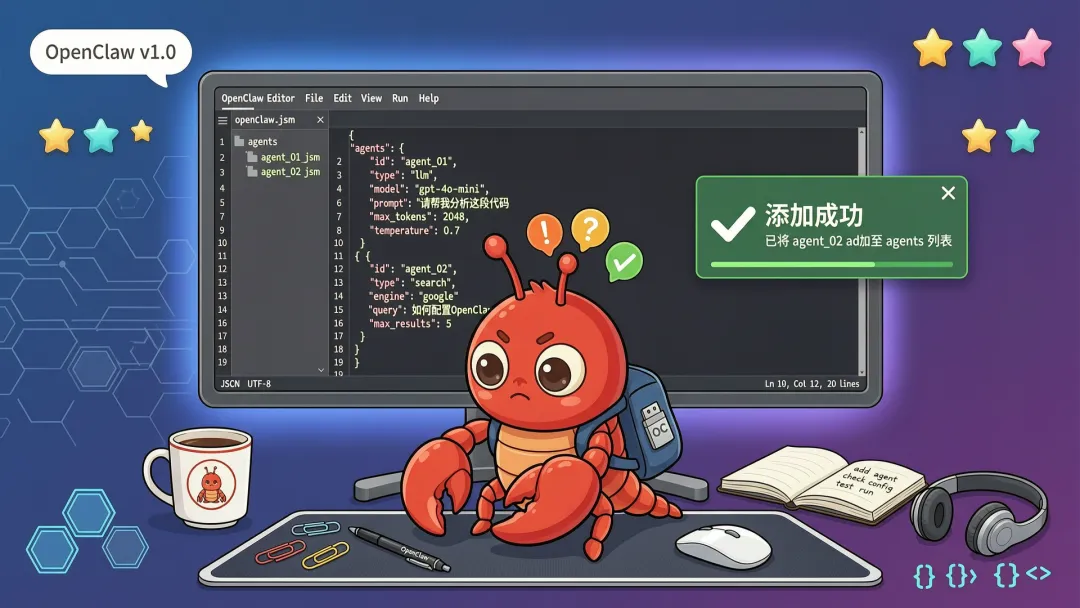
4.1 最简单的方法:直接跟 AI 说
“帮我添加一个名为 work 的新 Agent”
AI 会自动:
-
创建工作区目录 -
生成 Agent 配置文件 -
初始化基础的大脑文件
4.2 想手动配置?告诉 AI 具体要求
“帮我配置一个工作助手 Agent,用 qwen-max 模型,工作区放在 ~/.openclaw/workspace-work”
AI 会帮你写好配置,你只需要确认并重启 Gateway。
5. 文件都放哪了?(开发者查阅)
添加完 Agent,你可能好奇:这些文件都存在哪?
普通用户不用看这节——AI 自己知道文件放哪。开发者手动调试时参考。
别纠结,看这张表就够了:
|
|
|
|
|---|---|---|
| 配置文件 | ~/.openclaw/openclaw.json |
|
| 工作区 | ~/.openclaw/workspace-<agentId>/ |
|
| Agent 目录 | ~/.openclaw/agents/<agentId>/agent/ |
|
| 会话存储 | ~/.openclaw/agents/<agentId>/sessions/ |
|
| 认证文件 | ~/.openclaw/agents/<agentId>/agent/auth-profiles.json |
|
| 独立技能 | ~/.openclaw/workspace-<agentId>/skills/ |
|
| 共享技能 | ~/.openclaw/skills/ |
|
5.1 共享 vs 独立:一张表说清楚
|
|
|
|
|
|---|---|---|---|
|
|
~/.openclaw/openclaw.json |
|
|
|
|
~/.openclaw/skills/ |
|
|
|
|
~/.openclaw/workspace-<agentId>/ |
|
|
|
|
~/.openclaw/workspace-<agentId>/skills/ |
|
|
|
|
~/.openclaw/agents/<agentId>/sessions/ |
|
|
5.2 独立技能 vs 共享技能:区别在哪?
两种技能目录的区别:
|
|
|
|
|---|---|---|
| 路径 | ~/.openclaw/workspace-<agentId>/skills/ |
~/.openclaw/skills/ |
| 谁能用 |
|
|
| 适用场景 |
|
|
| 举例 |
|
|
一句话:通用技能放共享目录,特殊技能放独立工作区。
5.3 举个实际例子
假设你配了 2 个 Agent:chat 和 opus,文件分布是这样的:
~/.openclaw/├── openclaw.json ← 共享:配置文件(只有 1 份)├── skills/ ← 共享:技能目录(只有 1 份)│ └── weather/├── workspace-chat/ ← 独立:chat 的工作区│ ├── SOUL.md│ ├── MEMORY.md│ └── skills/├── workspace-opus/ ← 独立:opus 的工作区│ ├── SOUL.md│ ├── MEMORY.md│ └── skills/├── agents/│ ├── chat/│ │ ├── agent/│ │ │ └── auth-profiles.json ← 独立:chat 的认证│ │ └── sessions/ ← 独立:chat 的聊天记录│ └── opus/│ ├── agent/│ │ └── auth-profiles.json ← 独立:opus 的认证│ └── sessions/ ← 独立:opus 的聊天记录一句话总结:配置和技能是共享的(改一次全局生效),工作区、会话、认证是独立的(互不干扰)。
6. 安全配置:不同 Agent 不同权限
多 Agent 配好之后,得考虑权限问题——哪些 Agent 能做什么事。
6.1 一个例子看懂权限配置
假设你配了 2 个 Agent:personal(自己用)和 family(家人用)。
需求:
-
自己的 Agent:啥都能干 -
家人的 Agent:只能聊天、查天气,不能改文件、不能操作浏览器
配置效果对比:
|
|
|
|
|---|---|---|
|
|
|
|
|
|
|
|
|
|
|
|
|
|
|
|
|
|
|
|
对应的配置:
{ "agents": { "list": [ { "id": "personal", "name": "我的 AI", // 啥限制都没有,全权限 }, { "id": "family", "name": "家庭助手", "sandbox": { "mode": "all" }, // 沙箱隔离 "tools": { "allow": ["read", "web_search", "web_fetch"], // 只允许这些 "deny": ["write", "edit", "exec", "browser"] // 禁止这些 } } ] }}实际效果:
|
|
|
|
|---|---|---|
|
|
|
|
|
|
|
|
|
|
|
|
|
|
|
|
|
|
|
|
6.2 沙箱隔离:什么时候需要?
如果你给家人或公开场景配了 Agent,建议开启沙箱隔离——让它在独立容器里运行,搞不坏主系统:
实际场景举例:
|
|
|
|
|---|---|---|
|
|
|
|
|
|
|
|
|
|
|
|
|
|
|
|
配置:
{ "agents": { "list": [ { "id": "personal", "sandbox": { "mode": "off" } // 个人 Agent,不沙箱 }, { "id": "family", "sandbox": { "mode": "all", // 始终沙箱隔离 "scope": "agent", // 每 Agent 一个容器 "docker": { "setupCommand": "apt-get update && apt-get install -y git curl" } } } ] }}效果对比:
|
|
|
|
|---|---|---|
rm -rf /tmp/* |
|
|
npm install xxx |
|
|
|
|
|
|
6.3 工具权限:哪些能碰,哪些不能碰?
沙箱之外,还可以精确控制每个 Agent 能用哪些工具。
实际场景举例:
|
|
|
|
|---|---|---|
|
|
web_search、web_fetch |
|
|
|
read、write、edit,不给 exec |
|
|
|
|
|
|
|
|
|
三种典型 Agent 的权限设计:
|
|
|
|
|
|---|---|---|---|
|
|
|
|
|
|
|
read, web_search, web_fetch |
write, edit, exec, browser, cron |
|
|
|
read, write, edit, exec, browser |
nodes, canvas |
|
对应配置:
{ "agents": { "list": [ { "id": "personal", // 不设 tools,默认全部放开 }, { "id": "family", "tools": { "allow": ["read", "web_search", "web_fetch"], // 只允许这些 "deny": ["write", "edit", "exec", "browser", "cron"] // 禁止这些 } }, { "id": "work", "tools": { "allow": ["read", "write", "edit", "exec", "browser"], "deny": ["nodes", "canvas"] } } ] }}实际效果:
|
|
|
|
|
|---|---|---|---|
|
|
|
|
|
|
|
|
|
|
|
|
|
|
|
|
|
|
|
|
|
|
|
|
|
6.4 Agent 间通信:它们能互相聊天吗?
配完安全,你可能想:Agent 之间能不能互相帮忙?
默认情况下,Agent 之间不能互相发消息。
实际场景举例:
|
|
|
|
|---|---|---|
|
|
|
|
|
|
|
|
|
|
|
|
|
|
|
|
配置:
{ "tools": { "agentToAgent": { "enabled": true, // 开启 "allow": ["personal", "work"] // 只允许这两个互相通信 } }}效果:
|
|
|
|
|---|---|---|
|
|
|
|
|
|
|
|
|
|
|
|
7. 实战配置:三种常见方案
理论讲完了,这里给三种最常见的配置组合。
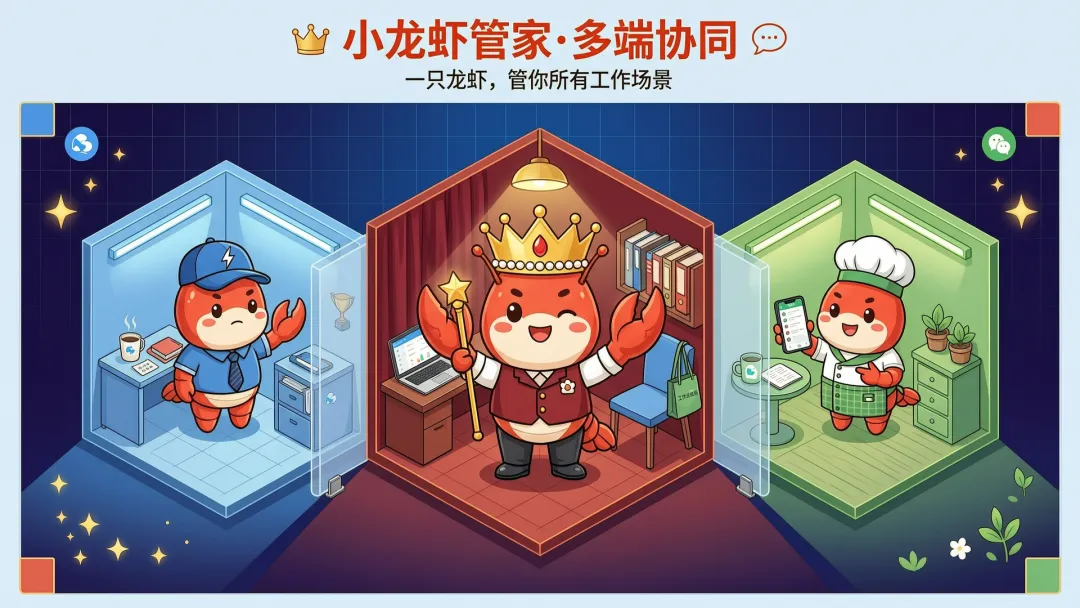
7.1 方案 A 怎么配?飞书闲聊 + QQ 深度干
{ "agents": { "list": [ { "id": "chat", "name": "日常助手", "workspace": "~/.openclaw/workspace-chat", "model": "qwen-plus" }, { "id": "opus", "name": "深度工作", "workspace": "~/.openclaw/workspace-opus", "model": "qwen-max" } ] }, "bindings": [ { "agentId": "chat", "match": { "channel": "feishu" } }, { "agentId": "opus", "match": { "channel": "qqbot" } } ]}效果:
-
飞书聊天 → 日常助手(快、省 token、轻松幽默) -
QQ 聊天 → 深度工作(强、高质量、严谨专业)
7.2 方案 B:同一飞书渠道,不同群不同 Agent
{ "agents": { "list": [ { "id": "xiaohong", "name": "小红的AI", "workspace": "~/.openclaw/workspace-xiaodi" }, { "id": "family", "name": "家庭助手", "workspace": "~/.openclaw/workspace-family" } ] }, "bindings": [ // 小红的飞书私信 → 个人 Agent { "agentId": "xiaohong", "match": { "channel": "feishu", "peer": { "kind": "dm", "id": "ou_xxx" } } }, // 飞书家庭群 → 家庭 Agent { "agentId": "family", "match": { "channel": "feishu", "peer": { "kind": "group", "id": "oc_xxx" } } } ]}7.3 方案 C 怎么搞?企业微信多账号完全隔离
如果你有多个企业微信应用(比如个人团队 + 公司团队):
{ "channels": { "wecom": { "accounts": { "personal": {}, "company": {} } } }, "bindings": [ { "agentId": "home", "match": { "channel": "wecom", "accountId": "personal" } }, { "agentId": "work", "match": { "channel": "wecom", "accountId": "company" } } ]}8. 你可能想问的
配置讲完了,这里回答几个常见问题。
8.1 多 Agent 会多花钱吗?
不一定。 取决于你怎么配置:
|
|
|
|---|---|
|
|
|
|
|
|
|
|
|
8.2 Agent 之间能共享数据吗?
默认不能——每个 Agent 的工作区、会话、认证都是独立的。
如果确实需要共享(比如共享技能):
-
共享技能放在 ~/.openclaw/skills/ -
共享认证文件手动复制到每个 Agent 的 agentDir
8.3 怎么删除一个 Agent?
“帮我删除 work 这个 Agent”
AI 会帮你执行删除操作。
注意:删除会移除该 Agent 的会话和工作区引用,但文件保留在磁盘上。
8.4 加新 Agent 后需要重启 Gateway 吗?
需要。 修改配置后,告诉 AI:
“帮我重启 Gateway”
AI 会自动执行重启命令。
9. 总结
14 篇教程写下来,OpenClaw 能做的事越来越多了。这篇讲的是多 Agent 配置。
快速回顾之前的内容:
|
|
|
|---|---|
|
|
|
|
|
|
|
|
|
|
|
|
|
|
|
|
|
|
|
|
|
|
|
|
|
|
|
| 第 14 篇(今天) | 多 Agent 配置(一个系统服务所有人) |
一句话总结
多 Agent = 一个 Gateway,多个人格 = 从”一个全能助理”变成”一个助理团队”。
下一篇预告
有了多 Agent 配置,AI 能同时服务多个人了。但如果 AI 记不住东西,每次都要从头来过——
下一篇讲《记忆系统进阶全解》,聊聊怎么让 AI 定期回顾、提炼、清理记忆,越用越聪明。
👋 我是路人甲甲,公众号「AI 打怪升级」,专注 AI 工具实战。
觉得有用?点个在看,分享给需要的朋友。