ARTICLE · 1012567
16个Python小游戏(附源码),有手就行,拿走即用!
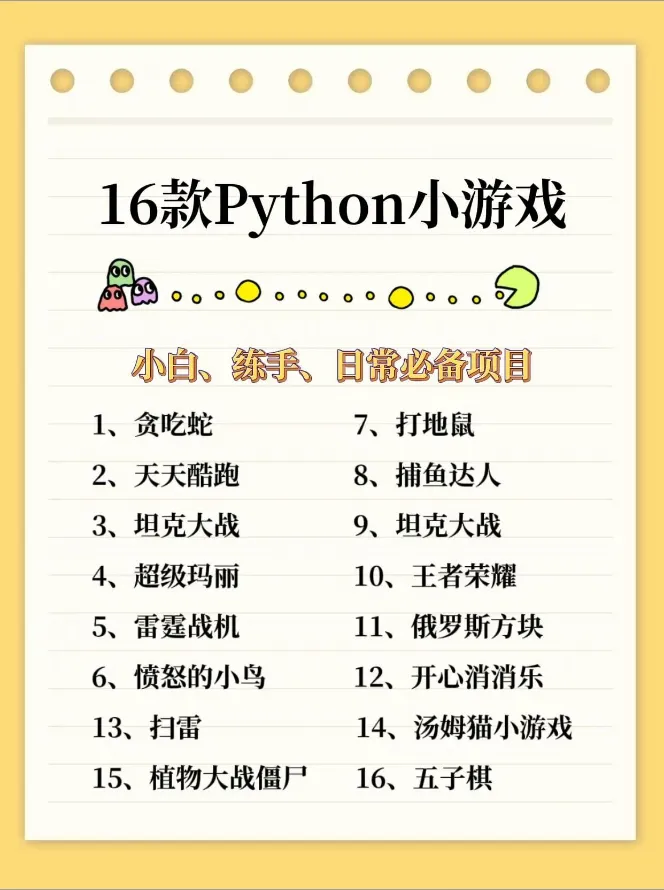
16个Python小游戏(附源码),有手就行,拿走即用!计算机专业 Python 小游戏一直是编程新手非常青睐的练手项目,不仅可以夯实语法基础,还能切身感受程序开发带来的成就感。网上关于 Python 小游戏的教程与源码资源虽然很多,但不少片段存在代码残缺、运行报错、功能不完善等问题,很容易打击初学者的练习积极性。本文精选 16 个经典 Python 小游戏案例,全部附上完整可直接运行的源码,并且经过实测调试,拿来就能跑通。 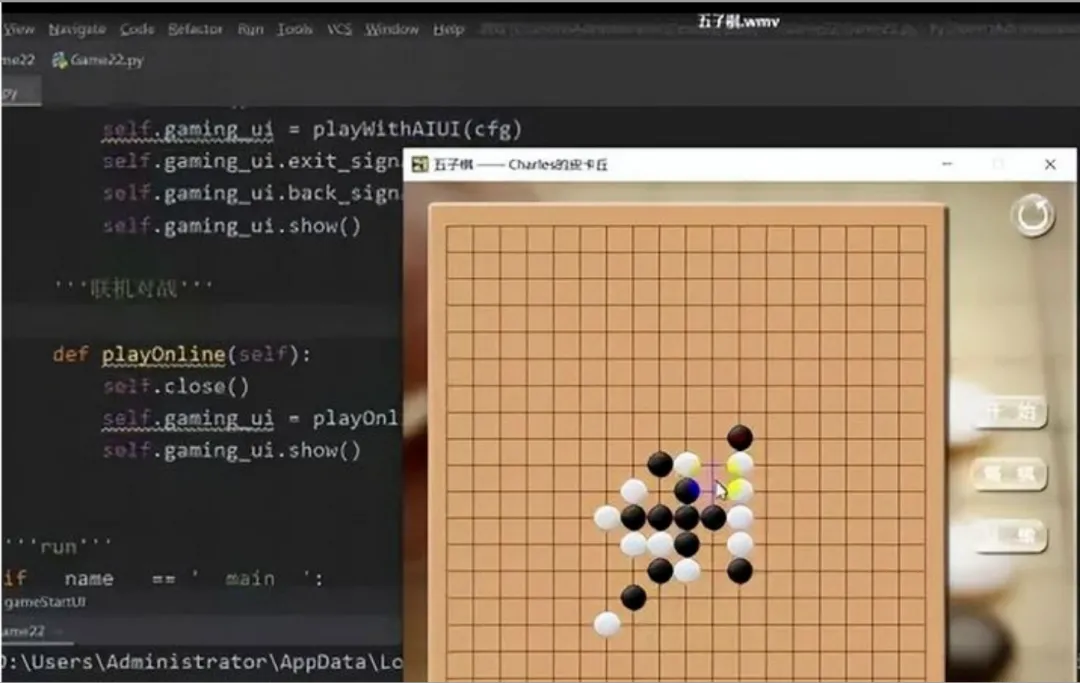
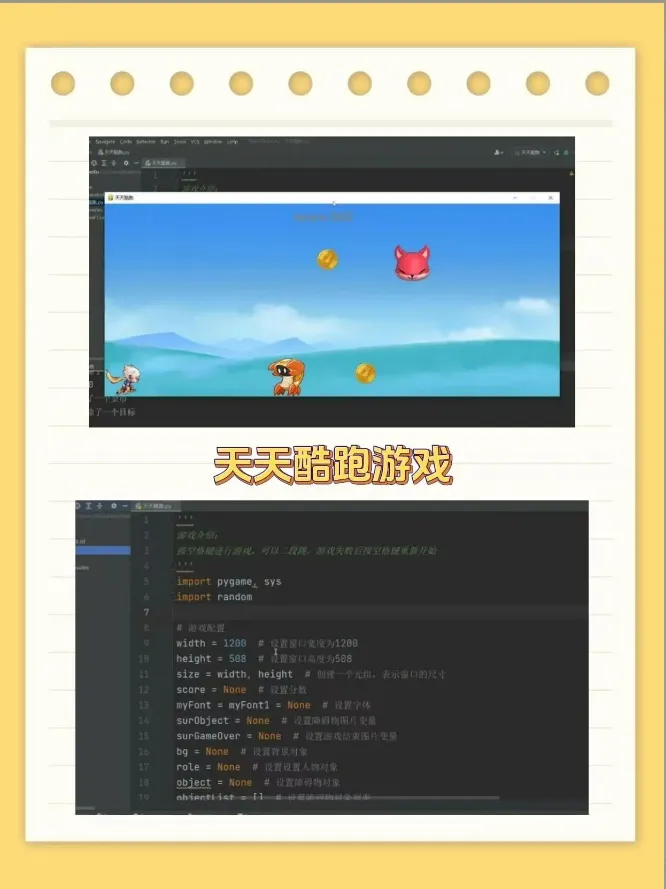
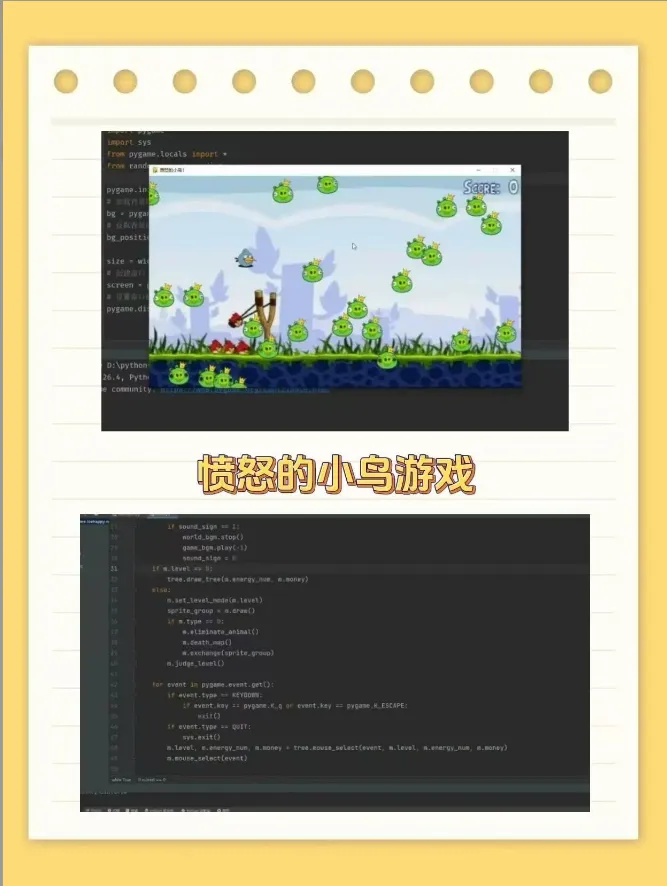
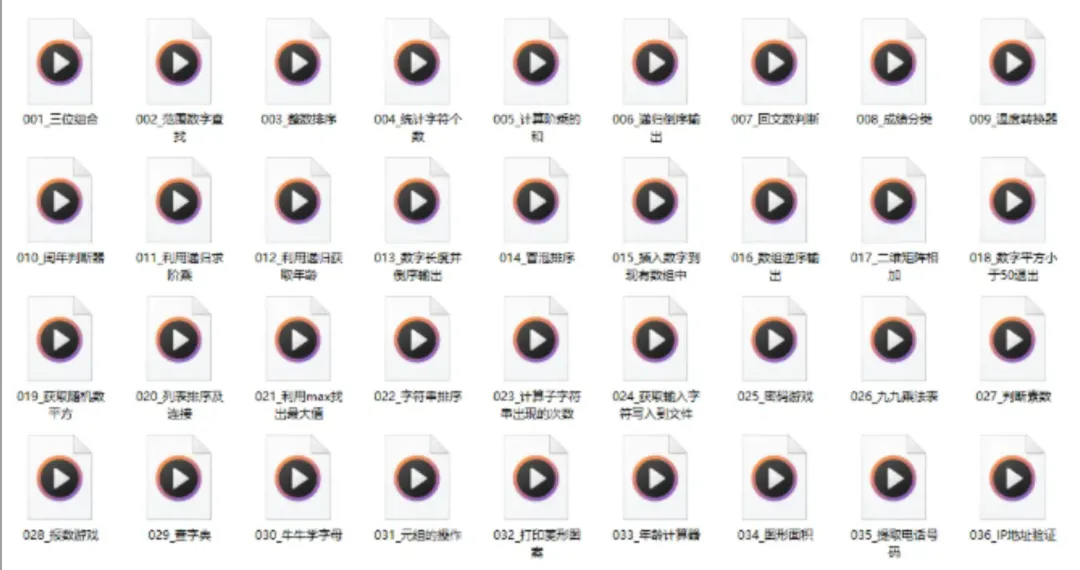
如果你现在还是不会Python也没关系,下面我会给大家免费分享一份Python全套学习资料, 包含视频、源码、课件,希望能帮到那些不满现状,想提升自己却又没有方向的朋友。 
内容共分26章,讲解了Python基础的方方面面,可以作为Python学习者的“宝典”。同时,穿插了3个大型实战项目: 还有Python电子书,Python练习题,Python练手项目,Python漫画书,Python动画版教程,面试题等等海量学习资料 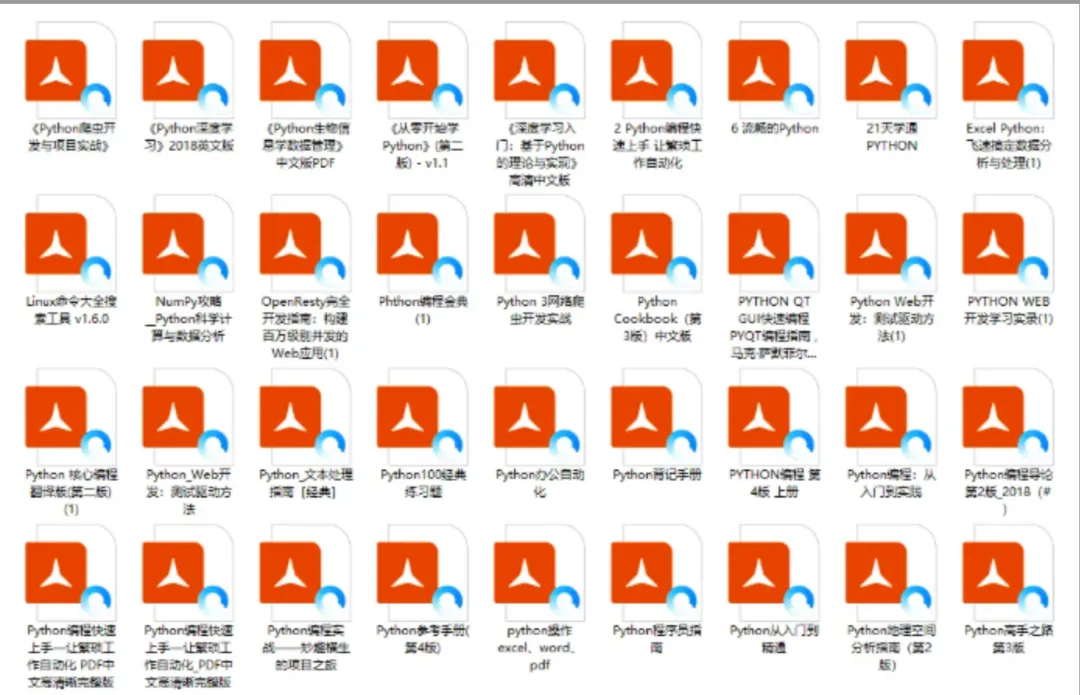
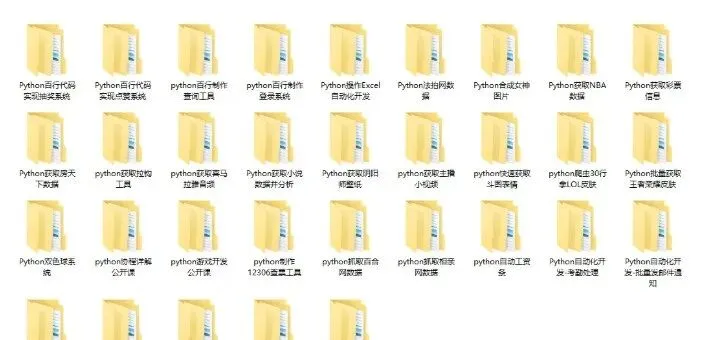
1、点赞+在看 2、后台回复关键词:学习
1. 五子棋
童年游戏不可缺少的五子棋,你攻我守,守中进攻,五子棋一玩就可以玩一下午。
import pygame# 初始化pygame.init()WIDTH, HEIGHT = 640, 640screen = pygame.display.set_mode((WIDTH, HEIGHT))pygame.display.set_caption("五子棋")# 颜色定义BLACK = (0, 0, 0)WHITE = (255, 255, 255)BROWN = (210, 180, 140)GRID_SIZE = 40 # 格子大小COUNT = 15 # 15*15棋盘board = [[0 for _ in range(COUNT)] for _ in range(COUNT)] # 0空 1黑棋 2白棋current_player = 1 # 1黑先行game_over = Falsedef draw_board():"""绘制棋盘"""screen.fill(BROWN)for i in range(COUNT):# 横线pygame.draw.line(screen, BLACK, (GRID_SIZE, GRID_SIZE + i * GRID_SIZE),(GRID_SIZE * COUNT, GRID_SIZE + i * GRID_SIZE), 1)# 竖线pygame.draw.line(screen, BLACK, (GRID_SIZE + i * GRID_SIZE, GRID_SIZE),(GRID_SIZE + i * GRID_SIZE, GRID_SIZE * COUNT), 1)# 绘制棋子for y in range(COUNT):for x in range(COUNT):val = board[y][x]if val == 1:pygame.draw.circle(screen, BLACK,(GRID_SIZE * (x + 1), GRID_SIZE * (y + 1)), GRID_SIZE // 2 - 2)elif val == 2:pygame.draw.circle(screen, WHITE,(GRID_SIZE * (x + 1), GRID_SIZE * (y + 1)), GRID_SIZE // 2 - 2)def check_win(x, y, player):"""判断是否五连子"""directions = [(1, 0), (0, 1), (1, 1), (1, -1)]for dx, dy in directions:count = 1# 正向cx, cy = x + dx, y + dywhile 0 <= cx < COUNT and 0 <= cy < COUNT and board[cy][cx] == player:count += 1cx += dxcy += dy# 反向cx, cy = x - dx, y - dywhile 0 <= cx < COUNT and 0 <= cy < COUNT and board[cy][cx] == player:count += 1cx -= dxcy -= dyif count >= 5:return Truereturn False# 主循环running = Truewhile running:draw_board()for event in pygame.event.get():if event.type == pygame.QUIT:running = Falseif event.type == pygame.MOUSEBUTTONDOWN and not game_over:mx, my = pygame.mouse.get_pos()# 换算棋盘坐标click_x = round(mx / GRID_SIZE) - 1click_y = round(my / GRID_SIZE) - 1if 0 <= click_x < COUNT and 0 <= click_y < COUNT:if board[click_y][click_x] == 0:board[click_y][click_x] = current_player# 判断胜利if check_win(click_x, click_y, current_player):print(f"{'黑棋'if current_player ==1else'白棋'}获胜!")game_over = True# 切换玩家current_player = 2 if current_player == 1 else 1pygame.display.update()pygame.quit()
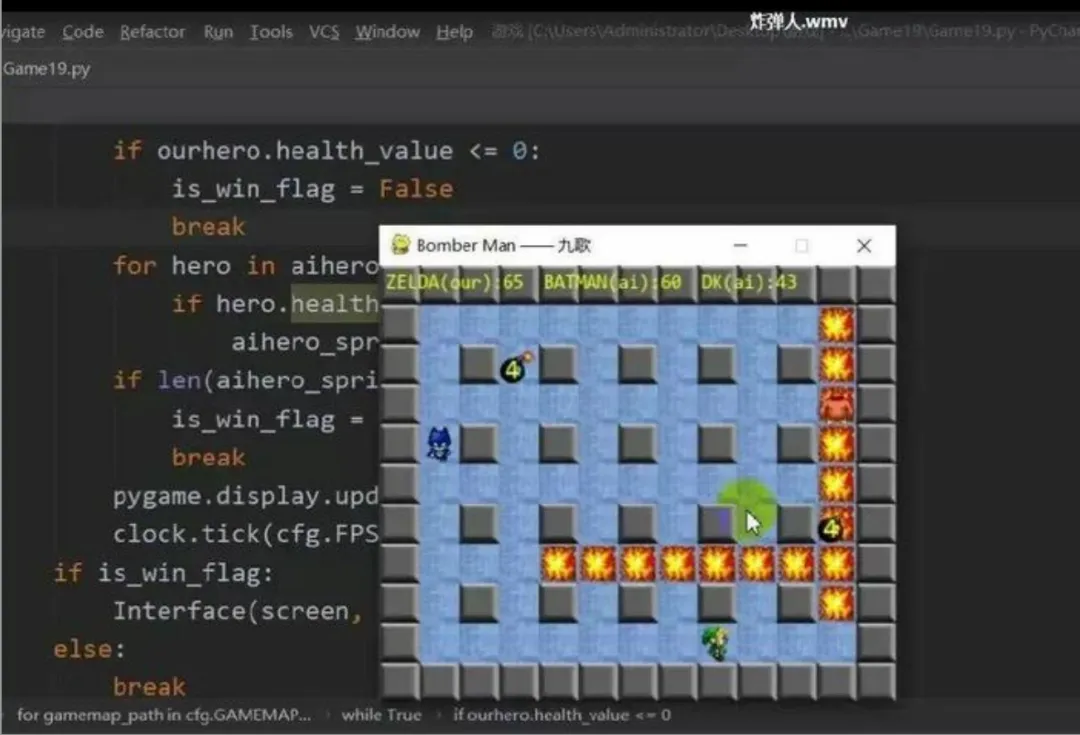
2.炸弹人
如果你是一个80后,那么炸弹人绝度是你童年的欢乐之一,虽然简单而粗糙的画面,却依旧抵挡不了它在FC上的经典。
import pygameimport randompygame.init()WIDTH, HEIGHT = 640, 480TILE = 32screen = pygame.display.set_mode((WIDTH, HEIGHT))pygame.display.set_caption("炸弹人")# 颜色BLACK = (0, 0, 0)WHITE = (255, 255, 255)GREEN = (34,139,34)GRAY = (100,100,100)RED = (200,0,0)BLUE = (0,80,200)YELLOW = (255,200,0)cols = WIDTH // TILErows = HEIGHT // TILE# 地图:0空地 1不可破坏墙 2可破坏砖块game_map = []for y in range(rows):row = []for x in range(cols):if x ==0 or y ==0 or x == cols-1 or y == rows-1:row.append(1)elif x%2==0 and y%2==0:row.append(1)else:if random.random() < 0.35:row.append(2)else:row.append(0)game_map.append(row)# 玩家1p1 = {"x":1,"y":1,"color":RED}# 玩家2p2 = {"x":cols-2,"y":rows-2,"color":BLUE}bombs = [] # 炸弹列表 {"x","y","timer"}explosions = [] # 爆炸火焰 {"x","y","timer"}clock = pygame.time.Clock()FPS = 60def draw_map():for y in range(rows):for x in range(cols):tile = game_map[y][x]rect = pygame.Rect(x*TILE, y*TILE, TILE-1, TILE-1)if tile == 1:pygame.draw.rect(screen, GRAY, rect)elif tile ==2:pygame.draw.rect(screen, (160,110,60), rect)else:pygame.draw.rect(screen, GREEN, rect)def draw_player(p):px = p["x"]*TILEpy = p["y"]*TILEpygame.draw.circle(screen, p["color"], (px+TILE//2, py+TILE//2), TILE//2-4)def draw_bombs():for b in bombs:bx = b["x"]*TILE + TILE//2by = b["y"]*TILE + TILE//2pygame.draw.circle(screen, BLACK, (bx,by), TILE//3)def draw_explosion():for e in explosions:ex = e["x"]*TILEey = e["y"]*TILEr = pygame.Rect(ex,ey,TILE,TILE)pygame.draw.rect(screen,YELLOW,r)def place_bomb(px,py):for b in bombs:if b["x"] == px and b["y"] == py:returnbombs.append({"x":px,"y":py,"timer":120})def bomb_explode(bomb):bx,by = bomb["x"], bomb["y"]fire_len = 2dirs = [(0,0),(1,0),(-1,0),(0,1),(0,-1)]for dx,dy in dirs:for i in range(fire_len+1):nx = bx + dx*iny = by + dy*iif 0<=nx<cols and 0<=ny<rows:if game_map[ny][nx]==1:breakexplosions.append({"x":nx,"y":ny,"timer":25})if game_map[ny][nx]==2:game_map[ny][nx]=0def check_explosion_hit():for e in explosions:ex,ey = e["x"],e["y"]if p1["x"] == ex and p1["y"] == ey:print("玩家2获胜!")return Trueif p2["x"] == ex and p2["y"] == ey:print("玩家1获胜!")return Truereturn Falsedef can_move(x,y):if 0<=x<cols and 0<=y<rows:return game_map[y][x]==0return Falsegame_running = Truewhile game_running:screen.fill(BLACK)draw_map()for event in pygame.event.get():if event.type == pygame.QUIT:game_running = Falseif event.type == pygame.KEYDOWN:# 玩家1 WASD,空格放炸弹if event.key == pygame.K_SPACE:place_bomb(p1["x"], p1["y"])# 玩家2 方向键,小键盘0放炸弹if event.key == pygame.K_KP0:place_bomb(p2["x"], p2["y"])keys = pygame.key.get_pressed()# P1移动 WASDif keys[pygame.K_w] and can_move(p1["x"], p1["y"]-1):p1["y"] -=1if keys[pygame.K_s] and can_move(p1["x"], p1["y"]+1):p1["y"] +=1if keys[pygame.K_a] and can_move(p1["x"]-1, p1["y"]):p1["x"] -=1if keys[pygame.K_d] and can_move(p1["x"]+1, p1["y"]):p1["x"] +=1# P2移动 方向键if keys[pygame.K_UP] and can_move(p2["x"], p2["y"]-1):p2["y"] -=1if keys[pygame.K_DOWN] and can_move(p2["x"], p2["y"]+1):p2["y"] +=1if keys[pygame.K_LEFT] and can_move(p2["x"]-1, p2["y"]):p2["x"] -=1if keys[pygame.K_RIGHT] and can_move(p2["x"]+1, p2["y"]):p2["x"] +=1# 更新炸弹计时new_bombs = []for b in bombs:b["timer"] -=1if b["timer"] <=0:bomb_explode(b)else:new_bombs.append(b)bombs = new_bombs# 更新爆炸火焰new_exp = []for e in explosions:e["timer"] -=1if e["timer"]>0:new_exp.append(e)explosions = new_expdraw_explosion()draw_bombs()draw_player(p1)draw_player(p2)if check_explosion_hit():game_running = Falsepygame.display.update()clock.tick(FPS)pygame.quit()
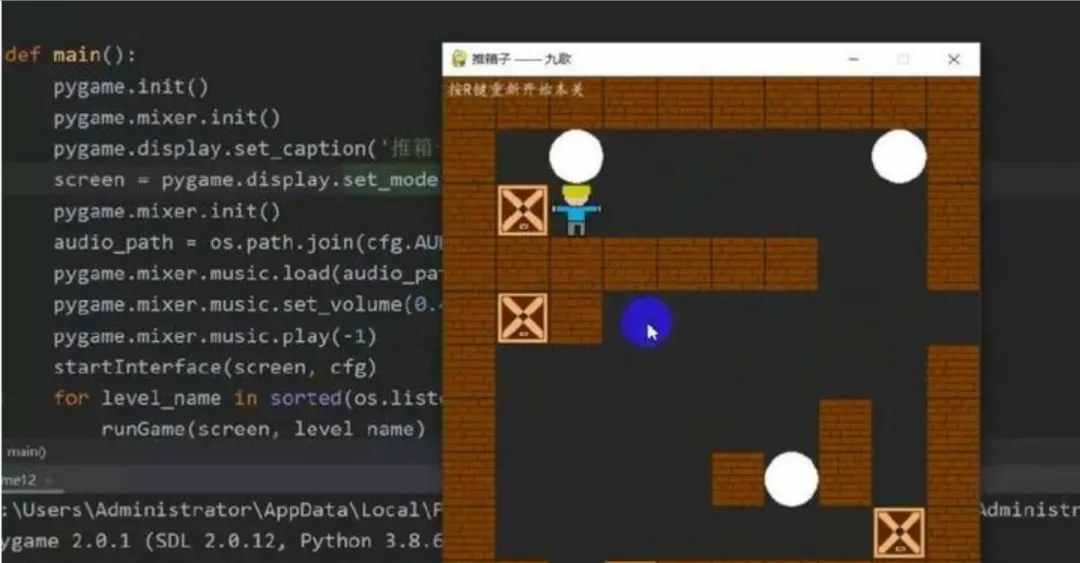
3.推箱子
不禁回味起了童年,推箱子顾名思义就是推箱子。用键盘上的上、下、左、右键移动小人,把箱子全部推到指定的位置即可过关。箱子只能推,不能拉,并且小人一次只能推动一个箱子。
'''开始游戏'''def startGame(screen):clock = pygame.time.Clock()# 加载字体font = pygame.font.SysFont('arial', 18)if not os.path.isfile('score'):f = open('score', 'w')f.write('0')f.close()with open('score', 'r') as f:highest_score = int(f.read().strip())# 敌方enemies_group = pygame.sprite.Group()for i in range(55):if i < 11:enemy = enemySprite('small', i, cfg.WHITE, cfg.WHITE)elif i < 33:enemy = enemySprite('medium', i, cfg.WHITE, cfg.WHITE)else:enemy = enemySprite('large', i, cfg.WHITE, cfg.WHITE)enemy.rect.x = 85 + (i % 11) * 50enemy.rect.y = 120 + (i // 11) * 45enemies_group.add(enemy)boomed_enemies_group = pygame.sprite.Group()en_bullets_group = pygame.sprite.Group()ufo = ufoSprite(color=cfg.RED)
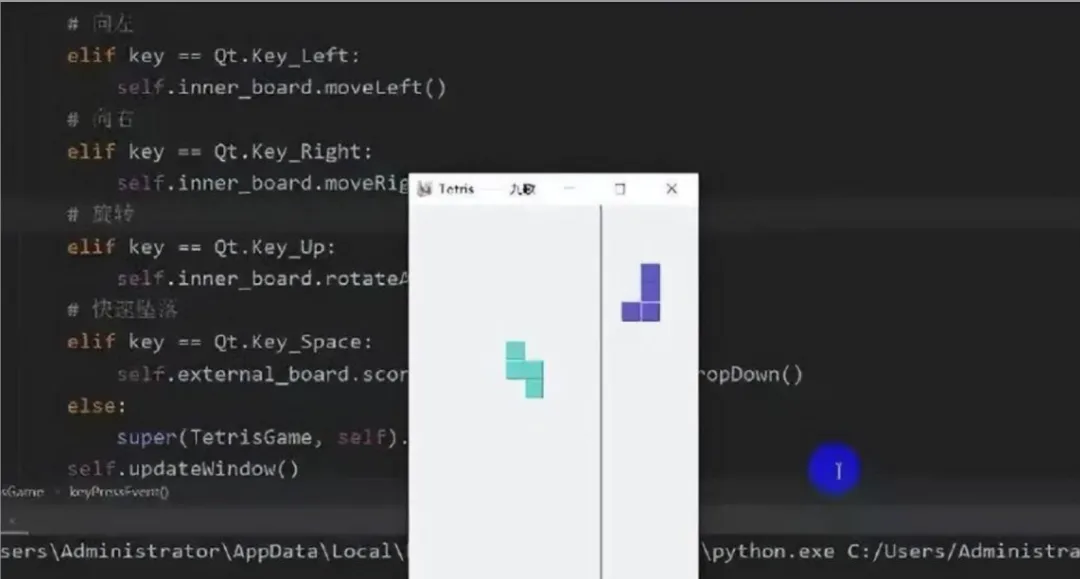
4.俄罗斯方块
回味一下属于我们的童年~俄罗斯方块,如果要说到游戏圈里的资历,俄罗斯方块应该是当之无愧的老大哥了
import osimport sysimport randomfrom modules import *from PyQt5.QtGui import *from PyQt5.QtCore import *from PyQt5.QtWidgets import *'''定义俄罗斯方块游戏类'''class TetrisGame(QMainWindow):def __init__(self, parent=None):super(TetrisGame, self).__init__(parent)# 是否暂停ingself.is_paused = False# 是否开始ingself.is_started = Falseself.initUI()'''界面初始化'''def initUI(self):
5.贪吃蛇
还记得当初在黑白掌机上玩的贪吃蛇吗?想重温当时的快乐,当时的回忆吗
import cfgimport sysimport pygamefrom modules import *'''主函数'''def main(cfg):# 游戏初始化pygame.init()screen = pygame.display.set_mode(cfg.SCREENSIZE)pygame.display.set_caption('Greedy Snake —— 九歌')clock = pygame.time.Clock()# 播放背景音乐pygame.mixer.music.load(cfg.BGMPATH)pygame.mixer.music.play(-1)# 游戏主循环snake = Snake(cfg)apple = Apple(cfg, snake.coords)score = 0while True:
附录:更多学习资料
python课程400集,2026最新版来啦!!!从零基础开始,全面讲解Python基础,与一般教程不同,该教程增加了手写数据结构和算法、手写神经网络项目。同时加入AI工具编程,让零基础学员在学习Python时就开始接触高深的底层知识、神经网络底层实现的知识。最终达到达可以手写神经网络的境界。
本套视频一共400集,本套视频共分4季:
1. 坦克大战游戏。 采用游戏开发的方式,寓教于乐,快乐中掌握Python基础。
2. 手写算法和数据结构。 算法和数据结构是很多大公司面试的不二选择,我们这里讲解内容的同时,手把手带你实现一个个底层算法,将内功练扎实。
3.手写神经网络。 Python是人工智能的第一语言。我们创造性的在基础课程中就加入了如何编写一个自己的神经网络,为踏入神经网络的大门打下“坚实基础”。
按这个步骤走,你会发现编程真的没那么难~
尾语 💝
感谢你观看我的文章呐~本次航班到这里就结束啦 🛬
希望本篇文章有对你带来帮助 🎉,有学习到一点知识~
领取方式: