 夜雨聆风
夜雨聆风技术复盘
Codex 插件升级避坑:Superpowers 装了却没生效?
一次 Codex 插件升级的状态收敛问题
环境:Codex Desktop,内置 CLI `codex-cli 0.142.0`
案例:升级 Superpowers 插件到 `v6.0.3`
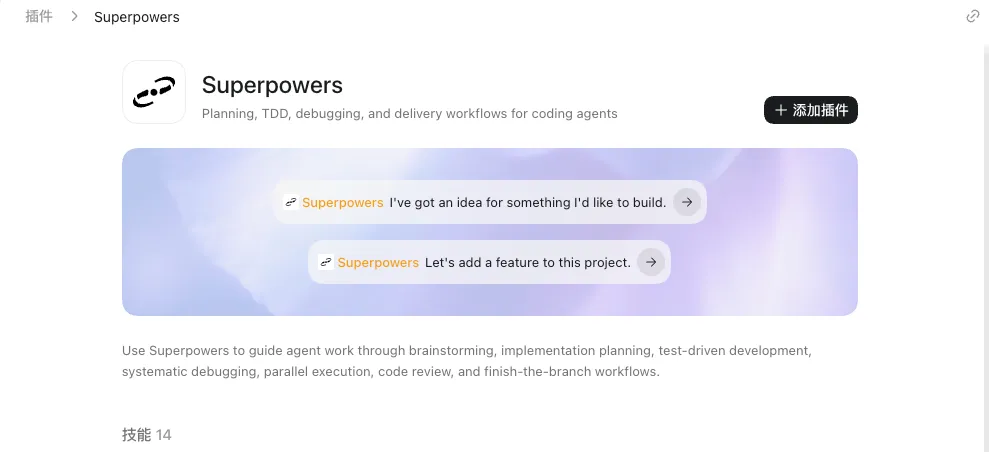
这次问题的核心不是“插件有没有下载下来”,而是 Codex 里同时存在多层状态:marketplace 配置、插件启用状态、本地缓存、当前会话已加载的 skill。只处理其中一层,很容易出现“文件在磁盘上,但 Codex 里还是旧行为”的假象。
1. 官方源和自定义源混在一起
Superpowers 既可能来自官方 curated marketplace,也可能来自自定义的 `superpowers-dev` marketplace。升级时如果只把新版本拉到本地,但没有禁用旧来源,Codex 仍可能加载旧来源里的插件。
目标状态应该明确成一套:
[marketplaces.superpowers-dev]
source_type = "git"
source = "https://github.com/obra/superpowers.git"
ref = "v6.0.3"
[plugins."superpowers@superpowers-dev"]
enabled = true
[plugins."superpowers@openai-curated"]
enabled = false
关键点:`openai-curated` 这个 marketplace 不能整体删除。它还承载 Figma、Gmail 等官方插件。正确做法是只禁用其中的 `superpowers`。
2. 只删缓存不够
旧版缓存如果只手工删除,例如删除某个 `5.x` 目录,但配置里仍允许 `superpowers@openai-curated`,后续刷新 marketplace 时旧来源还可能被拉回来。
清理动作要配合配置一起做:
rm -rf ~/.codex/plugins/cache/openai-curated-remote/superpowers
保留目标缓存:
~/.codex/plugins/cache/superpowers-dev/superpowers/6.0.3
本次本地验证结果:
~/.codex/plugins/cache/superpowers-dev/superpowers/6.0.3/.codex-plugin/plugin.json
其中 `version` 为 `6.0.3`。
3. marketplace 根目录损坏会导致列表加载失败
过程中出现过类似错误:
failed to load marketplace(s):
openai-curated ... marketplace root does not contain a supported manifest
这个错误说明 Codex 找到的 marketplace 根目录不是一个有效 marketplace。此时不要强行重新添加 `openai-curated`:
marketplace 'openai-curated' is reserved and cannot be added from this source
`openai-curated` 是保留源,不能按普通自定义 marketplace 重建。排查方向应该是恢复它的有效快照或修正 Codex 自动写入的 marketplace 路径。
4. 升级后不重启,当前会话不会自动变干净
Codex 插件和 skill 会在会话启动时加载。配置和缓存改完后,当前会话仍可能沿用旧上下文。
必须完整退出 Codex Desktop,再重新打开,并新建会话验证。
验证命令:
codex --version
git ls-remote --tags --refs https://github.com/obra/superpowers.git | sed 's#refs/tags/##' | awk '{print $2}' | sort -V | tail
find ~/.codex/plugins/cache -path '*superpowers*' -maxdepth 7 2>/dev/null | sort
本次验证到的最新 tag 是 `v6.0.3`。
01 先查远端最新 tag。
02 备份 `~/.codex/config.toml`。
03 把 `marketplaces.superpowers-dev.ref` 固定到最新 tag。
04 启用 `superpowers@superpowers-dev`。
05 显式禁用 `superpowers@openai-curated`。
06 删除 curated 源里的 Superpowers 旧缓存。
07 确认本地只剩 `superpowers-dev/superpowers/<latest>`。
08 完全重启Codex Desktop。
09 新开会话验证 skill 是否只出现一份。
升级完成不能只看“有没有目录”。要同时满足:
01 `superpowers-dev` 指向最新 tag。
02 `superpowers@superpowers-dev` 启用。
03 `superpowers@openai-curated` 禁用。
04 curated 源下没有 Superpowers 旧缓存。
05 dev 源下只有目标版本缓存。
06 Codex Desktop 已完整重启。
07 新会话中只出现一套 Superpowers skill。
Codex 插件升级本质上是状态收敛问题。配置、缓存、启用状态、当前会话上下文必须同时收敛到同一个版本。
以后遇到“升级了但没生效”,先不要继续重复安装。先按顺序检查:
codex plugin marketplace list
codex plugin list
find ~/.codex/plugins/cache -path '*目标插件名*' -maxdepth 7 2>/dev/null | sort
如果涉及 MCP 插件,还要额外确认本地 MCP 服务是否真的在运行。插件安装成功只代表 Codex 具备调用入口,不代表外部服务已经启动。例如 Figma 类插件还依赖本地 `127.0.0.1:3845` 服务可用。
结论:插件升级不要按“下载成功”判断,要按“唯一来源、唯一版本、唯一启用状态、新会话加载结果”判断。