夜雨聆风
夜雨聆风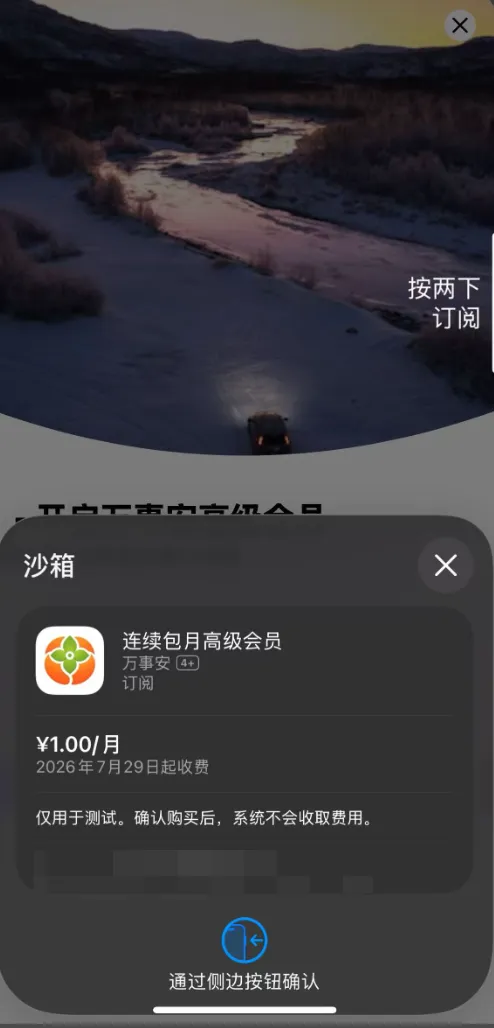
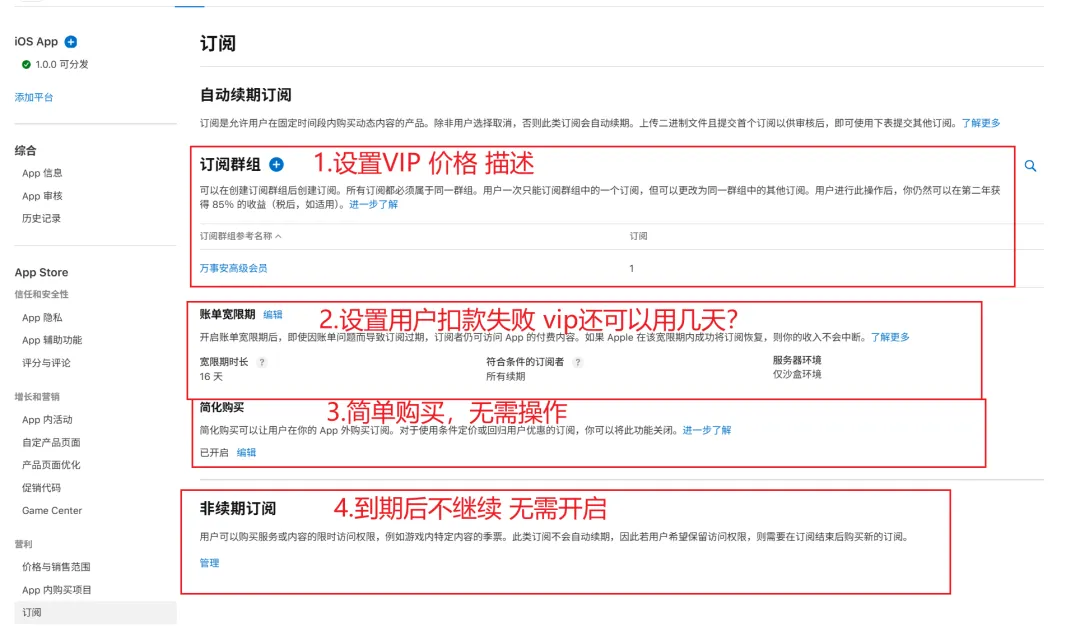
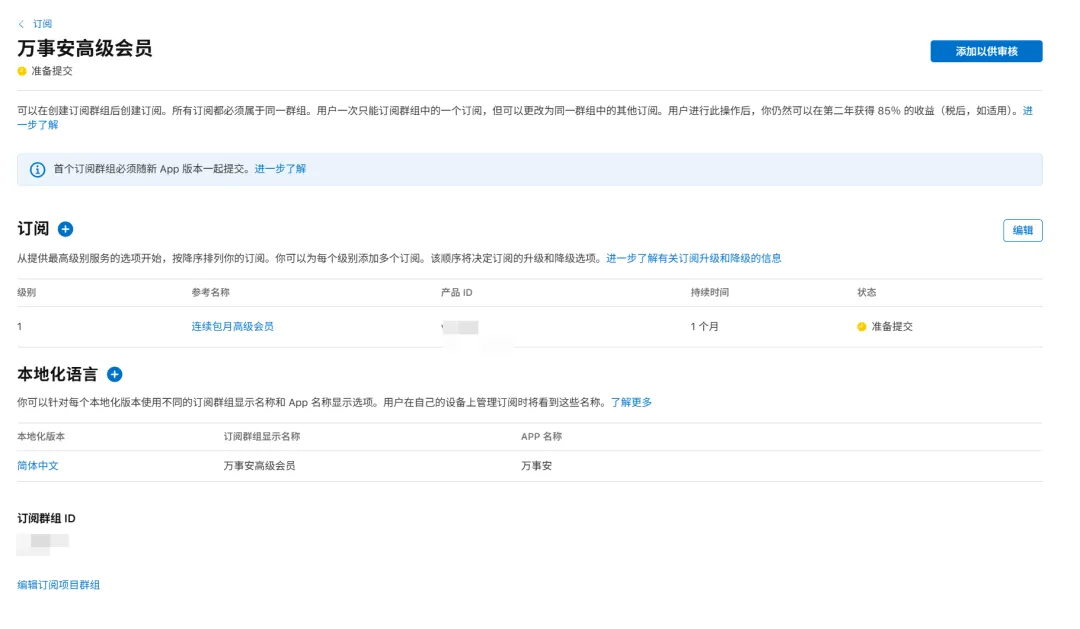
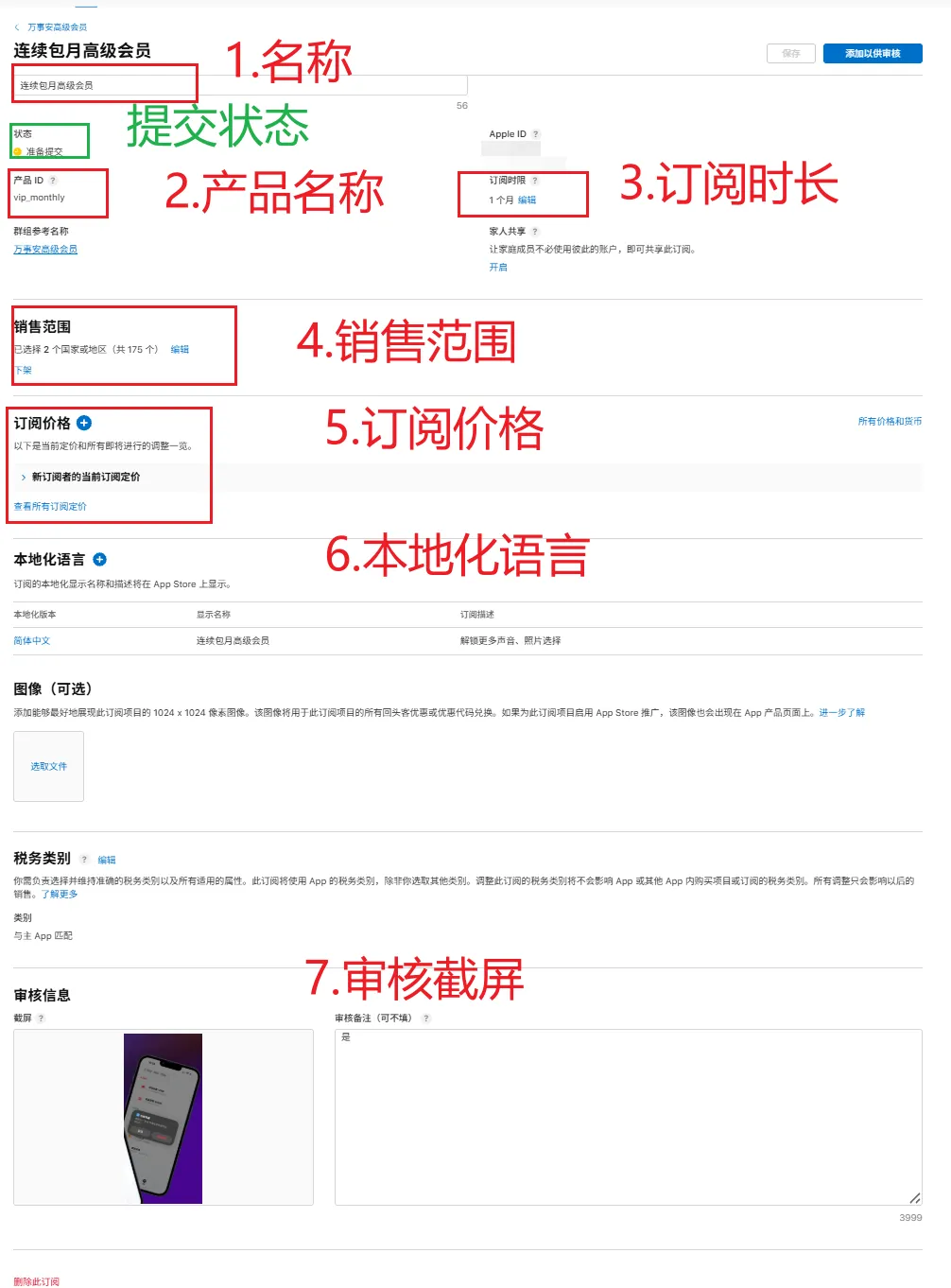
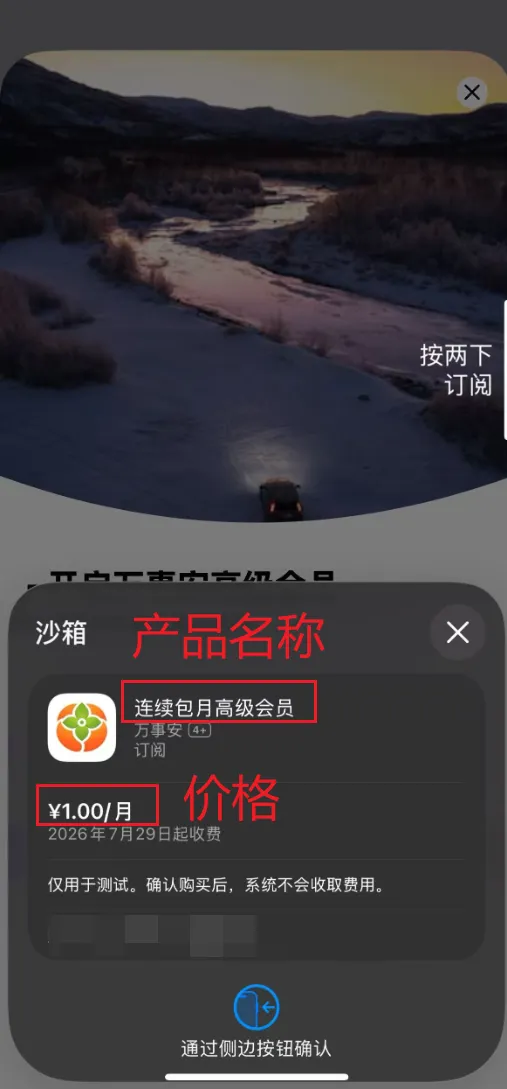
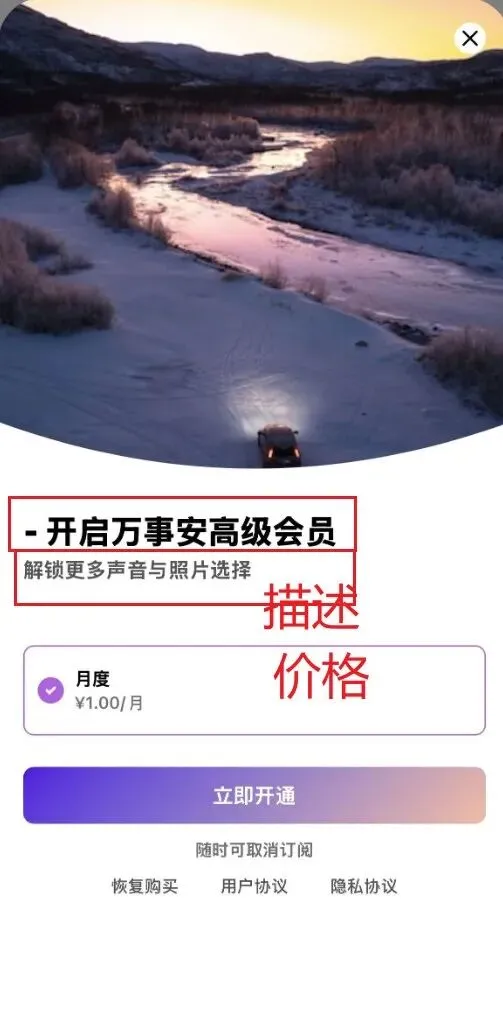
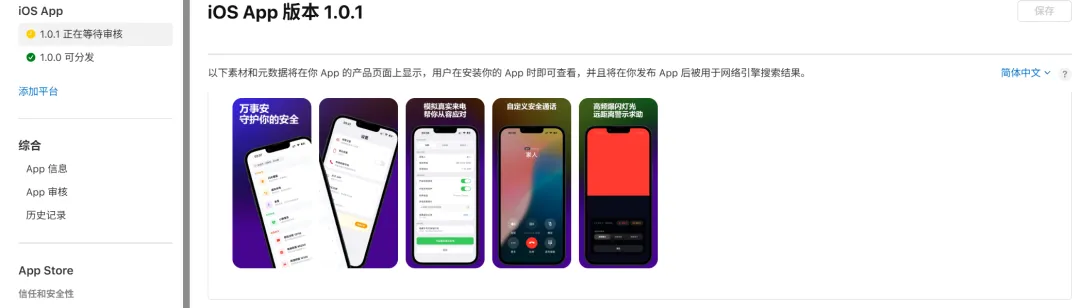
https://appstoreconnect.apple.com/apps/
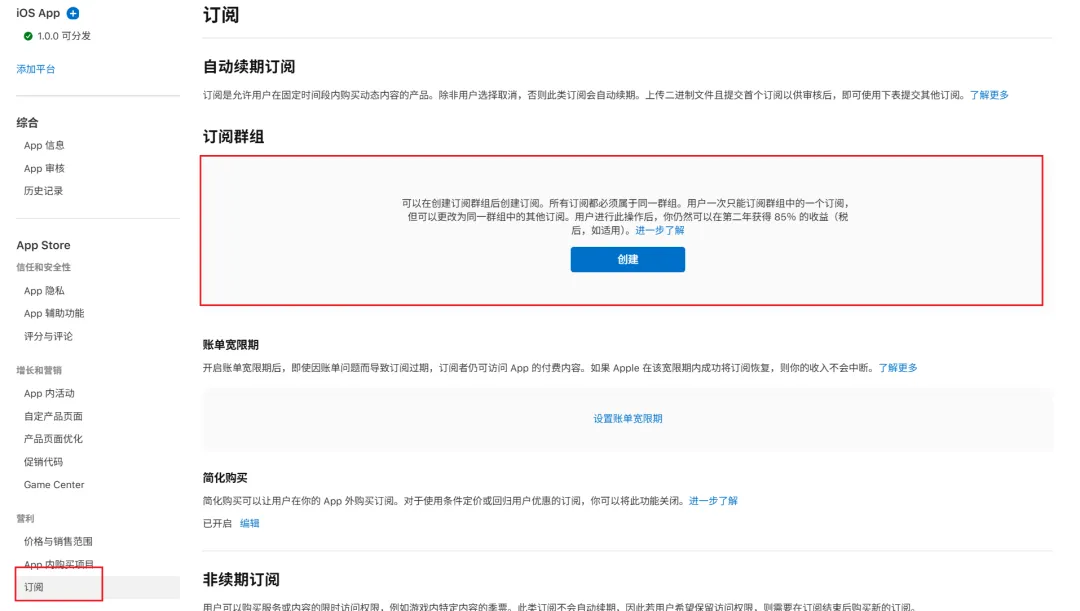
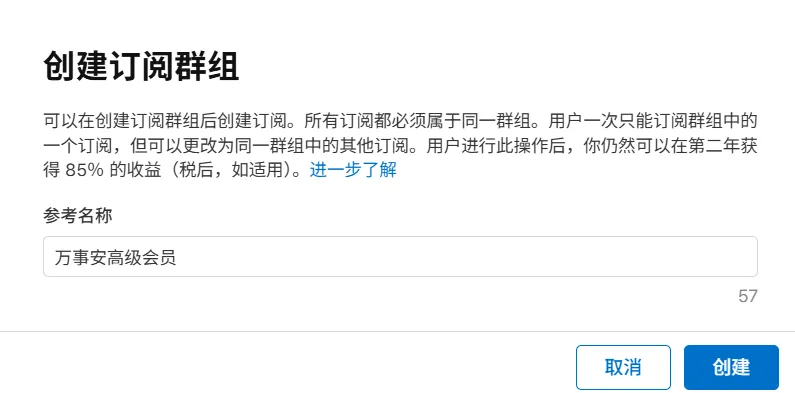

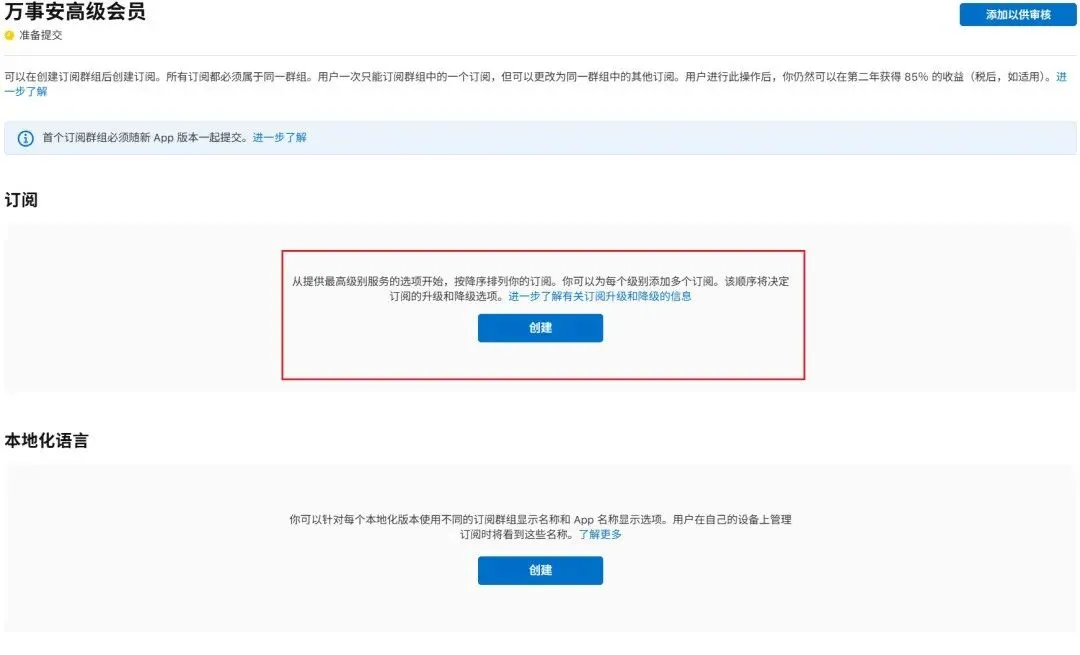
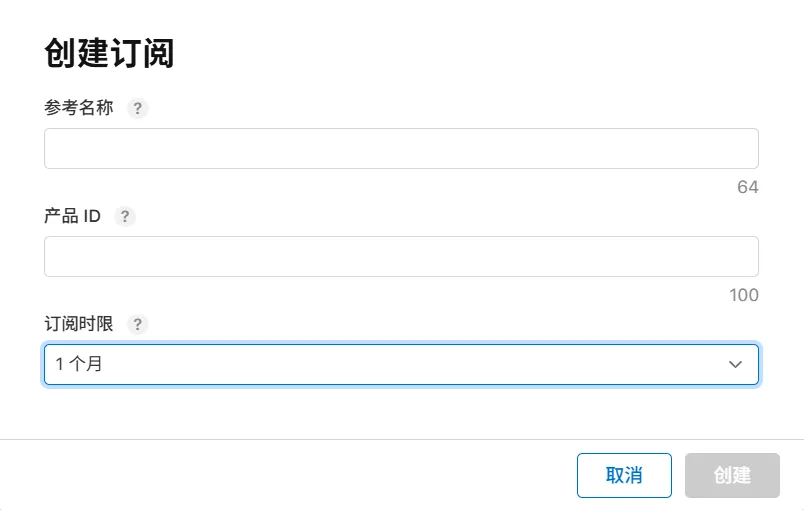
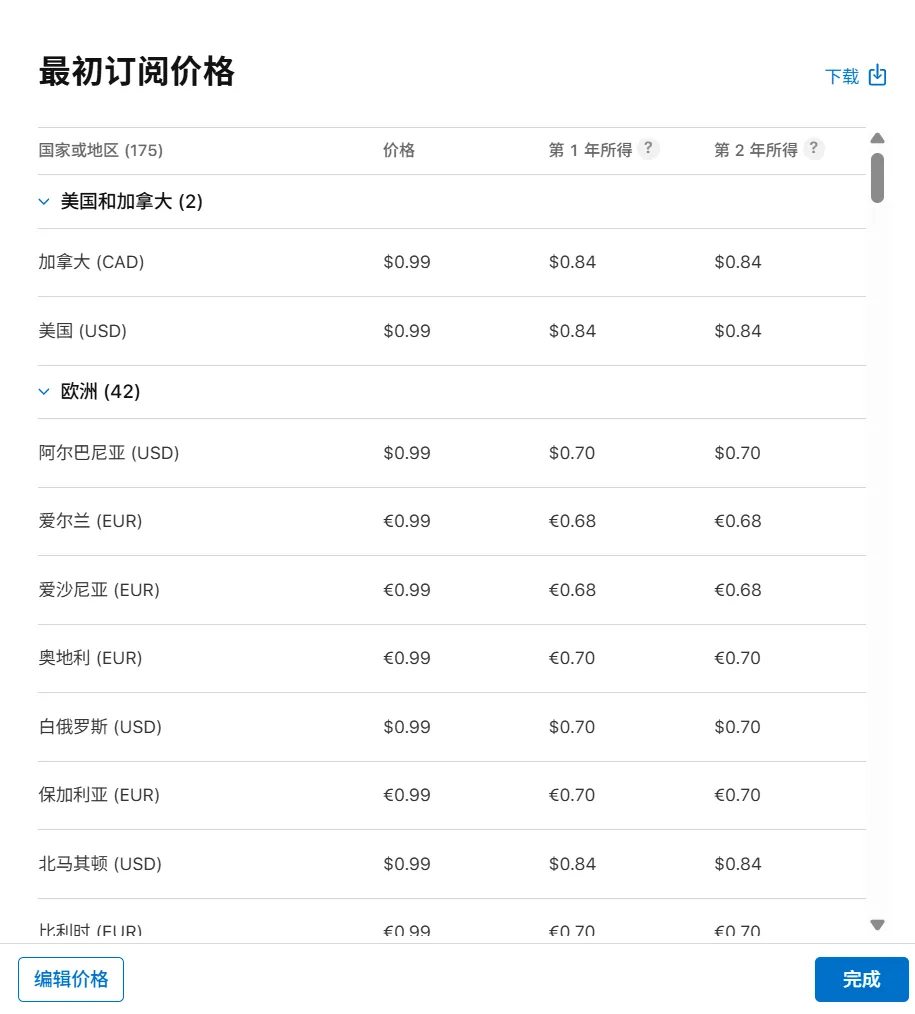
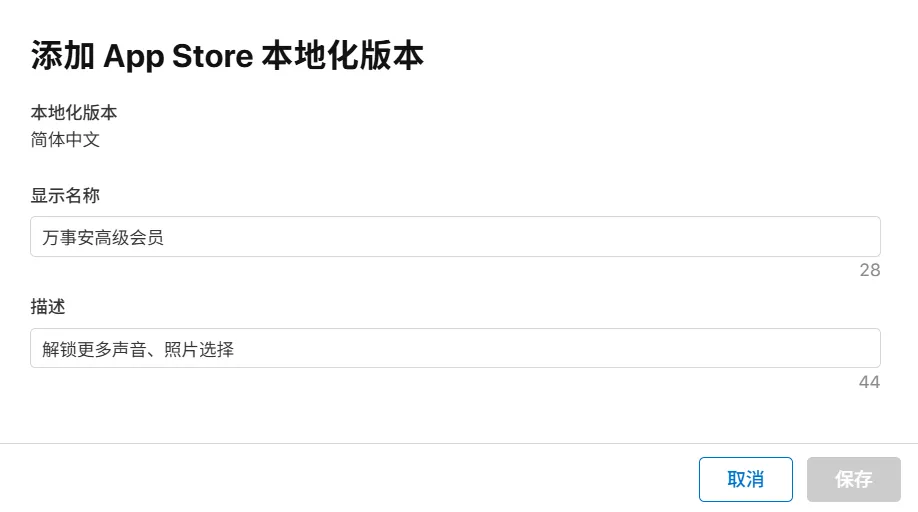

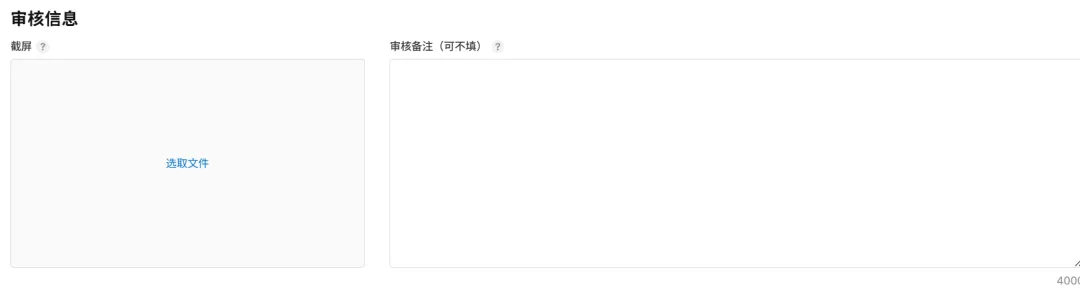
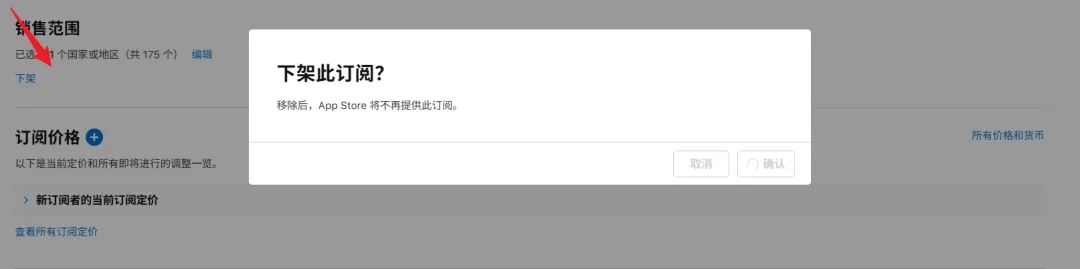
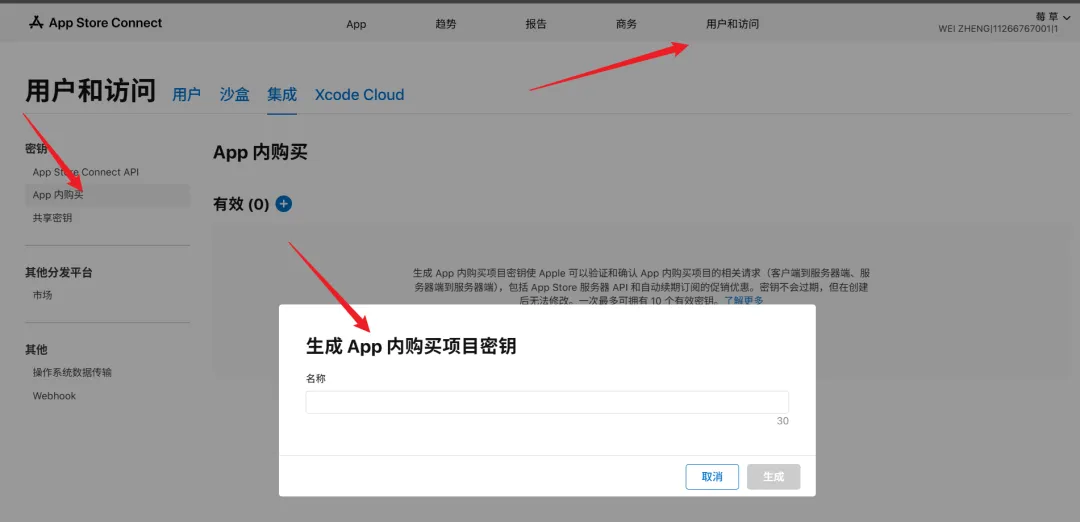
react-native-iap 是社区官方封装苹果 StoreKit 原生接口,需要前后端自己开发!App Store Connect:相当于你的“苹果官方银行金库”。
RevenueCat:相当于你请的“外聘财务管家”。
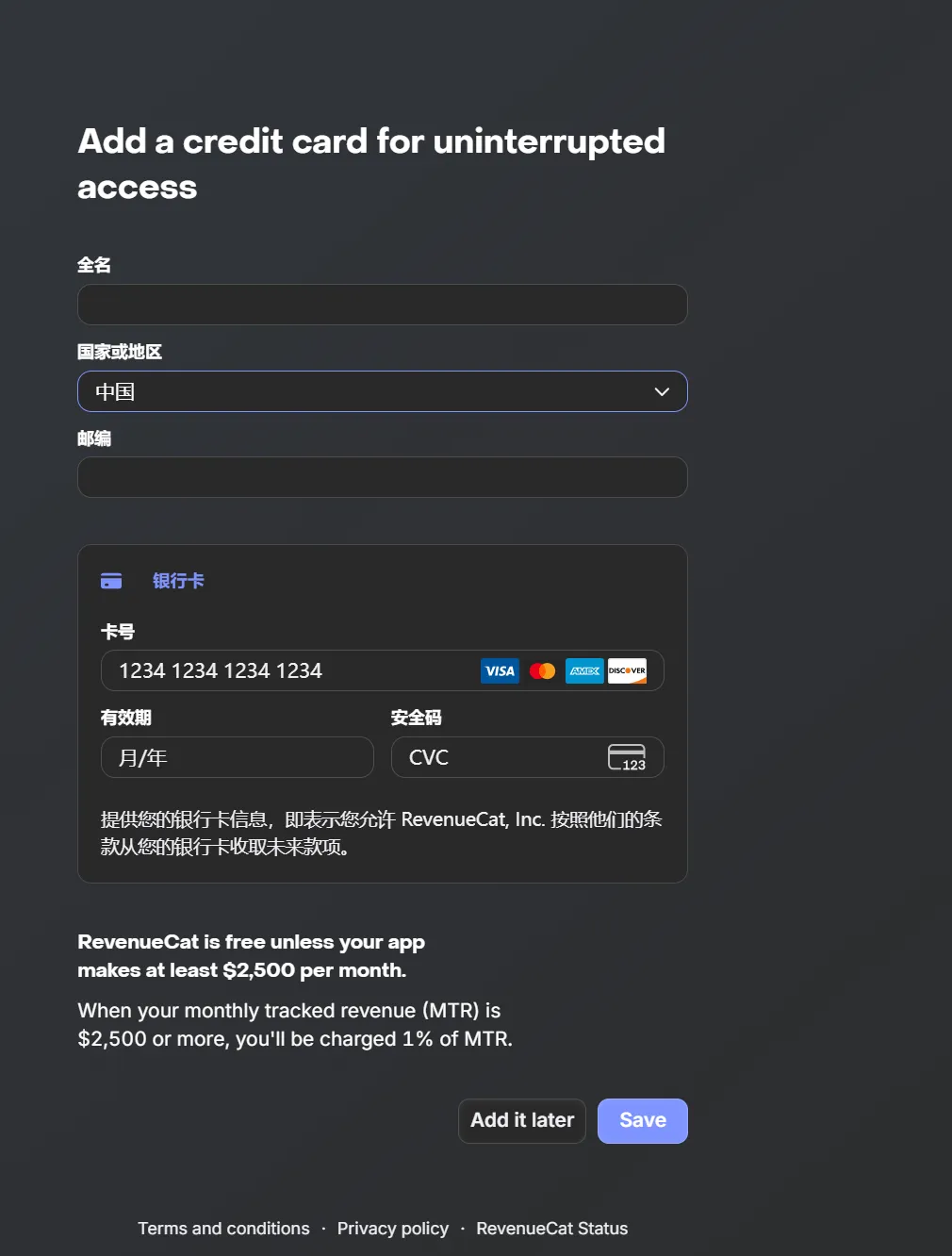
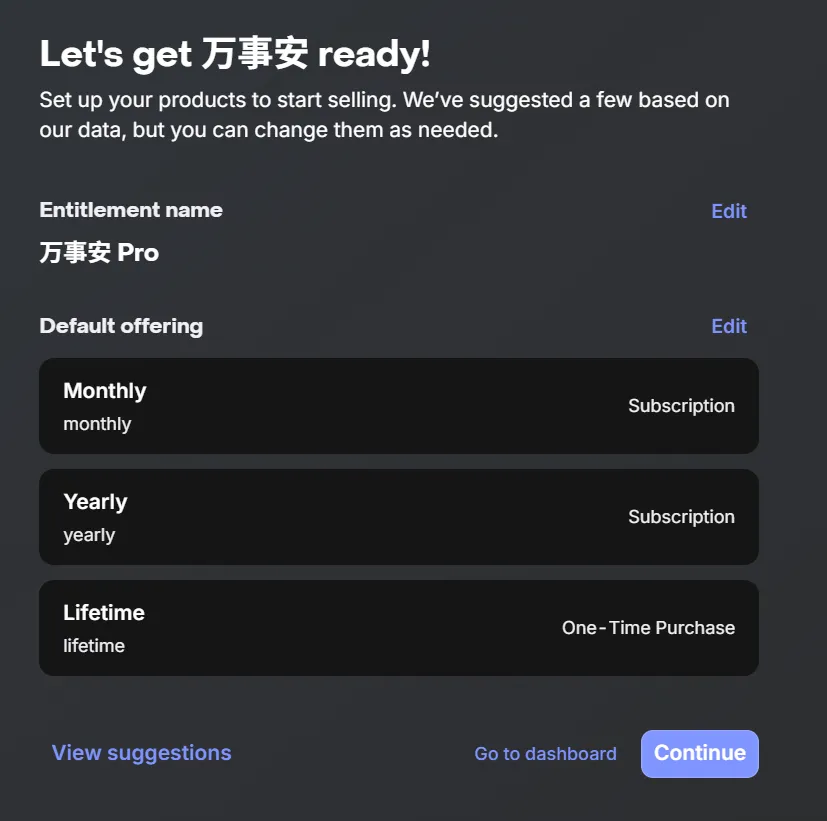
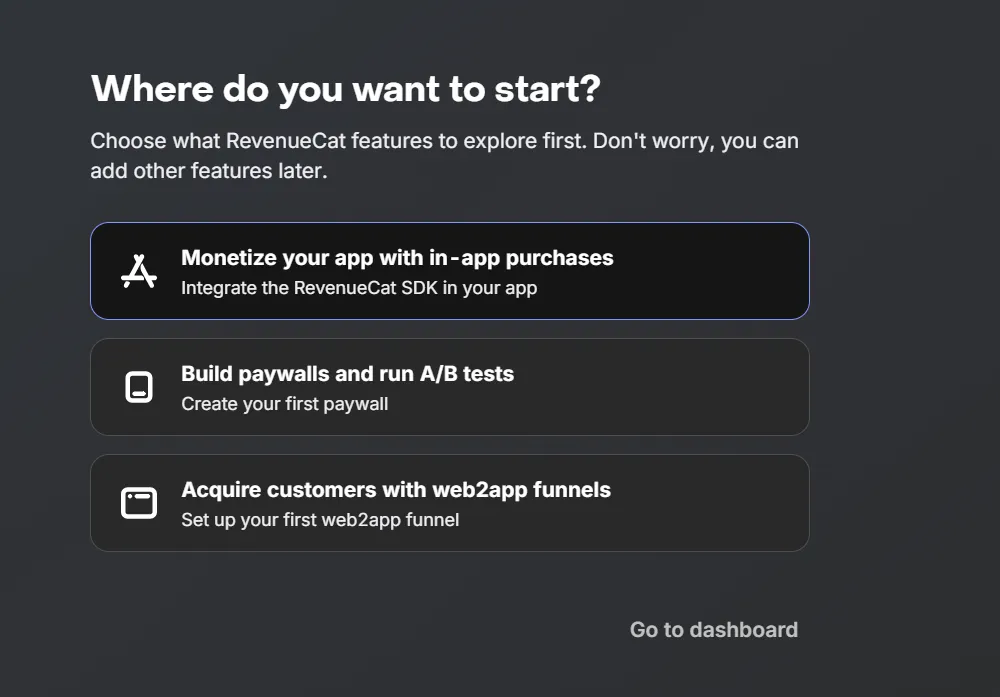
https://app.revenuecat.com/welcome
npx expo install react-native-purchases react-native-purchases-ui expo-dev-client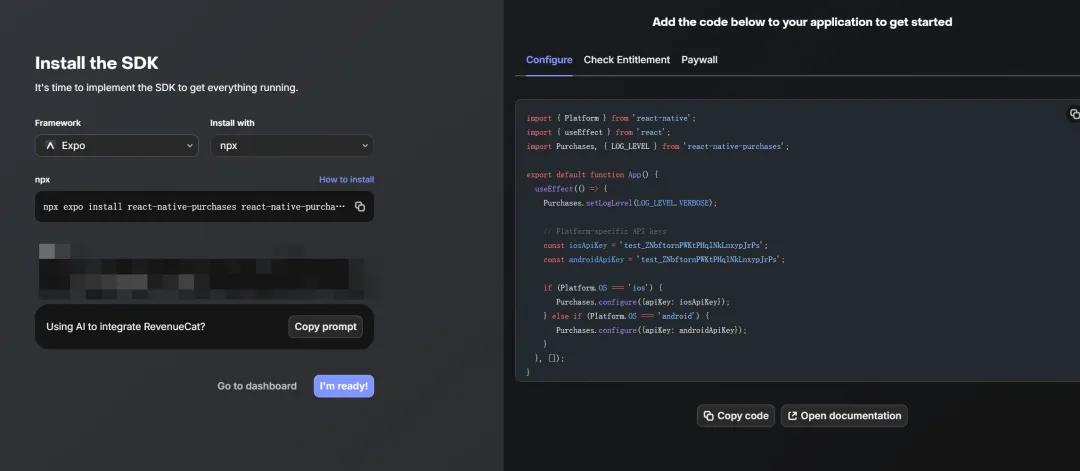
2.绑定到我们的Apptore 。
2. 1.点击app 输入bundleid
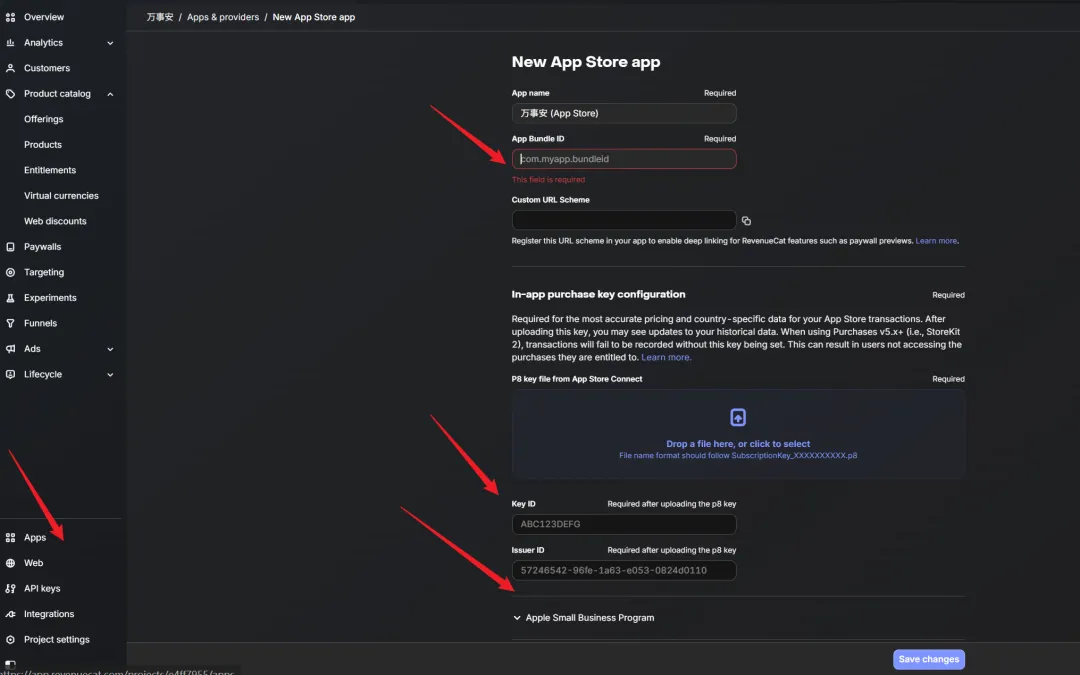
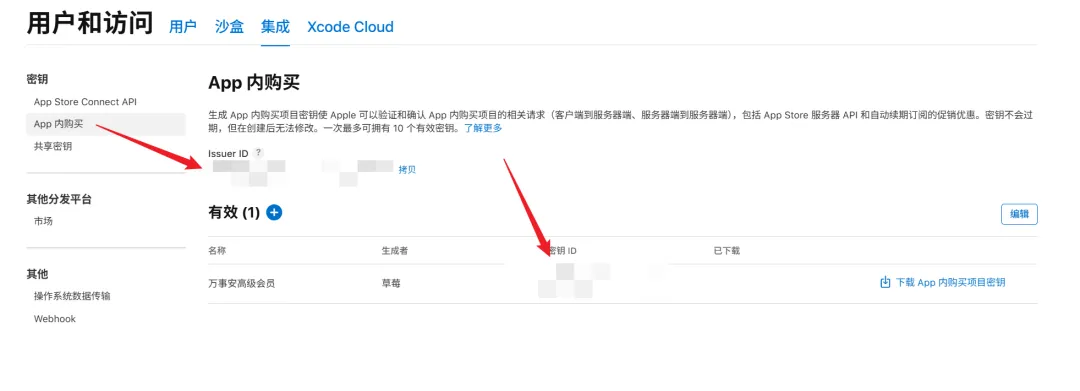
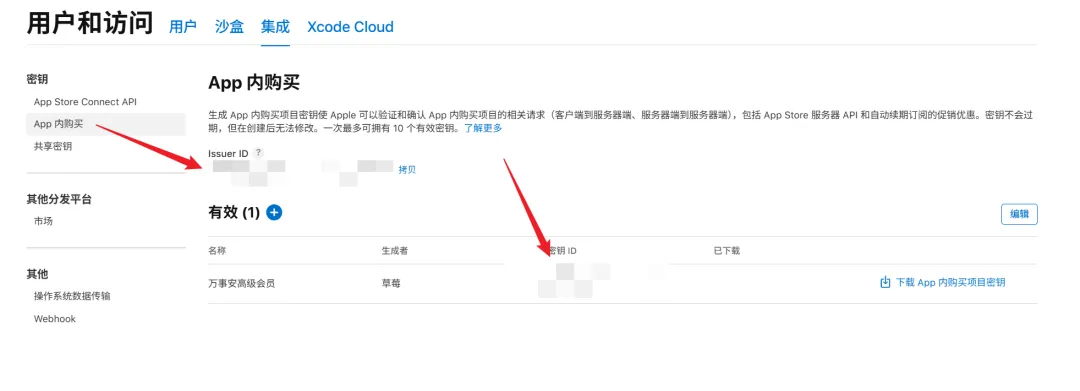
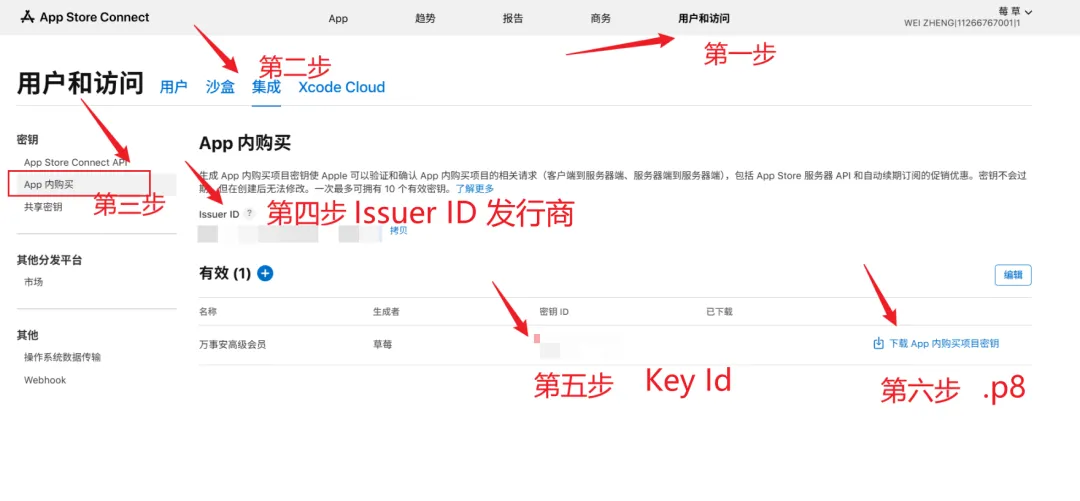
Key ID(密钥 ID):一串短字符(如 2X9R49A3U8)。
Issuer ID(发行商 ID) :在页面顶部的一串长字符(如 69a6de70-xxxx-xxxx-xxxx)。下载 .p8 私钥文件 :点击“下载密钥”,会得到一个以 .p8 结尾的文件(⚠️ 注意:这个文件苹果只允许下载一次,下载后保存在电脑里 )。
3. 设置权限,产品,套餐, 还有 支付墙。我们要认识4个产品。
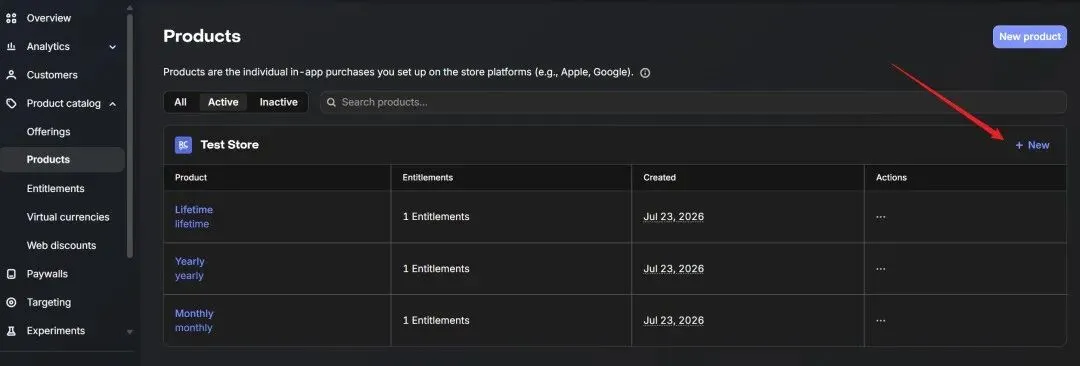
3.1.1 设置 产品,新建产品
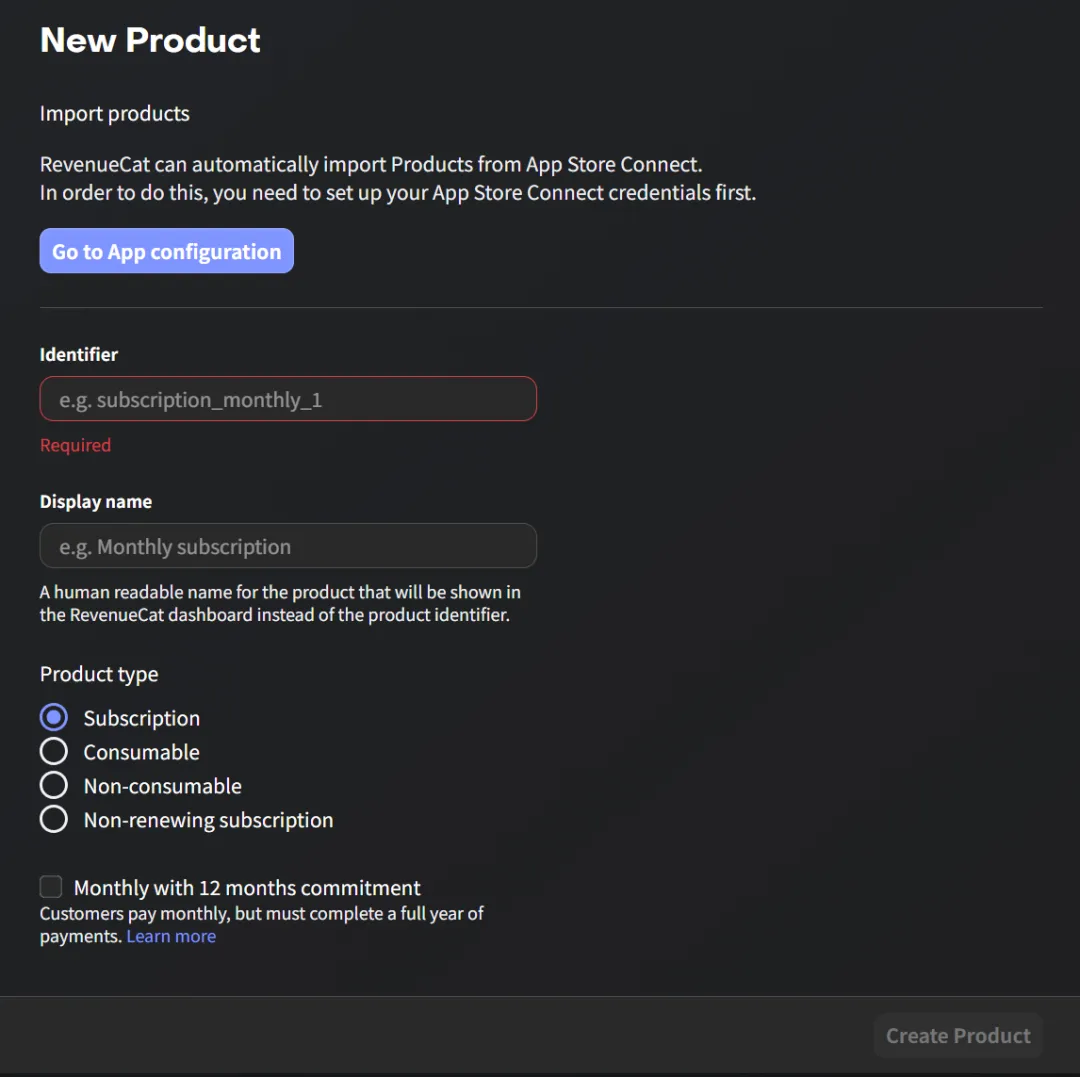
2.Display name(显示名称)你自己看的产品备注名 。万事安包月 VIP。这个名字只有你自己 在 RevenueCat 后台看得到,用户手机上看不到
3.Product type(产品类型) 单选
Subscription(自动续期订阅) ➔
【做包月 VIP 选这个!】含义 :到期自动扣钱的包月/包年会员(比如爱奇艺、网易云包月)。
Consumable(消耗型)
Non-consumable(一次性买断) Non-renewing subscription (非自动续期订阅)
,保持为空即可。Monthly with 12 months commitment(按月扣款但必须签一年)千万不要勾选
3.1.3 附上权限: 点击Attach
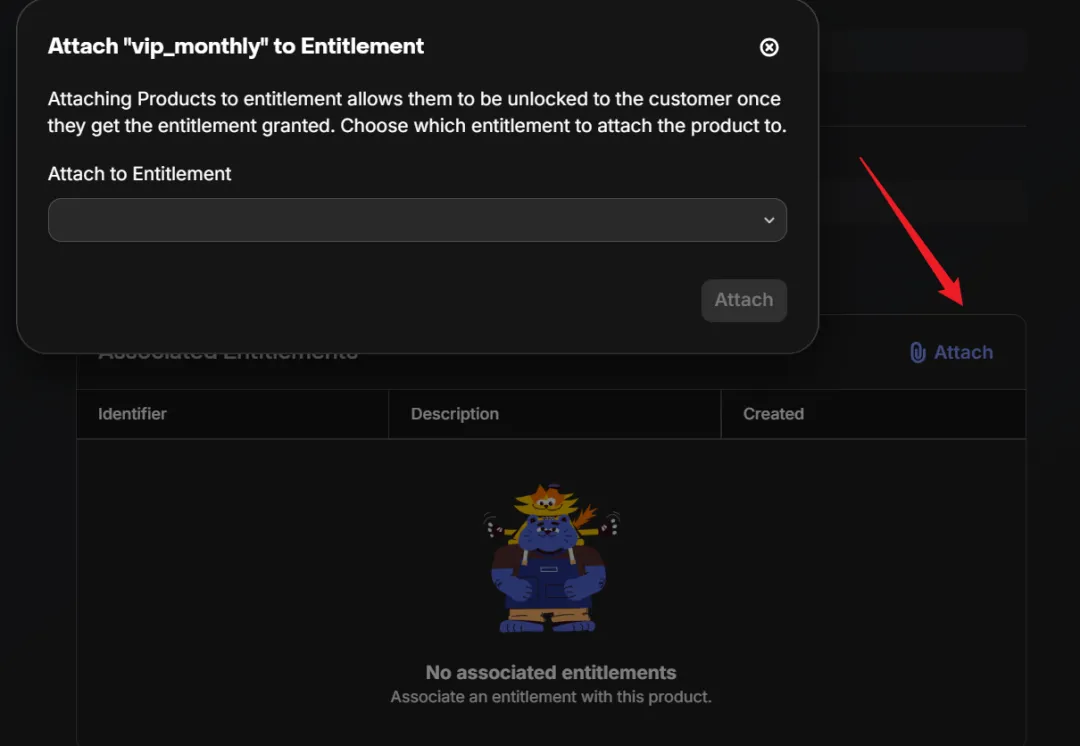
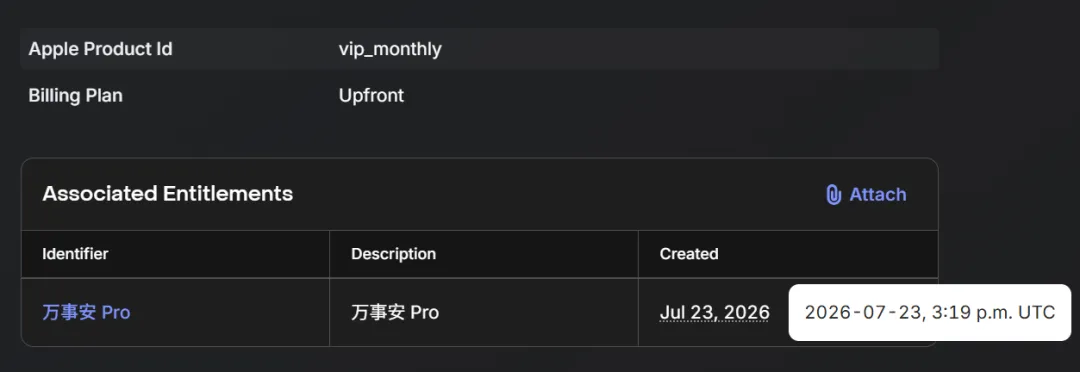
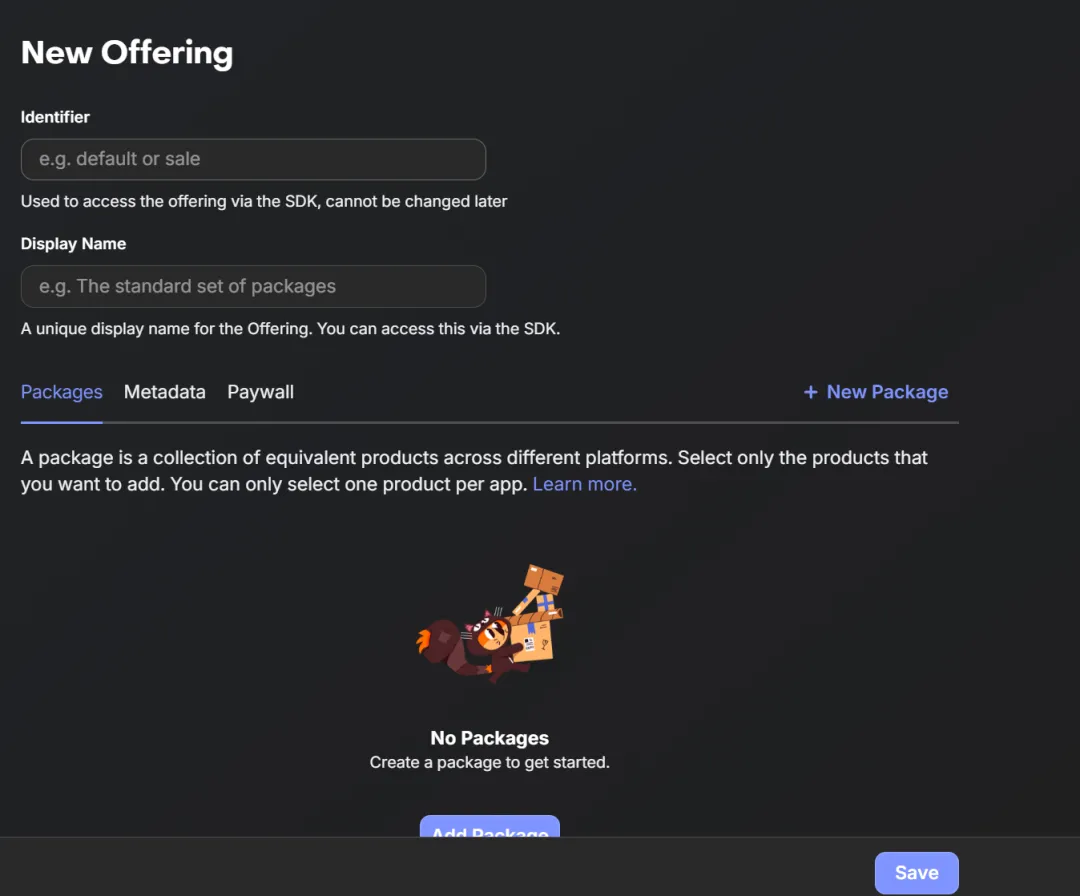
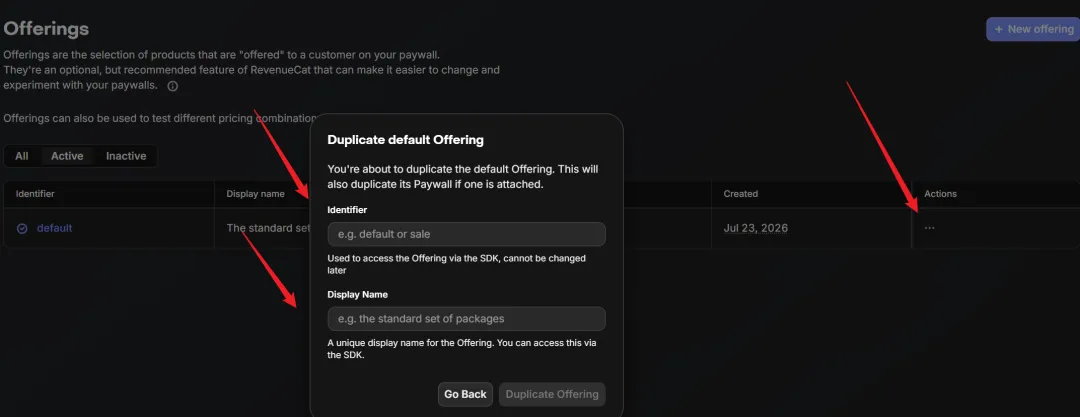
3.3设置权限:
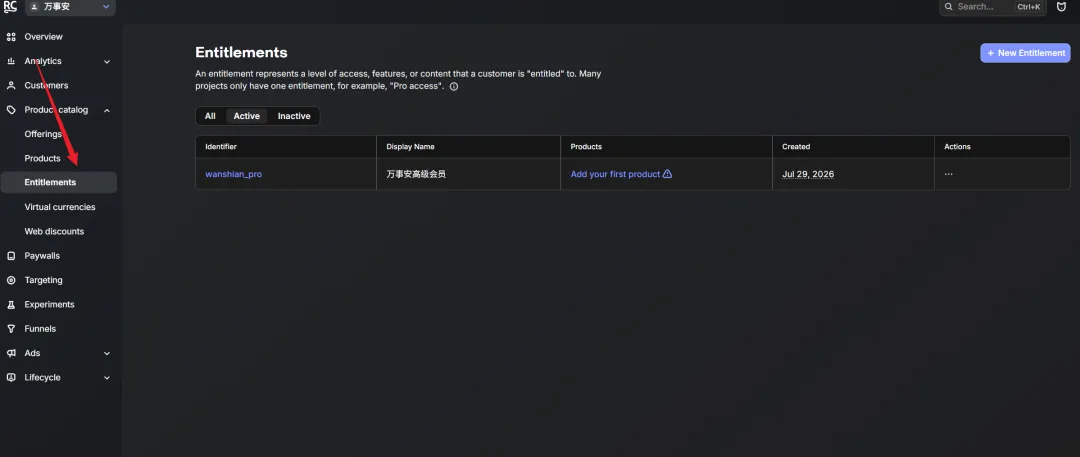
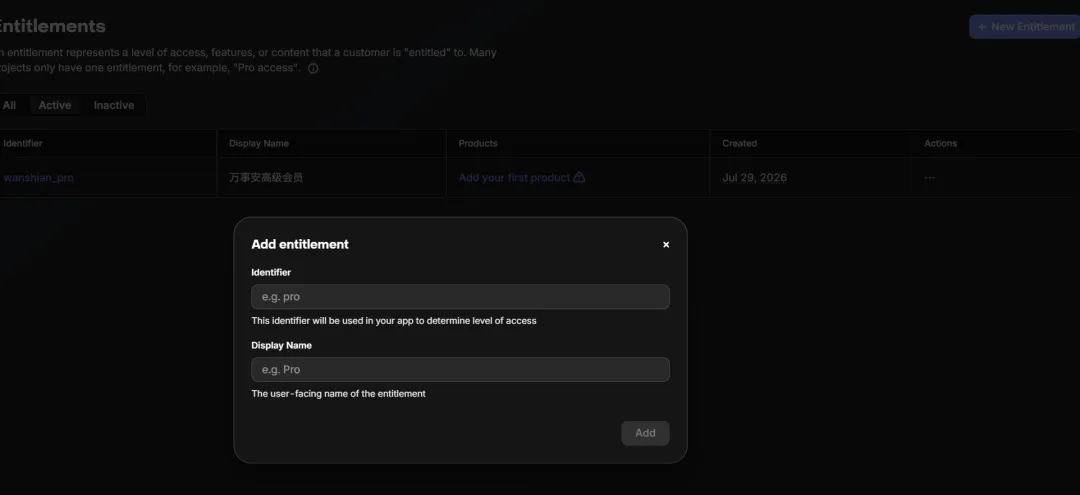
3.4 设置 支付墙。
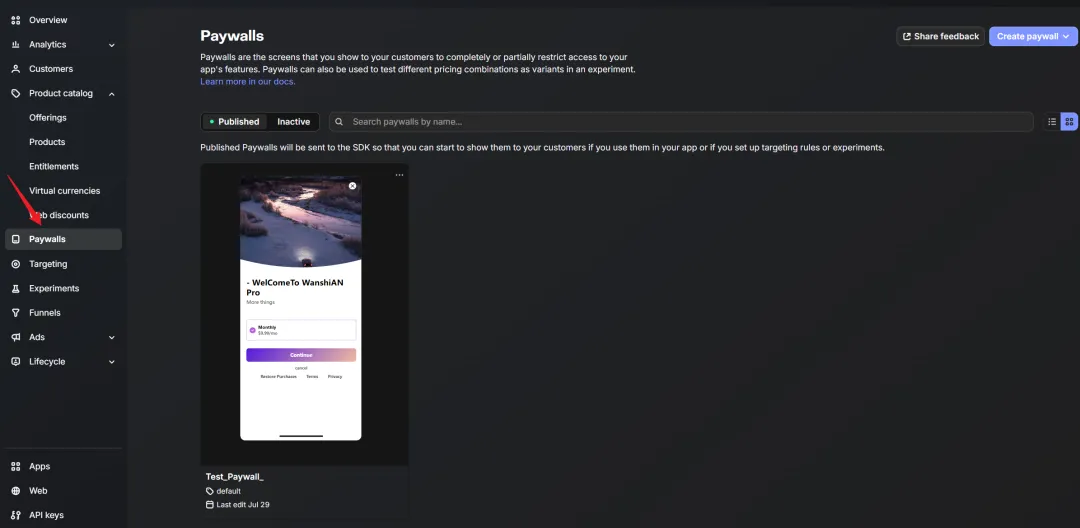
3.4.1 设置页面名称:
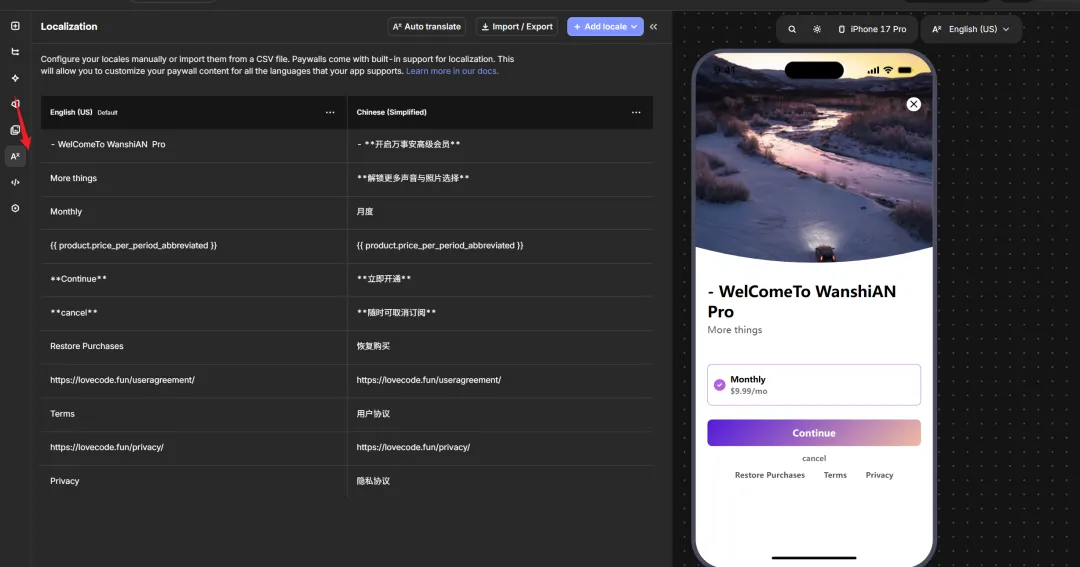
3.4.2 绑定offer
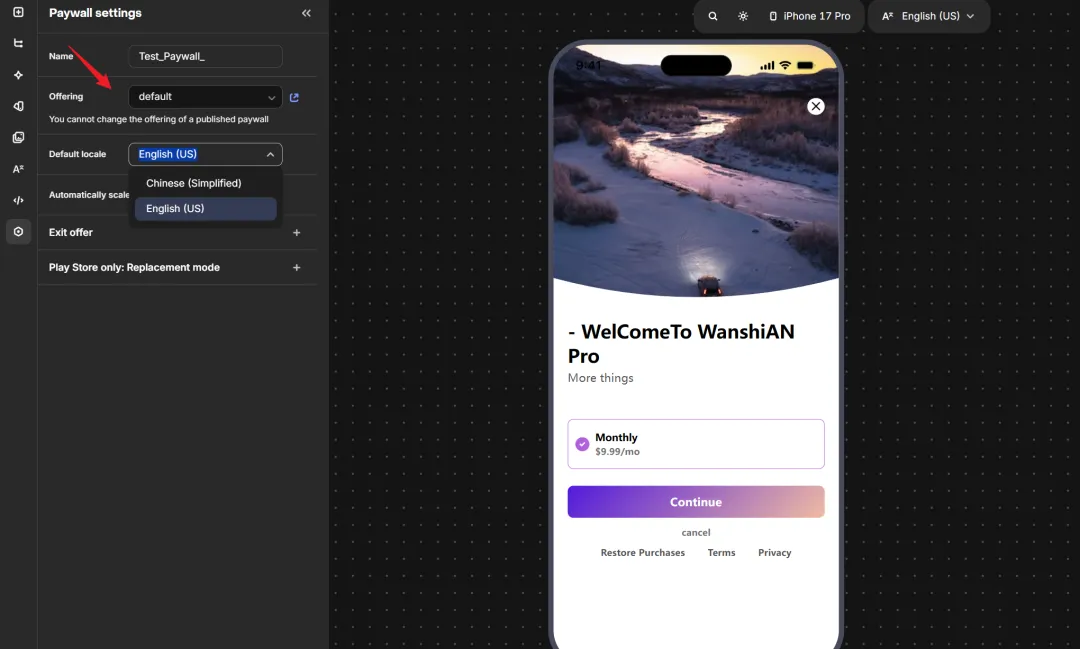
3.5 相关代码:
初始化:
Purchases.configure({ apiKey:"xxx"})offering展示:
const result: PAYWALL_RESULT = await RevenueCatUI.presentPaywall();判断用户权限
const customerInfo = await Purchases.getCustomerInfo();if(customerInfo.entitlements.active['wanshian_pro']){显示VIP功能}
customerInfo:entitlements:权益包active: 激活的活跃包。
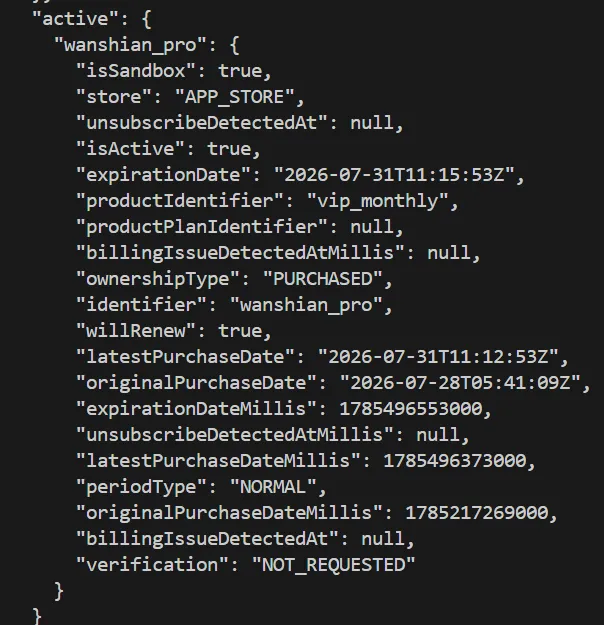
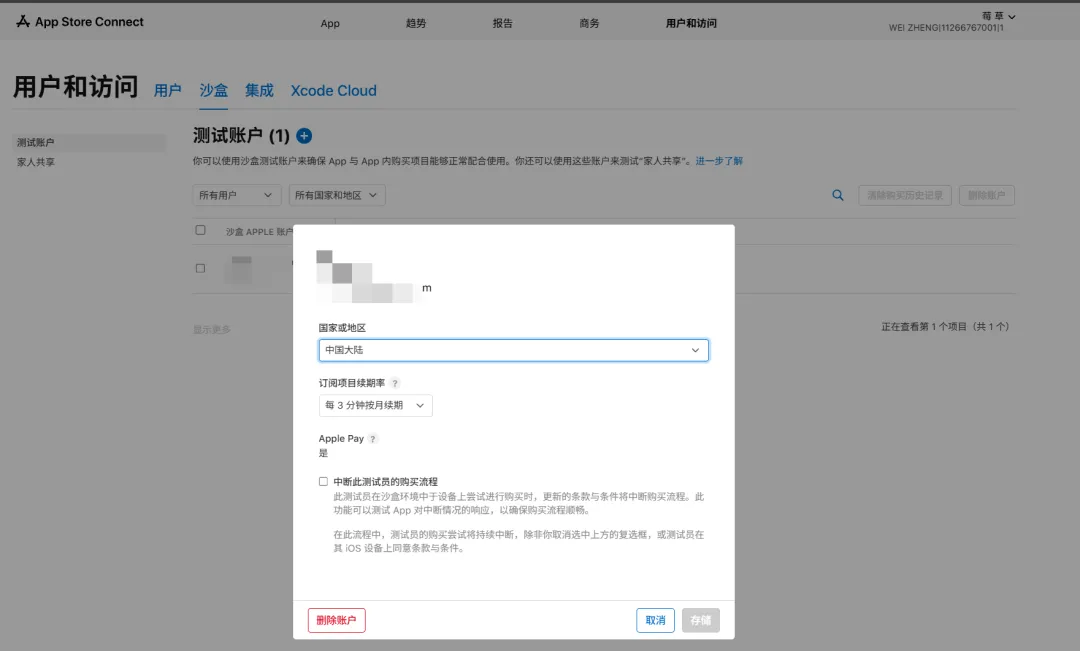
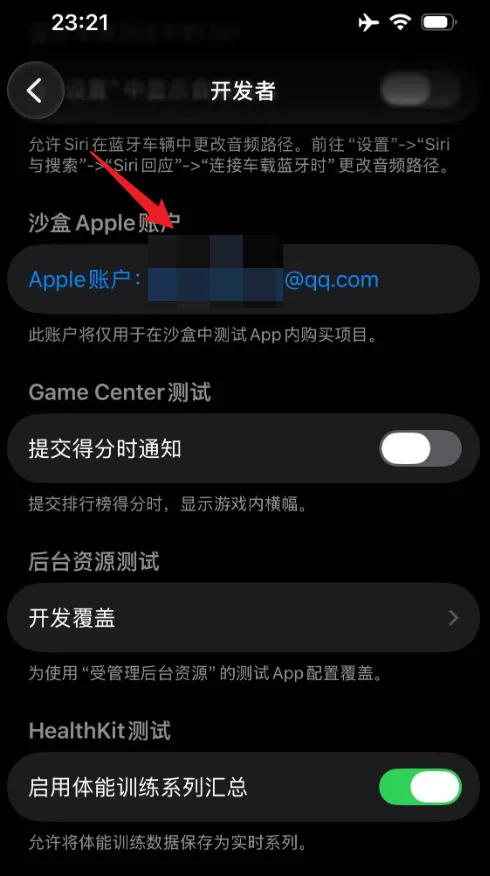
测试购买:退出真实Apple ID。
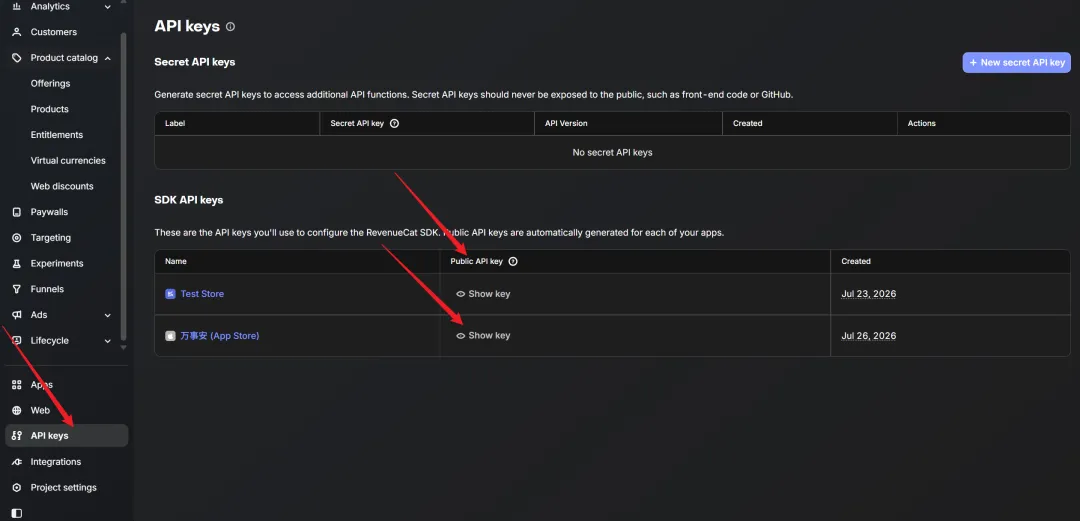
import { View, Text, ScrollView, TouchableOpacity, Modal, Alert, Platform, } from 'react-native';import Purchases, { LOG_LEVEL } from 'react-native-purchases';// 初始化 SDK(启动时的准备工作)useEffect(() => {Purchases.setLogLevel(LOG_LEVEL.VERBOSE);const iosApiKey = 'appl_iyjNfPytmmnPBFpYwPEAcmnuIDw';const androidApiKey = 'test_ZNbftornPWKtPHqlNkLnxypJrPs';const customerInfo = await Purchases.getCustomerInfo();console.log("customerInfocustomerInfocustomerInfocustomerInfocustomerInfocustomerInfocustomerInfo",JSON.stringify(customerInfo));if (Platform.OS === 'ios') {Purchases.configure({apiKey: iosApiKey});} else if (Platform.OS === 'android') {Purchases.configure({apiKey: androidApiKey});}}, []);
import Paywall from '@/src/components/Paywall';<Paywall/>
export const handleOpenPaywall = async () => {try {const result: PAYWALL_RESULT = await RevenueCatUI.presentPaywall();switch (result) {case PAYWALL_RESULT.PURCHASED:Alert.alert('恭喜', '购买成功!已解锁高级功能');break;case PAYWALL_RESULT.RESTORED:Alert.alert('提示', '已成功恢复您的 VIP 身份');break;case PAYWALL_RESULT.CANCELLED:console.log('用户取消了购买');break;case PAYWALL_RESULT.ERROR:Alert.alert('错误', '拉起支付失败,请稍后重试');break;}} catch (error) {console.error('拉起付费弹窗失败 (Error):', error);Alert.alert('错误',`拉起支付弹窗失败: ${error instanceofError ? error.message : String(error)}`);}};
interface SubscriptionState {// --- 状态变量 ---// 是否是 VIP 会员isVip: boolean;// 是否正在加载/请求中isLoading: boolean;// 当前 VIP 过期时间 (ISO 8601 字符串)expirationDate: string | null;// 当前生效的 Product ID (例如 'vip_monthly')activeProductId: string | null;// 原始 CustomerInfo 对象数据customerInfo: CustomerInfo | null;// --- Setter / 修改器 ---setIsVip: (isVip: boolean) => void;setIsLoading: (isLoading: boolean) => void;// --- 核心业务 Actions ---// 解析 RevenueCat CustomerInfo 数据并更新状态updateFromCustomerInfo: (info: CustomerInfo) => boolean;// 从 RevenueCat 拉取最新订阅状态fetchSubscriptionStatus: () => Promise<boolean>;// 恢复购买restorePurchases: () => Promise<boolean>;// 初始化全局监听器(购买成功/续订时自动更新)initSubscriptionListener: () => () => void;}
恢复购买
Purchases.restorePurchases()eas build --profile development --platform ios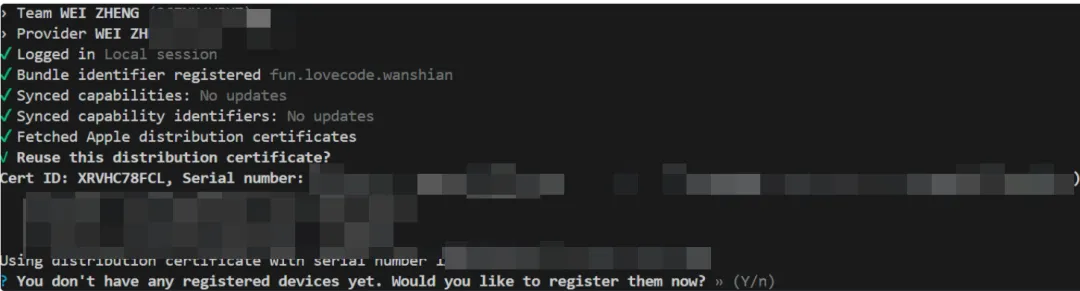

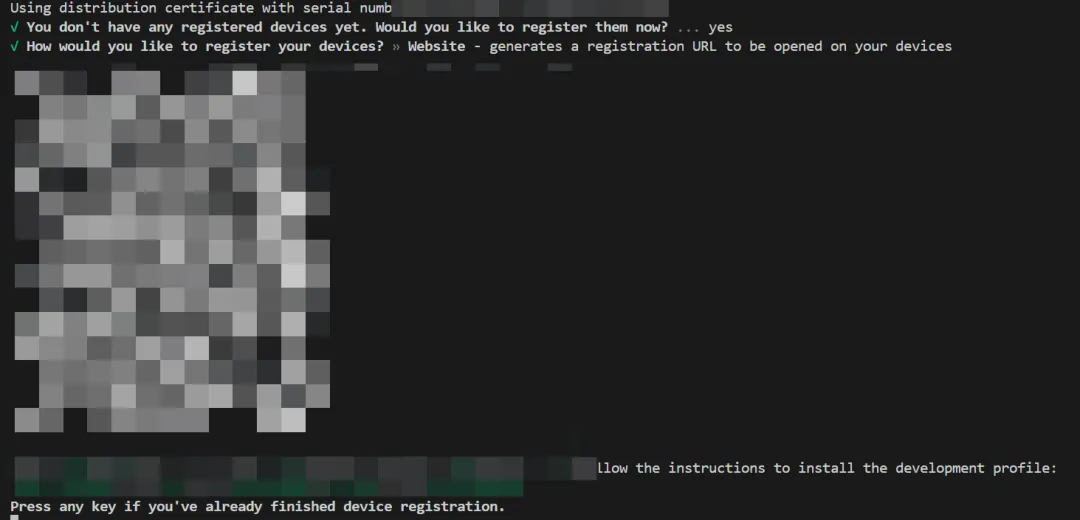

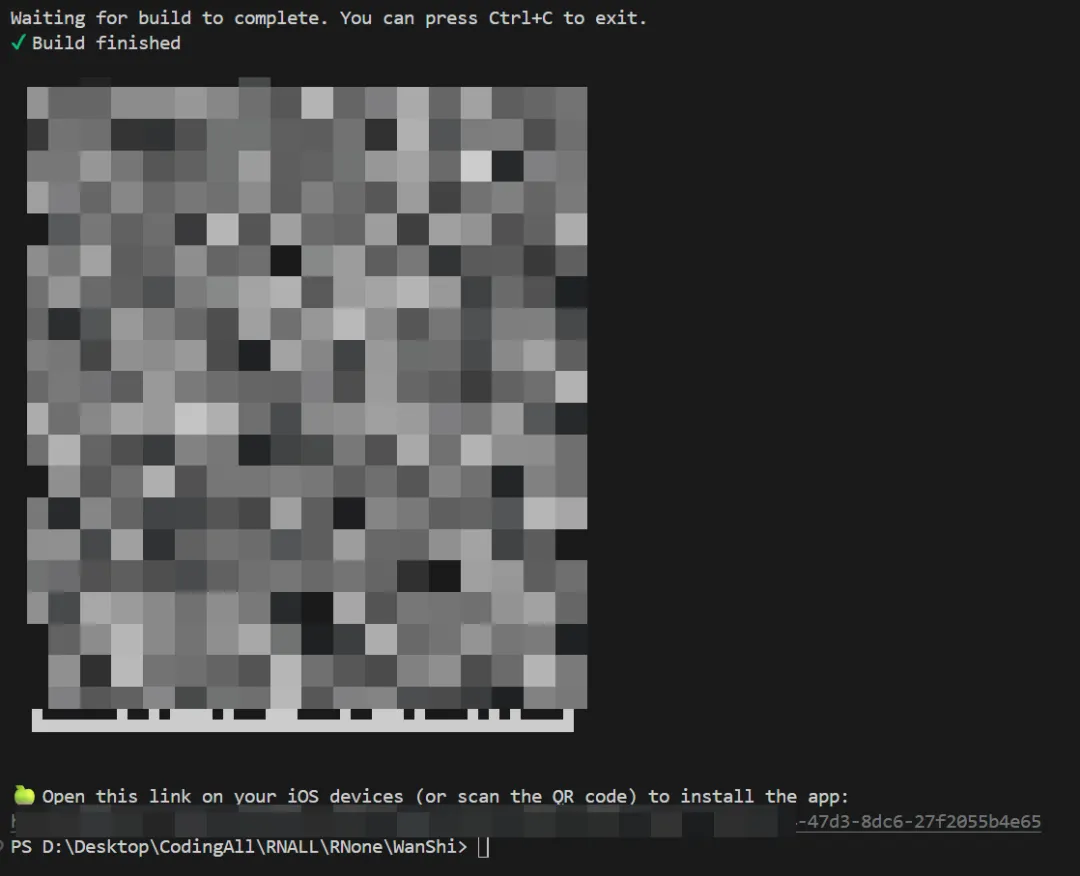
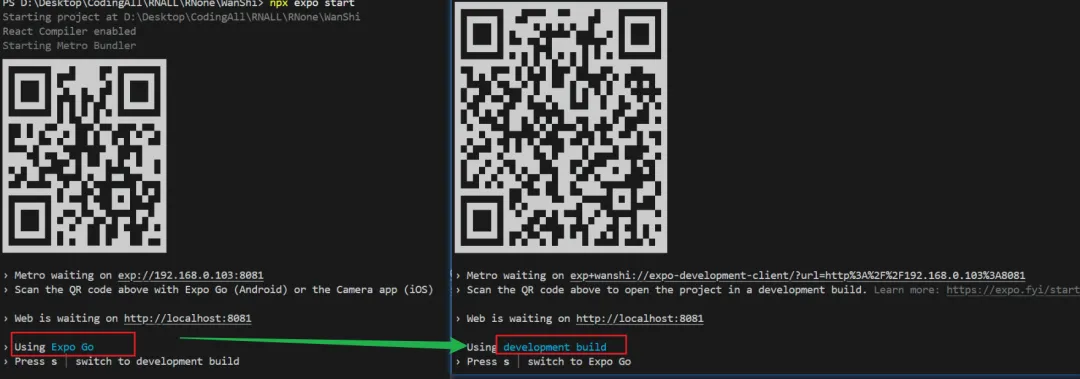

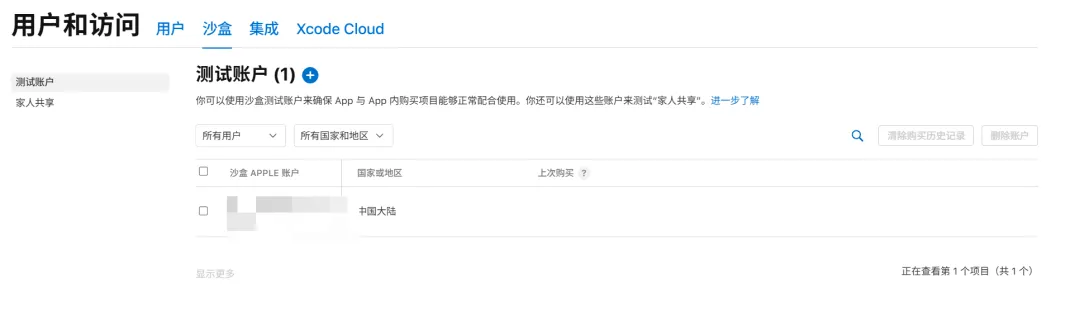
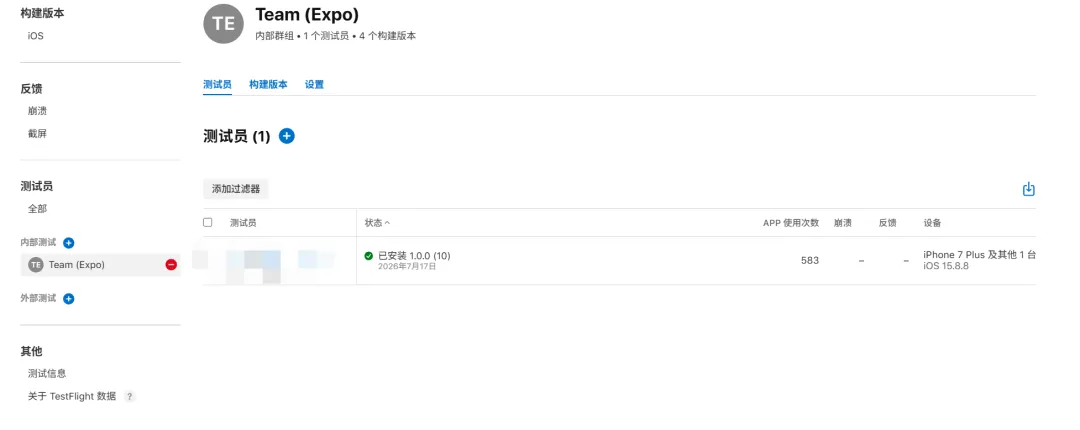
这个是:
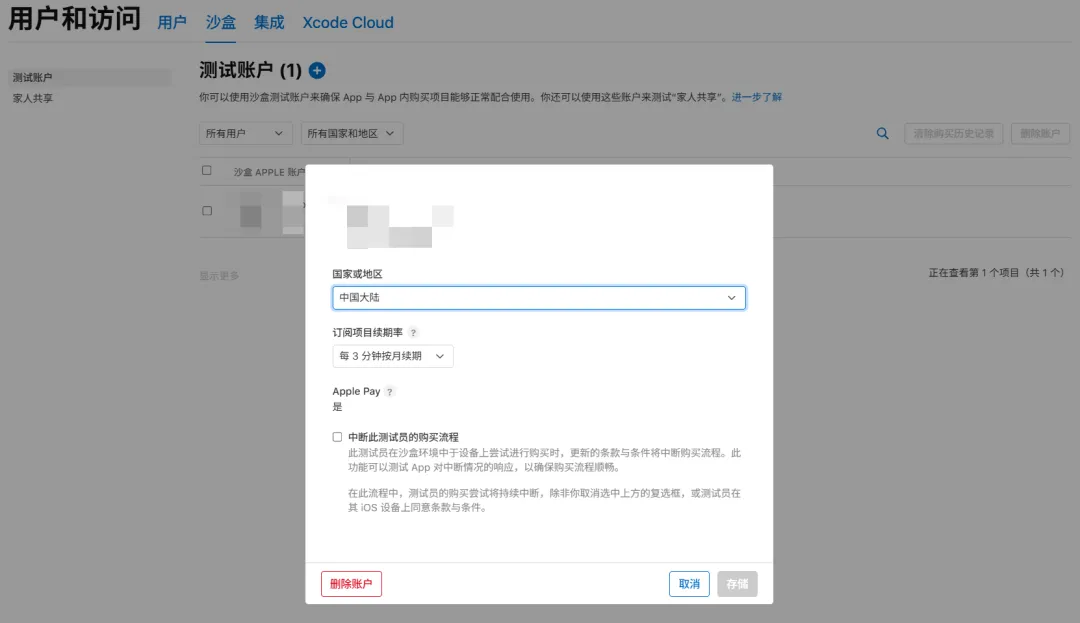
专门测试 App 内购买(IAP)付款的假 Apple 用户
自动续费服务说明:
1.订阅服务: 连续包月高级会员(1个月)
2.订阅价格: ¥XX/月
3. 付款: 用户确认购买并付款后,记入 账户。
4.扣款/续订: 苹果 iTunes 账户会在到期前 24 小时内扣费,扣费成功后订阅周期顺延一个订阅周期。
5. 取消订阅: 如需取消续费,请在当前订阅周期到期前至少 24 小时,手动在 iOS“设置” -> “Apple ID” -> “订阅”中关闭自动续订功能。
(底部必须附上两个可点击的链接:)
[隐私政策] | [用户协议 / 使用条款 (EULA)]