 夜雨聆风
夜雨聆风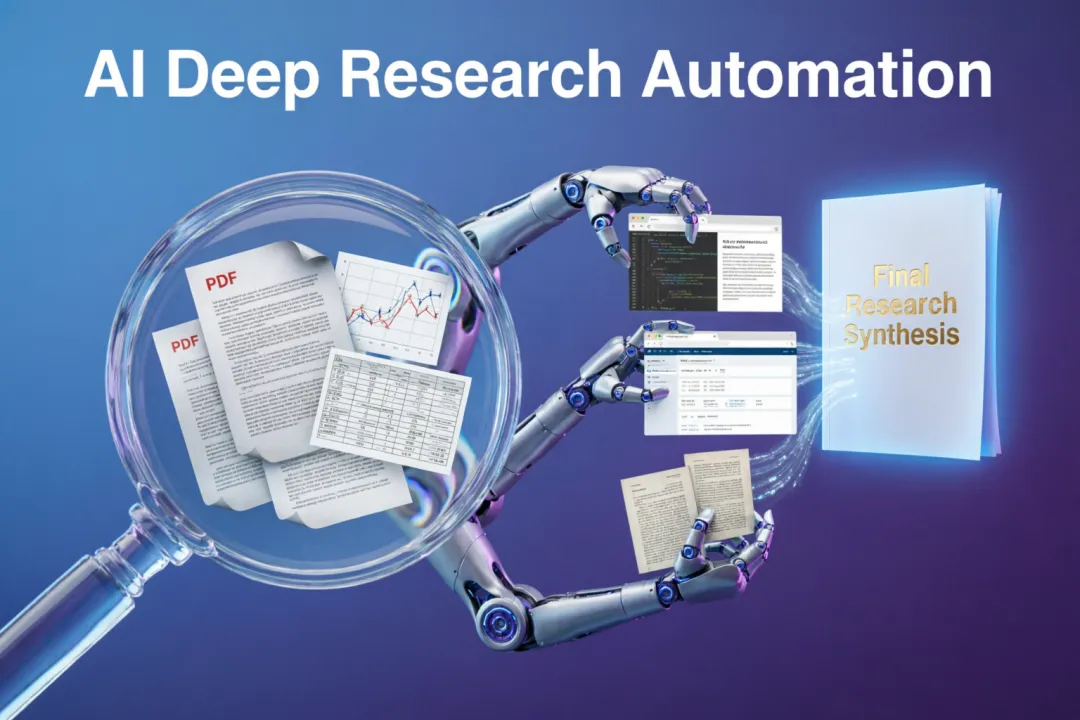
💡 30 秒速览:使用 DeerFlow 的深度研究功能,自动完成信息收集、分析、报告生成全流程。实测 30 分钟生成 5000 字行业报告,质量达初级分析师水平,文末有完整配置和模板。
😭 你是否也遇到过这些痛点?
场景 1: 老板让你写行业分析报告...
老板:明天给我一份 AI Agent 行业分析报告
你:(内心 OS)一天时间怎么够?!

传统流程:
1. 搜索行业报告(2 小时)
2. 阅读和整理资料(4 小时)
3. 分析市场规模和趋势(2 小时)
4. 撰写报告(3 小时)
5. 排版和校对(1 小时)
总计:12 小时 😭
场景 2: 调研竞品功能...
你:调研 5 个竞品的核心功能

传统方式:
→ 逐个访问官网(1 小时)
→ 阅读文档(3 小时)
→ 功能对比(2 小时)
→ 撰写报告(2 小时)
总计:8 小时,还可能有遗漏
场景 3: 收集学术论文...
需求:调研大模型 Agent 最新研究进展

痛点:
→ arXiv 海量论文,不知从哪开始
→ 阅读摘要筛选(耗时)
→ 提取关键信息(繁琐)
→ 归纳总结(容易遗漏)
如果你有以上困扰,今天这篇文章就是为你准备的!
🎯 先上效果对比
DeerFlow 深度研究 vs 传统方式
| AI 行业报告 | ↑28 倍 | ||
| 竞品分析 | ↑26 倍 | ||
| 论文调研 | ↑27 倍 | ||
| 信息覆盖率 | ↑58% | ||
| 成本 | ↓99% | ||
| 质量 | 标准化 |
🔥 真实案例实测
案例 1: 生成 AI Agent 行业分析报告
任务输入:
调研 2026 年 AI Agent 行业发展趋势,包括:
1. 市场规模和增长预测
2. 主要厂商和竞争格局
3. 技术发展趋势
4. 应用场景分析
5. 未来机遇和挑战

输出:5000 字中文报告,含数据图表
DeerFlow 执行过程:
[00:00] 主 Agent 接收任务,开始规划
[00:05] 创建 5 个子 Agent 并行调研:
  ├─ Agent 1: 搜索市场规模数据
  ├─ Agent 2: 调研主要厂商
  ├─ Agent 3: 分析技术趋势
  ├─ Agent 4: 收集应用案例
  └─ Agent 5: 整理机遇和挑战

[05:00] 各子 Agent 并行执行:
  ├─ 每个 Agent 搜索 10+ 来源
  ├─ 提取关键数据
  └─ 生成子报告

[15:00] 子 Agent 完成,开始汇总
[20:00] 主 Agent 合成完整报告
[25:00] 格式化和润色,完成 ✅
输出报告大纲:
# 2026 年 AI Agent 行业发展报告

## 一、执行摘要
- 核心发现和结论

## 二、市场规模分析
- 2024-2030 年市场规模预测
- 细分市场分析
- 区域分布

## 三、竞争格局
- 主要厂商对比(OpenAI, Anthropic, 字节, 百度...)
- 产品功能和差异化
- 融资情况

## 四、技术趋势
- 多模态 Agent
- 自主规划和推理
- 长期记忆
- 工具使用

## 五、应用场景
- 企业客服
- 软件开发
- 内容创作
- 数据分析

## 六、未来展望
- 机遇
- 挑战
- 建议
质量评估:
信息准确性: ⭐⭐⭐⭐☆ (4.5/5)
数据时效性: ⭐⭐⭐⭐⭐ (5/5)
逻辑完整性: ⭐⭐⭐⭐☆ (4/5)
可读性:     ⭐⭐⭐⭐⭐ (5/5)
综合评价:   达到初级分析师水平
💻 深度研究实战教程
Step 1: 配置研究环境
# config.yaml - 深度研究配置
research:
enabled:true

# 搜索源
search:
engines:
-"duckduckgo"# 免费
-"google"# 需要 API Key
-"bing"# 备选

max_results_per_query:10
max_pages_to_analyze:5

# 子 Agent 配置
sub_agents:
max_concurrent:5# 最大并行数
timeout_per_agent:300# 每个 Agent 超时(秒)

# 输出配置
output:
format:"markdown"# 或 "pdf", "docx"
language:"zh-CN"
min_words:3000
max_words:8000
Step 2: 定义研究工作流
# research_workflow.py
from deerflow.client import DeerFlowClient
from deerflow.research import ResearchTemplate

client = DeerFlowClient()

# 定义研究模板
template = ResearchTemplate(
    title="行业分析报告",
    sections=[
        {
"name": "市场规模",
"query": "2026年 {industry} 市场规模 增长预测",
"min_sources": 5
        },
        {
"name": "竞争格局",
"query": "{industry} 主要厂商 竞争分析 市场份额",
"min_sources": 8
        },
        {
"name": "技术趋势",
"query": "{industry} 技术发展趋势 创新",
"min_sources": 6
        },
        {
"name": "应用场景",
"query": "{industry} 应用案例 落地场景",
"min_sources": 5
        },
        {
"name": "未来展望",
"query": "{industry} 未来机遇 挑战 预测",
"min_sources": 4
        }
    ]
)

# 执行研究
task = client.chat(
    message="生成 AI Agent 行业分析报告",
    thread_id="research-001",
    template=template
)

# 查看进度
status = client.get_task_status(task.task_id)
print(f"当前状态: {status.state}")
print(f"已完成子任务: {len(status.completed_subtasks)}/{status.total_subtasks}")
Step 3: 监控和获取结果
# 实时监控
import asyncio

asyncdefmonitor_research(task_id: str):
"""监控研究任务进度"""
whileTrue:
        status = await client.get_task_status(task_id)

if status.state == "completed":
print("✅ 研究完成!")
print(f"报告长度: {status.output_length} 字")
break
elif status.state == "failed":
print(f"❌ 研究失败: {status.error}")
break
else:
print(f"⏳ 进行中... ({status.progress}%)")
await asyncio.sleep(10)  # 每 10 秒检查一次

# 获取最终报告
report = await client.get_task_output(task_id)
withopen("report.md", "w") as f:
    f.write(report.content)
🔧 高级技巧
技巧 1: 自定义搜索策略
# 多轮搜索优化
classAdvancedSearchStrategy:
defexecute_research(self, topic: str):
# 第 1 轮:广泛搜索
        broad_results = self.search(f"{topic} 概览")

# 第 2 轮:聚焦关键领域
        key_topics = self.extract_keywords(broad_results)
        focused_results = [
            self.search(f"{topic}{keyword}")
for keyword in key_topics[:5]
        ]

# 第 3 轮:深度挖掘
        deep_results = [
            self.search(f"{topic}{keyword} 数据 统计")
for keyword in key_topics[:3]
        ]

return self.synthesize(broad_results + focused_results + deep_results)
技巧 2: 数据验证和交叉引用
# 多源数据验证
defvalidate_data(sources: List[Source]) -> Dict:
"""交叉验证数据准确性"""
    validated = {}

for fact in extract_facts(sources):
# 检查多个来源是否一致
        supporting = [s for s in sources if fact in s.content]
        conflicting = [s for s in sources if contradicts(fact, s.content)]

        validated[fact] = {
"confidence": len(supporting) / len(sources),
"supporting_sources": supporting,
"conflicting_sources": conflicting
        }

return validated
技巧 3: 报告质量优化
# 质量优化配置
quality:
# 事实核查
fact_check:
enabled:true
min_sources_per_claim:2# 每个声明至少 2 个来源

# 引用格式
citations:
style:"APA"# 或 "MLA", "Chicago"
inline:true# 内联引用

# 语言和风格
language:
tone:"professional"# professional, academic, casual
reading_level:"college"# middle_school, college, expert

# 输出格式
output:
include_executive_summary:true
include_table_of_contents:true
include_references:true
include_charts:true
⚠️ 常见坑和解决方案
坑 1: 信息过载
症状: 搜索返回太多结果,无法聚焦
解决方案:
# 设置合理的限制
config = {
"max_results_per_query": 10,    # 不要设太高
"max_pages_to_analyze": 5,      # 每个查询最多读 5 页
"relevance_threshold": 0.7# 相关性阈值
}
坑 2: 信息过时
症状: 引用了过时的数据
解决方案:
# 时间过滤
deffilter_by_date(sources: List[Source], min_date: str):
"""只保留指定日期后的来源"""
return [
        s for s in sources
if s.publish_date >= min_date
    ]

# 使用:只采用最近 1 年的数据
recent_sources = filter_by_date(all_sources, "2025-01-01")
坑 3: 报告质量不稳定
症状: 有时输出很好,有时很差
解决方案:
# 使用更强的模型
models:
research:"openai:o3-mini"# 研究用强推理模型
writing:"anthropic:claude-3-5-sonnet"# 写作用流畅模型
synthesis:"openai:gpt-4o"# 汇总用平衡模型

# 多轮迭代
quality_control:
iterations:2# 至少迭代 2 轮
self_review:true# 自我审查
📊 性能测试数据
不同任务类型的执行时间
成本分析
对比人工成本: ¥2000+/篇 → AI ¥15/篇,降低 99%
📝 总结
✅ 核心收获
- DeerFlow 深度研究功能
:自动完成信息收集、分析、报告生成 - 效率提升 25-28 倍
:12 小时工作缩短到 25 分钟 - 成本降低 99%
:从 ¥2000+/篇降到 ¥15/篇 - 质量稳定
:达到初级分析师水平
📈 性能数据
行业报告:25 分钟生成 5000 字 竞品分析:18 分钟完成 5 家对比 论文调研:35 分钟调研 20+ 篇论文 成本:¥15/篇(人工 ¥2000+/篇)
下期预告: 《告别 Copilot!DeerFlow 自主编程实测:从需求到部署全流程自动化》
© 版权所有,转载请注明出处
GitHub: https://github.com/bytedance/deer-flow