ARTICLE · 1315811
AI辅助学习化工设计软件:Aspen Plus与CAD实践
字数 565,阅读大约需 3 分钟
AI 辅助学习化工设计软件:Aspen Plus 与 CAD 实践
安装 Windows 系统的包管理器 scoop。
Set-ExecutionPolicy -ExecutionPolicy RemoteSigned -Scope CurrentUser
Invoke-RestMethod -Uri https://get.scoop.sh | Invoke-Expression
安装 git、powershell7、uv 等工具。
scoop install git pwsh uv创建项目文件夹,并切换到该文件夹,agent 要在这个文件夹工作。
mkdir example
cd example
鉴于使用 codex 等 agent 门槛比较高,我们这里使用 DeepSeek Harness。而且 DeepSeek API 的价格非常便宜,高强度使用一天也就几块钱。
scoop bucket add versions
scoop install deepseek-harness-pre
到 DeepSeek 官方平台充值,https://platform.deepseek.com/top_up。
然后获取 API keys,https://platform.deepseek.com/api_keys。
启动 DeepSeek Harness,填入 API keys 即可。
化工设计软件主要是 Aspen Plus(跑工艺流程)和 AutoCAD(画图纸)用的比较多。
Aspen Plus
Aspen 的 MCP 比较多,问一下 ChatGPT,推荐我们使用 Aspen Co-pilot(https://github.com/nckugese/Aspen_Co-pilot)这个 MCP。其本质是一个 Python 包。
安装 Aspen Plus,用户自行解决。
打开 PowerShell,检查 Aspen COM 注册状态。
Get-ChildItem 'HKLM:\SOFTWARE\Classes' | Where-Object { $_.PSChildName -like 'Apwn.Document*' } | Select-Object -ExpandProperty PSChildName输出类似如下结果表示 Aspen Plus 安装成功。
Apwn.Document
Apwn.Document.41.0
Apwn.Document.IP
Apwn.Document.IP.41.0
Aspen Co-pilot 官方文档(https://github.com/nckugese/Aspen_Co-pilot/blob/main/INSTALL.md)启动 MCP 命令如下。
uvx --from "aspen-mcp @ git+https://github.com/nckugese/Aspen_Co-pilot#subdirectory=aspen-mcp" aspen-mcp将这个命令发送给 DeepSeek Harness,让 agent 自己工作。
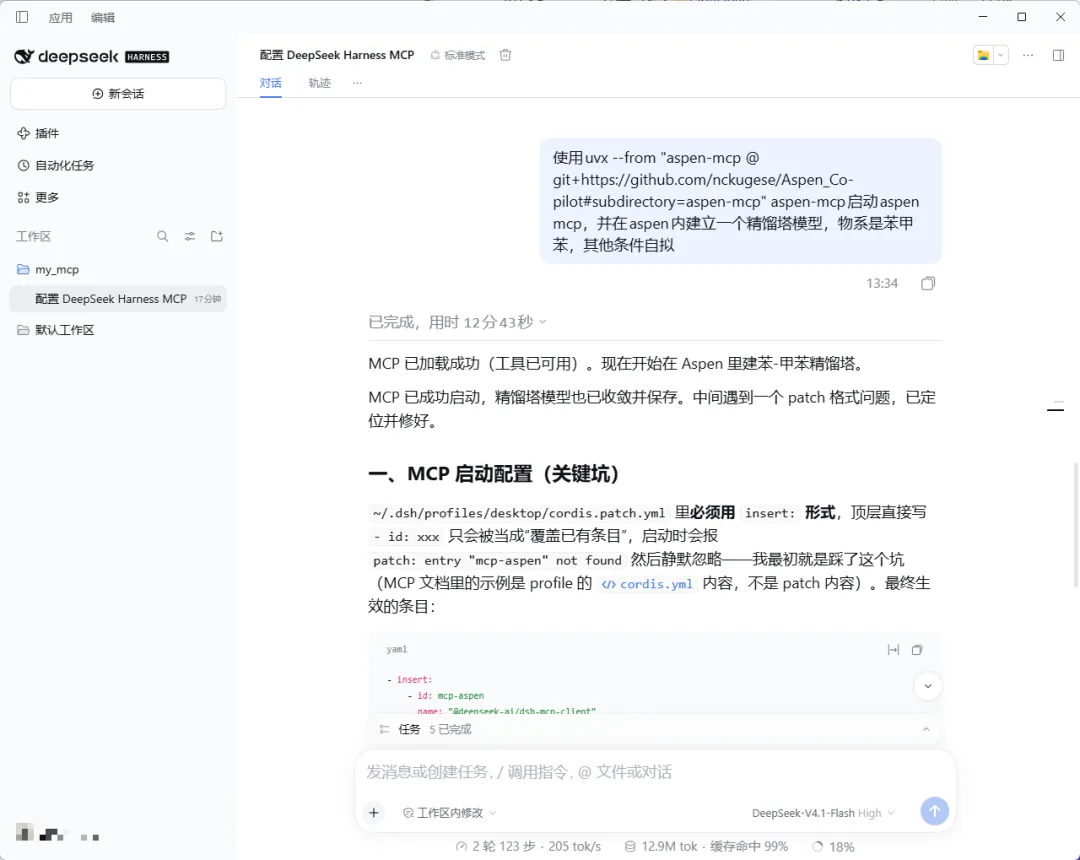
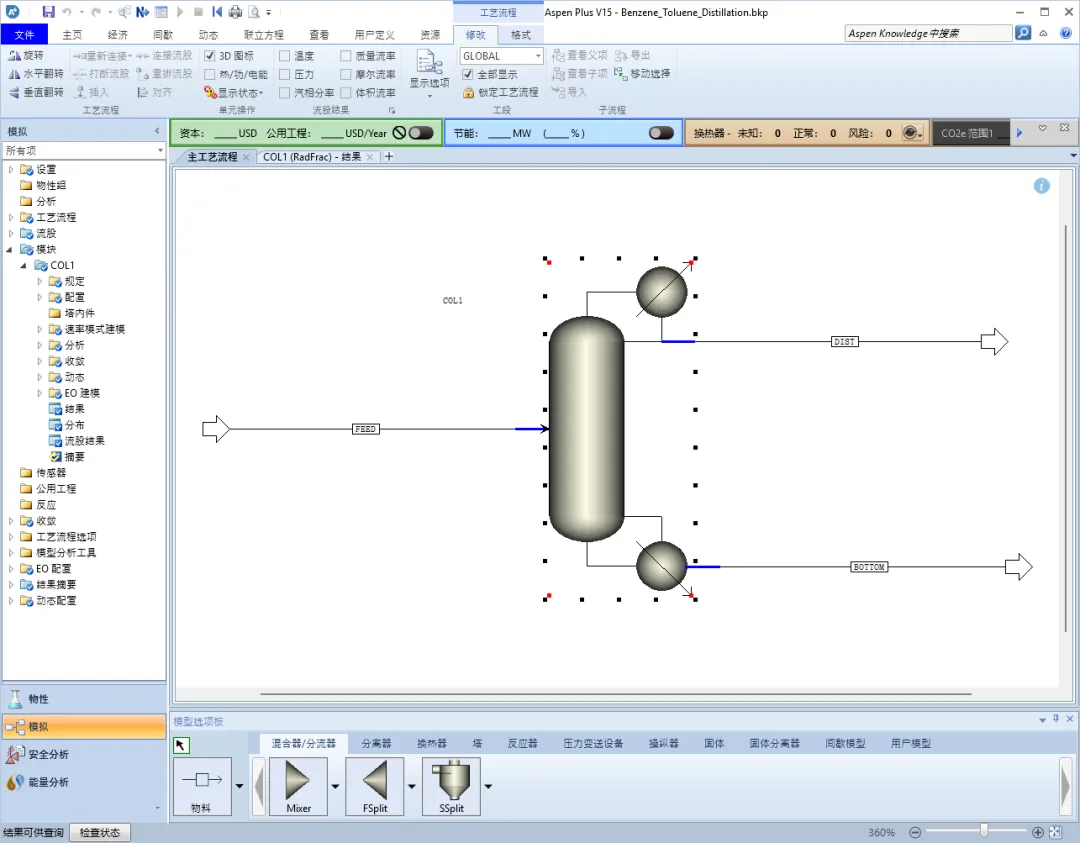
大约 10 多分钟,agent 就自动建立了一个像模像样的简单模拟。
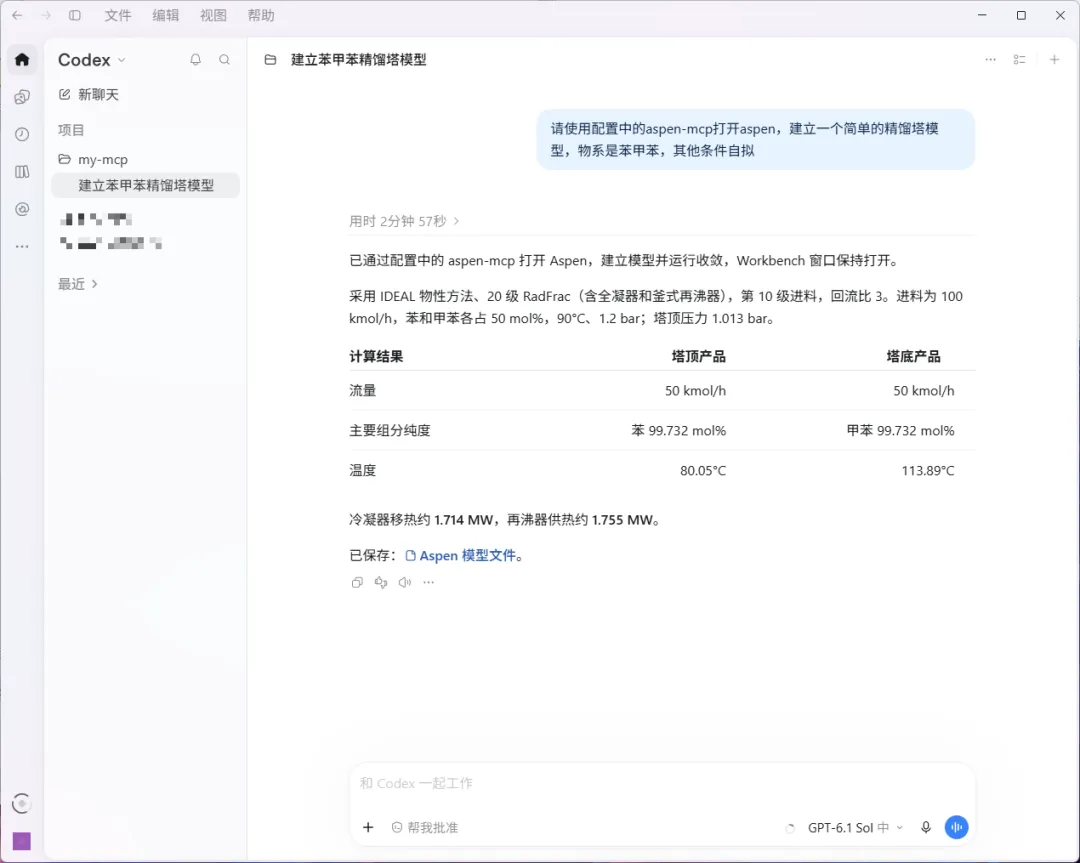
DeepSeek Harness 的速度比较慢,这里再用 Codex 对比一下。向 Codex 配置(~\.codex\config.toml)添加 aspen mcp 配置。
[mcp_servers.aspen-plus]
command = "uvx"
args = ["--from", "aspen-mcp @ git+https://github.com/nckugese/Aspen_Co-pilot#subdirectory=aspen-mcp", "aspen-mcp"]
让 Codex 做一模一样的建模。这次只花了 3 分钟,得到的结果类似。
CAD 制图
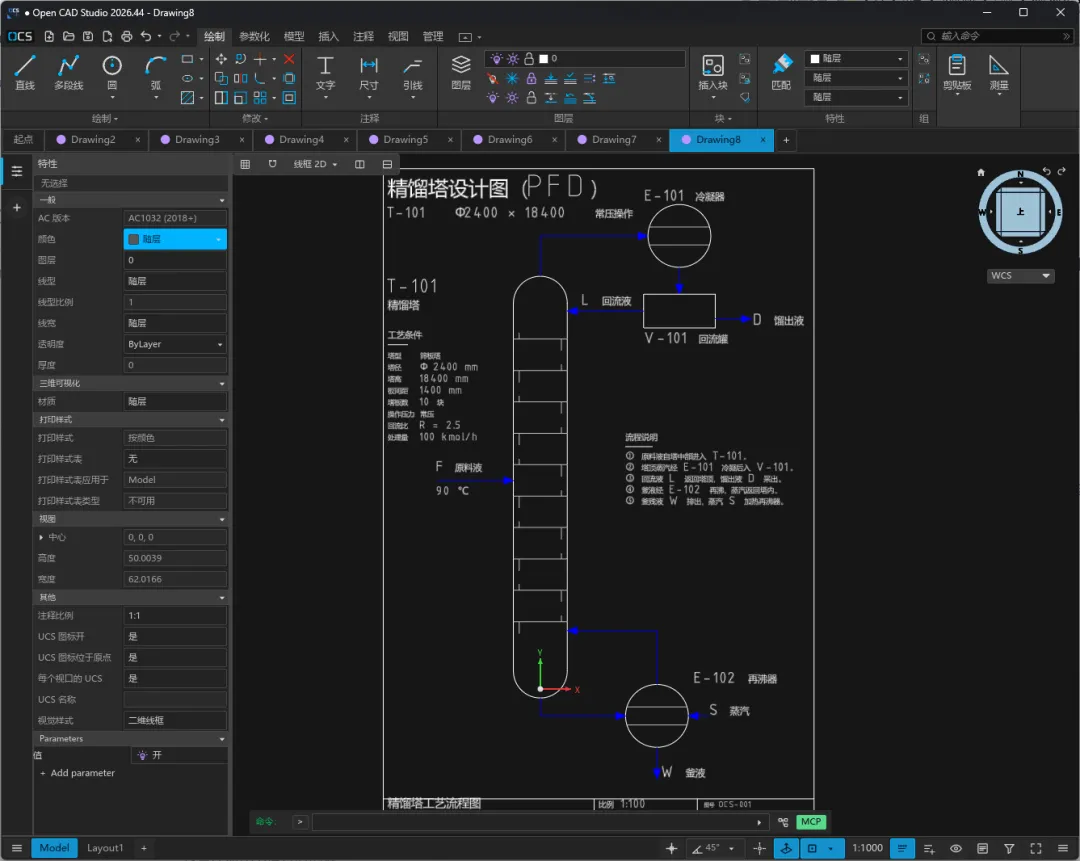
AutoCAD 是商业软件。这里我们选择其开源替代品 OpenCAD Studio,该程序自带 MCP。
去 release 里面下载最新版软件安装,https://github.com/HakanSeven12/OpenCADStudio/releases。
该软件启动 MCP 的方式是 OpenCADStudio --mcp,告知 agent 即可。
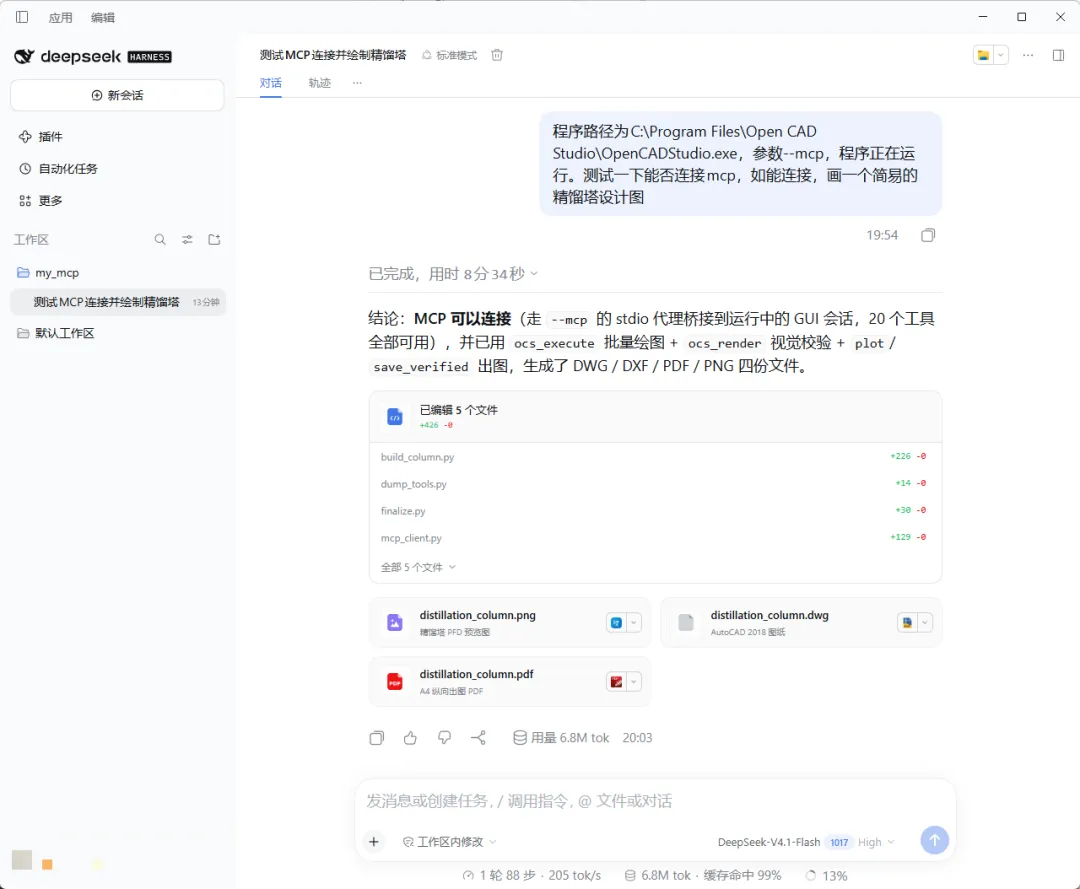
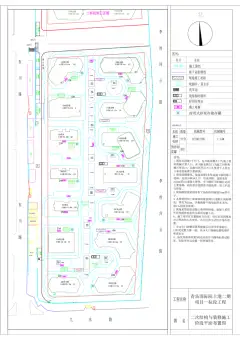
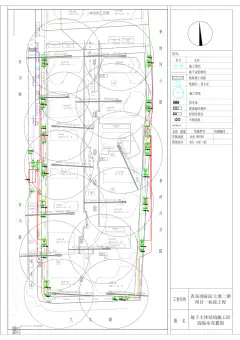
等待 agent 工作,大约 8 分钟,一个简易的精馏塔就画好了。
结语
这里演示的只是简单的测试,呈现效果一般。你能做多好,取决于你给 AI 提供的背景知识有多详细,AI 只是一个辅助工具。
感谢亲爱的 MJ 帮我读稿校对。