夜雨聆风
夜雨聆风
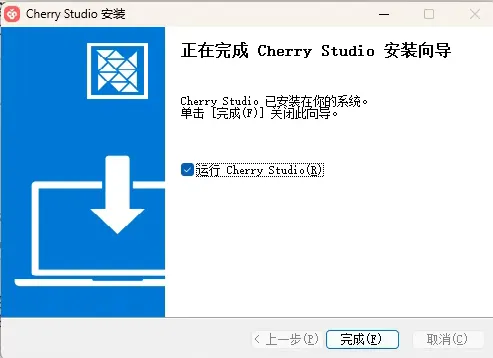
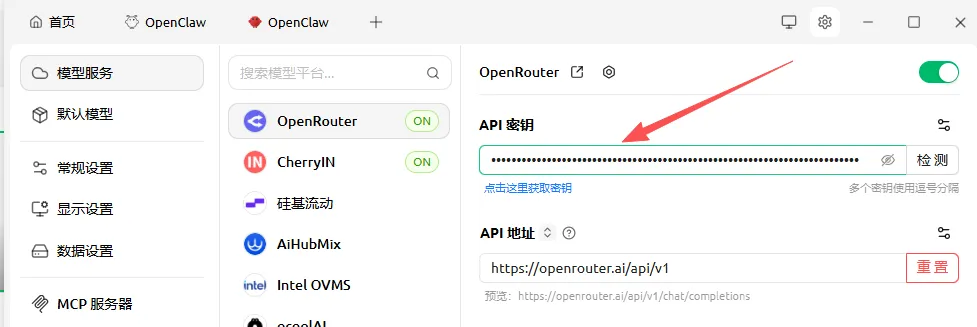
2. 登录OpenRouter 官网注册,创建API KEY
官网: https://openrouter.ai/

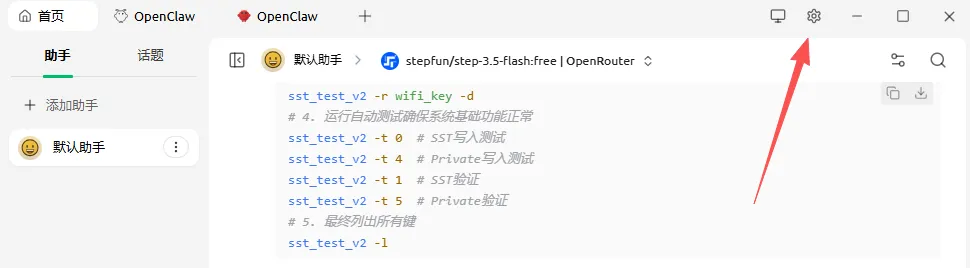
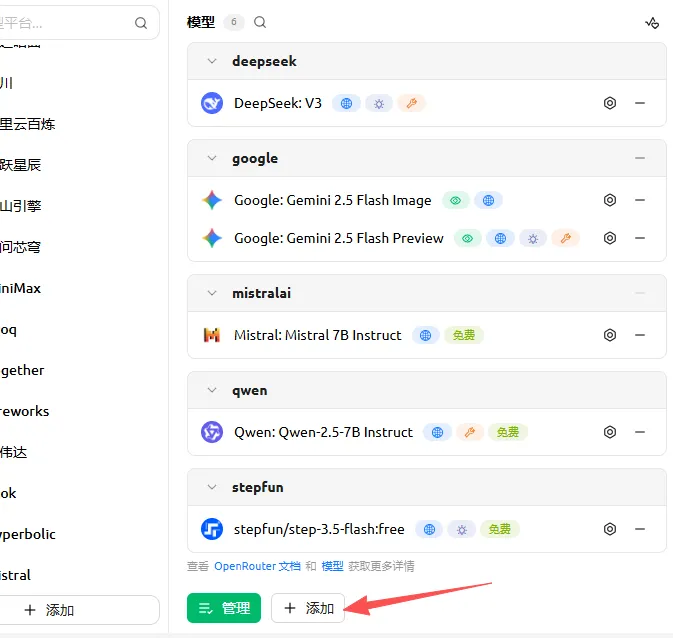
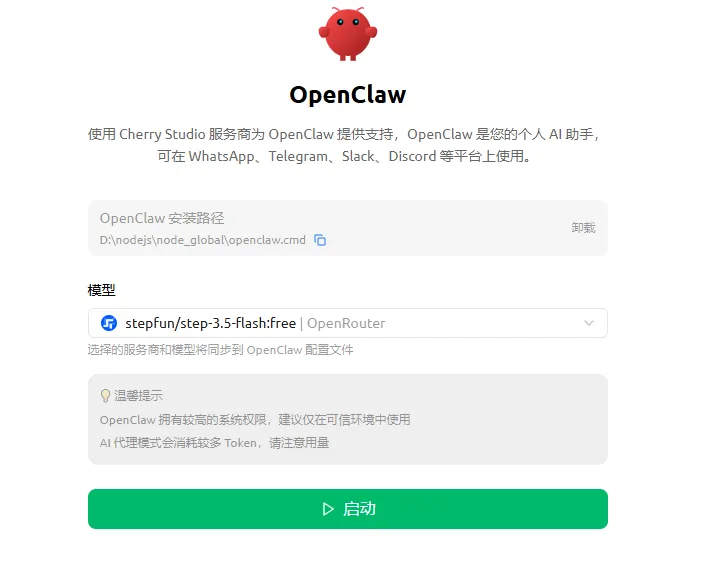
stepfun/step-3.5-flash:free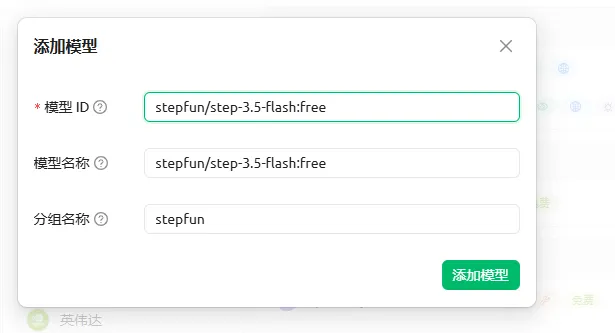
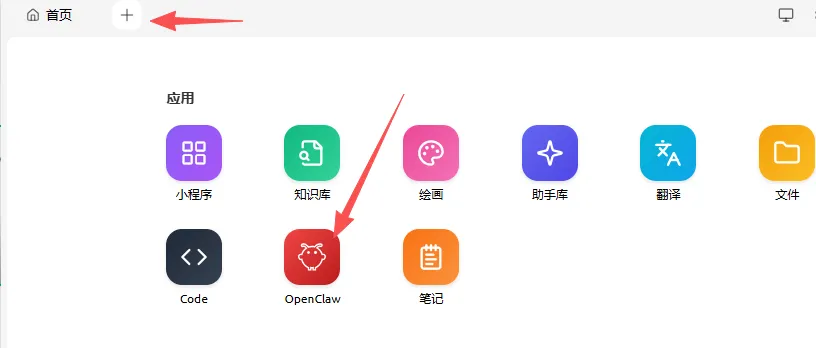
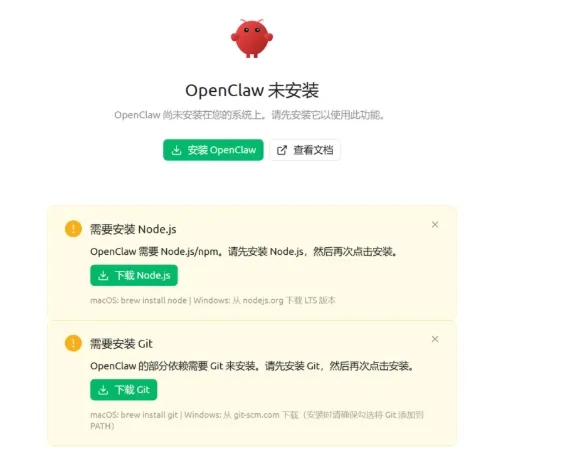
node.js官网:https://nodejs.org/zh-cn
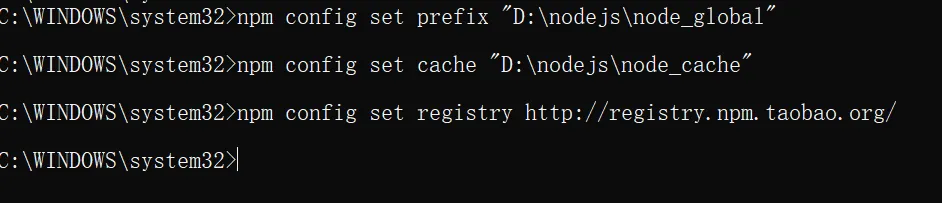
配置node.js缓存和数据位置
npm config set prefix "D:\nodejs\node_global"npm config set cache "D:\nodejs\node_cache"
配置node.js镜像
npm config set registry http://registry.npm.taobao.org/或yarn config set registry http://registry.npm.taobao.org/
接着配置git
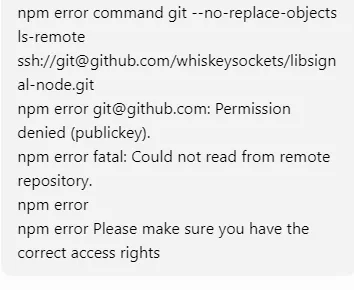
当出现以下报错时,说明npm 在安装依赖时,git 的SSH 公钥没有权限访问该仓库
控制台输入命令
ssh-keygen -t ed25519 -C "your_email@example.com"默认生成~/.ssh/id_ed25519(私钥)和 ~/.ssh/id_ed25519.pub(公钥)
查看公钥
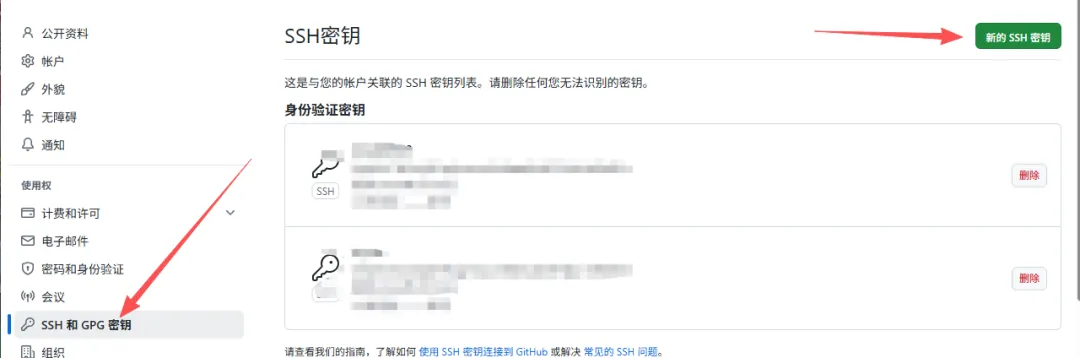
cat ~/.ssh/id_ed25519.pub将内容粘贴到github 上
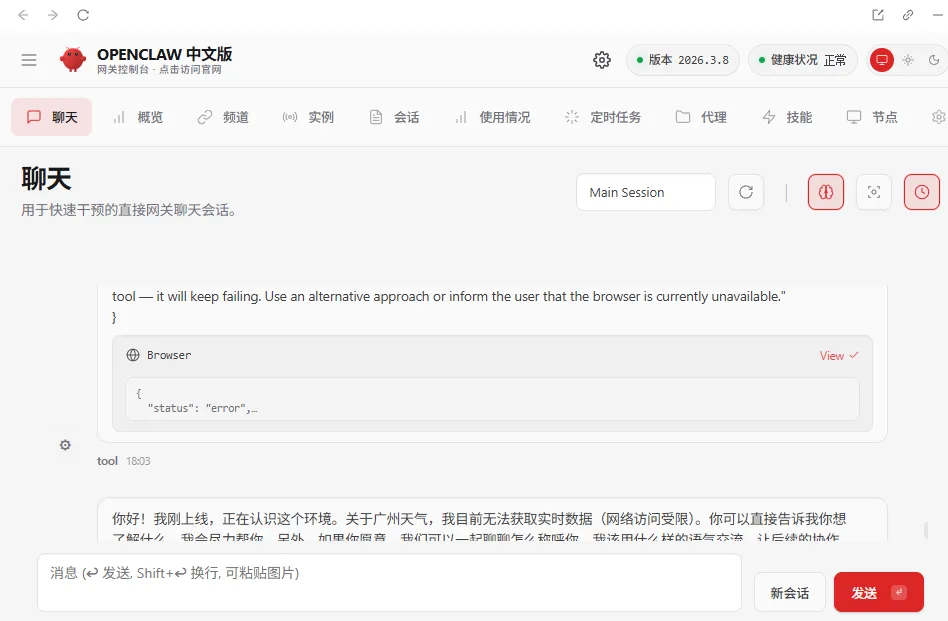
5. 全部成功后即可启动小龙虾