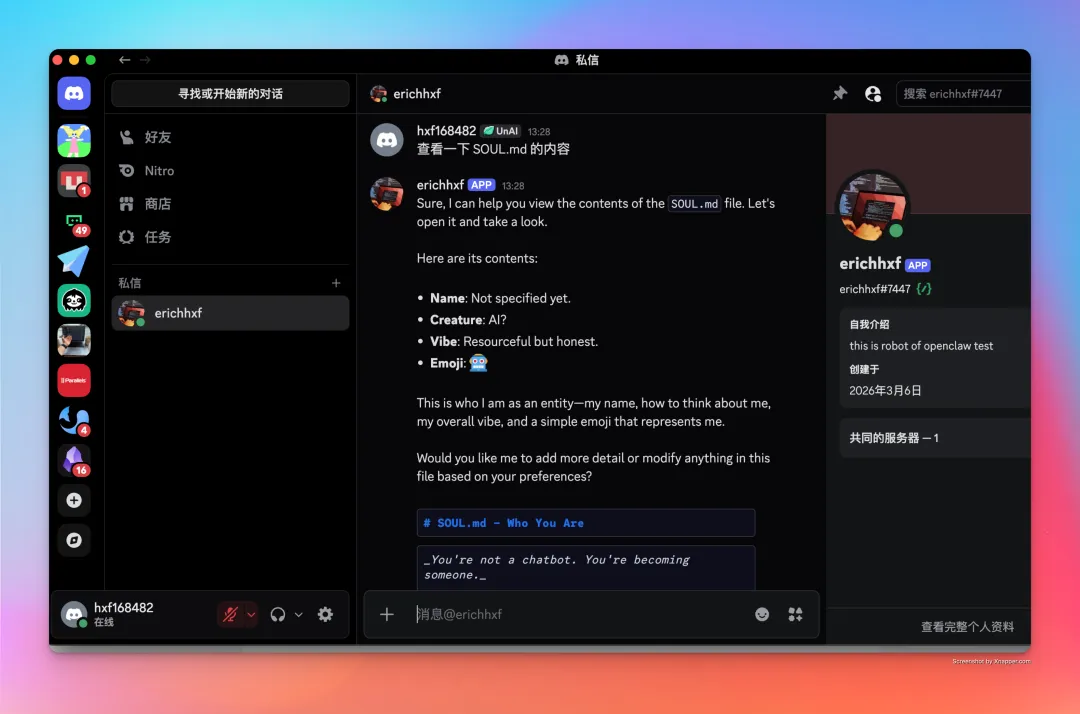
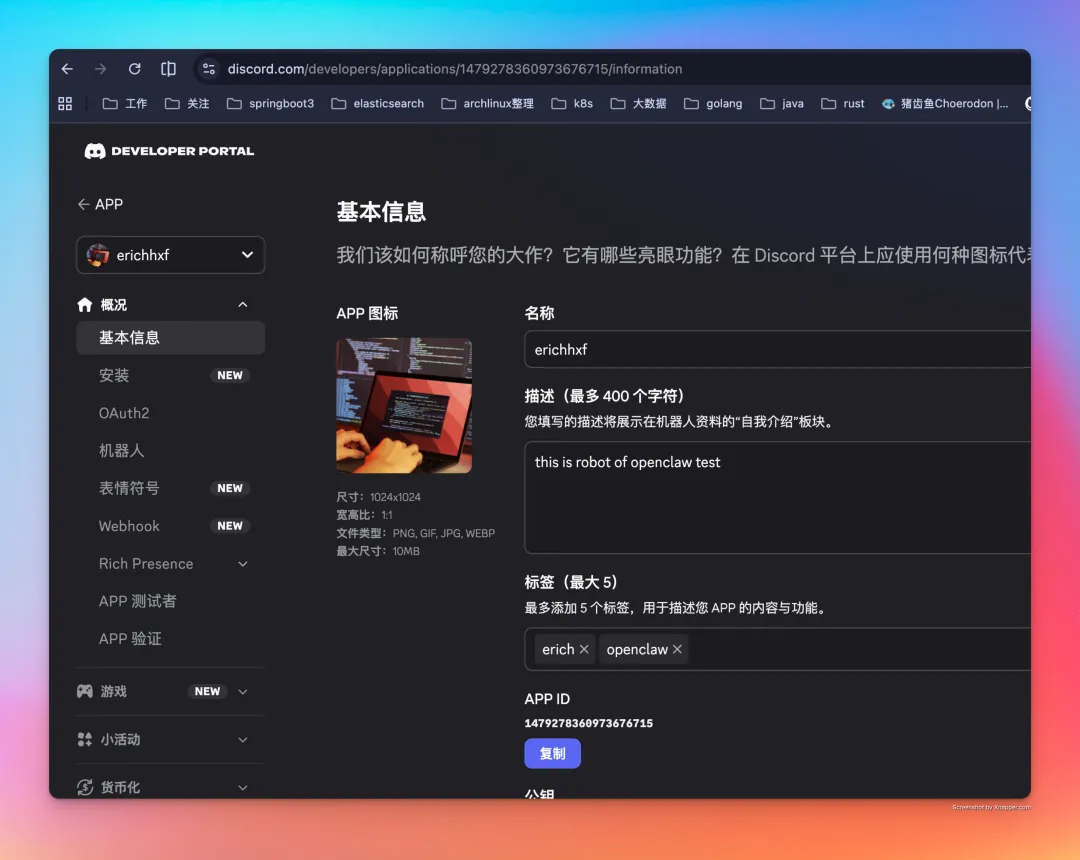
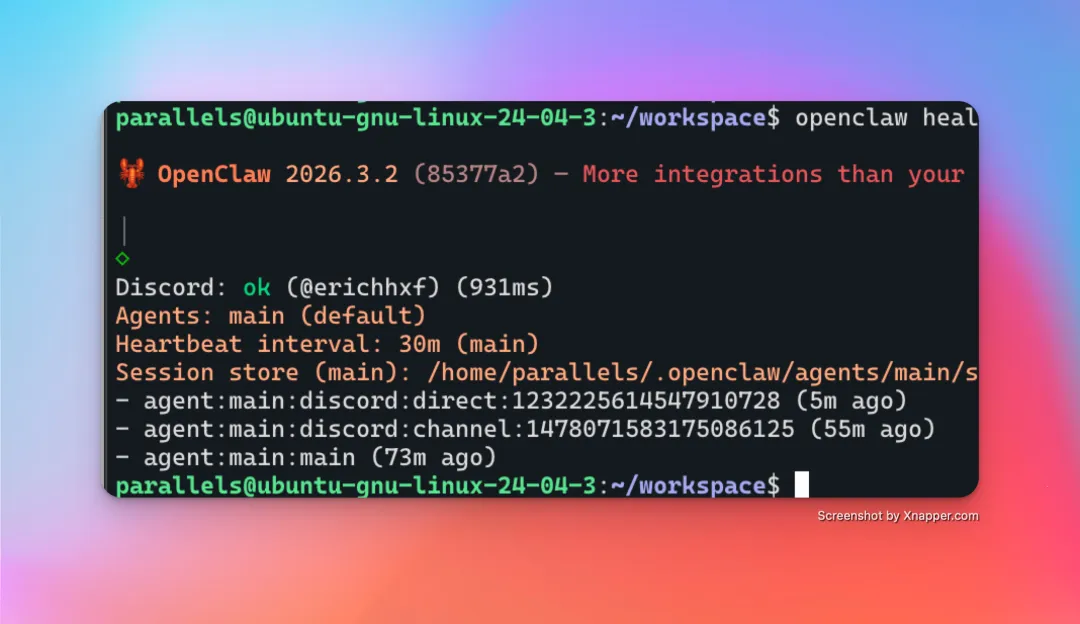
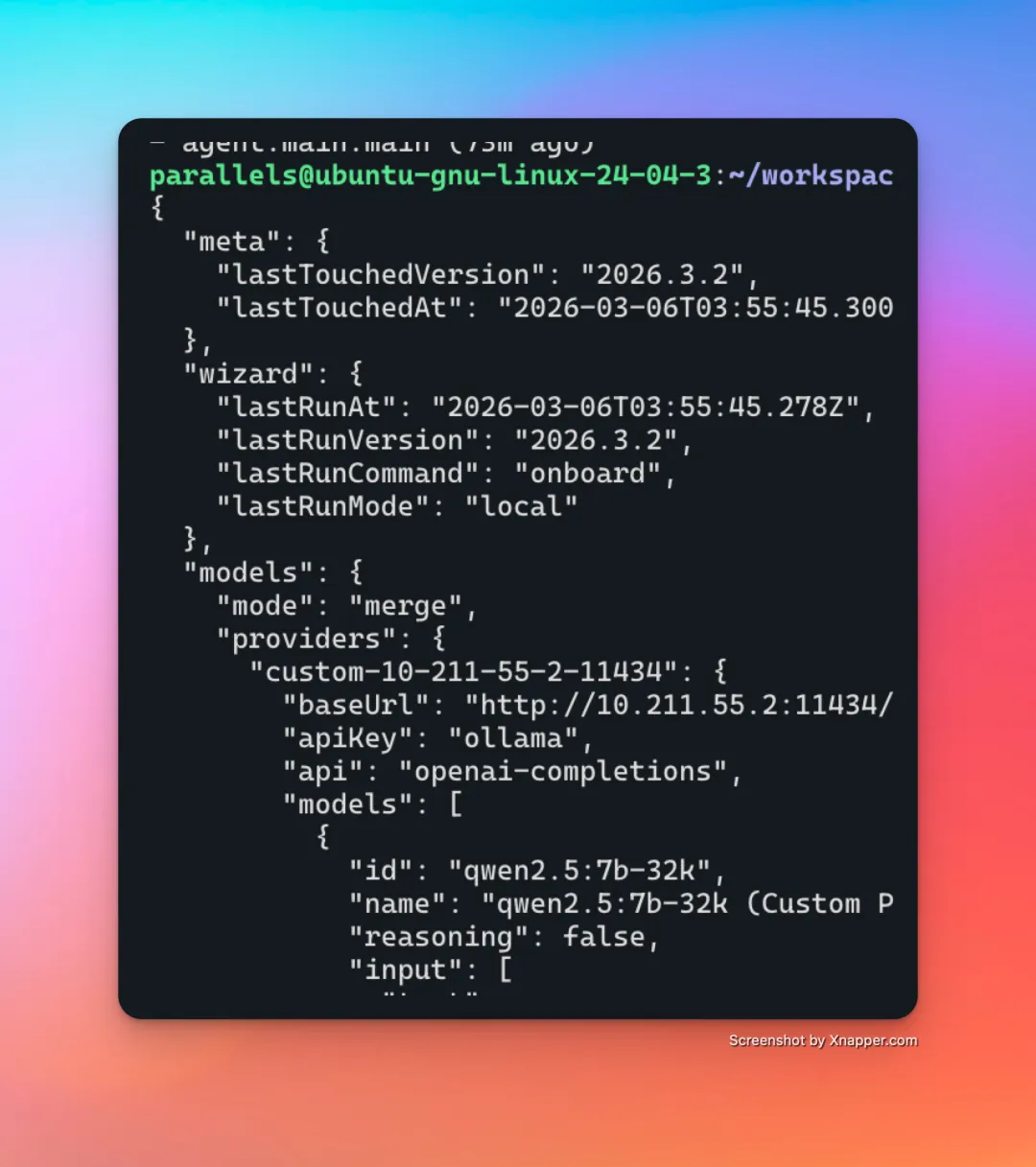
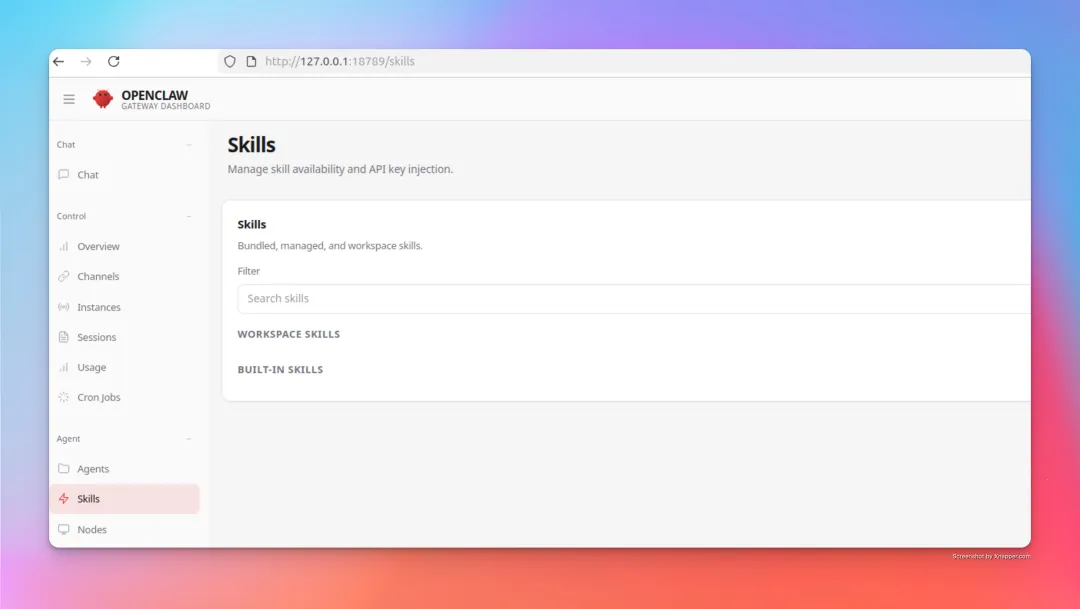
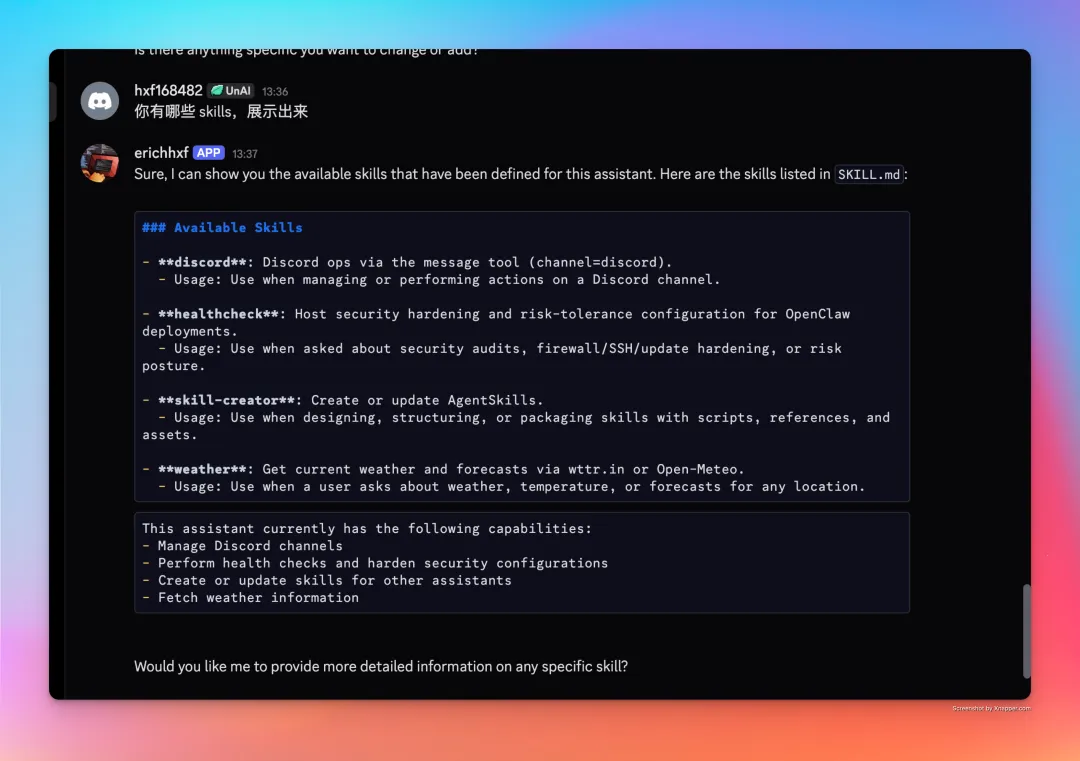
这里 erichhxf 是我 robot,网址为:https://discord.com/developers/我部署的方式是虚拟机里面放了一个 openclawopenclaw --helpopenclaw gateway --helpopenclaw models --helpopenclaw channels add --help
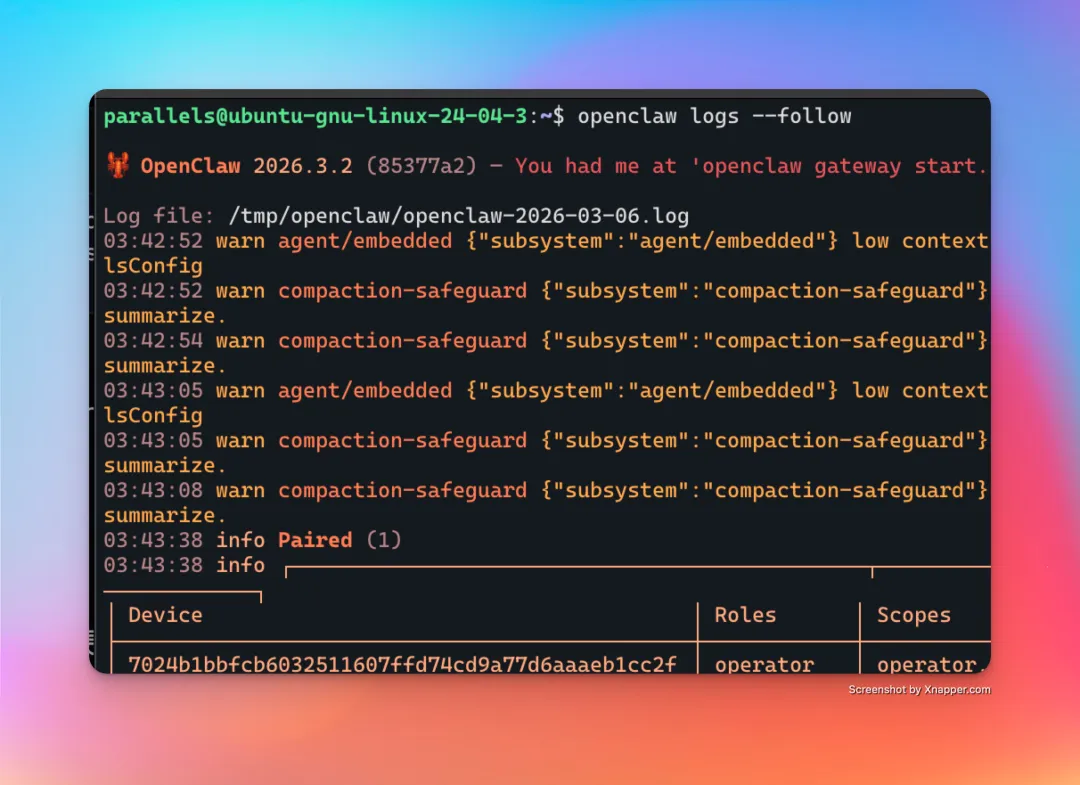
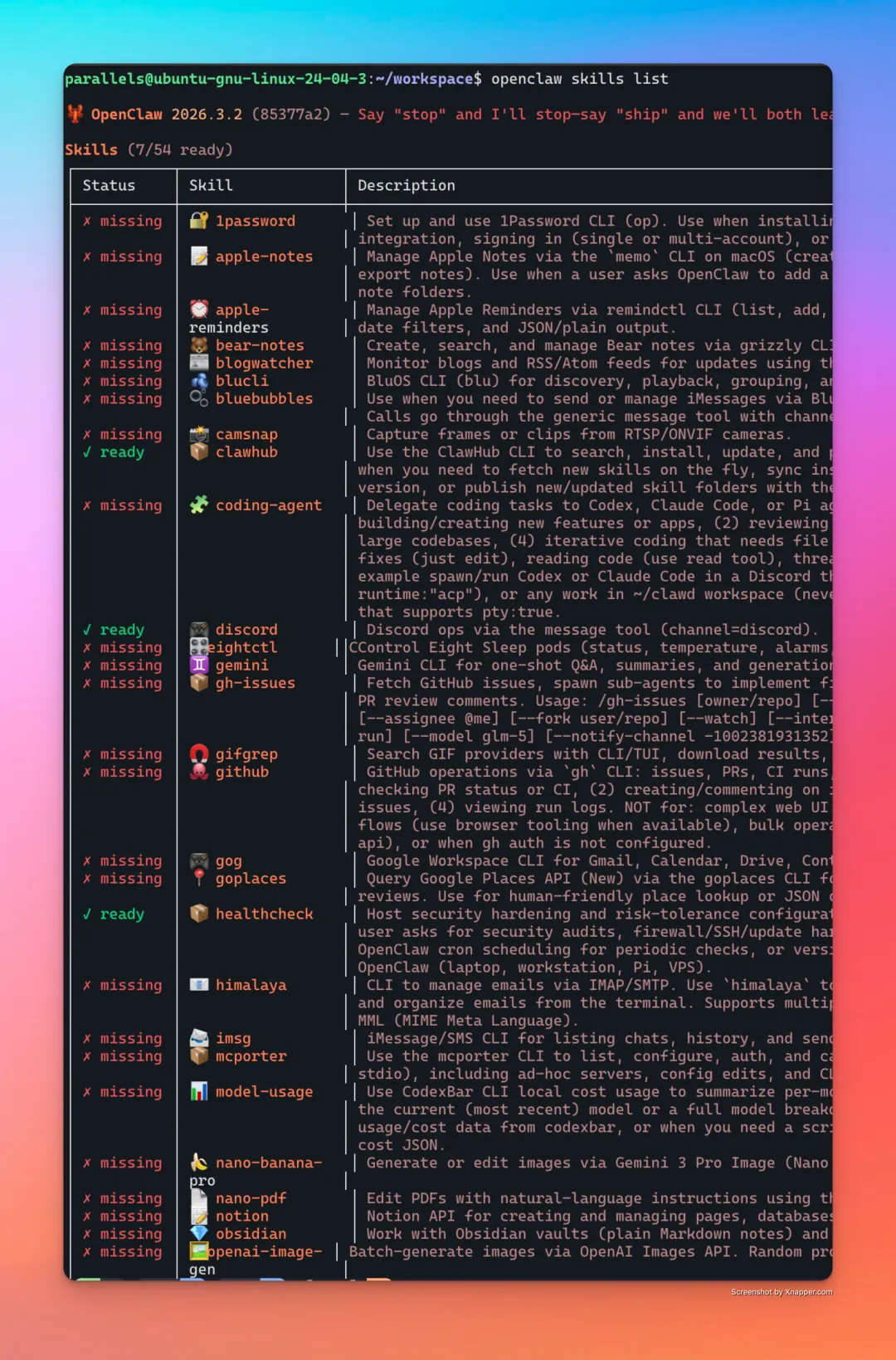
如何查看 openclaw 的报错日志了如下所示:安装 skills 的命令使用 clawhub 比较好用# 列出所有可用 Skillsopenclaw skills list# 實際輸出範例(部分):# Skills (13/52 ready)# ┌───────────┬──────────────────┬─────────────────────────────────┬────────────────┐# │ Status │ Skill │ Description │ Source │# ├───────────┼──────────────────┼─────────────────────────────────┼────────────────┤# │ ✓ ready │ 🧩 coding-agent │ ... │ openclaw-bundled│# │ ✗ missing │ 🔐 1password │ ... │ openclaw-bundled│# 檢查 Skills 就緒狀態openclaw skills check# 實際輸出範例:# Skills Status Check# Total: 52# ✓ Eligible: 13# ✗ Missing requirements: 39## Ready to use:# 🧩 coding-agent# ♊️ gemini# 📦 gh-issues# 🐙 github# ...## Missing requirements:# 🔐 1password (bins: op)# 📝 apple-notes (bins: memo; os: darwin)# ...# 查看特定 Skill 的詳細資訊openclaw skills info coding-agent
 夜雨聆风
夜雨聆风