 夜雨聆风
夜雨聆风



让 AI Agent 操作真实机器人:OpenClaw Skill 接入 NERO 七轴机械臂实践
本文介绍如何利用 OpenClaw Skill 实现 AI Agent 与 NERO 七轴机械臂的连接控制。通过配置 SKILL.md、Python 控制脚本以及 YAML 动作参数,开发者可以让 OpenClaw 根据自然语言指令调用机器人执行握手、挥手等动作,实现智能体控制真实机器人的基础实践。
一、前言
随着 AI Agent 技术的发展,越来越多开发者开始探索如何让智能体连接真实世界的硬件设备,实现从数字交互到物理执行的跨越。
OpenClaw 作为开源智能体框架,为开发者提供了通过 Skill 扩展 Agent 能力的方式。通过编写对应 Skill,可以让 AI Agent 调用外部程序,实现对机器人设备的控制。
本文将以松灵 NERO 七轴机械臂为例,介绍如何通过 OpenClaw Skill 调用 Python 控制脚本,实现握手、挥手、恢复等简单机械臂动作。
在开始编写 Skill 前,请先完成 OpenClaw 环境安装与基础配置,具体步骤请参考openclaw官方文档。
Openclaw官方文档:https://github.com/openclaw/openclaw
二、技能编写
在openclaw的agent workspace下的skills文件夹中创建相应的脚本和skills配置文件,其具体文件树如下表:
.├── config│ └── hands_ctrl.yaml├── scripts│ └── hands_ctrl.py└── SKILL.md我这里使用了三省六部的openclaw 多agent架构,因此我的skill是存放在太子这个agent的工作空间下,具体内容如下:
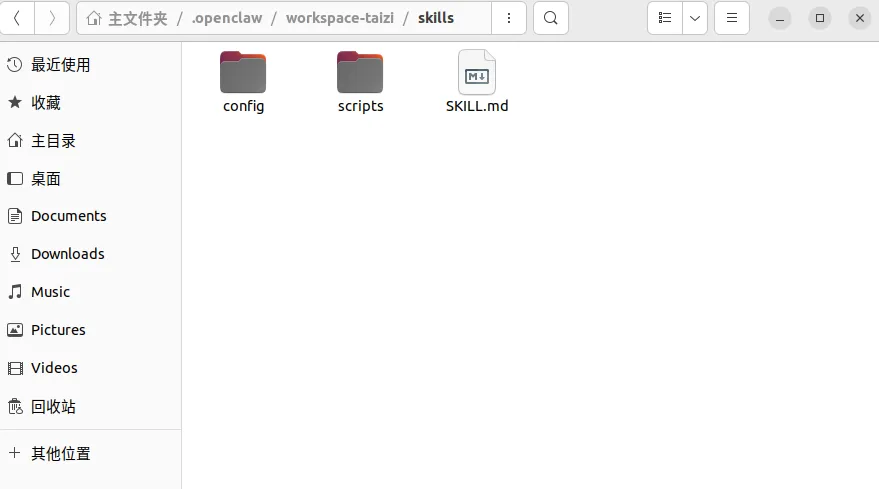
请放心,即使你使用的不是三省六部,也依然可以按照如下步骤进行编写控制nero机械臂的skills:
SKILL.md的具体内容如下:
---name: hands_ctrldescription: Use when the user wants OpenClaw to perform physical hand gestures like shaking hands or waving, or to recover/reset the hardware task. Executes the corresponding Python script based on user intent and securely interrupts any ongoing gesture before starting a new one.---# Gesture Control for OpenClawUse this skill when the user wants OpenClaw to act as a gesture controller for the hardware or robotic system.## InputsAccept natural language commands or explicit action requests, such as:- "握手", "shake hands", "let's shake"- "挥手", "wave at me", "say hello"- "恢复", "恢复任务", "recover", "reset"Derive the intended action (`shake`, `wave`, or `recove`) from the user's input before execution.## Interruption Handling (Ctrl + C)Hardware can only perform one gesture safely at a time to prevent motor conflicts. If the user requests a new gesture or a recovery command while a previous `hands_ctrl.py` process is still executing, you MUST interrupt the active process first. Send a `Ctrl + C` (SIGINT) to the running process to safely cancel the current hardware action before executing the new command. Ensure no orphaned background processes are left behind.## Modes### HandshakeUse when the user issues a handshake command.Produce the following execution:~~~bashpython3 skills/scripts/hands_ctrl.py --action shake~~~Implement this execution with:- strict passing of the `--action shake` argument.- capturing of standard output to confirm the hardware received the command.### WaveUse when the user issues a wave command.Produce the following execution:~~~bashpython3 skills/scripts/hands_ctrl.py --action wave~~~Implement this execution with:- strict passing of the `--action wave` argument.- capturing of standard output to confirm the hardware received the command.### RecoverUse when the user issues a command to recover or reset the task.Produce the following execution:~~~bashpython3 skills/scripts/hands_ctrl.py --action recove~~~Implement this execution with:- strict passing of the `--action recove` argument.- capturing of standard output to confirm the hardware received the command.## Backend RulesPrefer executing the provided script over reimplementing the logic. Use `skills/scripts/hands_ctrl.py` as the sole backend interface for these gestures. Do not attempt to modify or rewrite the hardware control logic within the script unless explicitly asked to do so. Ensure process termination (SIGINT / Ctrl + C) is handled gracefully by the system.## Packaging Rules- The execution context must be at the root of the workspace so that the relative path `skills/scripts/hands_ctrl.py` is valid.- Ensure the Python environment has the necessary dependencies installed to run the script.## Workflow1. Acquire and parse the user's intent from the prompt.2. Analyze whether the intent maps to the Handshake, Wave, or Recover mode.3. Check if there is an active `hands_ctrl.py` process currently running.4. If a process is running, send a `Ctrl + C` (SIGINT) to terminate it and wait for it to stop completely.5. Verify the existence of the `skills/scripts/hands_ctrl.py` file locally.6. Execute the command corresponding to the matched mode.7. Capture execution logs (`stdout` and `stderr`).8. Update the user on the success or failure of the hardware action, clearly stating if a previous action was interrupted via Ctrl + C.## Output ExpectationsWhen reporting progress or final results, include:- detected gesture intent (shake, wave, or recove)- whether a previous process was interrupted via Ctrl + C- the exact script command executed- validation of execution (e.g., success message or error trace)- open risks or hardware backend limitations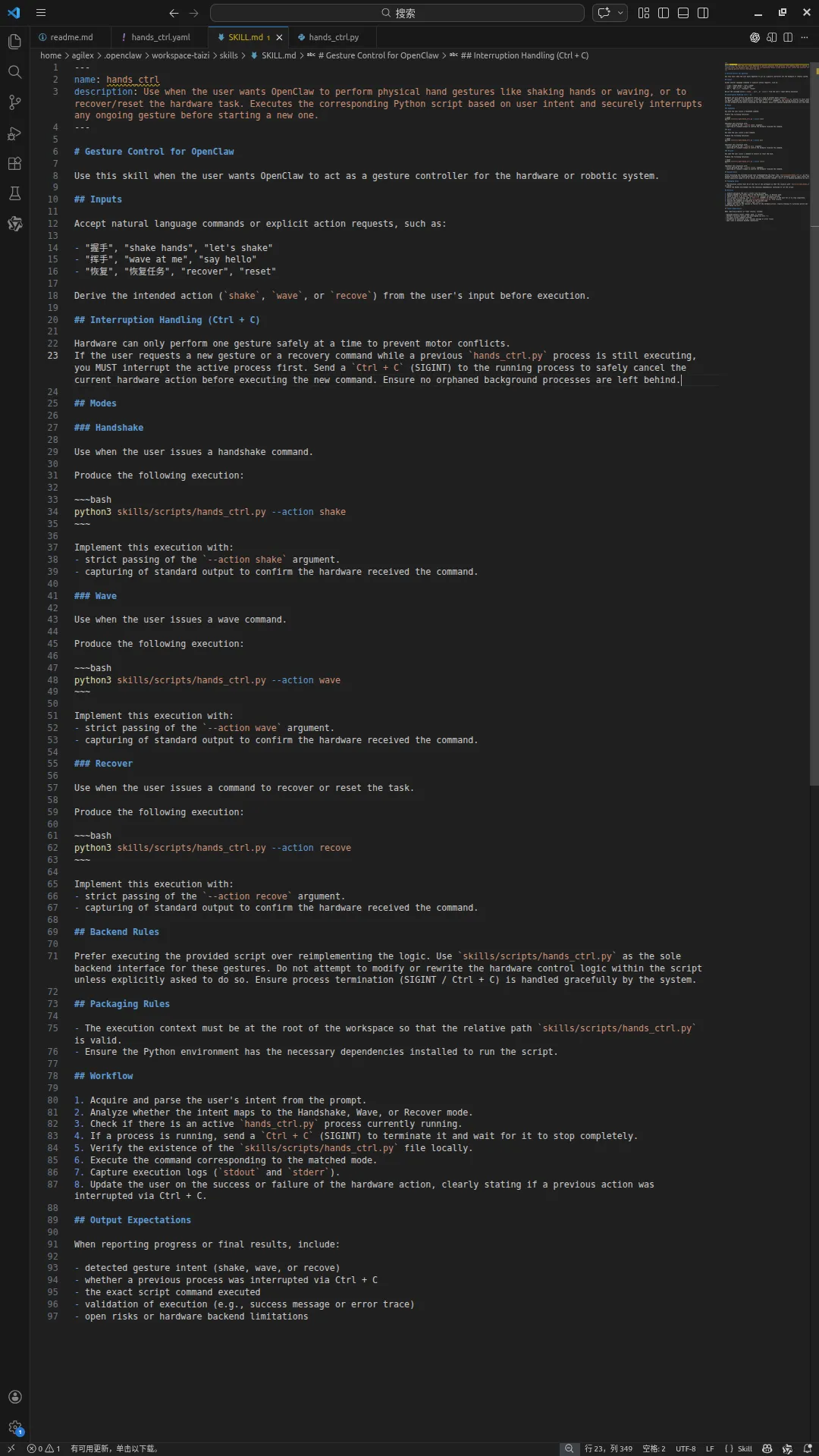
我们这里简单的对这个skill的内容进行简单的解释:在输入握手时执行:python3 skills/scripts/hands_ctrl.py –action shake,在输入挥手时执行:python3 skills/scripts/hands_ctrl.py –action wave,在输入恢复时执行:python3 skills/scripts/hands_ctrl.py –action recove,这几个命令都是调用skills/scripts/hands_ctrl.py这个脚本,这个脚本里面已经实现了具体的硬件控制逻辑,这里我们只是调用这个脚本,并传入相应的参数。
hands_ctrl.py脚本的实现逻辑如下:
import timeimport argparseimport yamlfrom pyAgxArm import create_agx_arm_config, AgxArmFactorydef wait_motion_done(robot, timeout: float = 5.0, poll_interval: float = 0.1) -> bool:"""等待机械臂报告到达目标位置或超时""" time.sleep(0.5) start_t = time.monotonic()while True: status = robot.get_arm_status()if status is not None and getattr(status.msg, "motion_status", None) == 0:return Trueif time.monotonic() - start_t > timeout:print(f"等待运动完成超时 ({timeout:.1f}s)")return False time.sleep(poll_interval)# 将后续三个参数改为默认值 None,以便单独执行 recove 时可以不传这些参数def main(action_name, pose_prepare=None, pose_left=None, pose_right=None):# 创建配置并连接机械臂 cfg = create_agx_arm_config(robot="nero", comm="can", channel="can0") robot = AgxArmFactory.create_arm(cfg) robot.connect()# 开启 CAN print("正在设置为正常模式并开启 CAN 推送...") robot.set_normal_mode() time.sleep(1) # 使能机械臂print("正在使能机械臂...")while not robot.enable(): time.sleep(0.01)print("使能成功!")# 运行速度百分比 robot.set_speed_percent(80) pose_center = [0.0, 0.0, 0.0, 0.0, 0.0, 0.0, 0.0] # 举起手臂的中心姿势if action_name == 'recove':print("\n执行恢复动作:正在将机械臂移动到安全位置...") robot.move_j(pose_center) wait_motion_done(robot, timeout=8.0) time.sleep(1)print("已恢复到安全位置,程序执行完毕。")returnprint(f"当前执行动作: {action_name}")print(f"当前使用的参数:\n准备姿势: {pose_prepare}\n向左偏姿势: {pose_left}\n向右偏姿势: {pose_right}")try:print("移动到初始中心姿势...") robot.move_j(pose_center) wait_motion_done(robot, timeout=8.0)print("移动到准备姿势...") robot.move_j(pose_prepare) wait_motion_done(robot, timeout=8.0)print(f"开始持续执行 {action_name} 动作 (按 Ctrl+C 可停止)...") wave_count = 0while True: wave_count += 1print(f"动作 第 {wave_count} 次 - 姿势1") robot.move_j(pose_left) wait_motion_done(robot)print(f"动作 第 {wave_count} 次 - 姿势2") robot.move_j(pose_right) wait_motion_done(robot)except KeyboardInterrupt:print("\n动作被用户中断,准备复位...") robot.move_j(pose_center) wait_motion_done(robot)finally: time.sleep(1) print("程序执行完毕。")if __name__ == "__main__": parser = argparse.ArgumentParser(description="控制 Nero 机械臂通过 YAML 读取预设动作") # 添加配置文件路径参数 parser.add_argument('--config', type=str, default='skills/config/hands_ctrl.yaml',help='YAML 配置文件的路径 (默认: skills/config/hands_ctrl.yaml)')# 添加要执行的动作参数 parser.add_argument('--action', type=str, choices=['wave', 'shake', 'recove'], default='wave',help='要执行的动作名称,对应 YAML 中的键。recove为内置恢复动作 (默认: wave)') args = parser.parse_args()if args.action == 'recove': main(args.action) exit(0)try:with open(args.config, 'r', encoding='utf-8') as f: config_data = yaml.safe_load(f)except FileNotFoundError:print(f"错误:找不到配置文件 '{args.config}'。请确保文件存在。") exit(1)except yaml.YAMLError as e:print(f"解析 YAML 文件时发生错误: {e}") exit(1)# 获取用户指定动作的参数 actions_dict = config_data.get('actions', {})if args.action not in actions_dict:print(f"错误:在配置文件中找不到动作 '{args.action}' 的参数。") exit(1) selected_action = actions_dict[args.action] pose_prepare = selected_action.get('pose_prepare') pose_left = selected_action.get('pose_left') pose_right = selected_action.get('pose_right')if not all([pose_prepare, pose_left, pose_right]):print(f"错误:动作 '{args.action}' 的参数不完整,需要 pose_prepare, pose_left, pose_right。") exit(1) main(args.action, pose_prepare, pose_left, pose_right)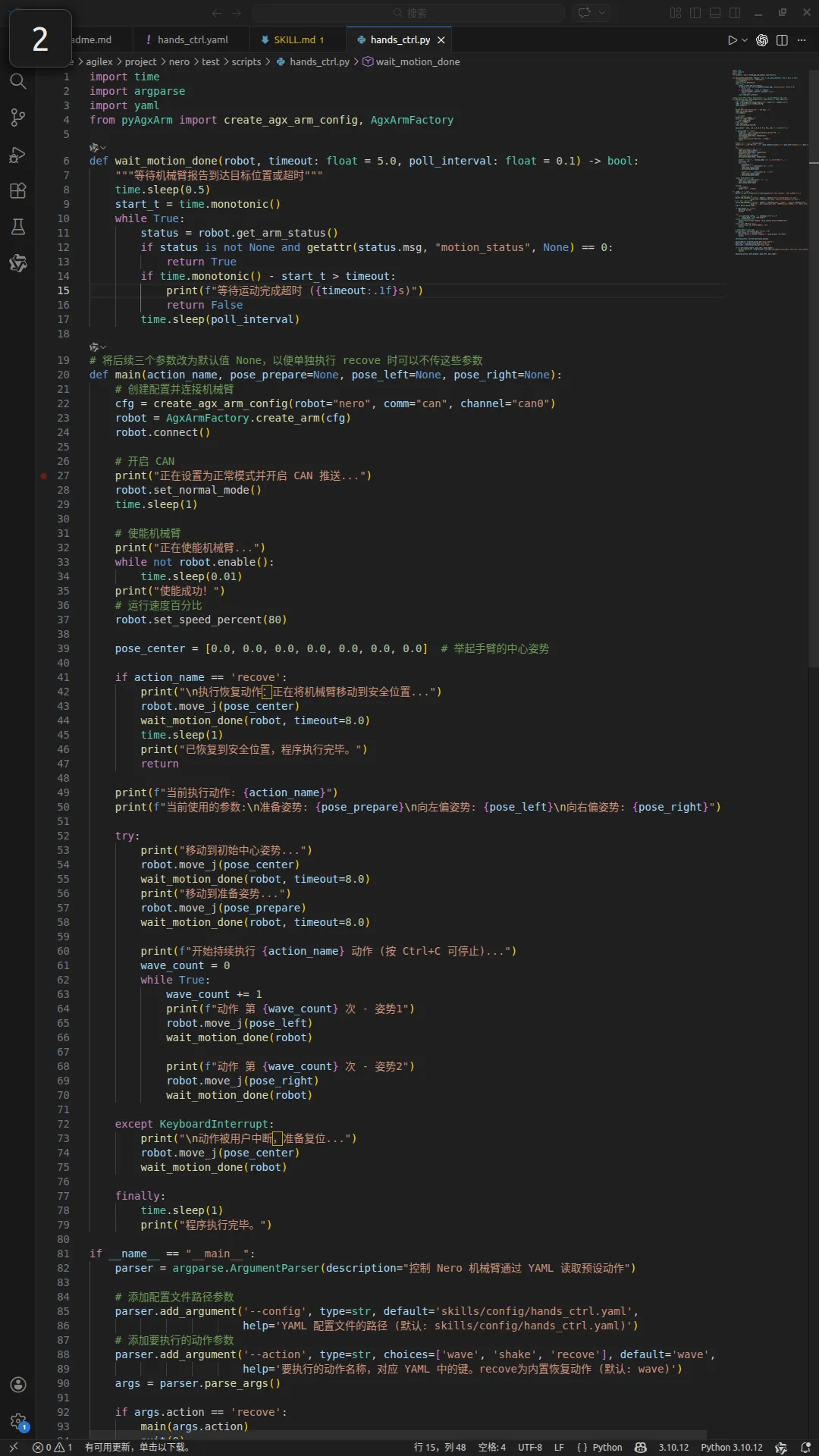
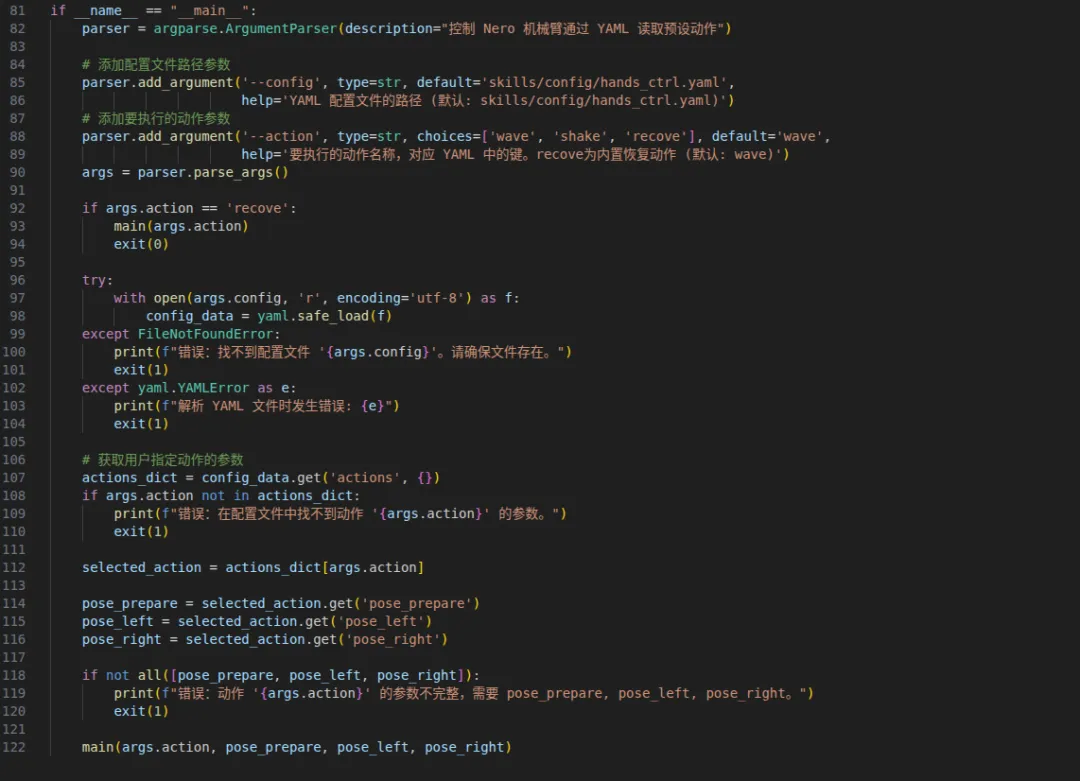
脚本的功能是控制 Nero 机械臂通过 YAML 配置文件进行动作控制。YAML 配置文件包含动作的参数,如准备姿势、向左偏姿势和向右偏姿势。脚本首先创建一个配置并连接机械臂,然后设置机械臂为正常模式并开启 CAN 推送。然后根据用户指定的动作名称,执行相应的动作。动作包括向握手、挥手和恢复动作。向左偏和向右偏动作会重复执行,直到用户停止脚本。恢复动作会移动机械臂到安全位置。
其中yaml脚本的内容如下:
actions:wave:pose_prepare: [0.8, 0.0, 0.0, 0.0, 0.0, 0.0, 0.0]pose_left: [0.8, 0.0, 0.0, 0.6, -0.6, 0.0, 0.0]pose_right: [0.8, 0.0, 0.0, -0.6, -0.6, 0.0, 0.0]shake:pose_prepare: [0.0, 0.6, 0.0, 1.0, 1.57, 0.0, 0.0]pose_left: [0.0, 0.6, 0.0, 1.0, 1.57, 0.0, 0.0]pose_right: [0.0, 0.6, 0.0, 0.6, 1.57, 0.0, 0.0]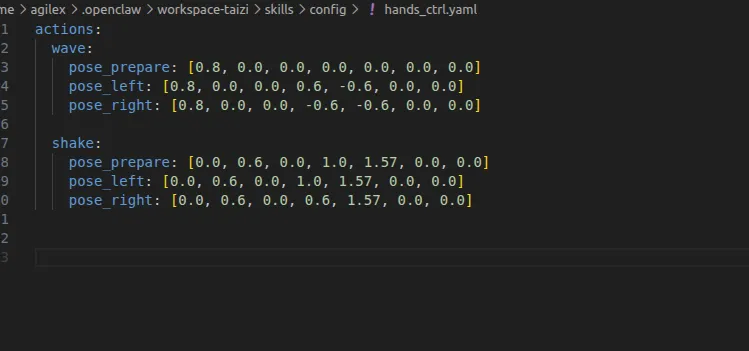
完成上述的配置后即可对你的小龙虾发号司令,让他操作你的机械臂完成一些简单的控制。其视频演示效果如下:
FAQ:OpenClaw 可以控制真实机器人吗?
可以。OpenClaw 本身负责 AI Agent 的任务理解和 Skill 调用,通过 Skill 可以连接外部程序和硬件设备,从而实现对真实机器人的控制。
FAQ:OpenClaw Skill 是什么?
OpenClaw Skill 是用于扩展 Agent 能力的功能模块。开发者可以通过编写 SKILL.md 定义触发条件和执行逻辑,让 Agent 根据用户指令调用对应脚本。
FAQ:如何使用 OpenClaw 控制 NERO 七轴机械臂?
控制流程包括:
安装并配置 OpenClaw 环境;
创建机器人控制 Skill;
编写 Python 硬件控制脚本;
使用 YAML 配置机器人动作参数;
通过自然语言指令触发机械臂动作。
FAQ:NERO机械臂支持哪些动作?
本文案例实现了三种基础动作:
握手(shake)
挥手(wave)
恢复安全位置(recove)
开发者可以进一步扩展动作库,实现更多机器人行为。
FAQ:为什么需要 YAML 配置文件?
YAML 用于保存机械臂动作参数,将动作逻辑和运动参数分离。开发者无需修改 Python 控制代码,只需要调整 YAML 文件中的姿态参数,即可快速配置新的机器人动作。
FAQ:OpenClaw 控制机器人属于具身智能吗?
OpenClaw + 机器人硬件的结合属于 AI Agent 与物理世界交互的一种实践形式,是具身智能(Embodied AI)系统探索中的一个方向