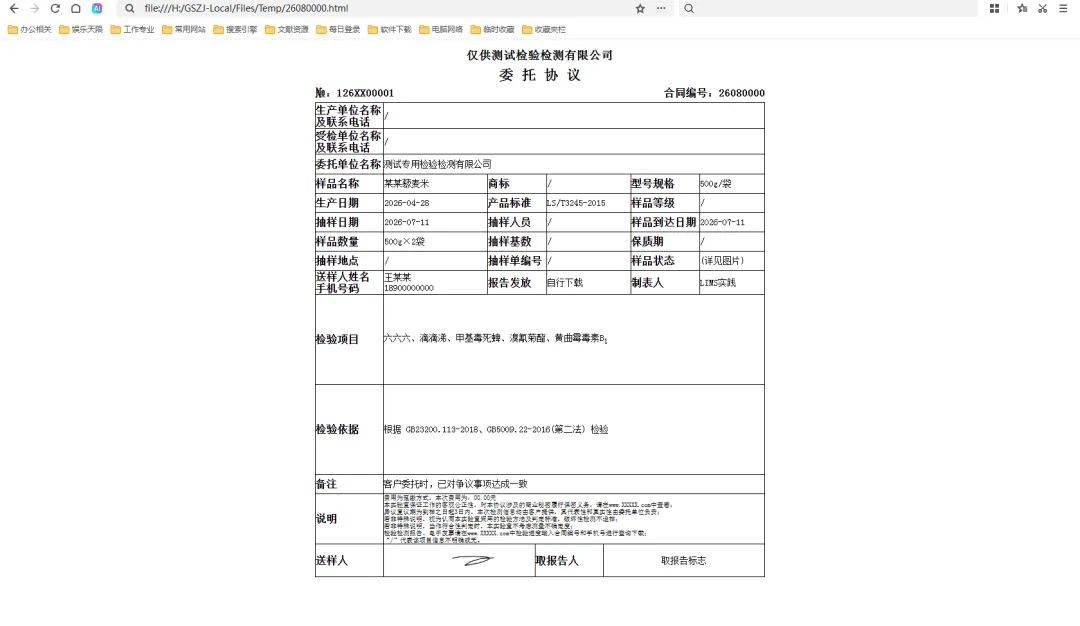
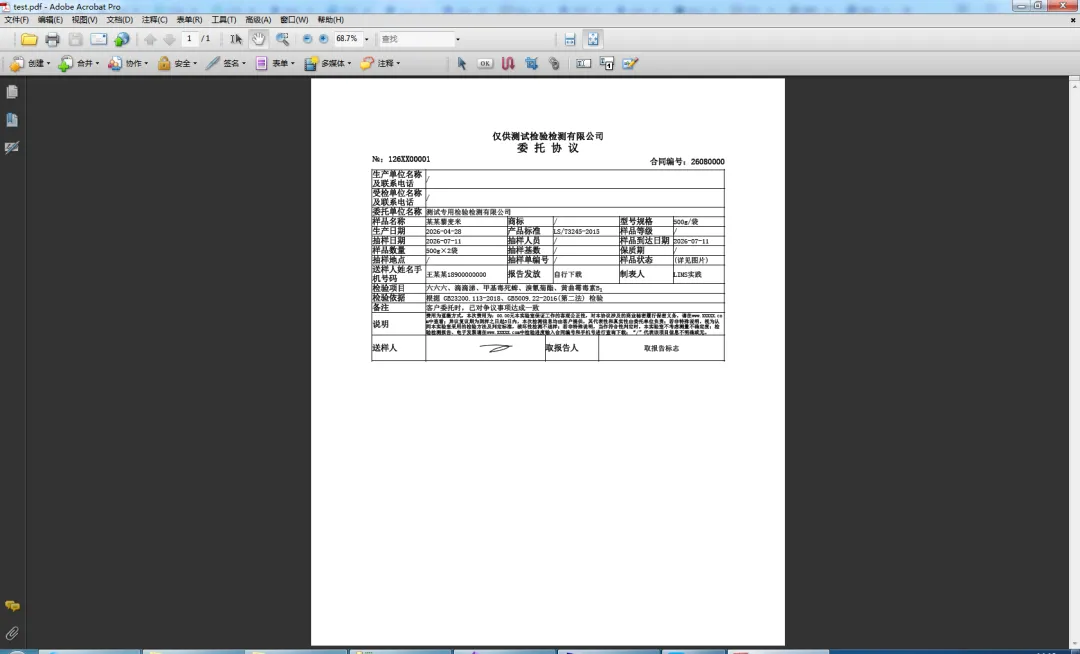
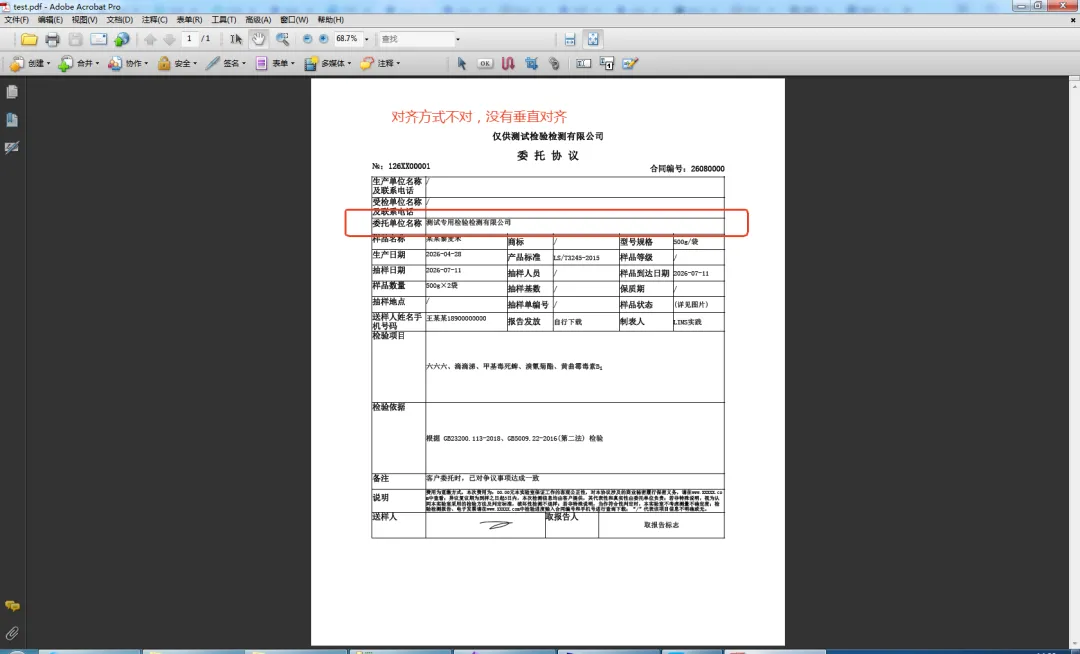
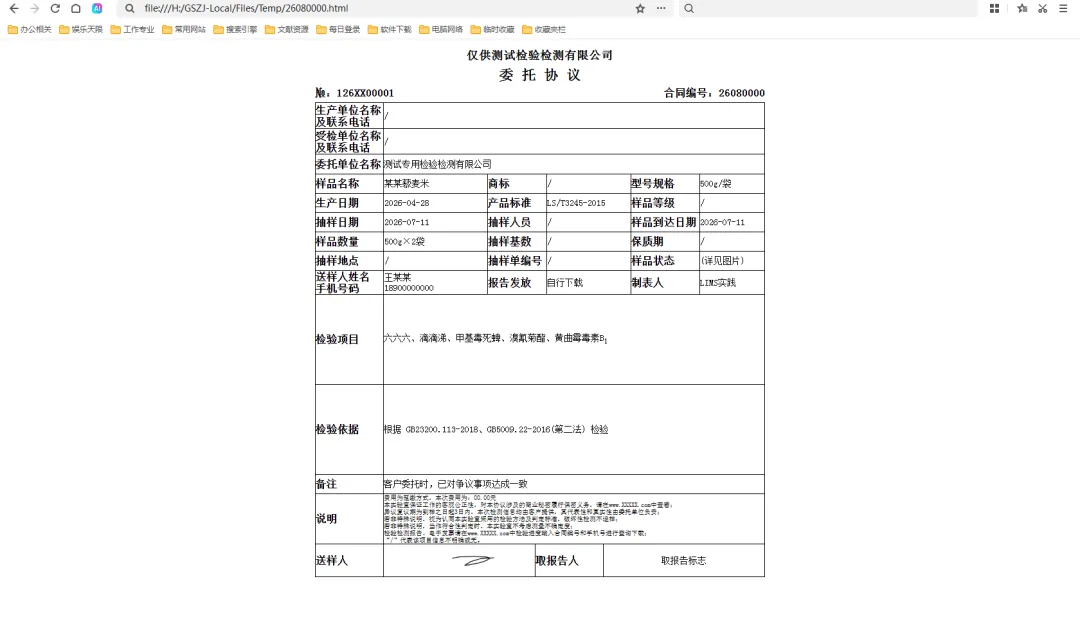
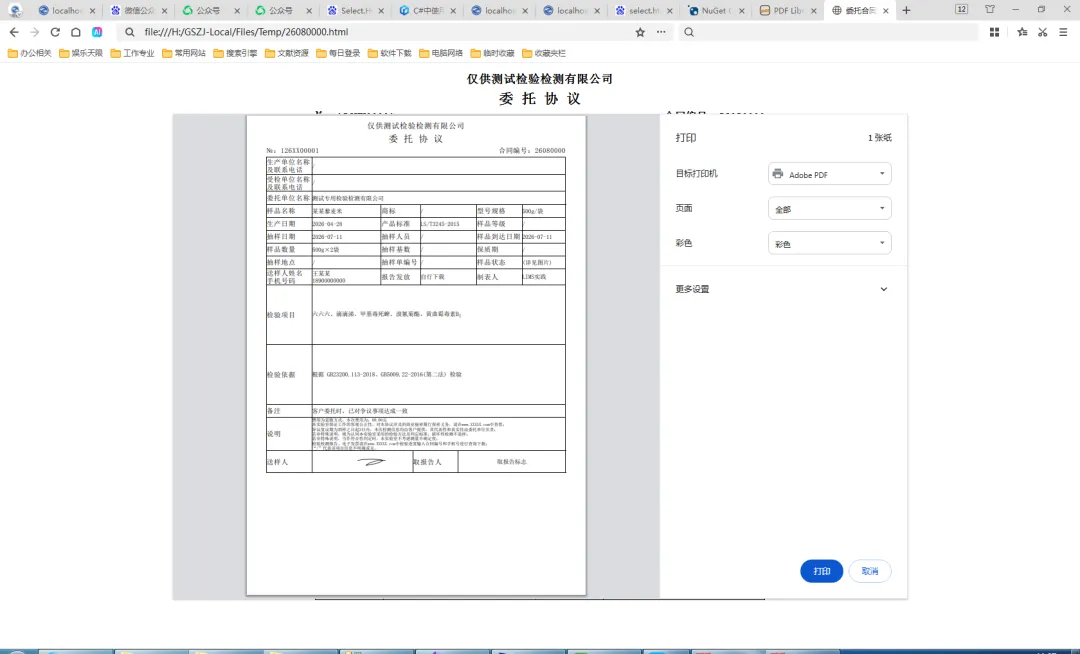
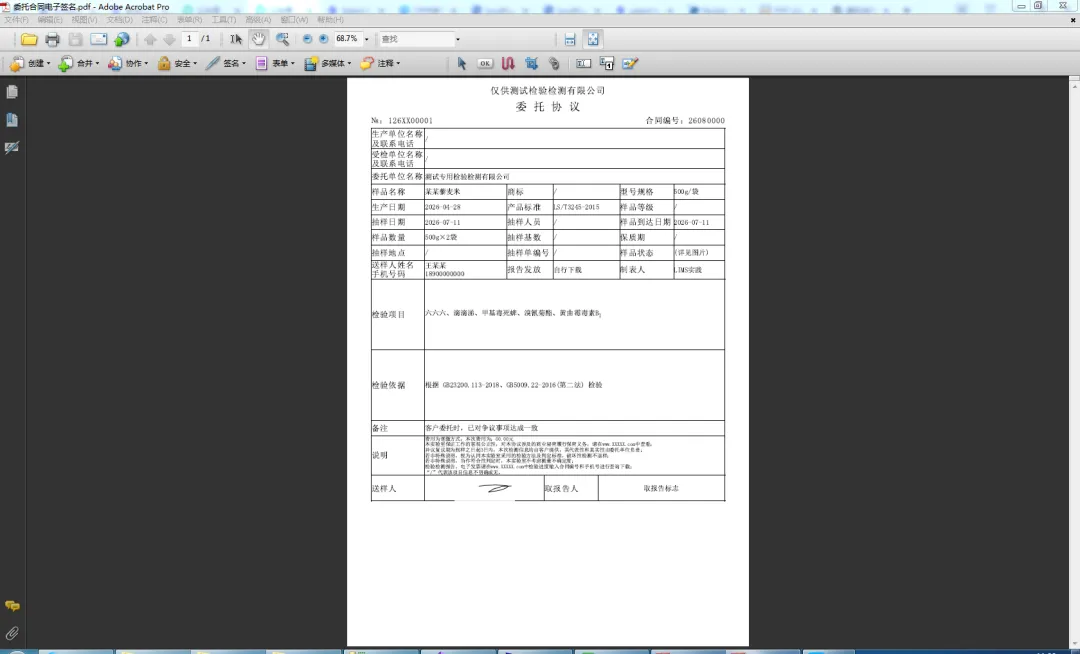
一、实践中.net后台操作PDF,使用aspose.pdf较多,但操作html转pdf时,遇到诸多问题: publicstaticvoidHtml2Pdf(string htmlName, string pdfName, string bmpPath)//转换Html文件为PDF { HtmlLoadOptions htmlOptions = new HtmlLoadOptions(FunCls.GetMapPath(bmpPath));//bmpPath指图片所在目录,若不指定将不显示图片 Document doc = new Document(FunCls.GetMapPath(htmlName), htmlOptions); doc.Save(FunCls.GetMapPath(pdfName)); }
有些文章说,必须指定css目录,经实践,不指定也可以明显感觉被压缩了,一些高度没有起作用,经查资料aspose.pdf对min-height敏感,对height不敏感,修改css@page { size: A4; margin: 0;}body { margin-left: 0px; margin-right: 0px;}TABLE { font-size: 14px; font-family: "SimSun", "Microsoft YaHei", "Arial Unicode MS", sans-serif !important; border: 0px; border-color: #000000; margin: 0px; border-collapse: collapse; border-spacing: 0; table-layout: fixed; word-break: break-all; word-wrap: break-word; width: 100% !important; max-width: 700px; margin: 0 auto;} table td { padding: 0; border-collapse: collapse; }.jydw { font-size: 18px; font-weight: bold; height: 35px; min-height: 35px; text-align: center;}.wtht { font-size: 22px; font-weight: bold; height: 20px; min-height: 20px; text-align: center;}.no { font-weight: bold; font-size: 16px; height: 30px; min-height: 30px; width: 125px;}
<tr> <tdvalign="middle"style="height: 44px; min-height: 44px; vertical-align: middle;”>委托单位名称</td> <td valign="middle" style="height: 44px; min-height: 44px; vertical-align: middle;"></td> </tr>
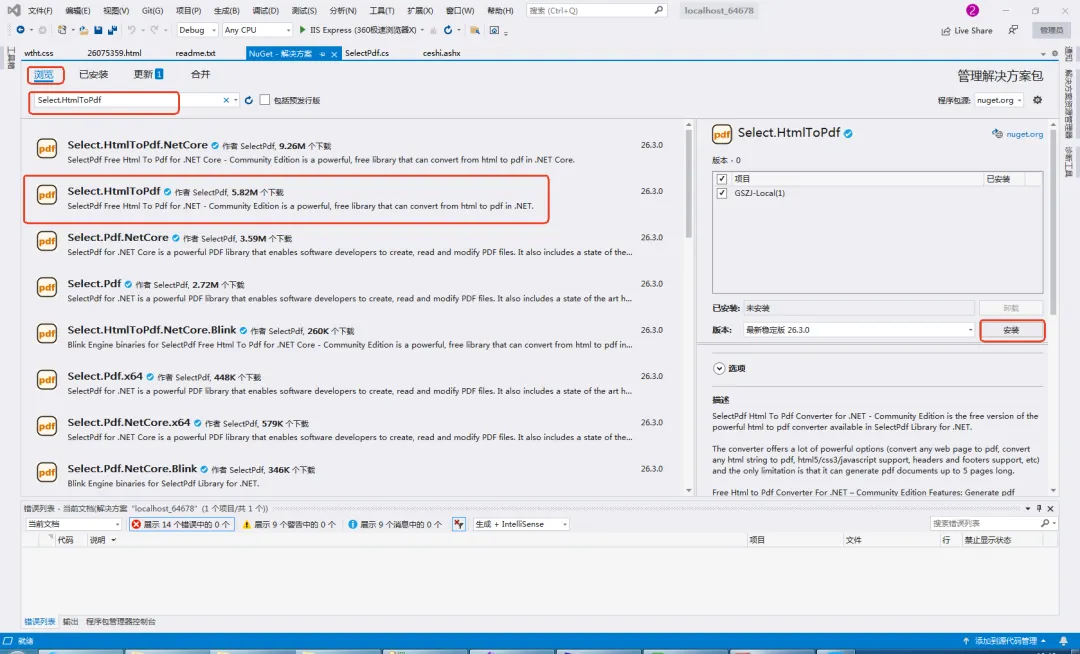
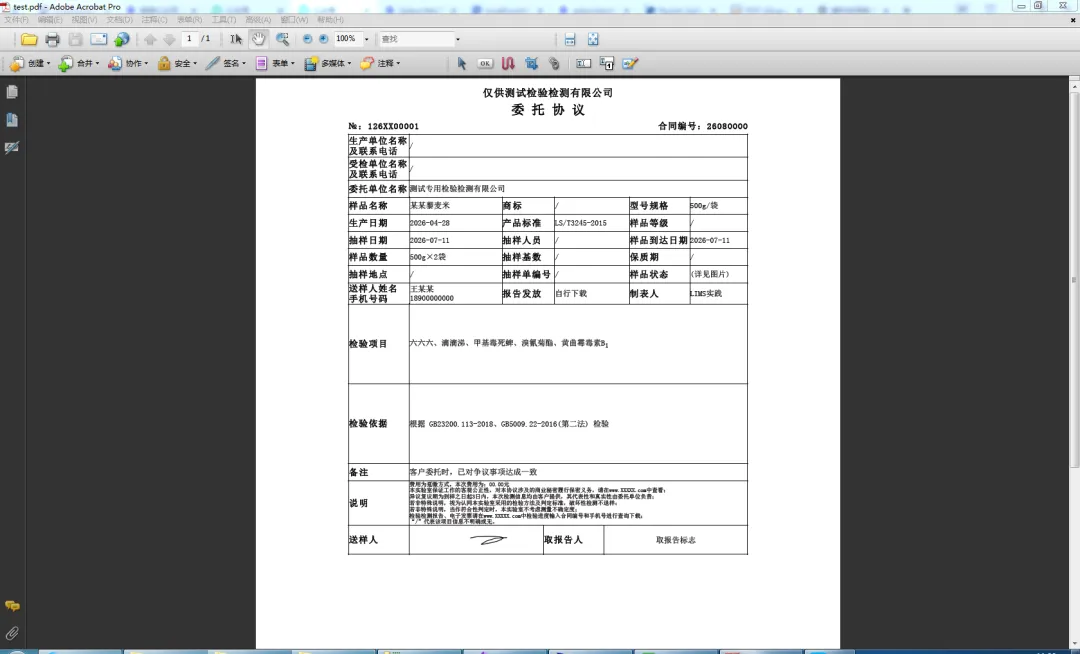
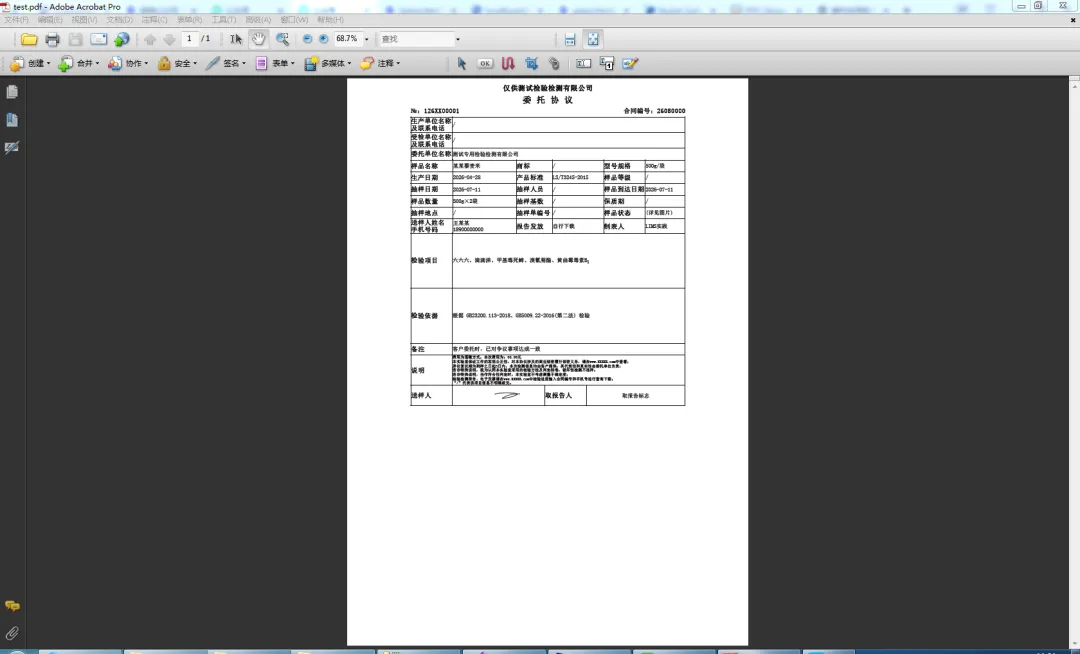
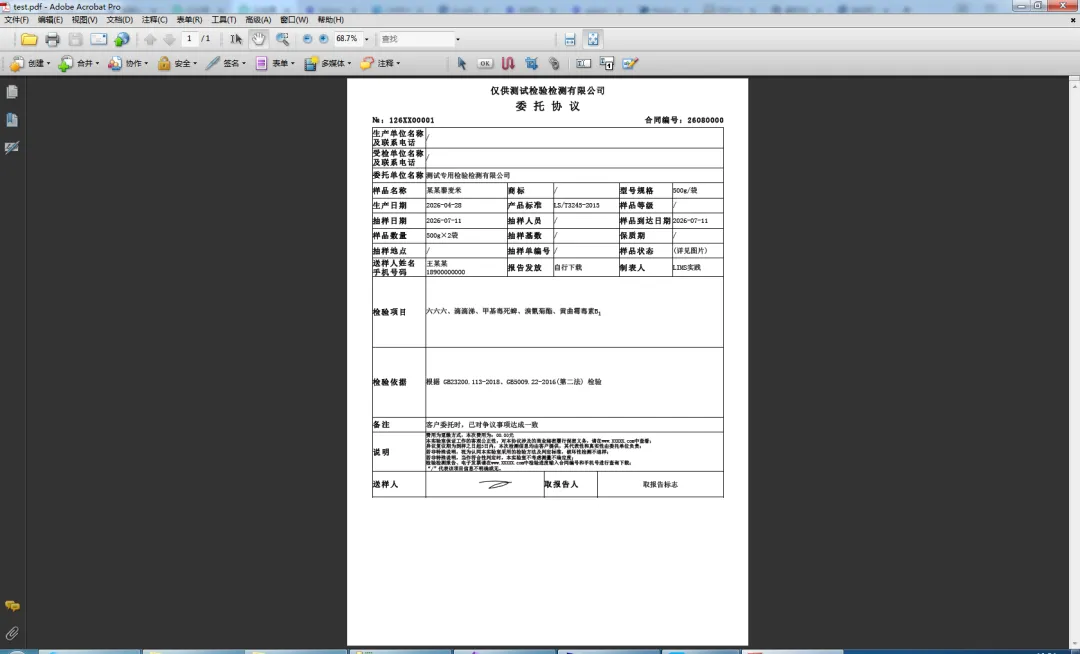
至于转换后利用aspose.word动态调整的方式没有采用,因为还是希望适合于各种HTML,不能有太多限制。二、实在没招了,找找其他的工具,经查询筛选,选定Select.HtmlToPdf,主要是免费无水印,虽然有5页限制,但可以满足日常需求。若通过其它方式安装后(如直接下载copy),文件缺失或版本不一致时,可能出现下面的提示,解决方案是删除后重新安装即可using SelectPdf;///<summary>///函数定义///</summary>namespace Function{ public class SelectPdfCls//一些普通转换处理的函数 { publicstaticvoidceshi() { HtmlToPdf converter = new HtmlToPdf(); PdfDocument doc = converter.ConvertUrl("http://localhost:00000/Files/Temp/26080000.html"); doc.Save(FunCls.GetMapPath("/Temp/test.pdf")); doc.Close(); } }}
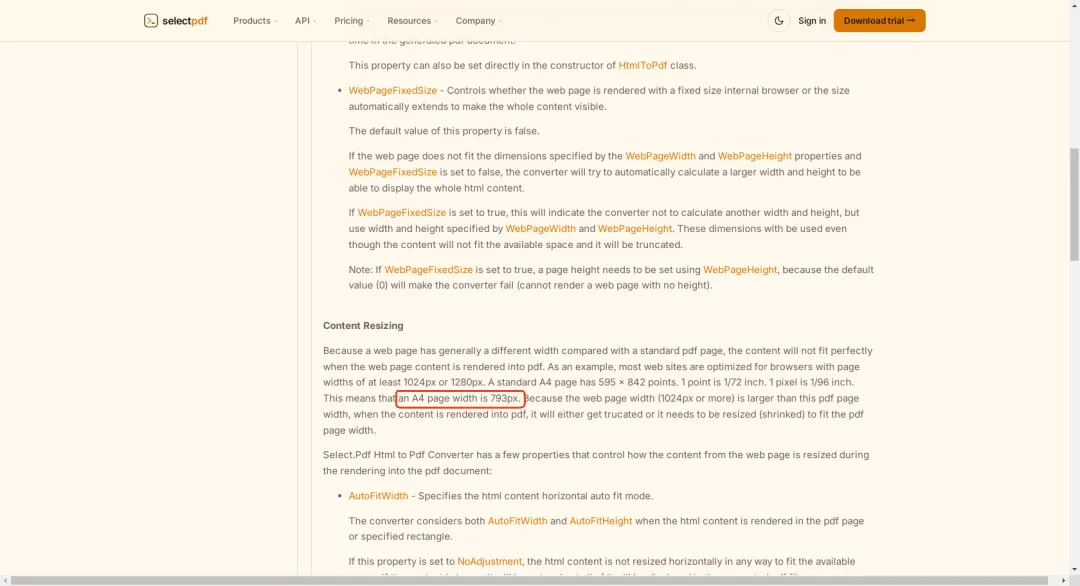
感觉Select.HtmlToPdf会缩放整个页面,修改代码: public static void ceshi() { HtmlToPdf converter = new HtmlToPdf(); // 设置转换选项 converter.Options.PdfPageSize = PdfPageSize.A4; converter.Options.PdfPageOrientation = PdfPageOrientation.Portrait; converter.Options.WebPageWidth = 793;//默认1024 converter.Options.WebPageHeight = 0; PdfDocument doc = converter.ConvertUrl("http://localhost:64678/Files/Temp/26080000.html"); doc.Save(FunCls.GetMapPath("/Temp/test.pdf")); doc.Close(); }
 夜雨聆风
夜雨聆风