夜雨聆风
夜雨聆风





Latex的真理,我已解明!(文档类型篇)
生物力学实验室:
AI交叉科学领域必读的公众号。

\documentclass{article}\begin{document}Hello LaTex\end{document}
\documentclass{report}\begin{document}Hello LaTex\end{document}
\documentclass{article}
Report适合较长报告、课程讲义、毕业论文草稿。有 \chapter。
\documentclass{report}
\part、\chapter,默认支持单双页排版、奇偶页页眉等。可以看到pdf页码在右上角\documentclass{book}
\documentclass{letter}
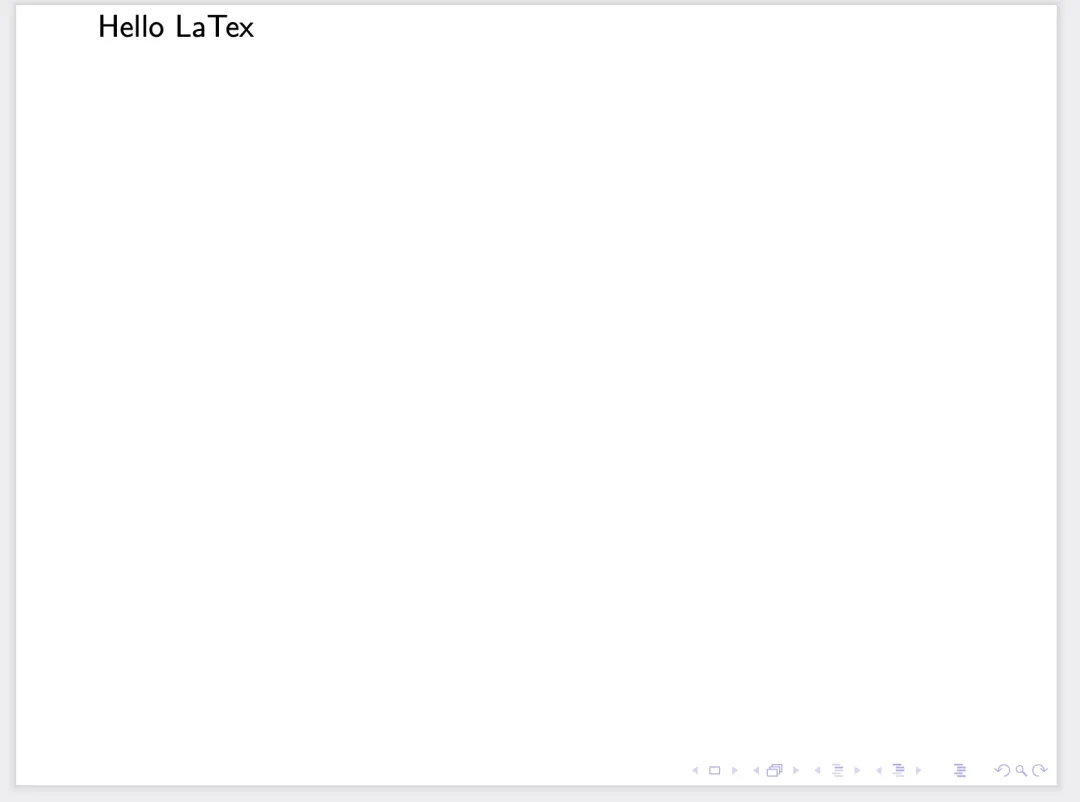
Beamer用于做学术报告幻灯片。比如组会 PPT、课程汇报。
\documentclass{beamer}可以看到pdf是PPT的比例,右下角还有PPT的下一页等控制按钮。
\documentclass{moderncv}\begin{document}Hello LaTex\end{document}
...very long...! Undefined control sequence.<argument> \@firstname{}~\@lastname {}l.3 \begin{document}?
\name{Yunxiao}{Zhang}...very long...! Undefined control sequence.<argument> \@firstname{}~\@lastname {}l.4 \begin{document}? xNo pages of output.Transcript written on ooModernCV.log.(base) yunxiao@KMac ooStudyBasis %
\documentclass{moderncv}\name{Yunxiao}{Zhang}\begin{document}Hello LaTeX\end{document}

TikzPoster适合做学术海报。
\documentclass{tikzposter}\begin{document}Hello LaTeX\end{document}
但这样直接编译后是空白的

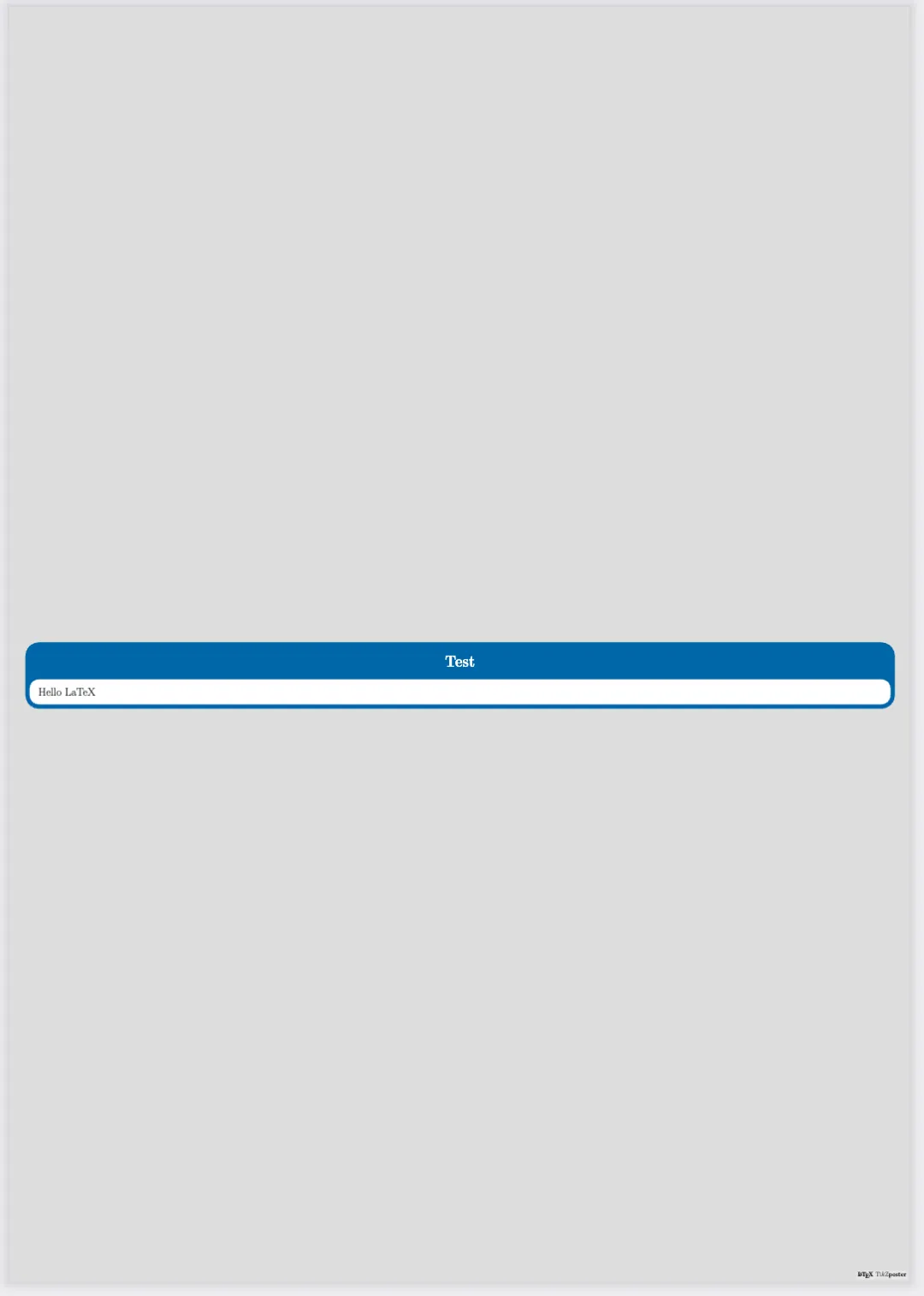
内容需要添加在Block里
\documentclass{tikzposter}\begin{document}\block{Test}{Hello LaTeX}\end{document}
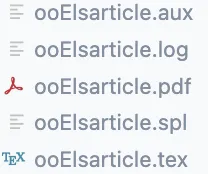
\documentclass{elsarticle}\begin{document}Hello LaTeX\end{document}

\documentclass{standalone}