 夜雨聆风
夜雨聆风请在微信客户端打开
AI开发之Web基础快速入门html
1)Web基础1介绍
咱们如果要做一个网站肯定需要了解一下前端的内容,咱们和python基础一样哦简单一小时过一遍就好了。提到前端咱们肯定想到html,css,javascript,jquery,vue,React,Angular,Flutter,uni-app。其他根据不同的甲方,公司自行学习就好。
html:
咱们看下html的结构哦
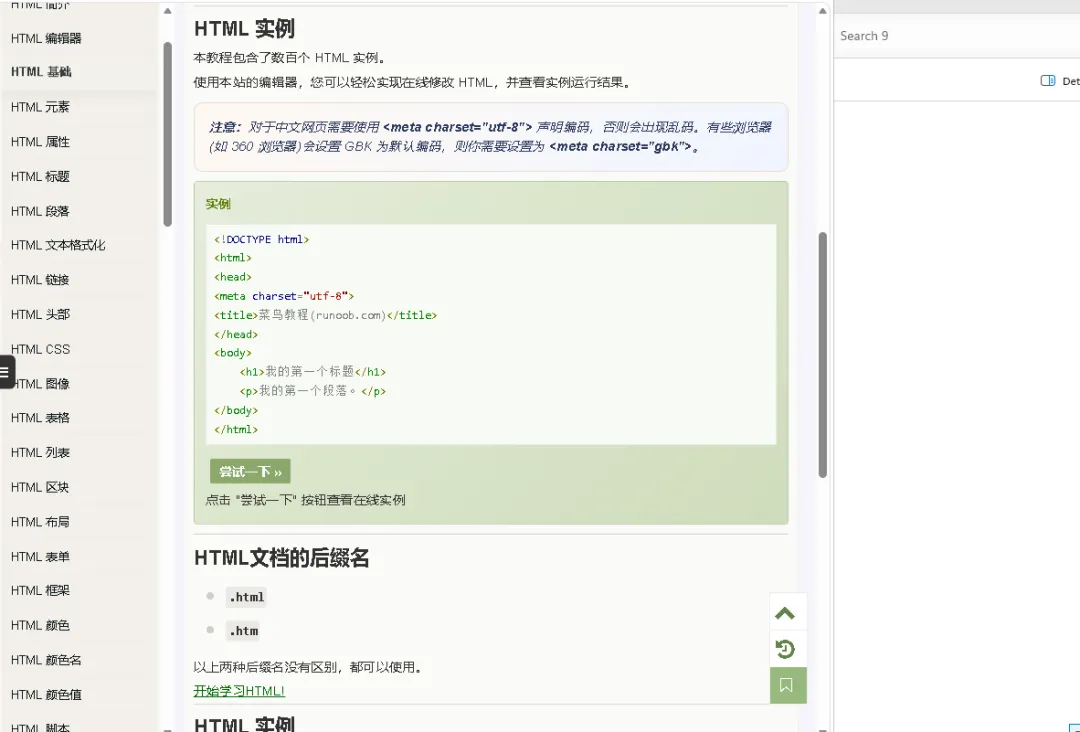
https://www.runoob.com/html/html-tutorial.html
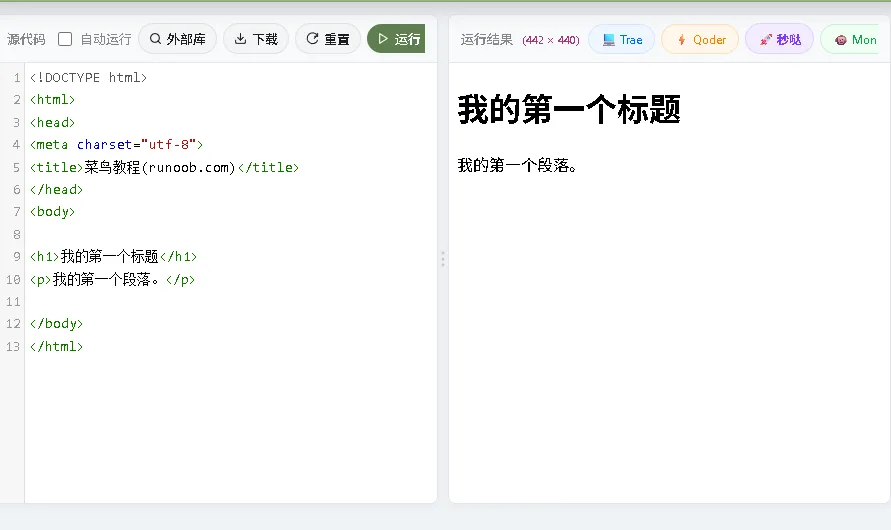
https://www.runoob.com/try/try.php?filename=tryhtml_intro
<!DOCTYPE html>
<html>
<head>
<meta charset="utf-8">
<title>菜鸟教程(runoob.com)</title>
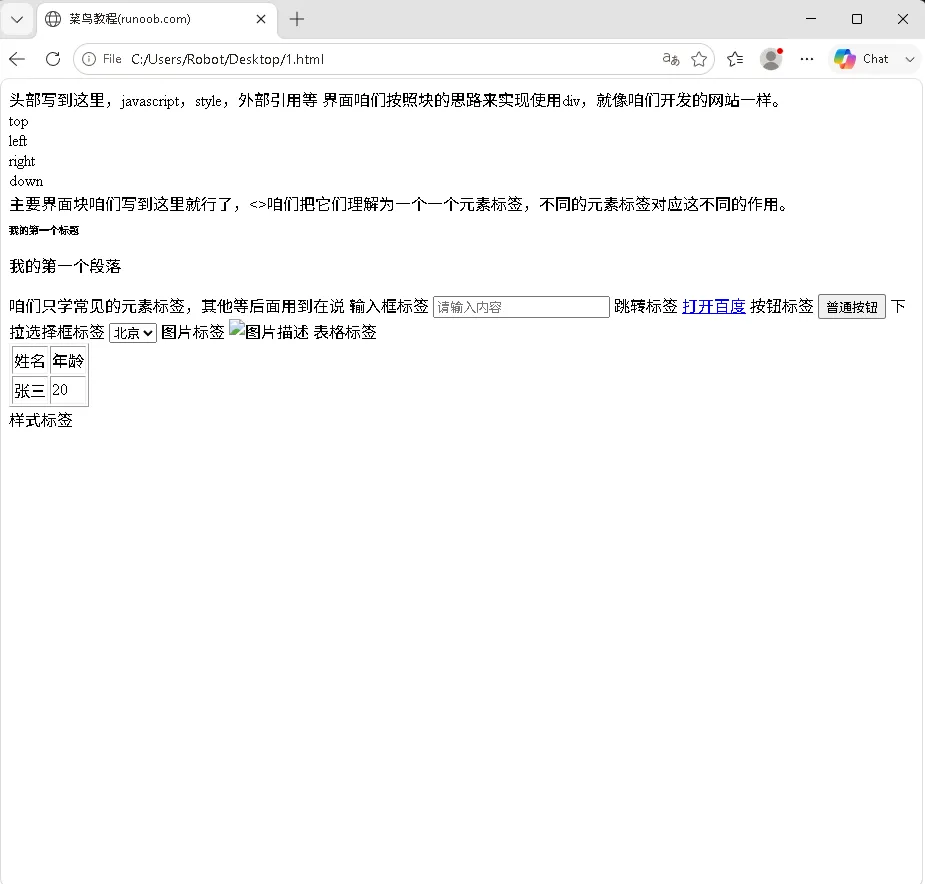
头部写到这里,javascript,style,外部引用等
</head>
<body>
界面咱们按照块的思路来实现使用div,就像咱们开发的网站一样。
<div>top</div>
<div>left</div>
<div>right</div>
<div>down</div>
主要界面块咱们写到这里就行了,<>咱们把它们理解为一个一个元素标签,不同的元素标签对应这不同的作用。
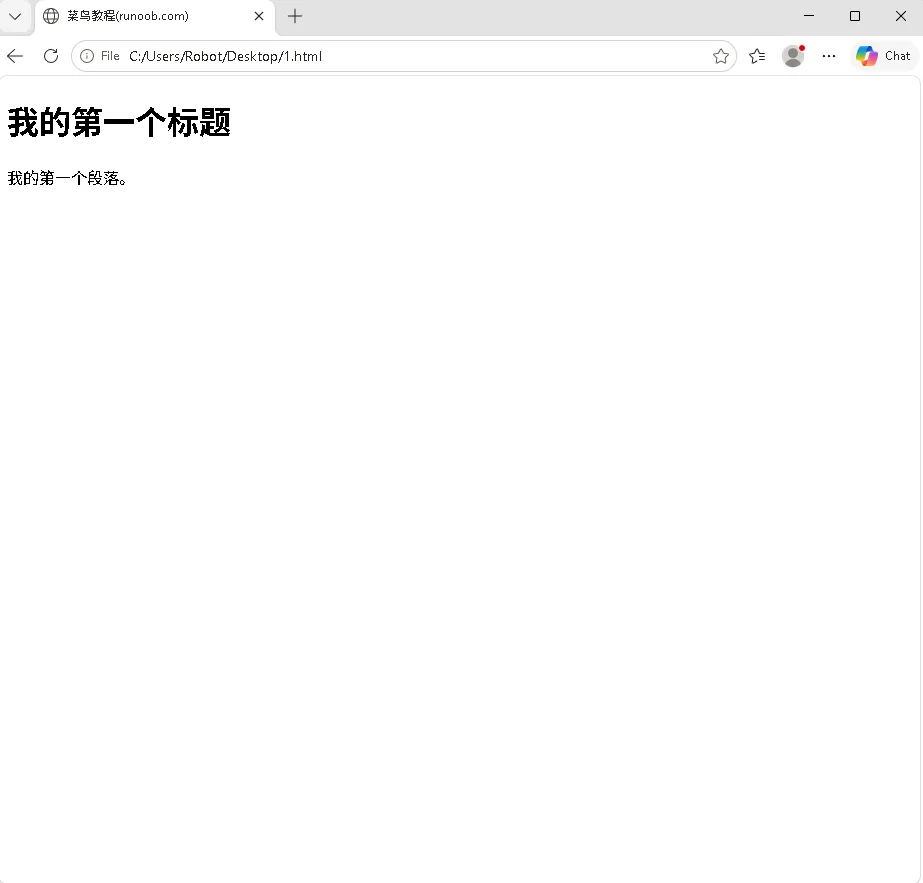
<h1>我的第一个标题</h1>
<p>我的第一个段落</p>
咱们只学常见的元素标签,其他等后面用到在说
输入框标签
<input type="text" placeholder="请输入内容">
跳转标签
<a href="https://www.baidu.com" target="_blank">打开百度</a>
按钮标签
<button>普通按钮</button>
下拉选择框标签
<select>
<option>北京</option>
<option>上海</option>
<option>广州</option>
</select>
图片标签
<img src="test.jpg" alt="图片描述">
表格标签
<table border="1">
<tr>
<td>姓名</td>
<td>年龄</td>
</tr>
<tr>
<td>张三</td>
<td>20</td>
</tr>
</table>
样式标签
<style>
h1{
font-size:10px;
}
<style>
导入标签
<script src="https://cdn.jsdelivr.net/npm/vue@3/dist/vue.global.js"></script>
<link rel="stylesheet" href="css/style.css">
javascript标签
<script>
// 这里写JS代码
alert('测试弹窗');
console.log('控制台打印');
</script>
</body>
</html>
2)前端标签属性介绍
好基本的标签咱们学会,咱们还需要了常见的标签属性
输入框标签
<input type="text" placeholder="请输入内容" name="username" disabled>
属性介绍:
type:输入框类型,text 文本框,password密码框,button按钮等
placeholder:输入框灰色提示文字,输入内容后自动消失
name:表单提交时当前输入框数据对应的字段名
disabled:布尔属性,添加后输入框禁用,无法输入编辑
value:设置输入框默认填充内容
跳转标签
<a href="https://www.baidu.com" target="_blank">打开百度</a>
属性介绍:
href:跳转地址,可以是外网网址,本地html文件,页面锚点#id
target="_blank":在新标签页打开页面;省略该属性则在当前页面跳转
按钮标签
<button type="button" disabled>普通按钮</button>
属性介绍:
type:可选值button普通按钮,submit提交按钮,reset重置按钮
disabled:布尔属性,添加后按钮禁用,无法点击
下拉选择框标签
<select name="city">
<option value="bj">北京</option>
<option value="sh">上海</option>
<option value="gz" selected>广州</option>
</select>
属性介绍:
select 标签属性:
name:下拉框表单提交时对应的字段名称
option 标签属性:
value:选中当前选项时,实际提交后台的数据值
selected:布尔属性,添加后该选项默认处于选中状态
图片标签
<img src="test.jpg" alt="图片描述" width="200" height="150">
属性介绍:
src:图片路径,填写本地图片地址或者网络图片地址
alt:图片加载失败时显示的替代文字,同时利于 SEO 搜索引擎识别
width:自定义图片宽度
height:自定义图片高度
表格标签
<table border="1">
<tr>
<td colspan="2">姓名</td>
<td rowspan="2">年龄</td>
</tr>
<tr>
<td>张三</td>
<td>20</td>
</tr>
</table>
属性介绍:
table 标签属性:
border:设置表格边框粗细数值
td 单元格标签属性:
colspan:单元格横向跨列合并
rowspan:单元格纵向跨行合并
tr 行标签:日常使用几乎无必备属性
样式标签
<style>
h1{
font-size:10px;
}
</style>
属性介绍:
style标签几乎无业务常用属性,作用为页面内嵌css样式;内部书写选择器 + 样式属性,用来控制页面元素大小,颜色,排版,外观样式。
导入标签
外部引入js的script标签
<script src="https://cdn.jsdelivr.net/npm/vue@3/dist/vue.global.js"></script>
属性介绍:
src:填写外部js文件路径,用于引入外部js文件,第三方js类库
引入外部CSS的link标签
<link rel="stylesheet" href="css/style.css">
属性介绍:
rel="stylesheet":固定必填属性,声明当前引入的文件类型为样式表
href:外部css样式文件的存放路径
javascript标签(内嵌 js)
属性介绍:
该标签不写src属性时,标签内部可以直接编写js业务代码;
alert():浏览器弹出提示弹窗
console.log():在浏览器控制台打印内容,用于代码调试查看数据
<script>
// 这里写JS代码
alert('测试弹窗');
console.log('控制台打印');
</script>
3)代码案例讲解
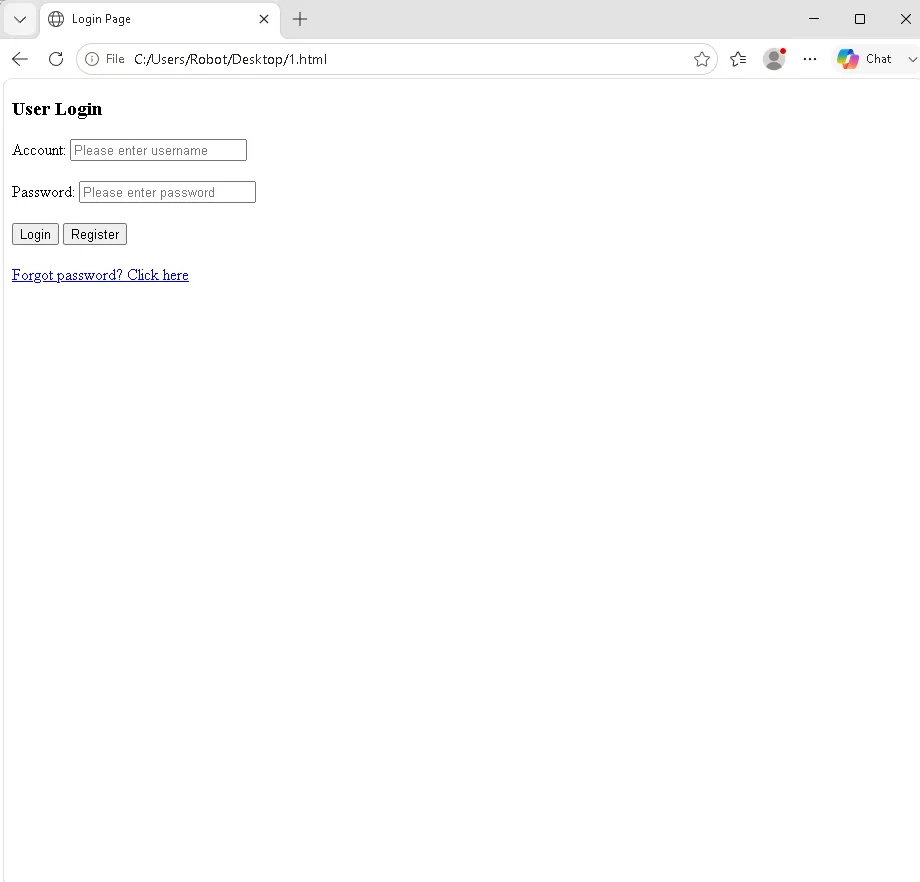
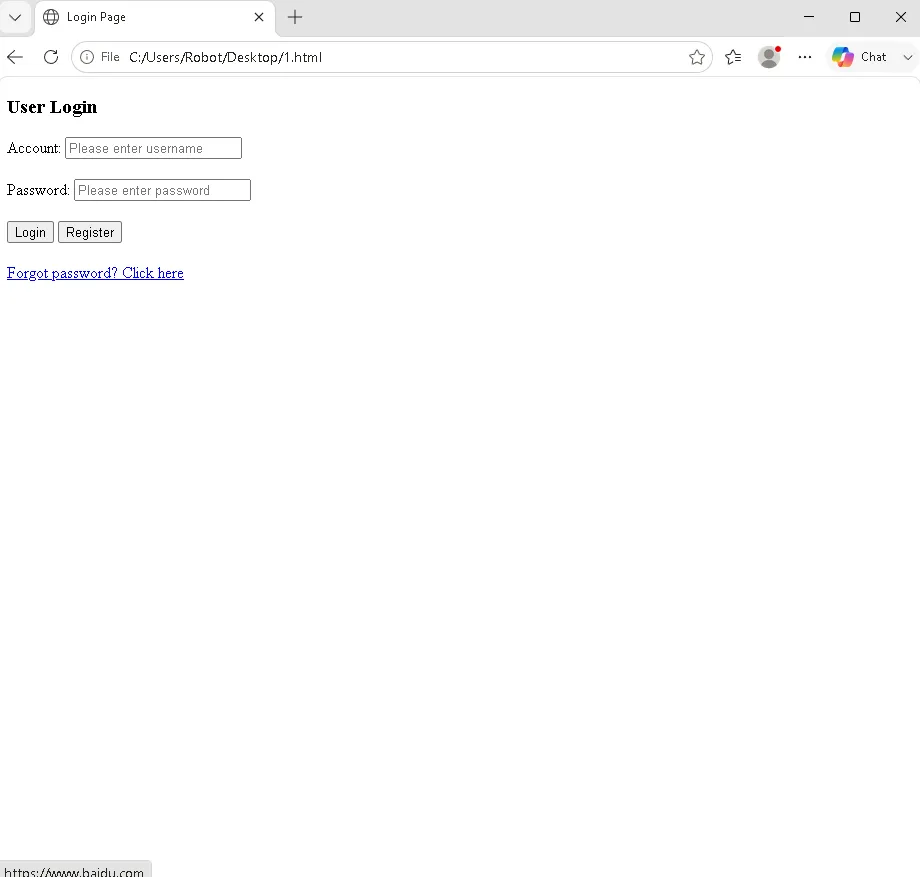
<!DOCTYPE html><html><head><metacharset="utf-8"><title>Login Page</title></head><body><h3>User Login</h3><!-- Account--><div>Account: <inputtype="text"placeholder="Please enter username"name="username"></div><br><!-- Password --><div>Password: <inputtype="password"placeholder="Please enter password"name="password"></div><br><buttontype="button"onclick="loginClick()">Login</button><buttontype="button"onclick="registerClick()">Register</button><br><br><ahref="https://www.baidu.com"target="_blank">Forgot password? Click here</a></body></html>
过去帮客户写的AI案例请看这里:
https://space.bilibili.com/1456034618/lists/3151496?type=season