乐于分享
好东西不私藏

卸载OpenClaw只要1秒钟!一个命令!

卸载OpenClaw只要1秒钟!一个命令!
首先问下AI(此处用了豆包),如何卸载OpenClaw
如下:
我现在想要卸载安装在我macbook上的openclaw,给我出一个教程,包含命令
windows设备同理,问AI即可
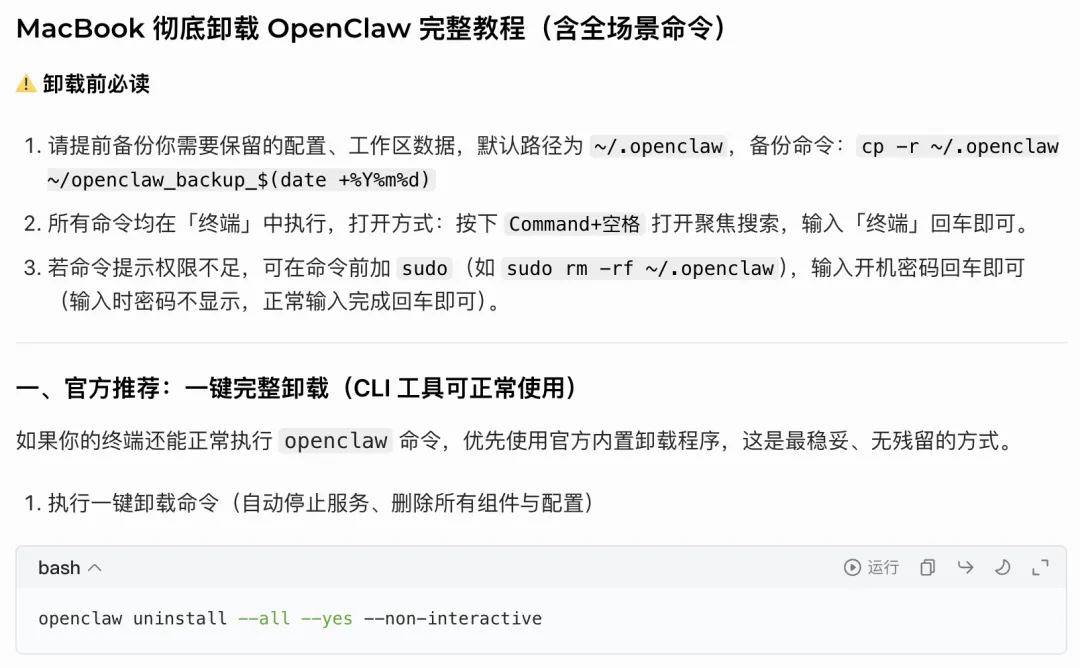
AI回答如下
打开终端(command+空格),输入 终端
输入指令:
openclaw uninstall --all --yes --non-interactive
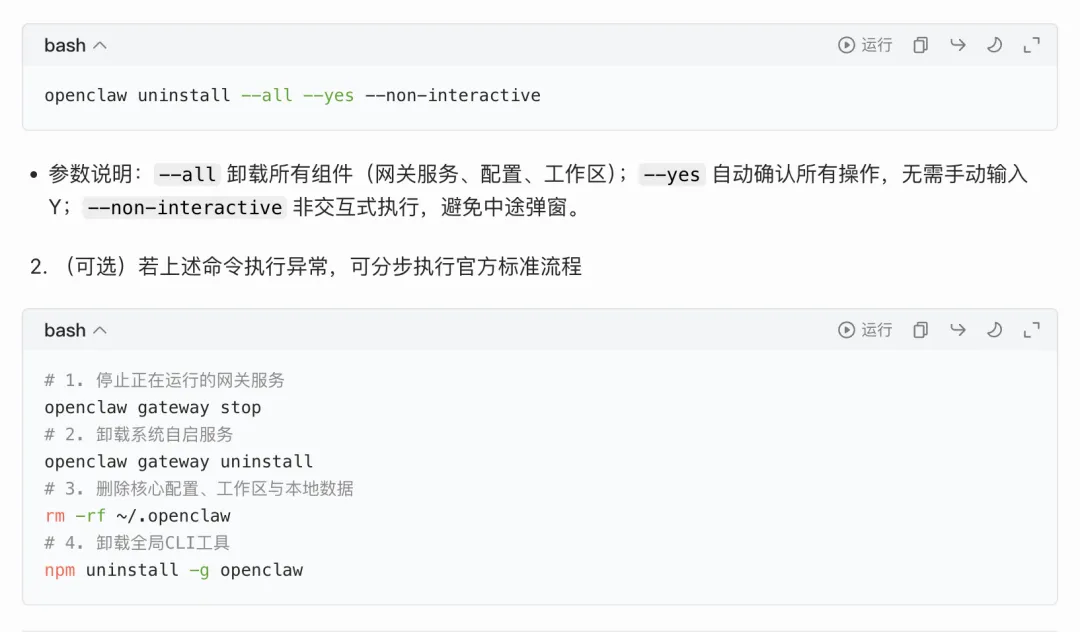
若上述命令执行异常,可分步执行官方标准流程()
# 1. 停止正在运行的网关服务
openclaw gateway stop
# 2. 卸载系统自启服务
openclaw gateway uninstall
# 3. 删除核心配置、工作区与本地数据
rm-rf ~/.openclaw
# 4. 卸载全局CLI工具
npm uninstall -g openclaw
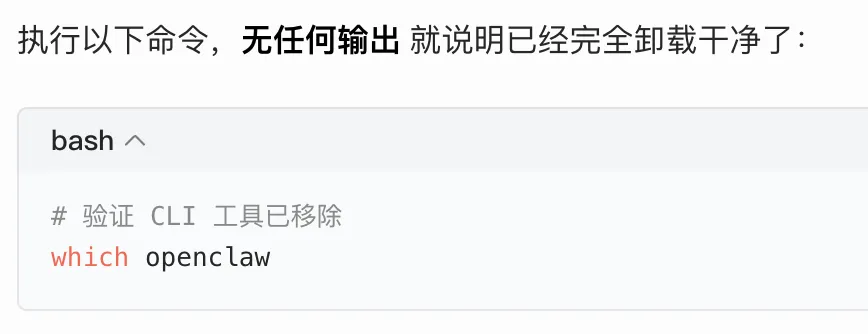
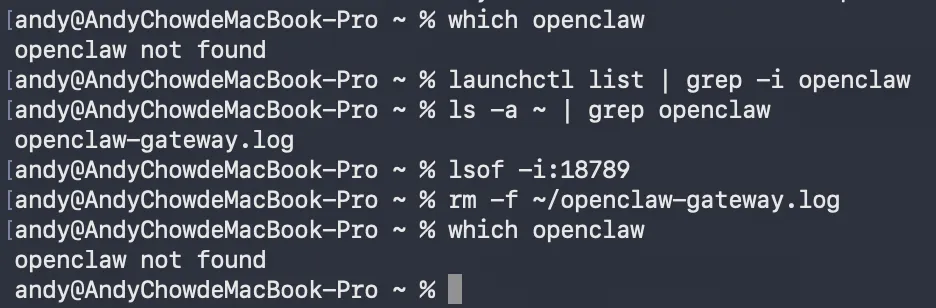
等待几秒钟,再次验证是否成功卸载
以下指令:
# 1. 验证CLI工具已完全移除 
which openclaw 
# 2. 验证后台服务已全部清理 
launchctl list | grep -i openclaw 
# 3. 验证本地配置目录已删除 
ls -a ~ | grep openclaw 
# 4. 验证默认端口无占用(OpenClaw默认占用18789端口) 

lsof -i:18789
搞定!