ARTICLE · 1336565
用AI 开发了一看 pdf word 图片文档转文字工具分享记录一下
用AI开发了一看 pdf word 图片文档转文字工具分享记录一下
分类:程序人生 | 作者:adminB | 发布时间:2026-11-09 20:50 | 标签:{5}{6}{7}{8} | 原文:https://itlife365.com/blog/post/1360.html
用AI 开发了一看 pdf word 图片文档转文字工具分享记录一下
现在用ai开发真的快。
我发一段话,使用workbuddy . #workbuddy #ai #图片转文字 #pdf转文字
刷刷的几分钟就给你一个模型出来了,
然后你再测试一下,再优化一下,
基本能使用了。
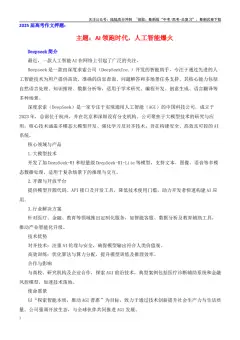
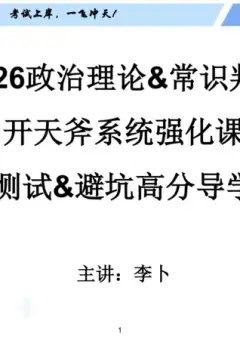
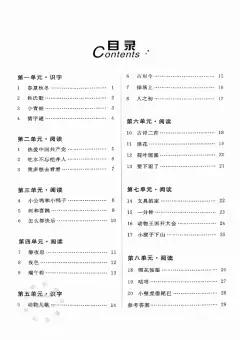
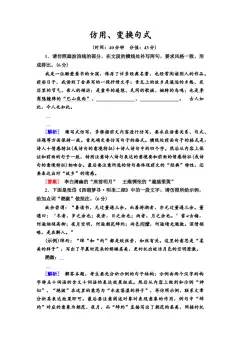
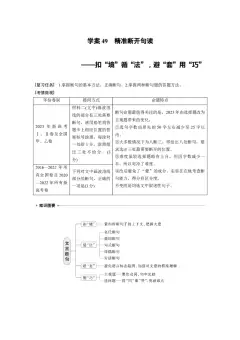
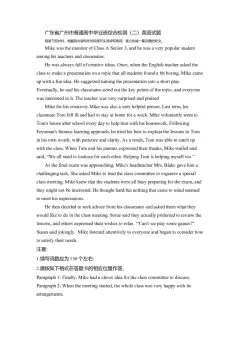
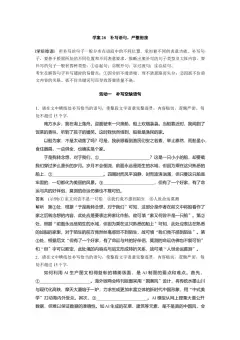
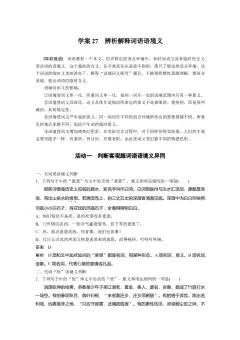
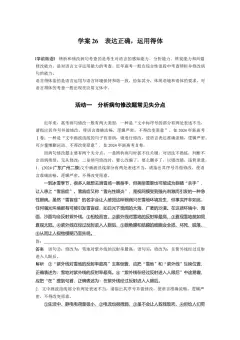
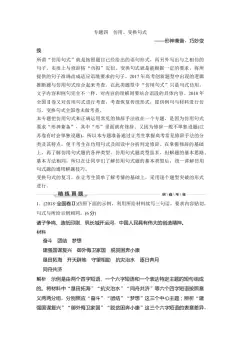
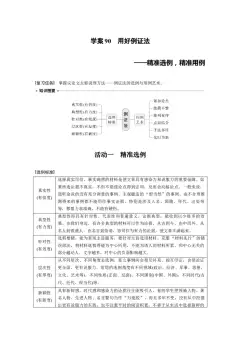
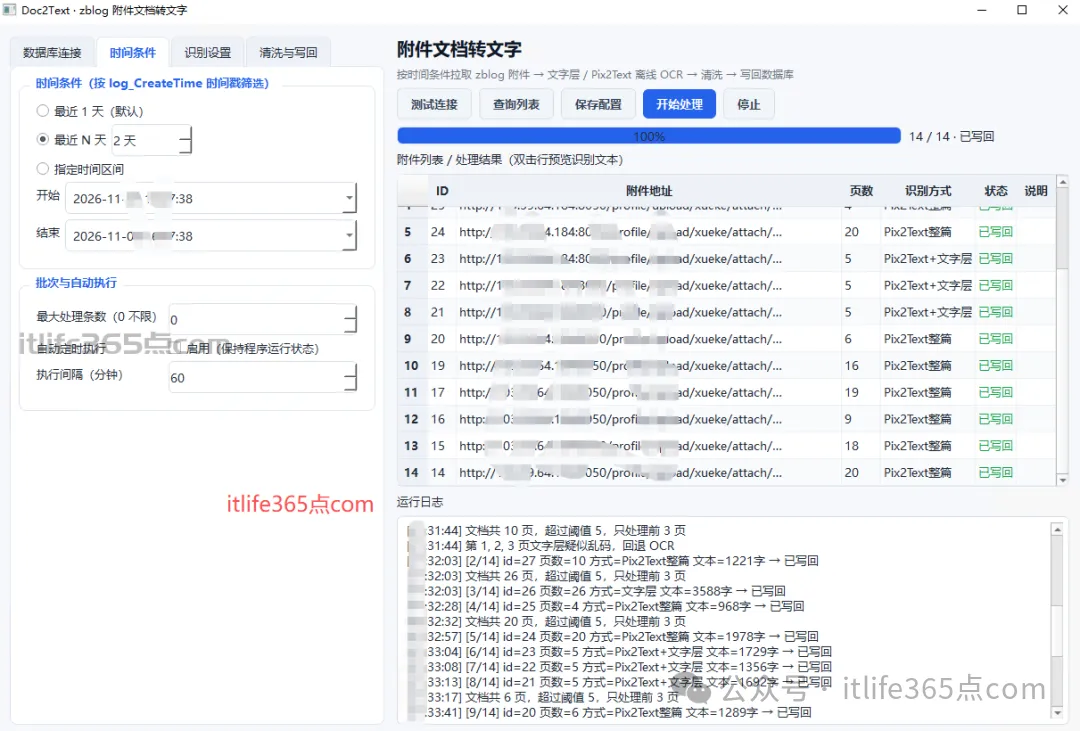
先来一个几张运行效果图
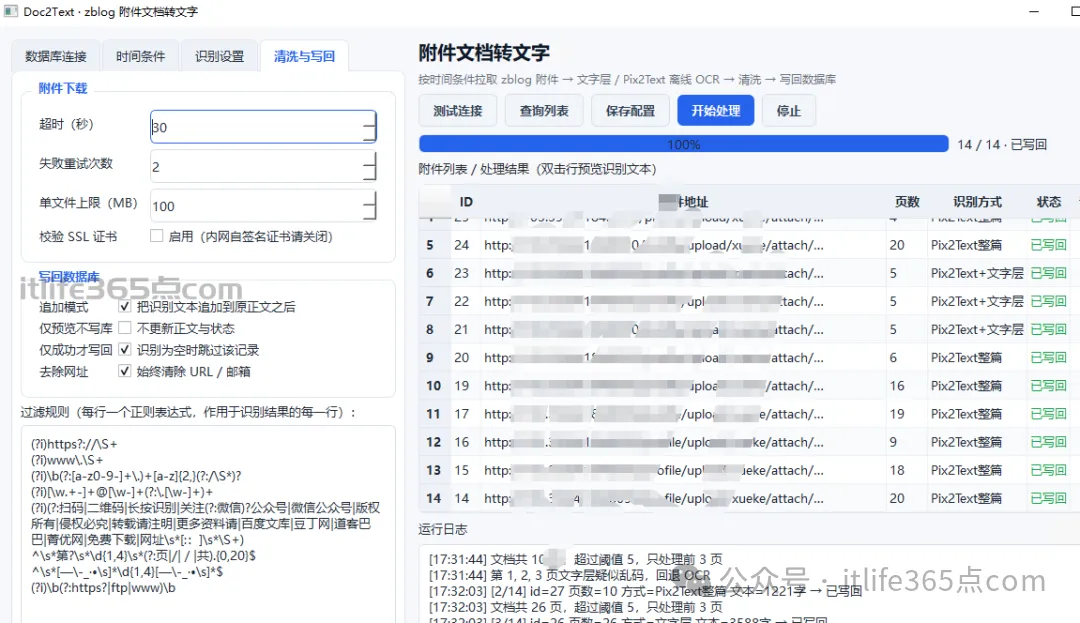
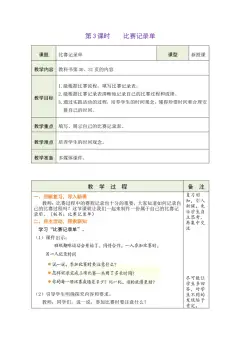
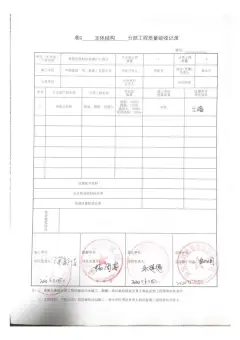
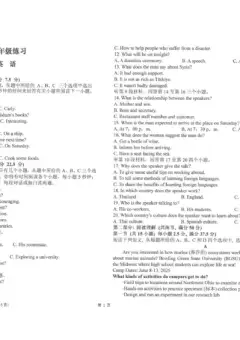
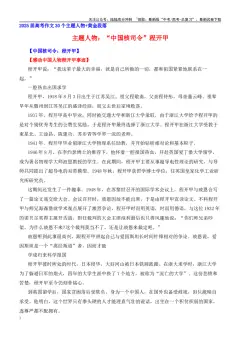
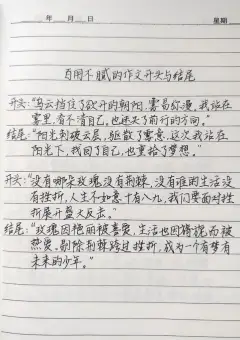
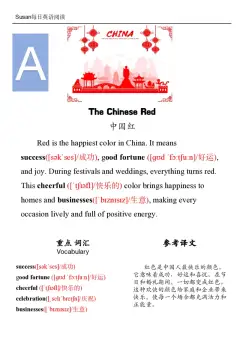
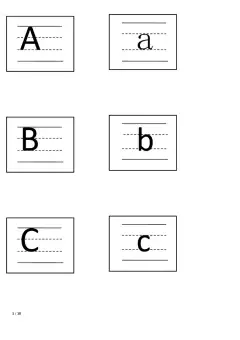
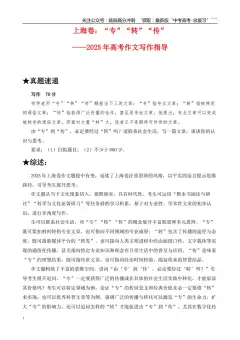
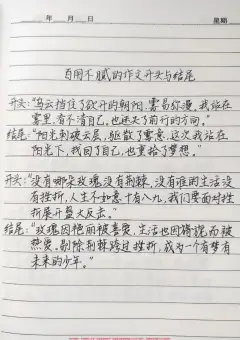
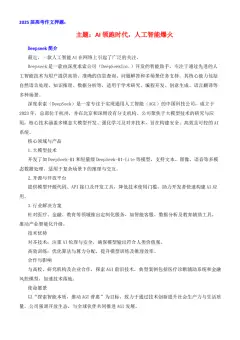
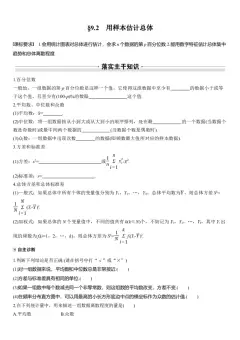
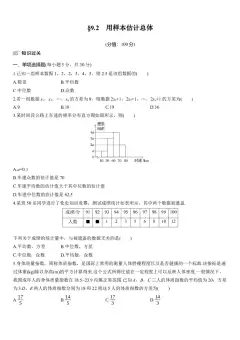
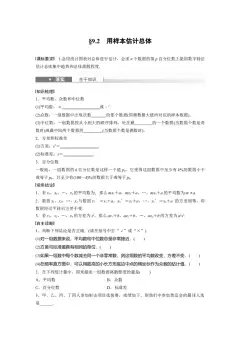
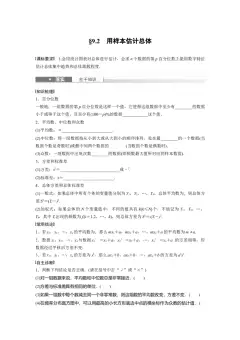
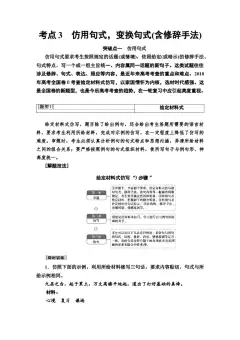
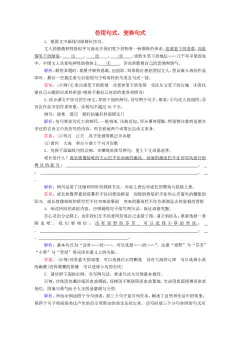
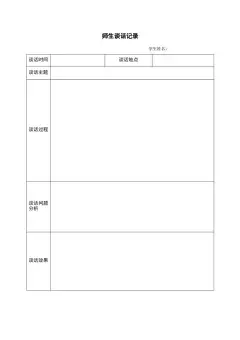
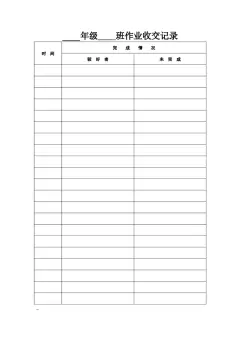
实践的转换效果:
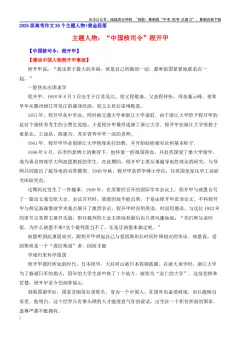
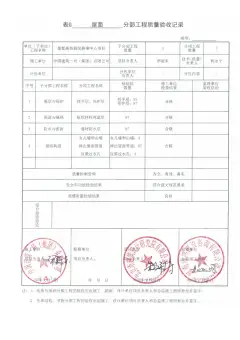
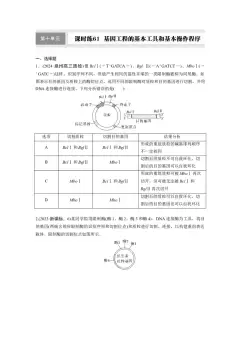
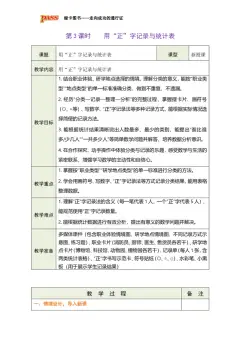
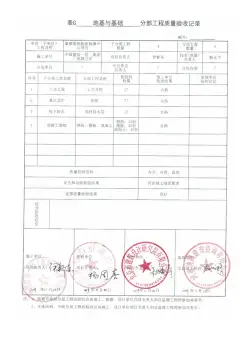
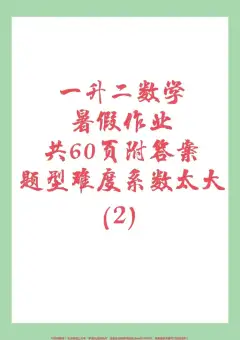
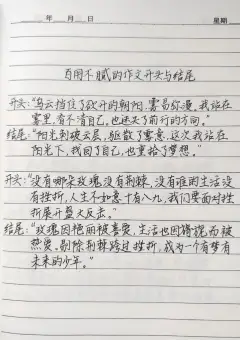
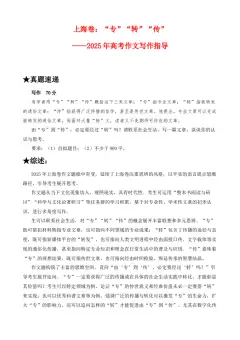
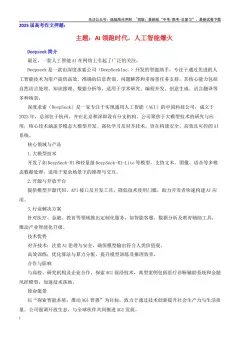
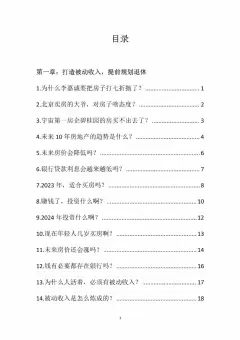
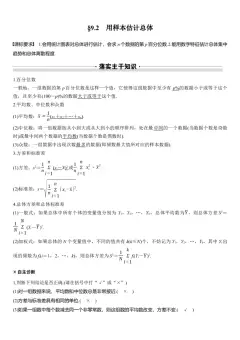
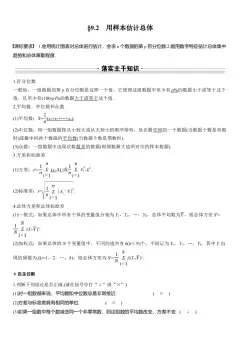
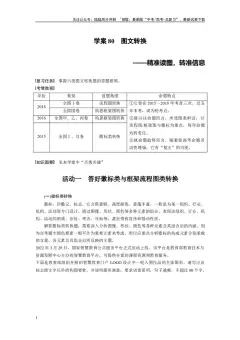
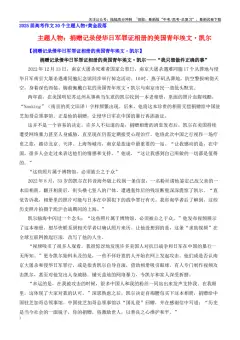
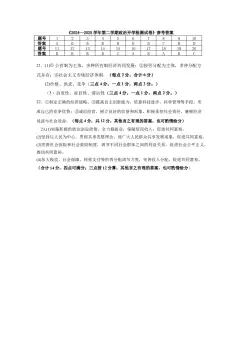
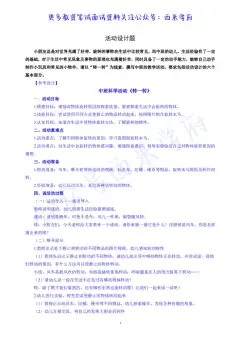
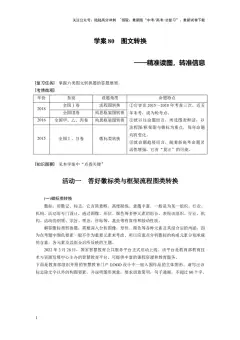
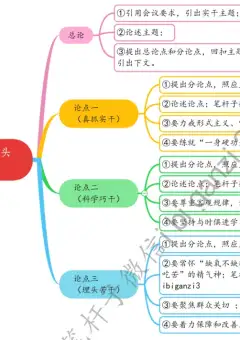
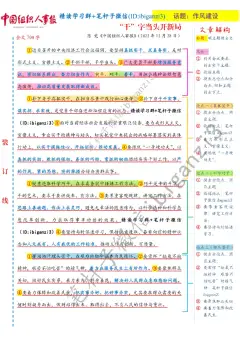
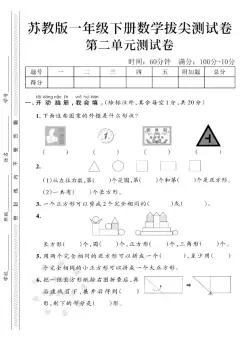
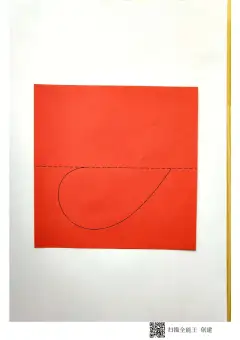
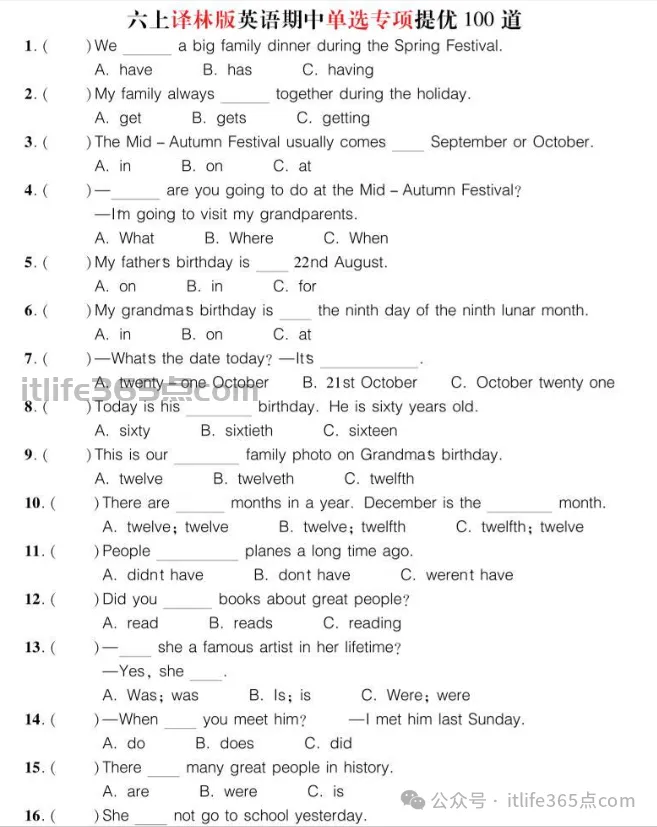
页面:
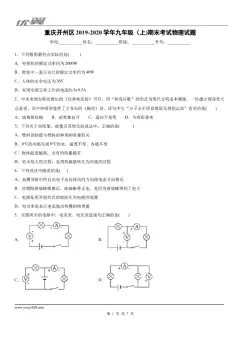
转换后的图片文字:
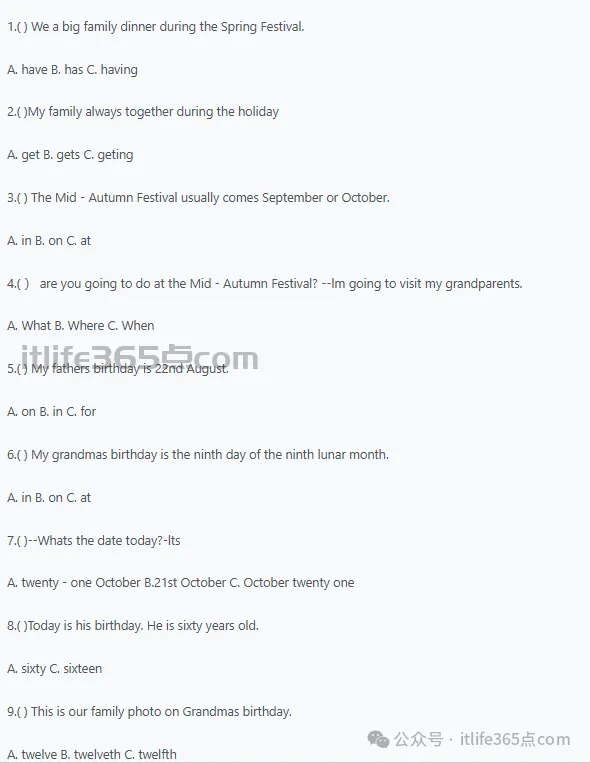
1.( ) We a big family dinner during the Spring Festival.A. have B. has C. having2.( )My family always together during the holidayA. get B. gets C. geting3.( ) The Mid - Autumn Festival usually comes September or October.A. in B. on C. at4.( ) are you going to do at the Mid - Autumn Festival? --lm going to visit my grandparents.A. What B. Where C. When5.( ) My fathers birthday is 22nd August.A. on B. in C. for6.( ) My grandmas birthday is the ninth day of the ninth lunar month.A. in B. on C. at7.( )--Whats the date today?-ltsA. twenty - one October B.21st October C. October twenty one8.( )Today is his birthday. He is sixty years old.A. sixty C. sixteen9.( ) This is our family photo on Grandmas birthday.A. twelve B. twelveth C. twelfthare months in a year. December is the month10.( ) There eA. twelve; twelve B. twelve; twelfth C. twelfth; twelve11.( )People planes a long time ago.A. didnt have B. dont have C. werent have12.( )Did you books about great people?A. read B. reads C. reading13.( )一 she a famous artist in her lifetime?--Yes, sheA. Was; was B. Is; is C. Were; were14.()-When you meet him? "l met him last Sunday. |
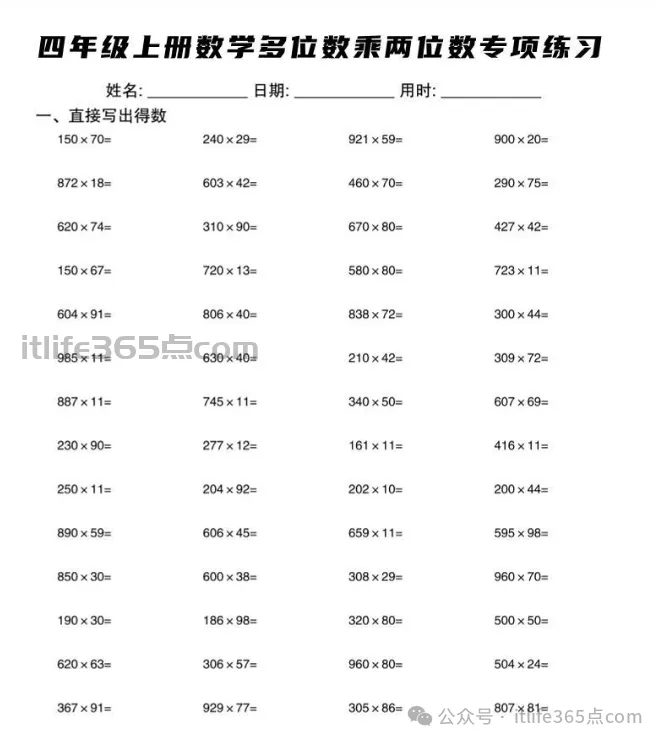
26年四年级上数学多位数乘两位数专项练习 - 学科资料一站式领取 - Good Luck To You!
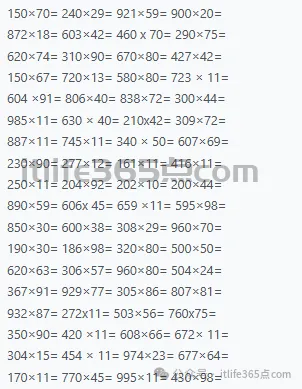
是不是很准确
上面的这个页面如果是要手工开发估计得要几天。
给需求,发一段需求文字 给 ai #ai workbuddy #workbuddy .比如如下
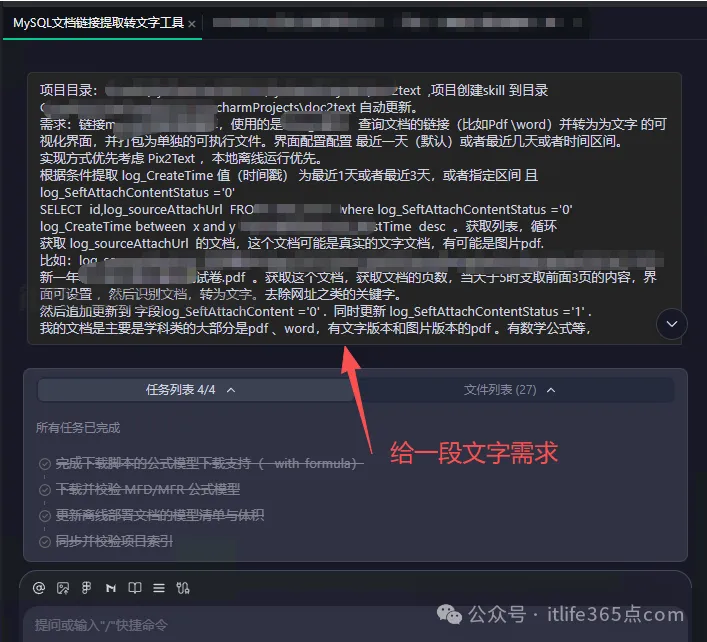
需求模型分析 32分钟后给你成品了
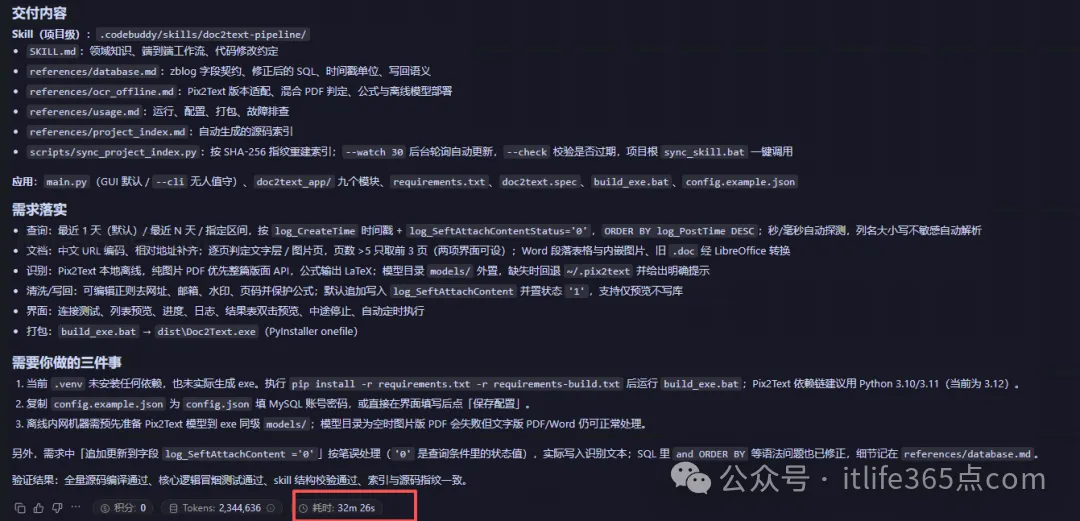
交付内容
Skill(项目级):.codebuddy/skills/doc2text-pipeline/
SKILL.md:领域知识、端到端工作流、代码修改约定
references/database.md:zblog 字段契约、修正后的 SQL、时间戳单位、写回语义
references/ocr_offline.md:Pix2Text 版本适配、混合 PDF 判定、公式与离线模型部署
references/usage.md:运行、配置、打包、故障排查
references/project_index.md:自动生成的源码索引
scripts/sync_project_index.py:按 SHA-256 指纹重建索引;--watch 30 后台轮询自动更新,--check 校验是否过期,项目根 sync_skill.bat 一键调用
应用:main.py(GUI 默认 / --cli 无人值守)、doc2text_app/ 九个模块、requirements.txt、doc2text.spec、build_exe.bat、config.example.json
需求落实
查询:最近 1 天(默认)/ 最近 N 天 / 指定区间,按 log_CreateTime 时间戳 + log_SeftAttachContentStatus='0',ORDER BY log_PostTime DESC;秒/毫秒自动探测,列名大小写不敏感自动解析
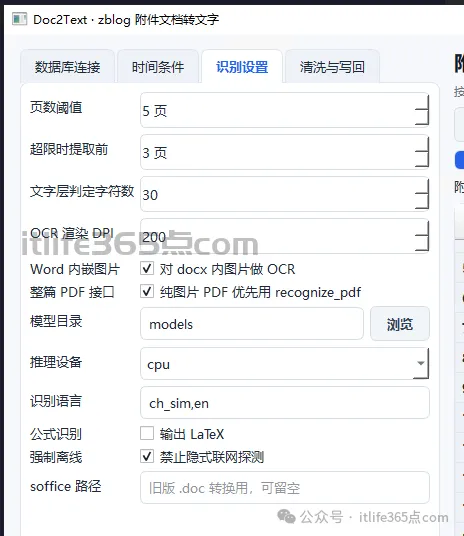
文档:中文 URL 编码、相对地址补齐;逐页判定文字层 / 图片页,页数 >5 只取前 3 页(两项界面可设);Word 段落表格与内嵌图片、旧 .doc 经 LibreOffice 转换
识别:Pix2Text 本地离线,纯图片 PDF 优先整篇版面 API,公式输出 LaTeX;模型目录 models/ 外置,缺失时回退 ~/.pix2text 并给出明确提示
清洗/写回:可编辑正则去网址、邮箱、水印、页码并保护公式;默认追加写入 log_SeftAttachContent 并置状态 '1',支持仅预览不写库
界面:连接测试、列表预览、进度、日志、结果表双击预览、中途停止、自动定时执行
打包:build_exe.bat → dist\Doc2Text.exe(PyInstaller onefile)
需要你做的三件事
当前 .venv 未安装任何依赖,也未实际生成 exe。执行 pip install -r requirements.txt -r requirements-build.txt 后运行 build_exe.bat;Pix2Text 依赖链建议用 Python 3.10/3.11(当前为 3.12)。
复制 config.example.json 为 config.json 填 MySQL 账号密码,或直接在界面填写后点「保存配置」。
离线内网机器需预先准备 Pix2Text 模型到 exe 同级 models/;模型目录为空时图片版 PDF 会失败但文字版 PDF/Word 仍可正常处理。
另外,需求中「追加更新到字段 log_SeftAttachContent ='0'」按笔误处理('0' 是查询条件里的状态值),实际写入识别文本;SQL 里 and ORDER BY 等语法问题也已修正,细节记在 references/database.md。
验证结果:全量源码编译通过、核心逻辑冒烟测试通过、skill 结构校验通过、索引与源码指纹一致。
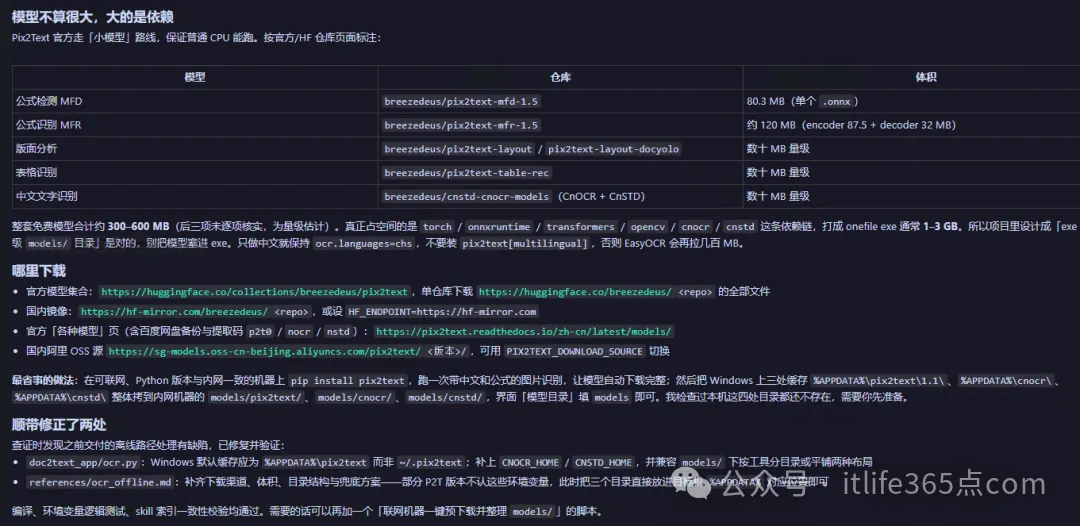
模型下载
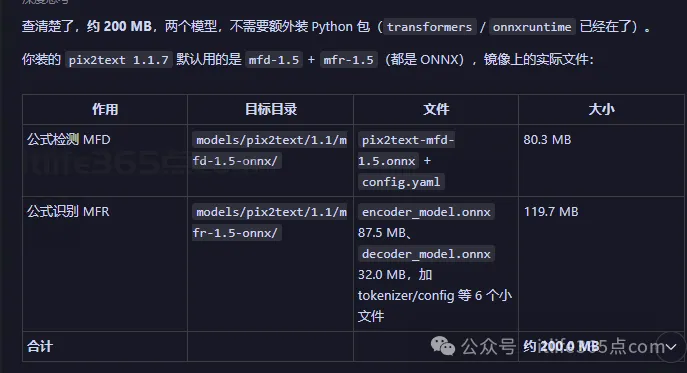
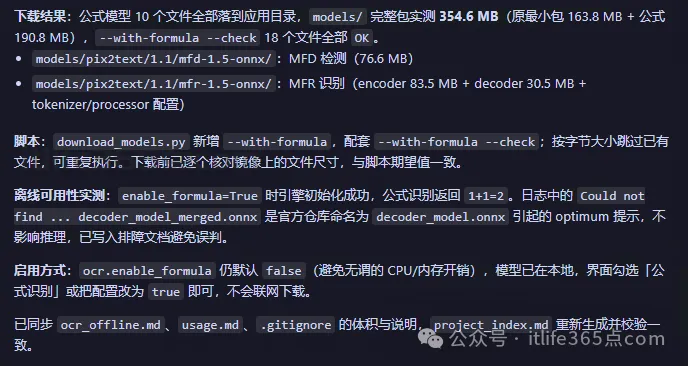
下载结果:公式模型 10 个文件全部落到应用目录,models/ 完整包实测 354.6 MB(原最小包 163.8 MB + 公式 190.8 MB),--with-formula --check 18 个文件全部 OK。
models/pix2text/1.1/mfd-1.5-onnx/:MFD 检测(76.6 MB)
models/pix2text/1.1/mfr-1.5-onnx/:MFR 识别(encoder 83.5 MB + decoder 30.5 MB + tokenizer/processor 配置)
脚本:download_models.py 新增 --with-formula,配套 --with-formula --check;按字节大小跳过已有文件,可重复执行。下载前已逐个核对镜像上的文件尺寸,与脚本期望值一致。
离线可用性实测:enable_formula=True 时引擎初始化成功,公式识别返回 1+1=2。日志中的 Could not find ... decoder_model_merged.onnx 是官方仓库命名为 decoder_model.onnx 引起的 optimum 提示,不影响推理,已写入排障文档避免误判。
启用方式:ocr.enable_formula 仍默认 false(避免无谓的 CPU/内存开销),模型已在本地,界面勾选「公式识别」或把配置改为 true 即可,不会联网下载。
已同步 ocr_offline.md、usage.md、.gitignore 的体积与说明,project_index.md 重新生成并校验一致。
网盘分享地址
链接:
https://pan.quark.cn/s/37d30283df32
有兴趣可以查看
本文链接:https://itlife365.com/blog/post/1360.html