 夜雨聆风
夜雨聆风


怎么下载电子版小学、初中和高中的教材呢
国家中小学智慧教育平台 · 教材下载工具使用说明
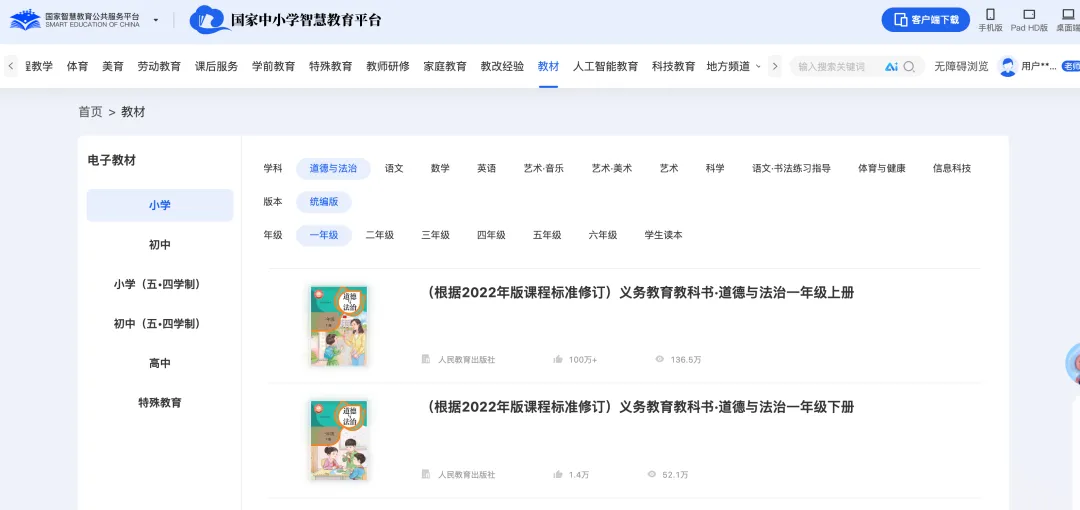
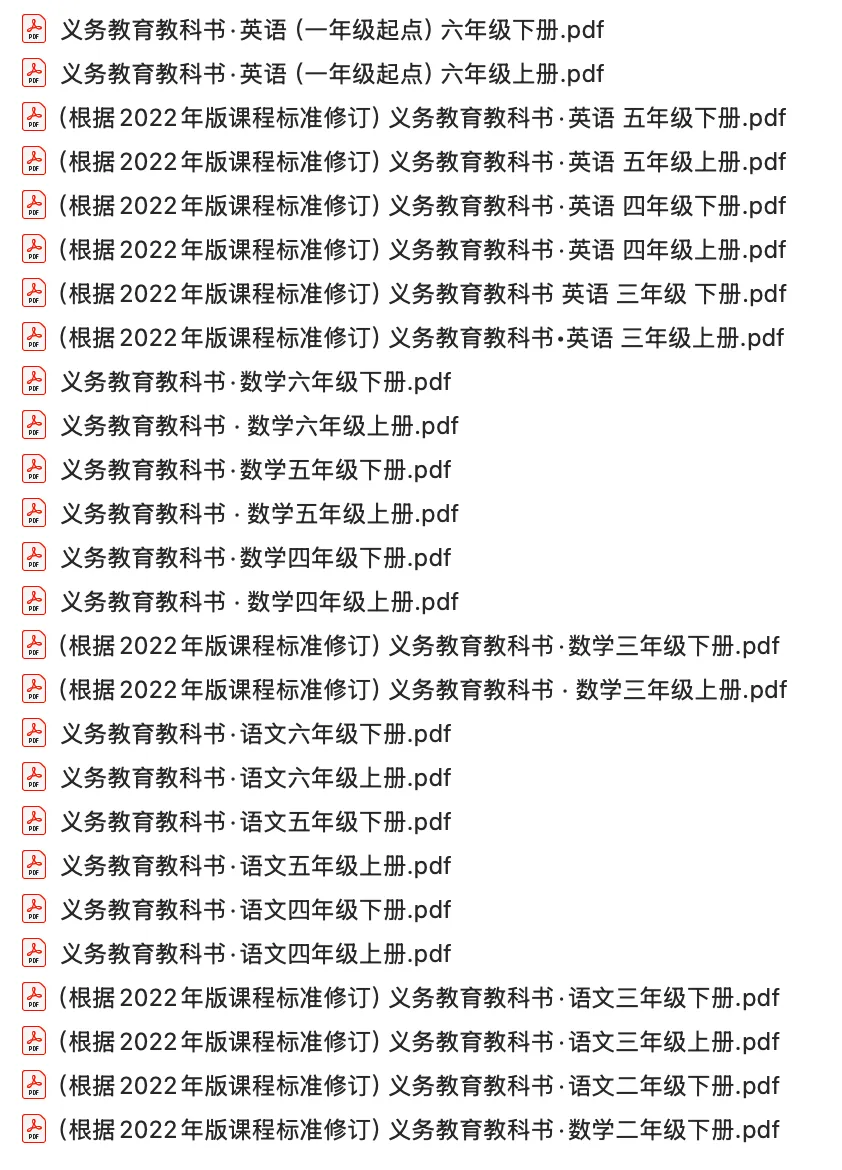
1. 这是什么
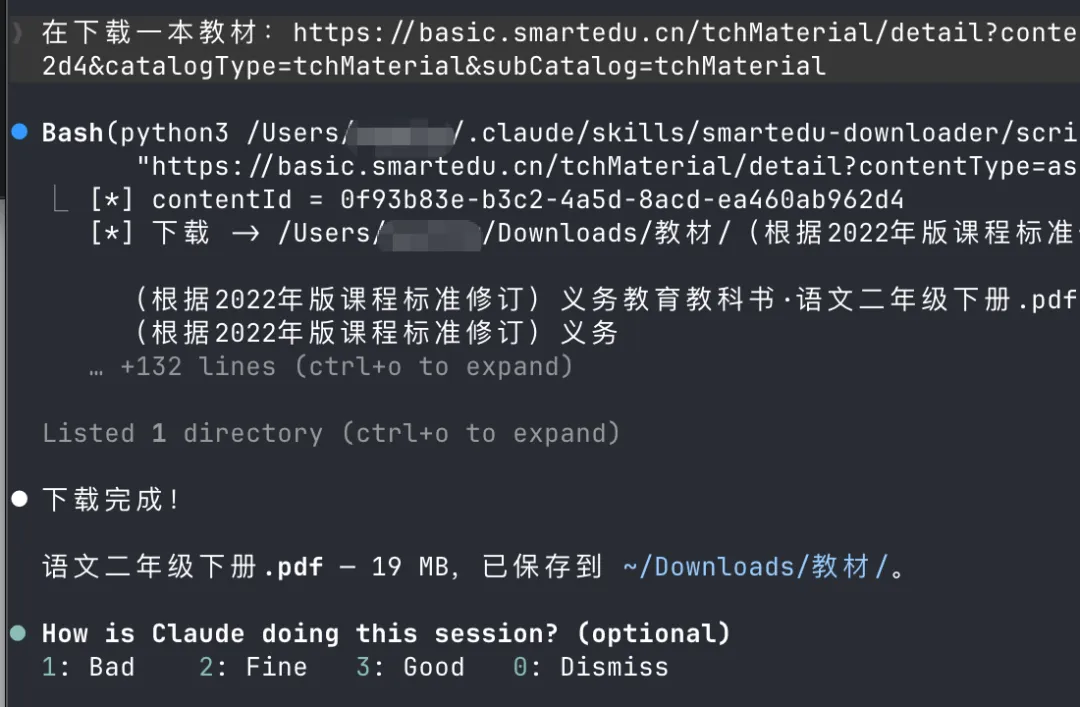
2. 你需要准备的
python3 -m pip install --user requests3. 安装(只需一次)
bash ~/claude/smartedu-downloader/install.sh4. 获取访问令牌 access_token
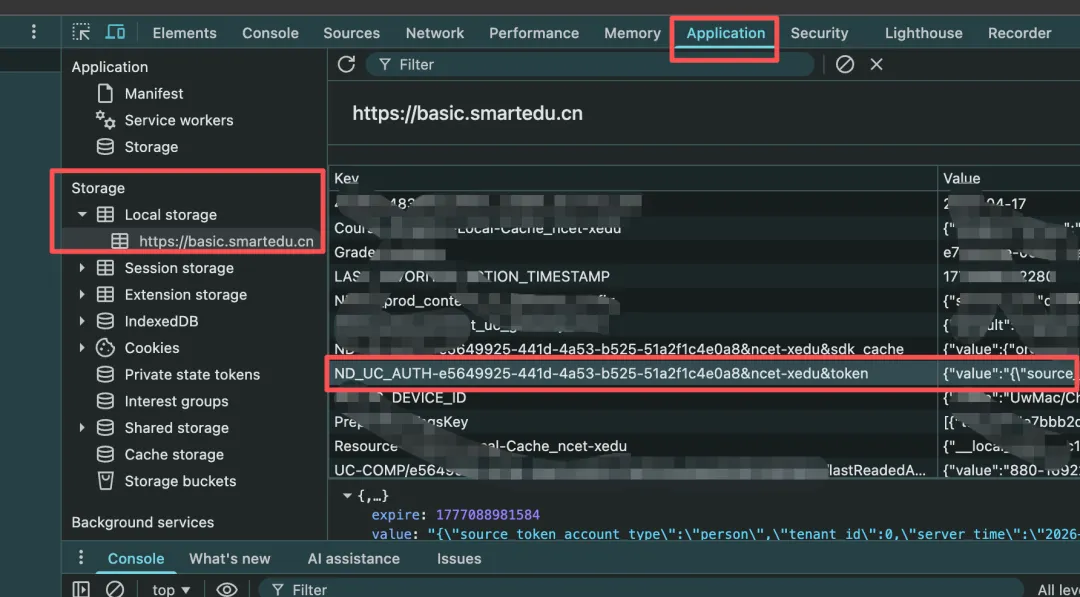
{"value":"{\"access_token\":\"eyJhbGci...很长的一串...\",\"expires_at\":...}","expiration":...}(() => { for (const k in localStorage) { if (k.startsWith('ND_UC_AUTH')) { try { const o = JSON.parse(localStorage[k]); console.log(JSON.parse(o.value).access_token); return; } catch (e) {} } } console.log('没找到 token,确认已登录');})();echo 'eyJ...' > ~/.smartedu_tokenchmod 600 ~/.smartedu_token
export SMARTEDU_TOKEN='eyJ...'5. 下载教材
5.1 下载单本
python3 ~/claude/smartedu_downloader.py \"https://basic.smartedu.cn/tchMaterial/detail?contentType=assets_document&contentId=c1897b18-b302-4e8d-9fd4-40915c4b05c2&catalogType=tchMaterial&subCatalog=tchMaterial" \--out ~/claude/books
5.2 只给 contentId 也可以
python3 ~/claude/smartedu_downloader.py c1897b18-b302-4e8d-9fd4-40915c4b05c2 --out ~/claude/books5.3 批量下载
开头的行会被忽略:
urls.txt
https://basic.smartedu.cn/tchMaterial/detail?...contentId=c1897b18-b302-4e8d-9fd4-40915c4b05c2&...https://basic.smartedu.cn/tchMaterial/detail?...contentId=b87e153f-a64c-451a-aa6c-6ed9ac7d6821&...
数学上册
python3 ~/claude/smartedu_downloader.py urls.txt --out ~/claude/books5.4 Claude Skill 模式
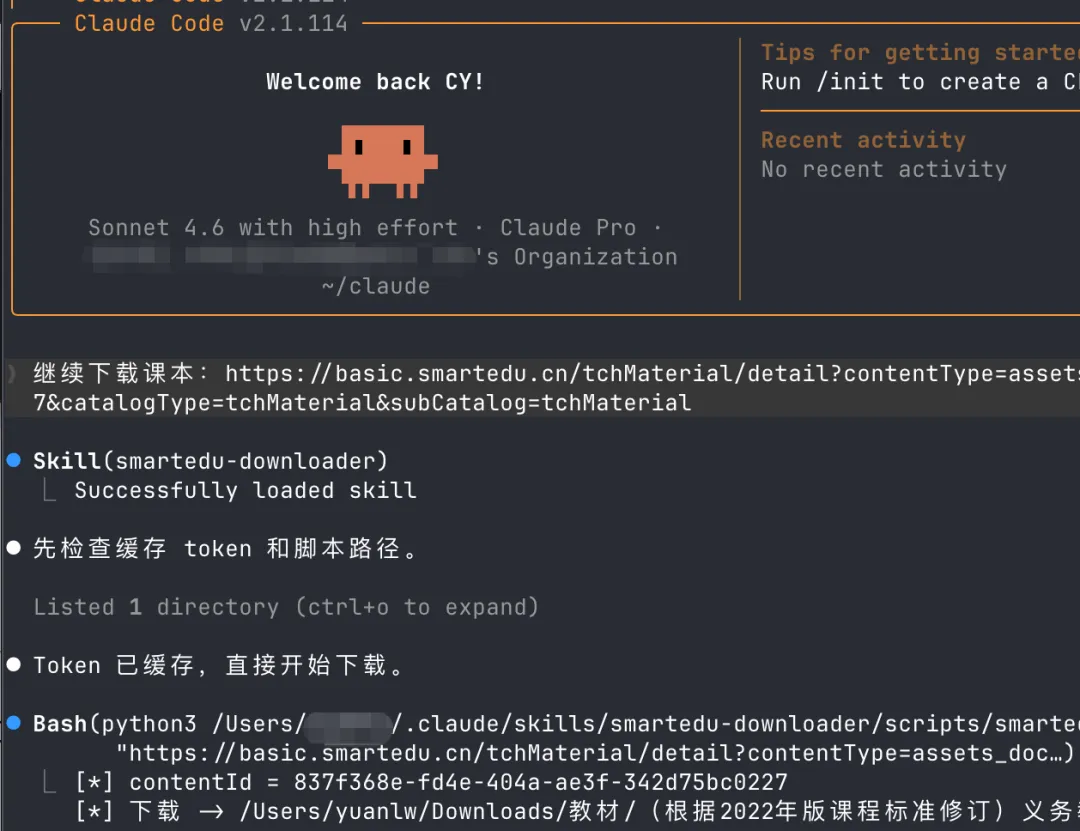
帮我下这本教材:
https://basic.smartedu.cn/tchMaterial/detail?...
5.5 所有命令行选项
python3 smartedu_downloader.py <URL|UUID|file.txt>... [--out DIR] [--token TOKEN]|
|
|
|---|---|
target |
.txt 清单文件(可混合多个) |
--out DIR |
|
--token TOK |
$SMARTEDU_TOKEN 或 ~/.smartedu_token |
6. 常见问题
附录:完整命令速查
首次:安装 requests
python3 -m pip install --user requests一次性:保存 token(登录后从浏览器拿到的 eyJ…)
echo 'eyJ...' > ~/.smartedu_token && chmod 600 ~/.smartedu_token日常:下载单本
python3 ~/claude/smartedu_downloader.py "<链接或UUID>" --out ~/claude/books日常:批量下载
python3 ~/claude/smartedu_downloader.py urls.txt --out ~/claude/books可选:安装 Claude Skill
bash ~/claude/smartedu-downloader/install.sh