 夜雨聆风
夜雨聆风碎碎念...
本周上班干活的时候,笔记本屏幕直接黑了 GG。最开始我还以为是没电了,结果插上电,重启大法试了一下,屏幕也就只会亮1s。
不过外接显示器能正常用,庆幸核心没搞坏,那 8 成是屏幕相关的问题了,就拿去维修(2周左右要),换了一台旧电脑临时用一下。(公司电脑 💻 (#^.^#))
又得从头来一遍"装机",趁此机会搞个清单,下次就不用对着旧电脑搞了。
看合集直接划到最后😋
装机必备
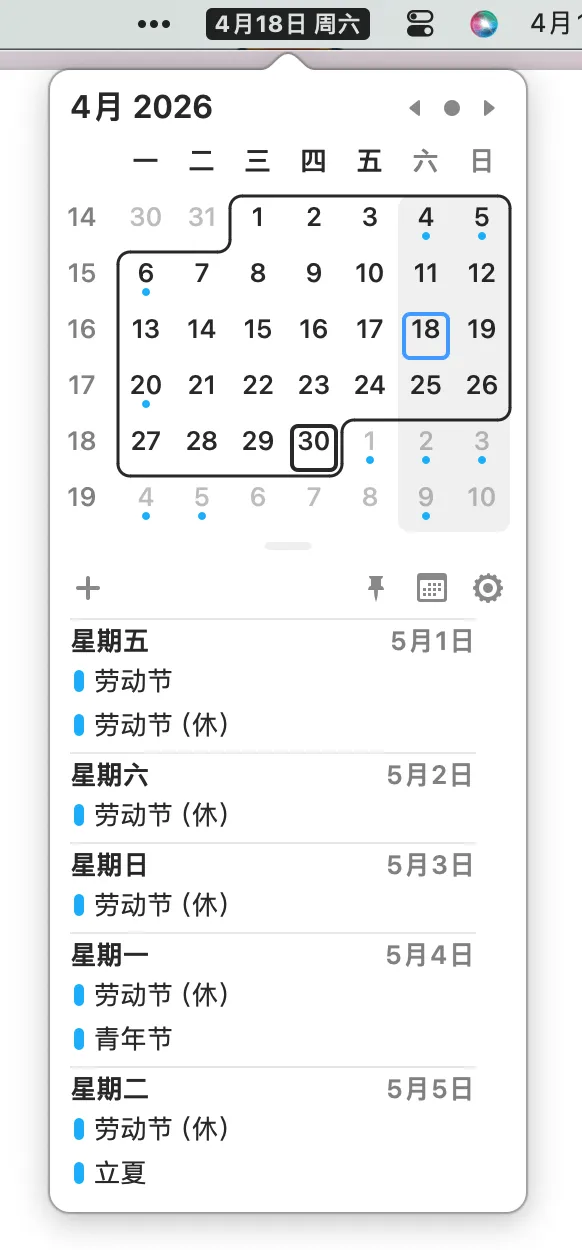
1. Itsycal[1]
 https://github.com/sfsam/Itsycal/tree/master
状态栏 日历/时间 小组件。平时排期就拿这个看时间。
还有复古的整点报时。
2. Bartender[2]
 https://www.macbartender.com/
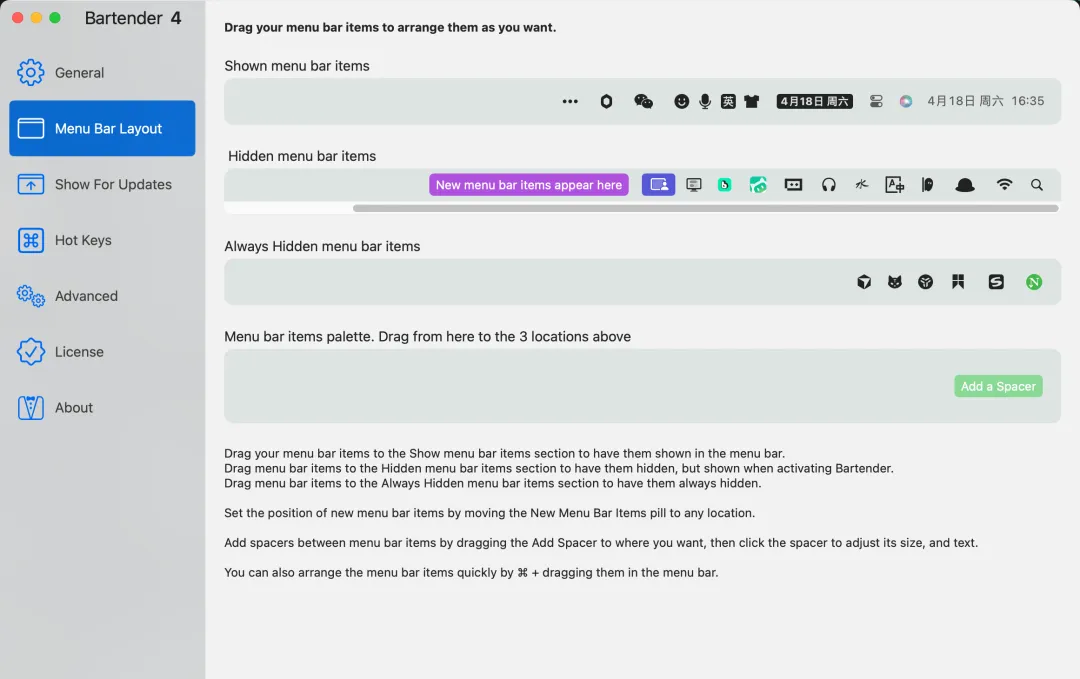
状态栏图标管理工具。
Mac 软件装多了,顶部状态栏里 各种杂七杂八的软件图标,有些不会用到,但占用着很烦。
用这个能方便的管理哪些展示哪些不展示。
都给我去装上 (^▽^)!
3. Snipaste[3]
 https://www.snipaste.com/
简单但强大的截图工具,用了都说好!
支持剪贴板内容转图,截图钉在屏幕上,截图历史回溯,这几个我最常用的功能,。
4. Alfred[4]
 https://www.alfredapp.com/
比较老牌的一个聚合工具平台。
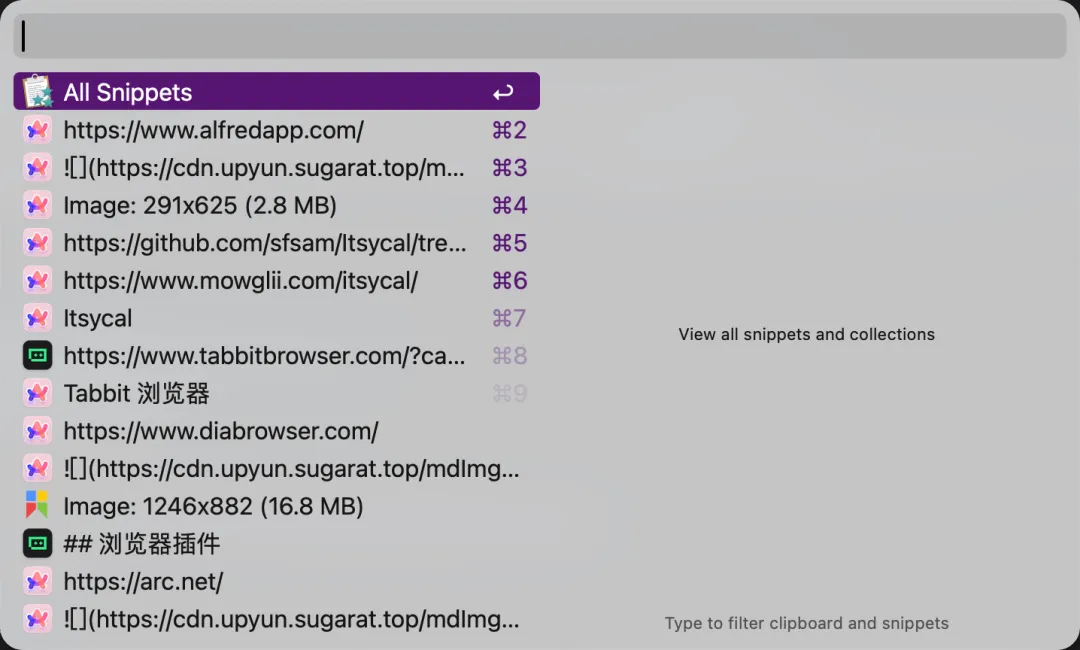
笔者主要就用它内置的 剪贴板 功能,足够简洁,切性能比试用过的其它的专门的剪贴板软件要好。
5. Arc[5]
 https://arc.net/
Arc 浏览器,用习惯了非常方便,支持多端数据同步(不支持插件),支持多身份的设计。竖向的标签排列。
只可惜主创团队,现在不更新功能了,只更新 Chrome 内核版本,转向Dia[6]的 AI 浏览器了

不过同事推荐说公司出的这个 AI浏览器也挺好用Tabbit 浏览器[7],感兴趣的可以试试
6. BetterDisplay[8]
 https://github.com/waydabber/BetterDisplay
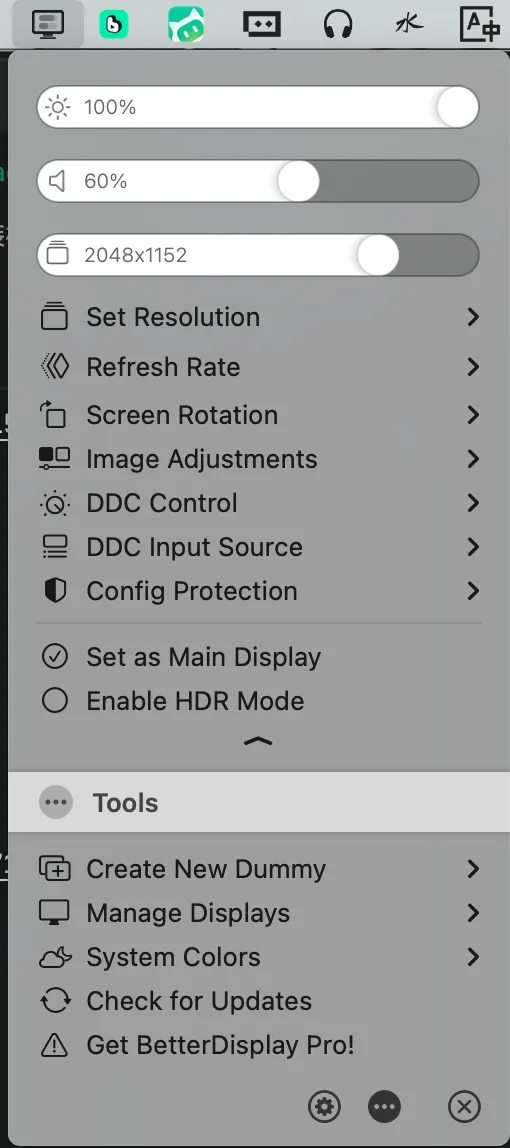
调节显示器亮度,分辨率等非常方便。
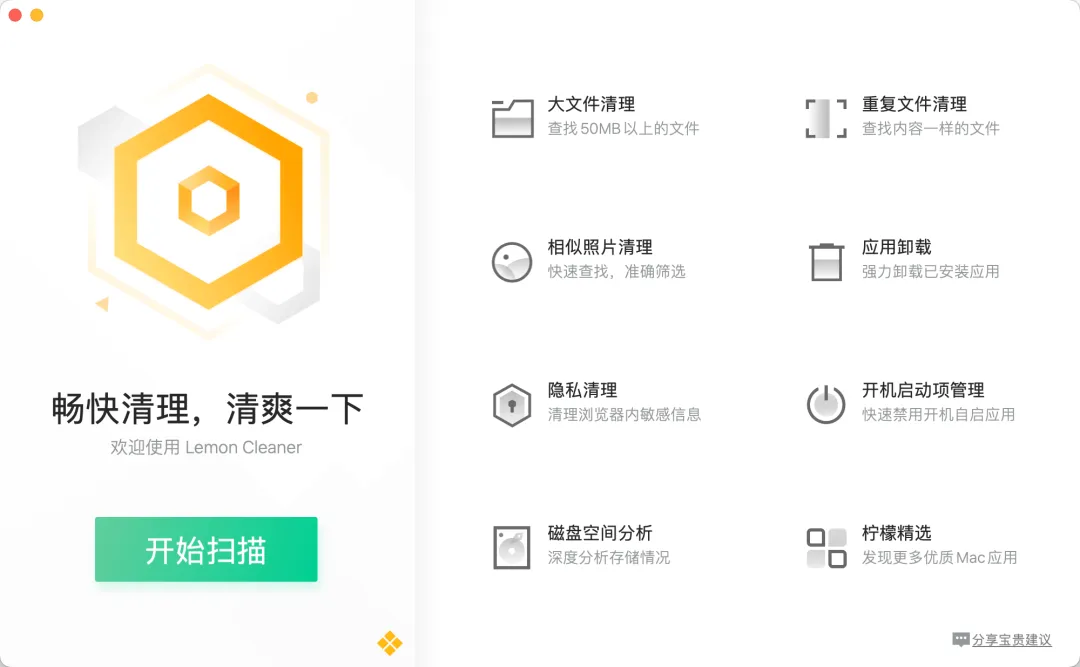
7. Tencent Lemon[9]
 https://lemon.qq.com/
日常拿来清理一下垃圾。不然过几天 500G 的盘又满了。
办公搭子
1. BongoCat[10]
 https://github.com/ayangweb/BongoCat
”可爱互动的桌面宠物应用“,基于 Tauri 制作,支持三端!
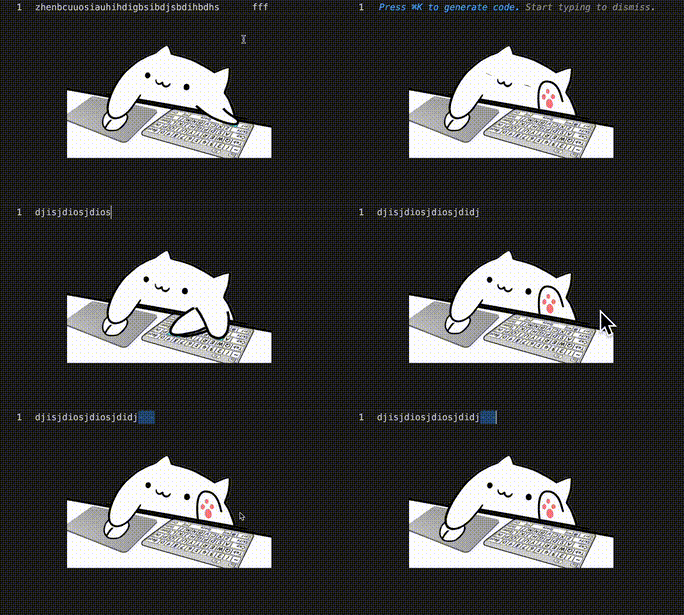
鼠标和键盘的动作,猫猫都会同步。
赶紧装上,敲键盘又多了一点乐趣
2. HealthTick[11]
 https://github.com/lifedever/health-tick-release?tab=readme-ov-file
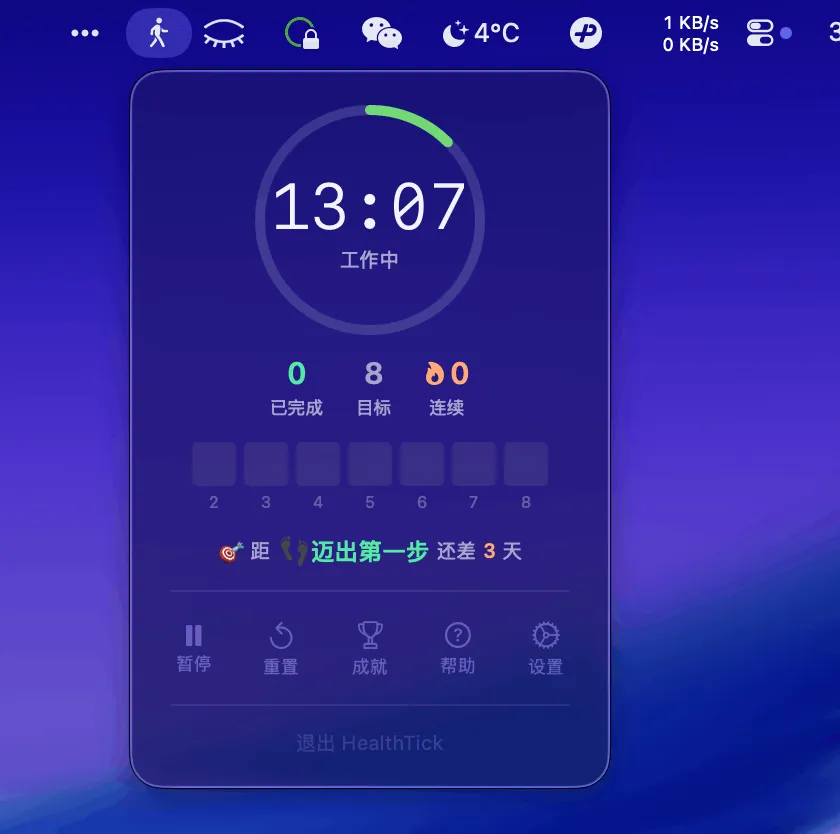
久坐提醒工具。
3. Shui[12]
 https://github.com/rock-zhang/Shui
全屏展示的提醒喝水的软件!。
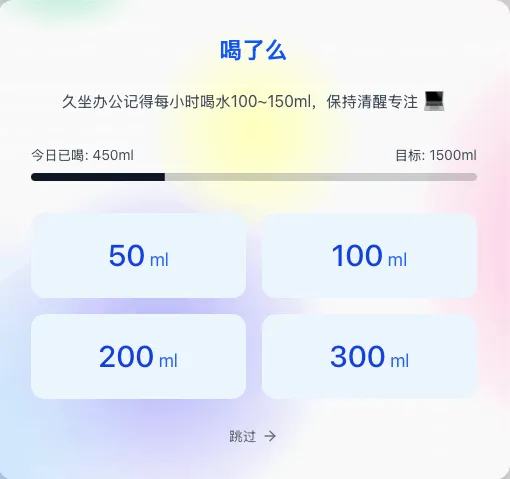
上班安排起来,给尿喝清亮!
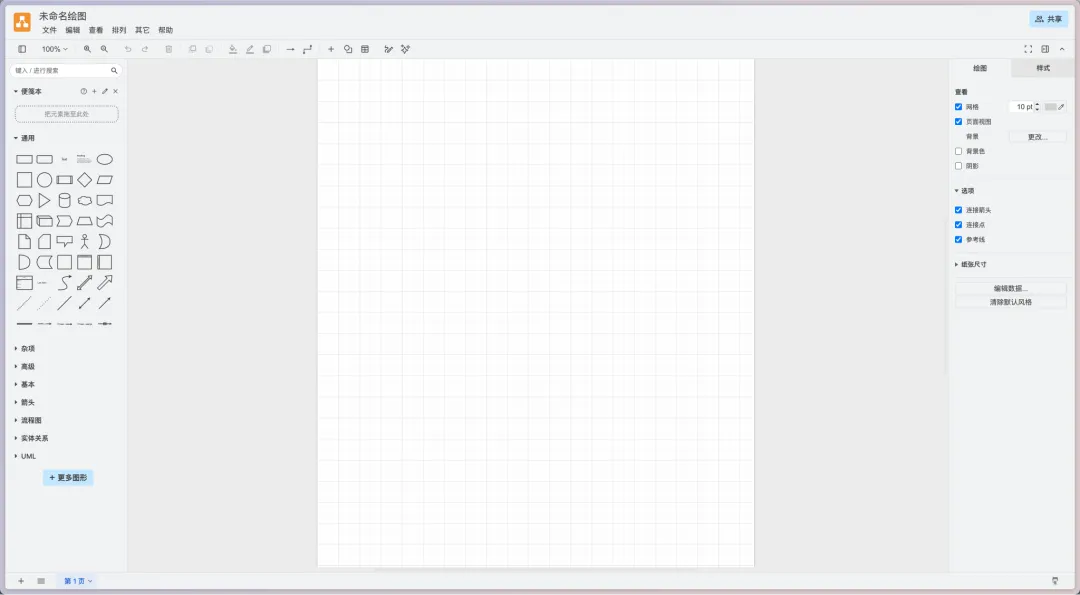
4. drawio[13]
 https://www.drawio.com/
画图神器,工作中拿来画流程图架构图必备。
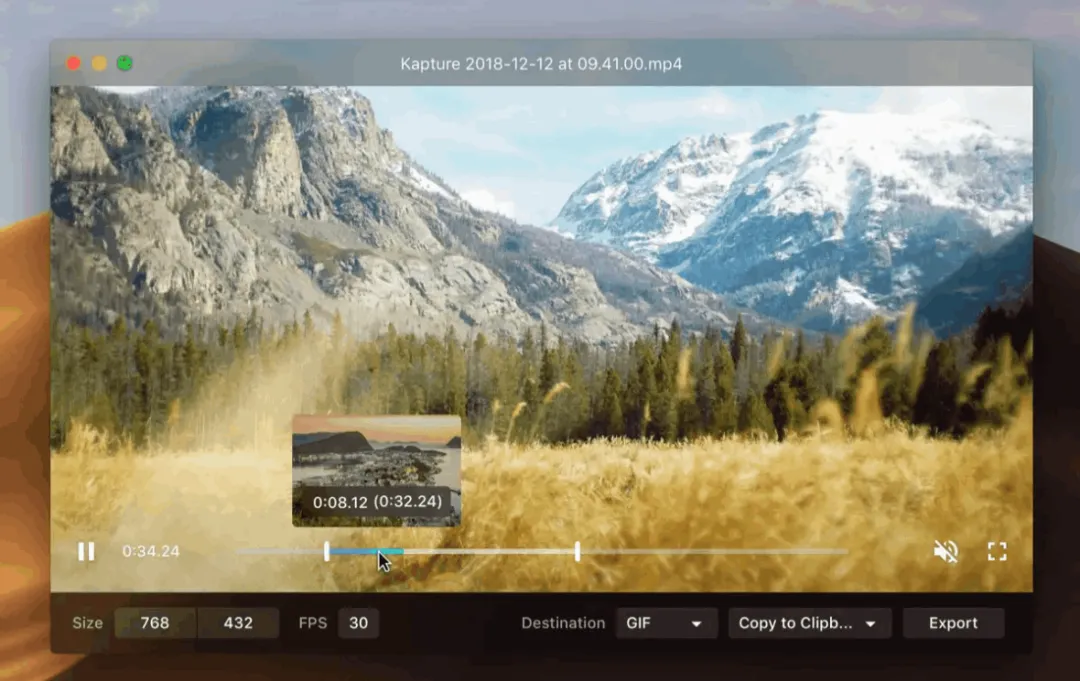
5. Kap[14]
 https://getkap.co/
录屏软件,支持导出多种常用格式,支持基础的编辑。
使用起来非常方便,软件也是开源github:kap[15]的。
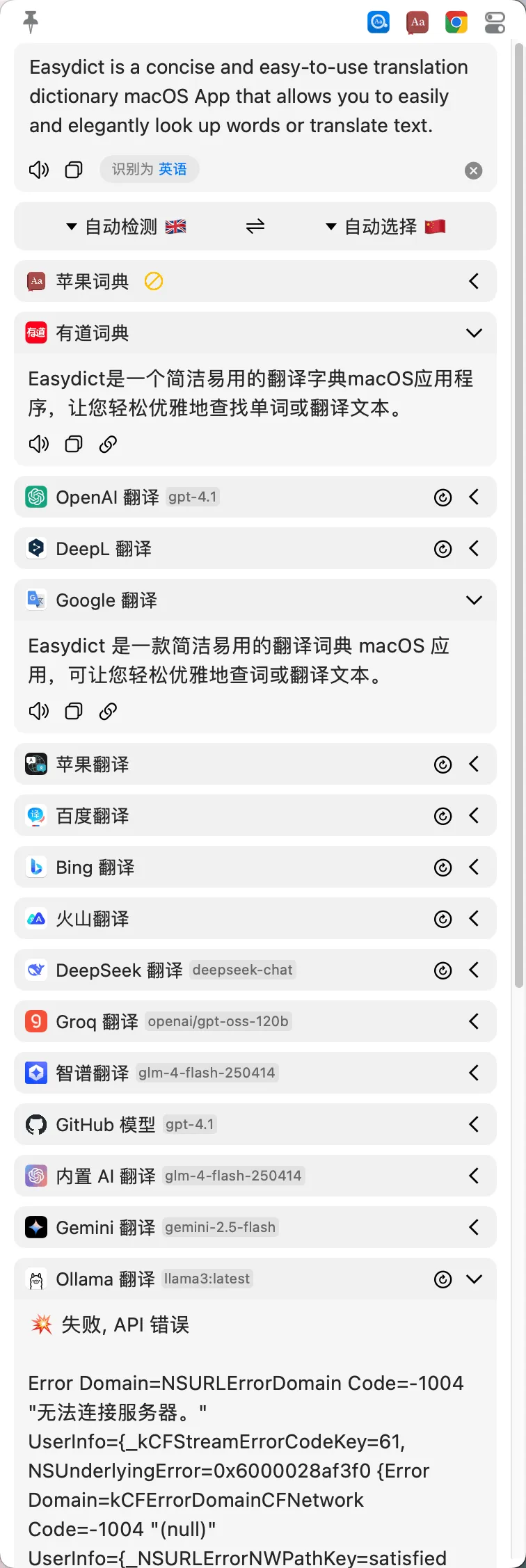
6. Easydict[16]
 https://github.com/tisfeng/Easydict
聚合翻译软件,速度也快,支持快捷唤起。
开发相关
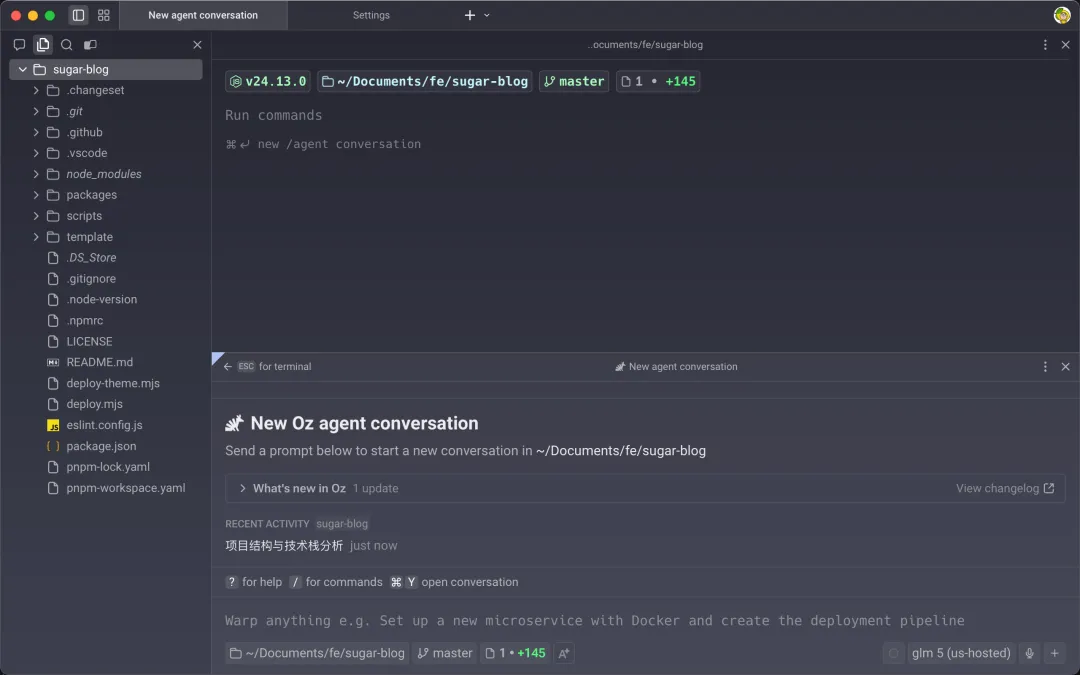
1. Warp[17]
 https://www.warp.dev/
强大又美观的终端工具,内置 AI 能力集成!
相较于传统的终端工具,其更加智能,编辑指令也非常方便。
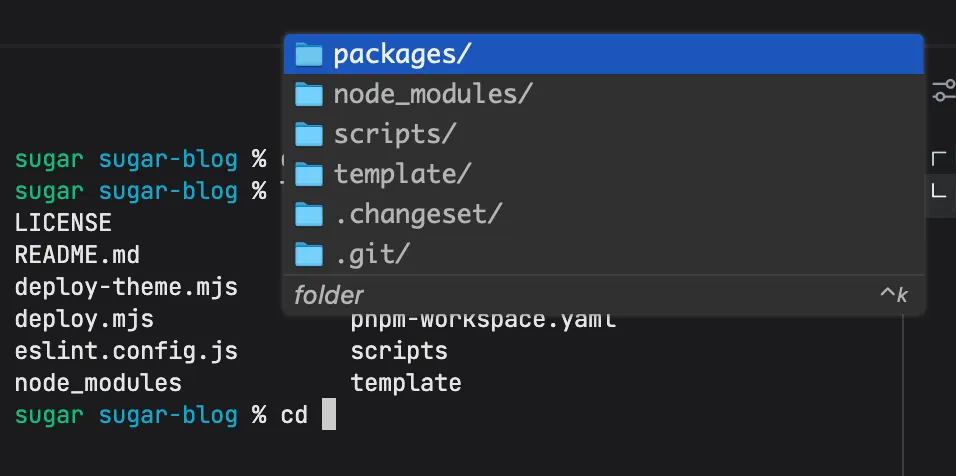
2. Kiro CLI[18]
 https://kiro.dev/downloads/
笔者主要用这个终端输入提示的功能。
这个功能最早是在 Fig 里,后来被亚马逊收购了。
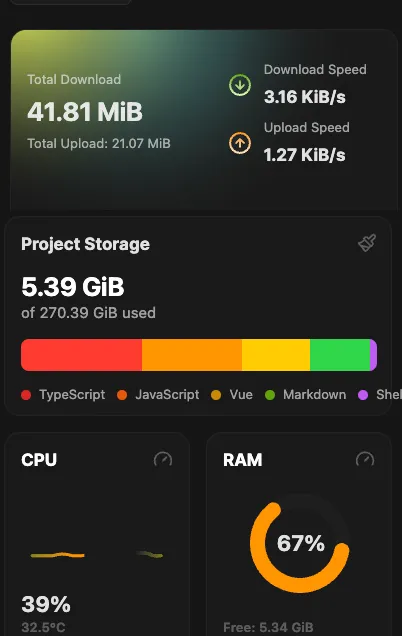
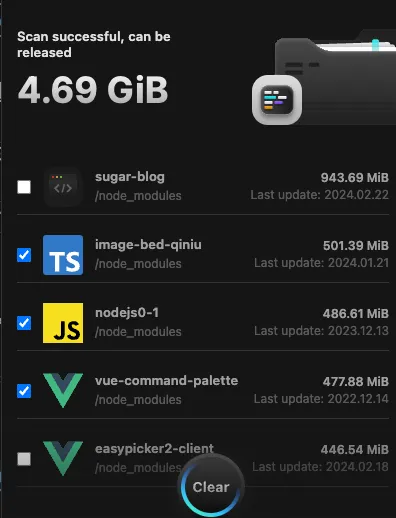
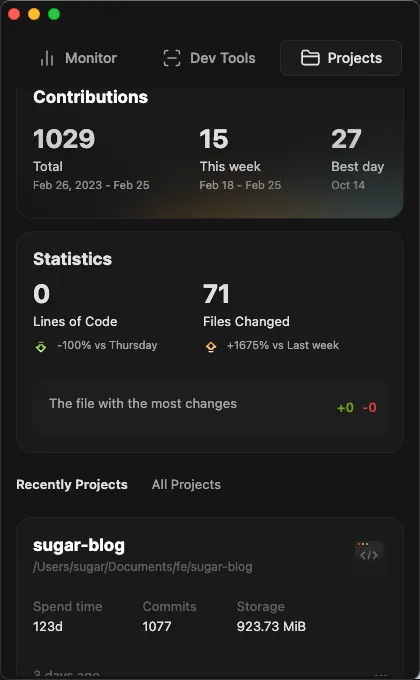
3. EasyDevo[19]
 https://easydevo.boringboring.design/
Mac垃圾清理 & 系统监控软件,开发者友好。
 |  |  |
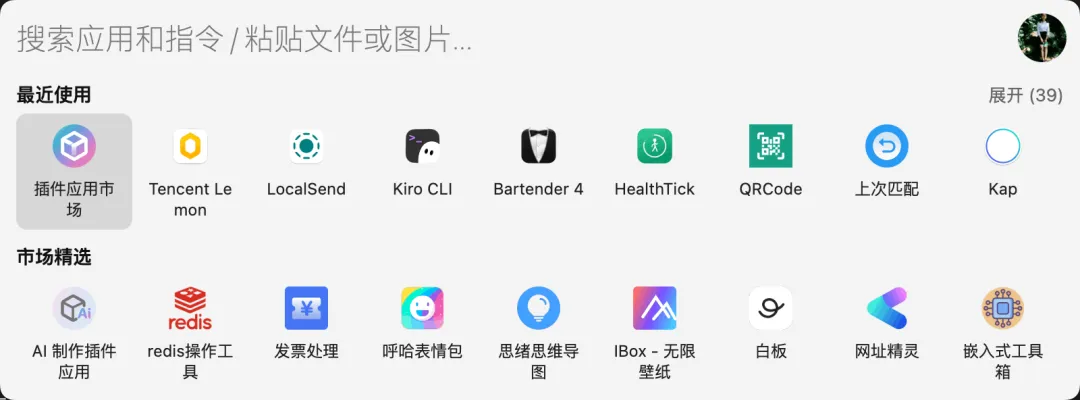
4. uTools[20]
 https://www.u-tools.cn/
聚合工具平台,笔者主要装了一些开发相关的插件。
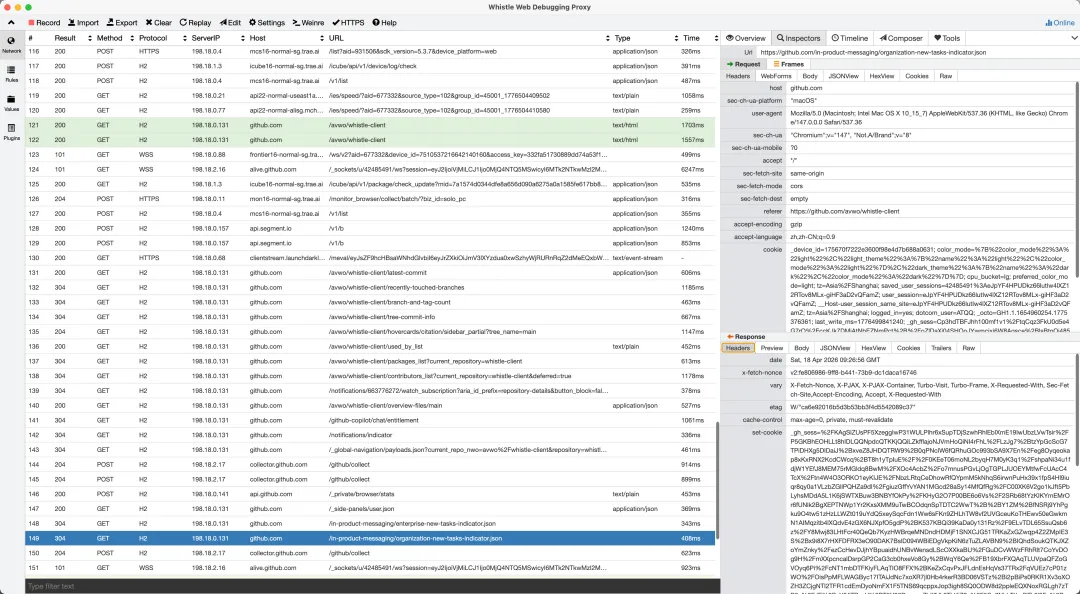
5. Whistle Client[21]
 https://github.com/avwo/whistle-client
代理调试抓包工具!
6. IDE
笔者就常用 TRAE[22] 和 Cursor[23],自打AI大爆发以来,VS Code 直接不装了。
终端指令
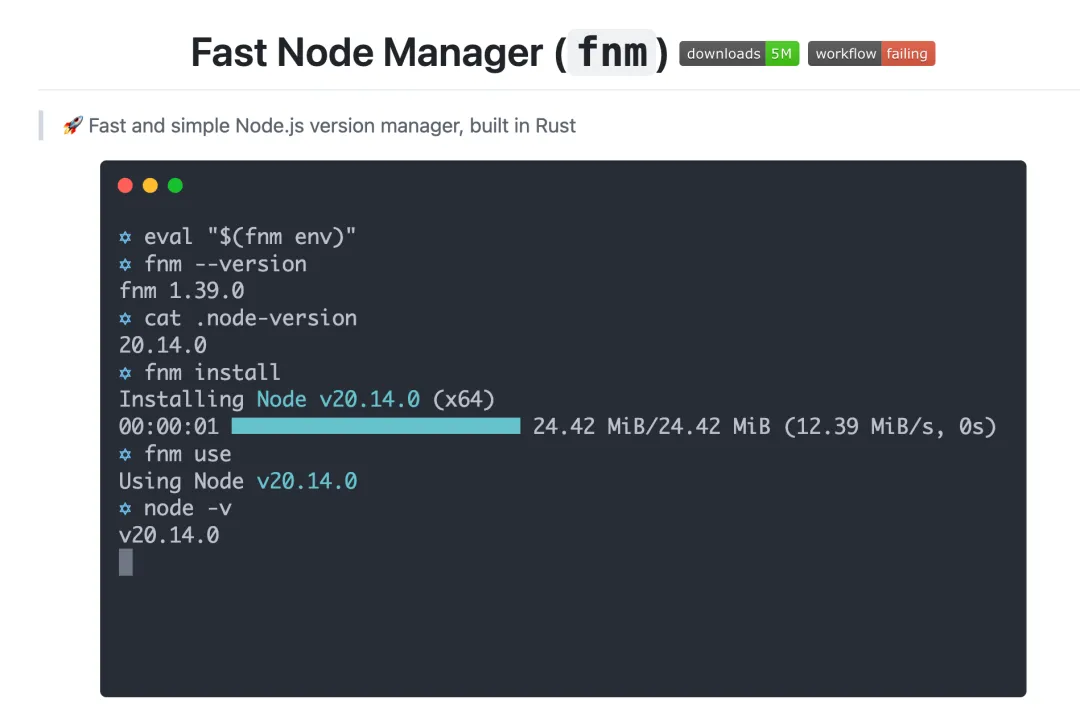
1. fnm[24]
 https://github.com/Schniz/fnm
Node 版本管理工具!
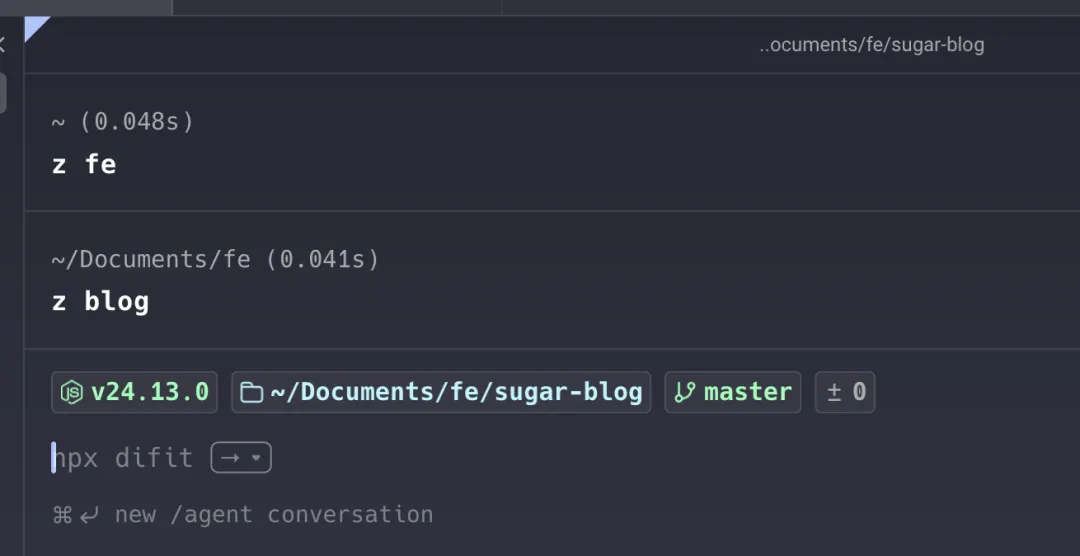
2. zoxide[25]
 https://github.com/ajeetdsouza/zoxide
快速切换目录的工具!
3. yrm[26]
 https://github.com/i5ting/yrm
npm 镜像源管理。
yrm ls* npm ---- https://registry.npmjs.org/ cnpm --- http://r.cnpmjs.org/ taobao - https://registry.npmmirror.com/ nj ----- https://registry.nodejitsu.com/ rednpm - http://registry.mirror.cqupt.edu.cn/ npmMirror https://skimdb.npmjs.com/registry/ edunpm - http://registry.enpmjs.org/ yarn --- https://registry.yarnpkg.com4. ni[27]
 https://github.com/antfu-collective/ni
npm i -g @antfu/ni常用的 ni 装依赖,nr 运行 npm 指令。
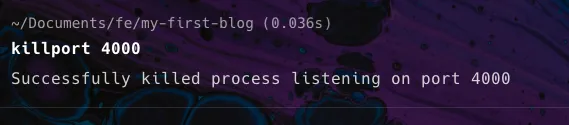
5. killport[28]
 https://github.com/jkfran/killport
使用 killport 可以一步到位,直接杀死占用端口的进程
其它推荐
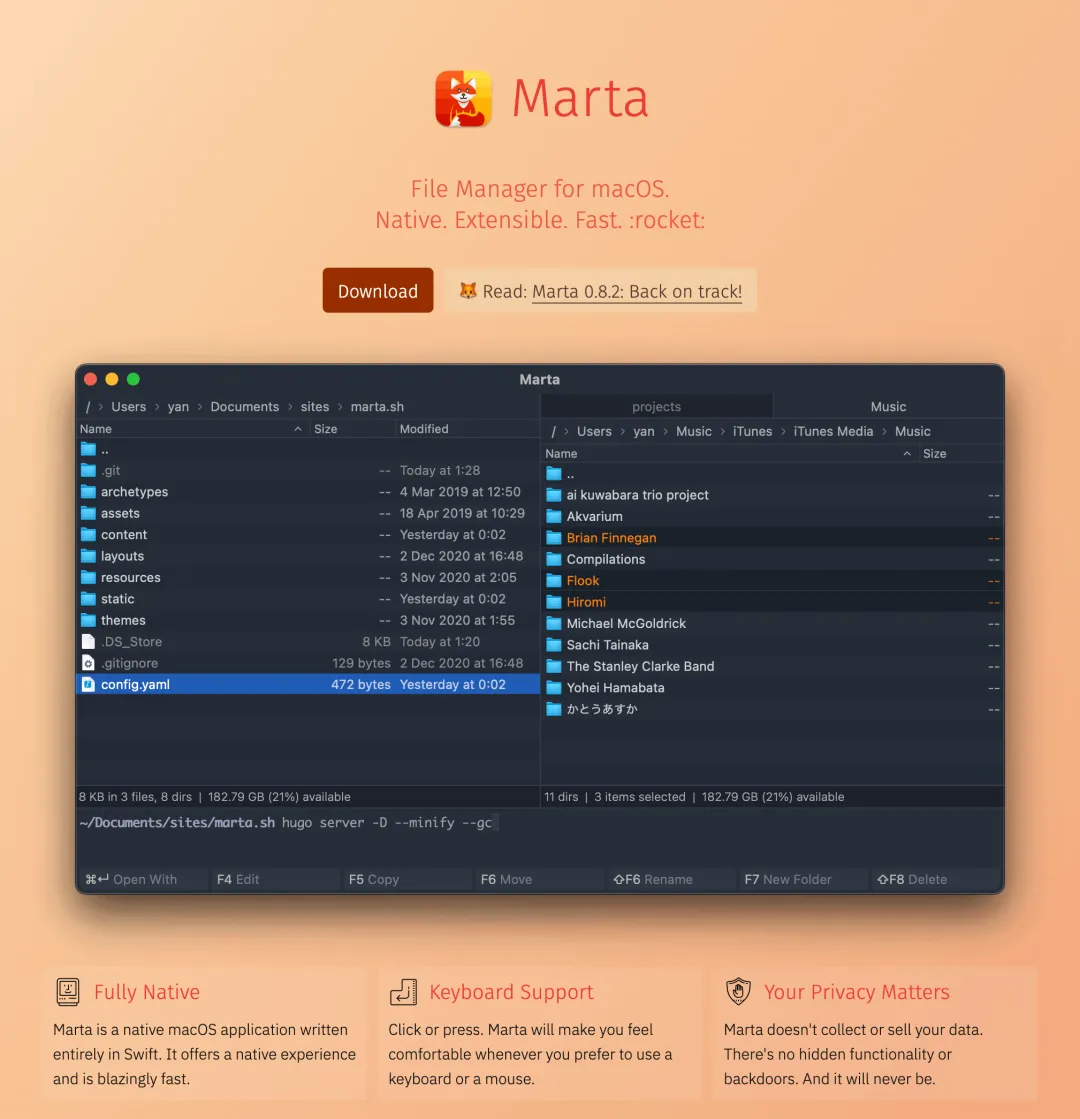
1. Marta[29]
 https://marta.sh/
文件管理软件,可以拿来替代系统默认的 Finder。支持双栏展示,移动和整理文件的时候也比较方便。
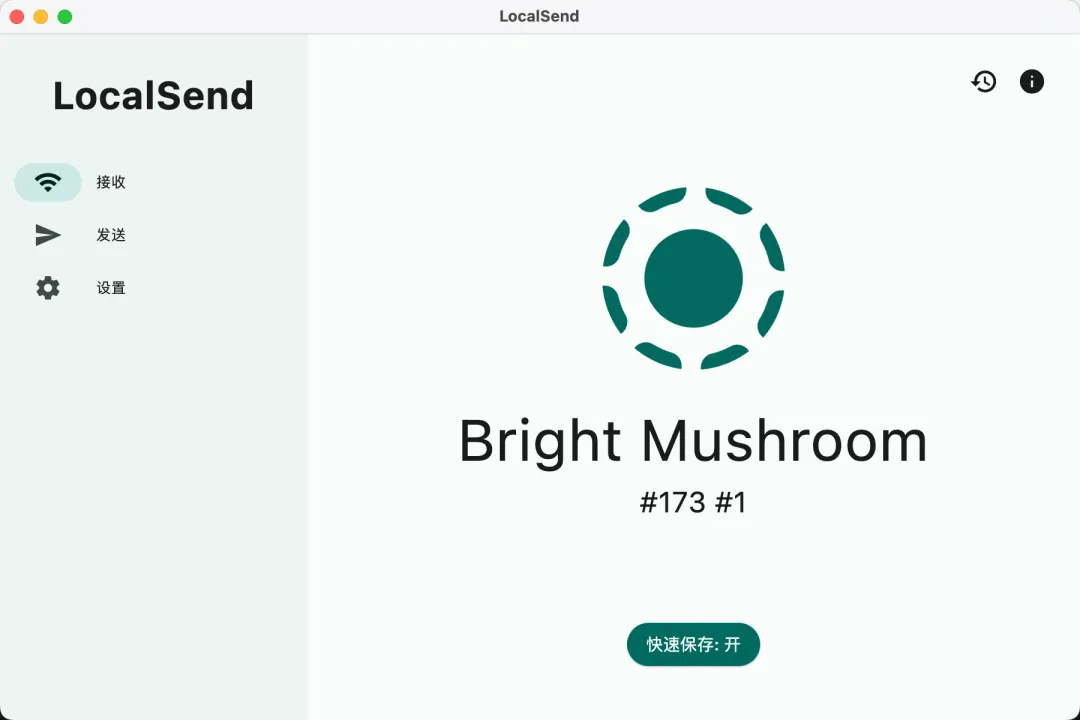
2. LocalSend[30]
 https://localsend.org/#/download
多设备之间相互传输文件。足够简单且好用。
汇总
ni 装依赖,nr 运行 npm 指令。 | |||
引用链接
[1] 1. Itsycal: https://github.com/sfsam/Itsycal/tree/master[2] 2. Bartender: https://www.macbartender.com/[3] 3. Snipaste: https://www.snipaste.com/[4] 4. Alfred: https://www.alfredapp.com/[5] 5. Arc: https://arc.net/[6] Dia: https://www.diabrowser.com/[7] Tabbit 浏览器: https://www.tabbitbrowser.com/[8] 6. BetterDisplay: https://github.com/waydabber/BetterDisplay[9] 7. Tencent Lemon: https://lemon.qq.com/[10] 1. BongoCat: https://github.com/ayangweb/BongoCat[11] 2. HealthTick: https://github.com/lifedever/health-tick-release?tab=readme-ov-file[12] 3. Shui: https://github.com/rock-zhang/Shui[13] 4. drawio: https://www.drawio.com/[14] 5. Kap: https://getkap.co/[15] github:kap: https://github.com/wulkano/kap[16] 6. Easydict: https://github.com/tisfeng/Easydict[17] 1. Warp: https://www.warp.dev/[18] 2. Kiro CLI: https://kiro.dev/downloads/[19] 3. EasyDevo: https://easydevo.boringboring.design/[20] 4. uTools: https://www.u-tools.cn/[21] 5. Whistle Client: https://github.com/avwo/whistle-client[22] TRAE: https://www.trae.ai/[23] Cursor: https://cursor.com/[24] 1. fnm: https://github.com/Schniz/fnm[25] 2. zoxide: https://github.com/ajeetdsouza/zoxide[26] 3. yrm: https://github.com/i5ting/yrm[27] 4. ni: https://github.com/antfu-collective/ni[28] 5. killport: https://github.com/jkfran/killport[29] 1. Marta: https://marta.sh/[30] 2. LocalSend: https://localsend.org/#/download