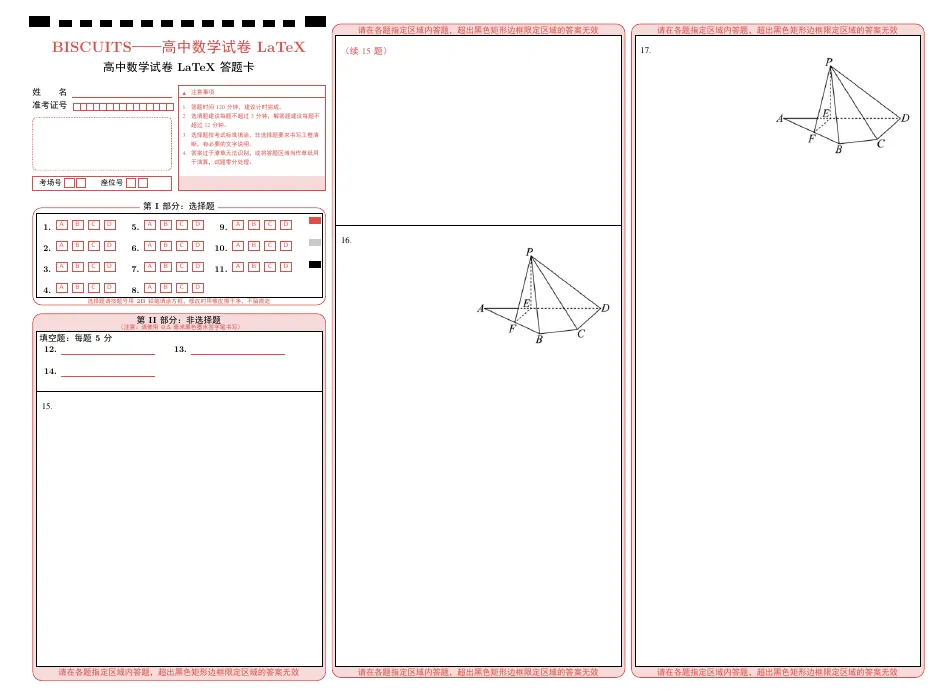
1. 支持自定义选择题,填空题数量。大题支持5题或者6题\documentclass[problem=5]{paper}
\renewcommand{\ticketlength}{15} % 准考证个数设置
3. initQnumbers{11}{3} %修改选择题与填空题个数,第一个参数为选择题个数,第二个参数为填空题个数\initQnumbers{11}{3} %修改选择题与填空题个数
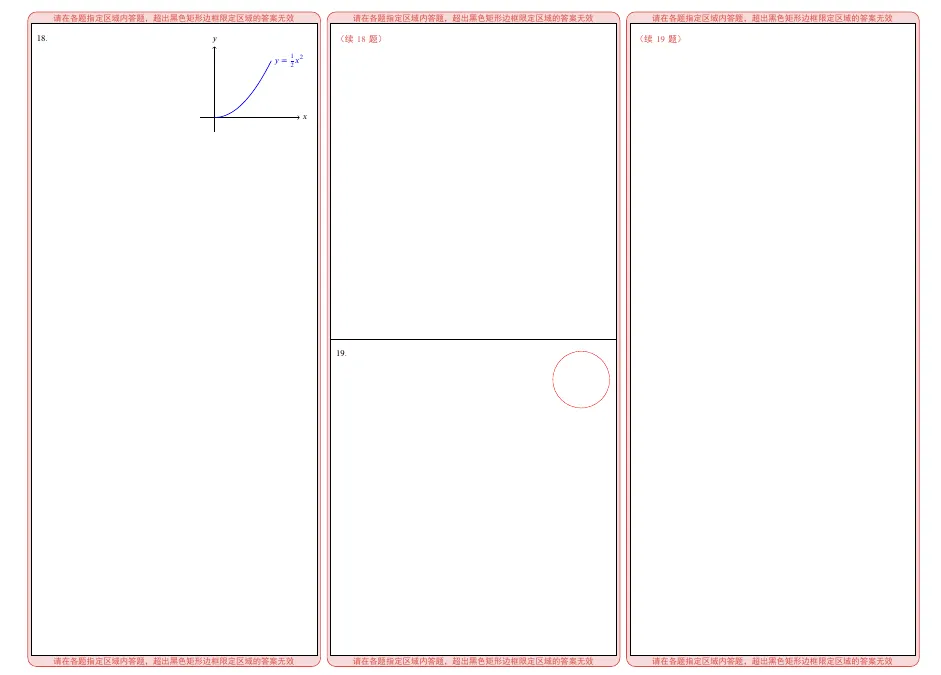
4. 将图片放在\image,并将图片的名称设置为对应题号,既可以在答题卡题号位置左上侧显示该题的图片信息,例如:\image\17.png,则在第17题显示图片,也可以使用tikz绘图\renewcommand{\AddImage}[3]{% \node[anchor=north east] at #3 {% \IfFileExists{image/#1.png}{% % PNG 图片存在 → 直接插入 \includegraphics[width=#2]{image/#1.png}% }{% % PNG 不存在 → 根据题号绘制 TikZ 图形 \ifnum #1 = 18 % ---------- 第18题的 TikZ 示例 ---------- \begin{tikzpicture}[scale=1.2] \draw[->] (-0.5,0) -- (3,0) node[right] {$x$}; \draw[->] (0,-0.5) -- (0,2.5) node[above] {$y$}; \draw[domain=0:2, smooth, variable=\x, blue, thick] plot ({\x}, {0.5*\x*\x}) node[right] {$y=\frac{1}{2}x^2$}; \end{tikzpicture} \else\ifnum #1 = 19 % ---------- 第19题(如需) ---------- \begin{tikzpicture}[scale=1.2] \draw[red] (0,0) circle (1); \end{tikzpicture} \else\ifnum #1 = 20 % ---------- 第20题(如需) ---------- \begin{tikzpicture}[scale=1.2] \draw[red] (0,0) circle (1); \end{tikzpicture} \else % 其他题号:可留空或再添加条件 \fi\fi\fi }% };%}
\documentclass[problem=5]{paper}% 主标题与试卷名称\newcommand{\papertitle}{BISCUITS——高中数学试卷LaTeX}\newcommand{\papername}{高中数学试卷LaTeX}% ----------------------------------------------------\renewcommand{\ticketlength}{15} % 准考证个数设置 ----------------------------------------------------\initQnumbers{11}{3} %修改选择题与填空题个数\def\imgwidthA{0.5\linewidth} % 第一题图片宽度\def\imgwidthB{0.5\linewidth} % 第二题\def\imgwidthC{0.5\linewidth} % 第三题\def\imgwidthD{0.5\linewidth} % 第四题\def\imgwidthE{0.5\linewidth} % 第五题\def\imgwidthF{0.5\linewidth} % 第六题(仅 problem=6 时需要)% ===== 根据题号用 TikZ 绘图 =====\renewcommand{\AddImage}[3]{% \node[anchor=north east] at #3 {% \IfFileExists{image/#1.png}{% % PNG 图片存在 → 直接插入 \includegraphics[width=#2]{image/#1.png}% }{% % PNG 不存在 → 根据题号绘制 TikZ 图形 \ifnum #1 = 18 % ---------- 第18题的 TikZ 示例 ---------- \begin{tikzpicture}[scale=1.2] \draw[->] (-0.5,0) -- (3,0) node[right] {$x$}; \draw[->] (0,-0.5) -- (0,2.5) node[above] {$y$}; \draw[domain=0:2, smooth, variable=\x, blue, thick] plot ({\x}, {0.5*\x*\x}) node[right] {$y=\frac{1}{2}x^2$}; \end{tikzpicture} \else\ifnum #1 = 19 % ---------- 第19题(如需) ---------- \begin{tikzpicture}[scale=1.2] \draw[red] (0,0) circle (1); \end{tikzpicture} \else\ifnum #1 = 20 % ---------- 第20题(如需) ---------- \begin{tikzpicture}[scale=1.2] \draw[red] (0,0) circle (1); \end{tikzpicture} \else % 其他题号:可留空或再添加条件 \fi\fi\fi }% };%}\pagestyle{empty}% 文本答题卡区\begin{document} % 正面(三栏排版) \begin{paracol}{3} % 左栏内容 (内含动态自适应的选择题、填空题和第一道大题区域) \DrawAnswerSheetA \switchcolumn % 中栏内容 \DrawAnswerSheetB \switchcolumn % 右栏内容 \DrawAnswerSheetC \end{paracol} \newpage % 背面(三栏排版) \begin{paracol}{3} % 左栏内容 \DrawAnswerSheetD \switchcolumn % 中栏内容 \DrawAnswerSheetE \switchcolumn % 右栏内容 \DrawAnswerSheetF \end{paracol}\end{document}
 夜雨聆风
夜雨聆风