 夜雨聆风
夜雨聆风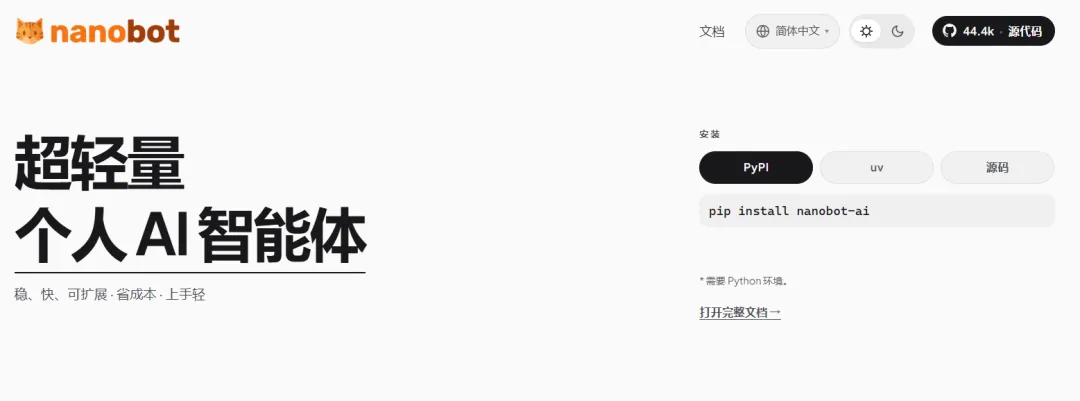
nanobot 快速上手指南:WSL 安装部署 & 生态纵览
基于 v0.2.1,5 分钟从零到跑起来。
一、是什么
nanobot 是一个开源、超轻量个人 AI 助手框架。内核刻意保持精简可读(几百行),功能通过 Skills、MCP、Channels 等插件机制外挂。支持 CLI、WebUI、Telegram、飞书、微信等 16 种交互通道。
二、WSL 快速安装
前置条件
# WSL2 已就绪 + Python 3.11+
python3 --version
安装(推荐一键脚本)
curl -fsSL https://raw.githubusercontent.com/HKUDS/nanobot/main/scripts/install.sh | sh
备选:uv tool install nanobot-ai 或 pip install nanobot-ai
初始化 + 配置 API Key
nanobot onboard --wizard
按交互引导选择 provider、填入 API Key。核心配置在 ~/.nanobot/config.json,最小可跑配置:
{
"providers": { "deepseek": { "apiKey": "sk-xxx" }},
"modelPresets": {
"primary": { "label": "Primary", "provider": "deepseek", "model": "deepseek-v4-flash" }
  },
"agents": { "defaults": { "modelPreset": "primary" }},
"channels": { "websocket": { "enabled": true }}
}
启动 WebUI
nanobot gateway
浏览器打开 http://127.0.0.1:8765。WSL2 是 NAT 网络,Windows 侧访问不了 127.0.0.1 的话:
hostname -I          # 拿到 WSL IP(如 172.x.x.x)
# Windows 浏览器 → http://172.x.x.x:8765
或者 Windows 管理员终端做端口转发:
netsh interface portproxy add v4tov4 listenport=8765 connectaddress=<WSL-IP> connectport=8765
后台自启(systemd)
mkdir -p ~/.config/systemd/user
nano ~/.config/systemd/user/nanobot-gateway.service
[Unit]
Description=Nanobot Gateway
After=network.target

[Service]
Type=simple
ExecStart=%h/.local/bin/nanobot gateway
Restart=always

[Install]
WantedBy=default.target
systemctl --user daemon-reload
systemctl --user enable --now nanobot-gateway
三、生态全景
         Telegram / 飞书 / 微信 / Discord / Slack / WebUI ...
                         │
              ┌──────────┴──────────┐
              │   Agent Loop (精简核心)  │
              └──────────┬──────────┘
        ┌────────────────┼────────────────┐
        ▼                ▼                ▼
    Skills (12内置)    MCP (外部工具)   CLI Apps
        │                │                │
        └────────────────┼────────────────┘
                         ▼
              ClawHub 社区技能市场
模型层:30+ Provider
支持 fallback 自动切换和 /model 热切换。
通道层:16 个 Channel
国际:Telegram、Discord、Slack、Matrix、Signal、WhatsApp、Email国内:飞书、企业微信、钉钉、QQ、微信开发:WebSocket (WebUI)、OpenAI 兼容 API
所有通道共享同一 Agent 会话。
Skills 技能系统(12 内置 + 社区)
clawhub | |
github | |
cron | |
weather | |
image-generation | |
summarize | |
memory | |
tmux | |
skill-creator | |
long-goal | |
my | |
update-setup |
ClawHub — 技能市场
https://clawhub.ai — 社区驱动的技能注册中心。直接在聊天里:
/clawhub search <关键词>
/clawhub install <技能名>
MCP(Model Context Protocol)
支持接入外部 MCP 服务器,在 config.json 中配置:
{
"mcpServers": {
"my-tool": { "command": "npx", "args": ["-y", "@scope/server"] }
  }
}
记忆系统(Dream)
跨会话上下文保持 自动压缩超长历史 MEMORY.md/USER.md/SOUL.md自动维护history.jsonl 追加日志,支持检索
部署方式
uv tool install | |
pip install | |
四、常用命令速查
nanobot --version         # 版本
nanobot onboard --wizard  # 初始化向导
nanobot status            # 状态检查
nanobot agent             # CLI 交互聊天
nanobot agent -m "问题"# 单次问答
nanobot gateway           # 启动网关(含 WebUI)
五、总结
nanobot 的定位很清晰:内核极简 + 插件自由组合。模型覆盖广(30+)、通道全(16 种)、技能可扩展(12 内置 + ClawHub 市场)、MCP 兼容、部署灵活。特别适合想自建、自主可控的个人 AI 助手场景。WSL 上一键安装,5 分钟就可以在浏览器里用上。
如果您觉得文章内容对您有所帮助,请点赞,关注,收藏,如有问题欢迎留言,创作不易,感谢有您!