 夜雨聆风
夜雨聆风你是否想过拥有一个 24 小时在线的 AI 助手?OpenClaw 正是为此而生的开源项目——它可以连接飞书、Telegram 等通讯工具,成为你的私人 AI 助手。
这篇教程将提供三平台最简安装指南,让你 5 分钟内完成部署!🚀
一、macOS 安装
# 1. 安装 Homebrew(如已安装可跳过)/bin/zsh -c "$(curl - fsSL https://gitee.com/cunkai/HomebrewCN/raw/master/Homebrew.sh)"# 2. 一键安装 OpenClawcurl -fsSL https://openclaw.ai/install.sh | bash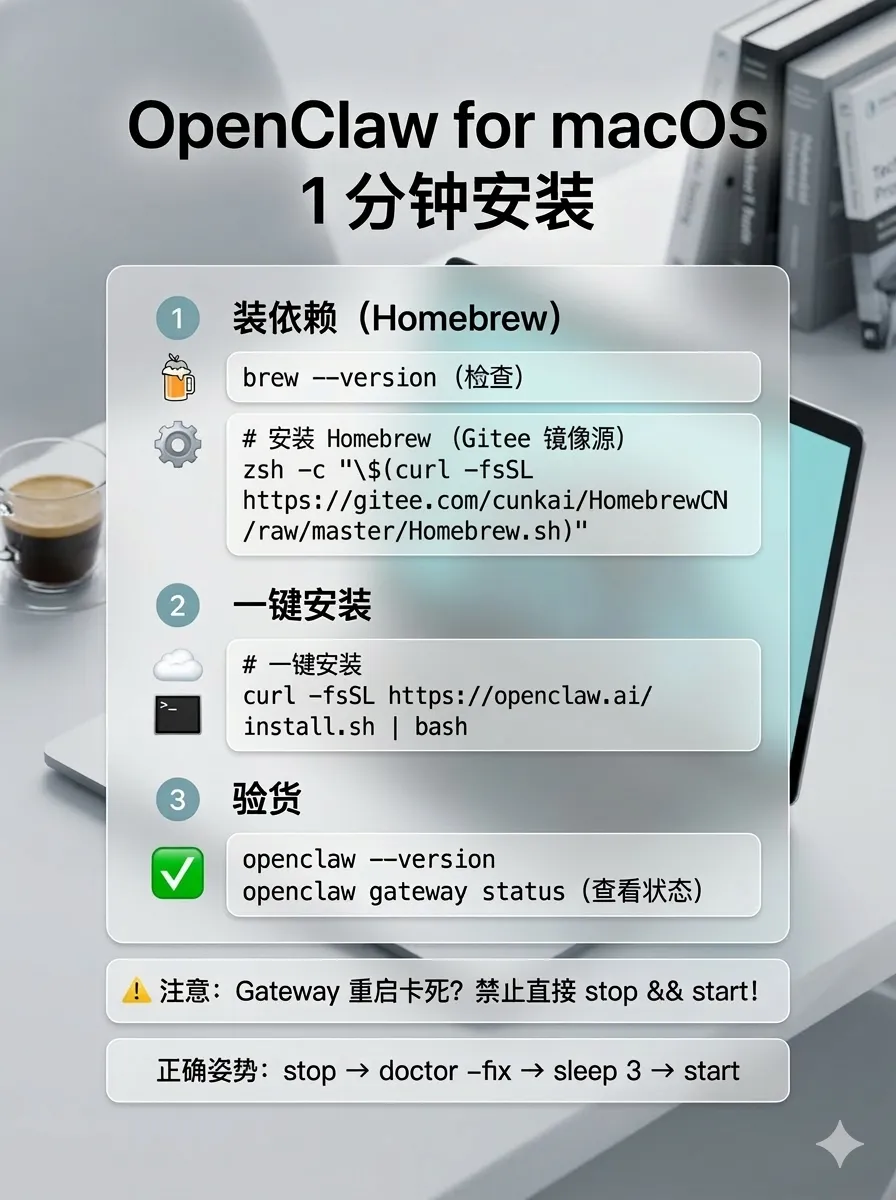
二、Windows 安装
# 1. 下载安装 Githttps://git-scm.cn/install/windows# 2. 下载安装 Node.js (LTS 版本)https://nodejs.org/zh-cn/download# 3. 以管理员身份打开 PowerShell,设置执行策略Set-ExecutionPolicy-ExecutionPolicy RemoteSigned -Scope CurrentUser# 4. 安装 OpenClawnpm i -g openclaw --ignore-scripts--registry=https://registry.npmmirror.com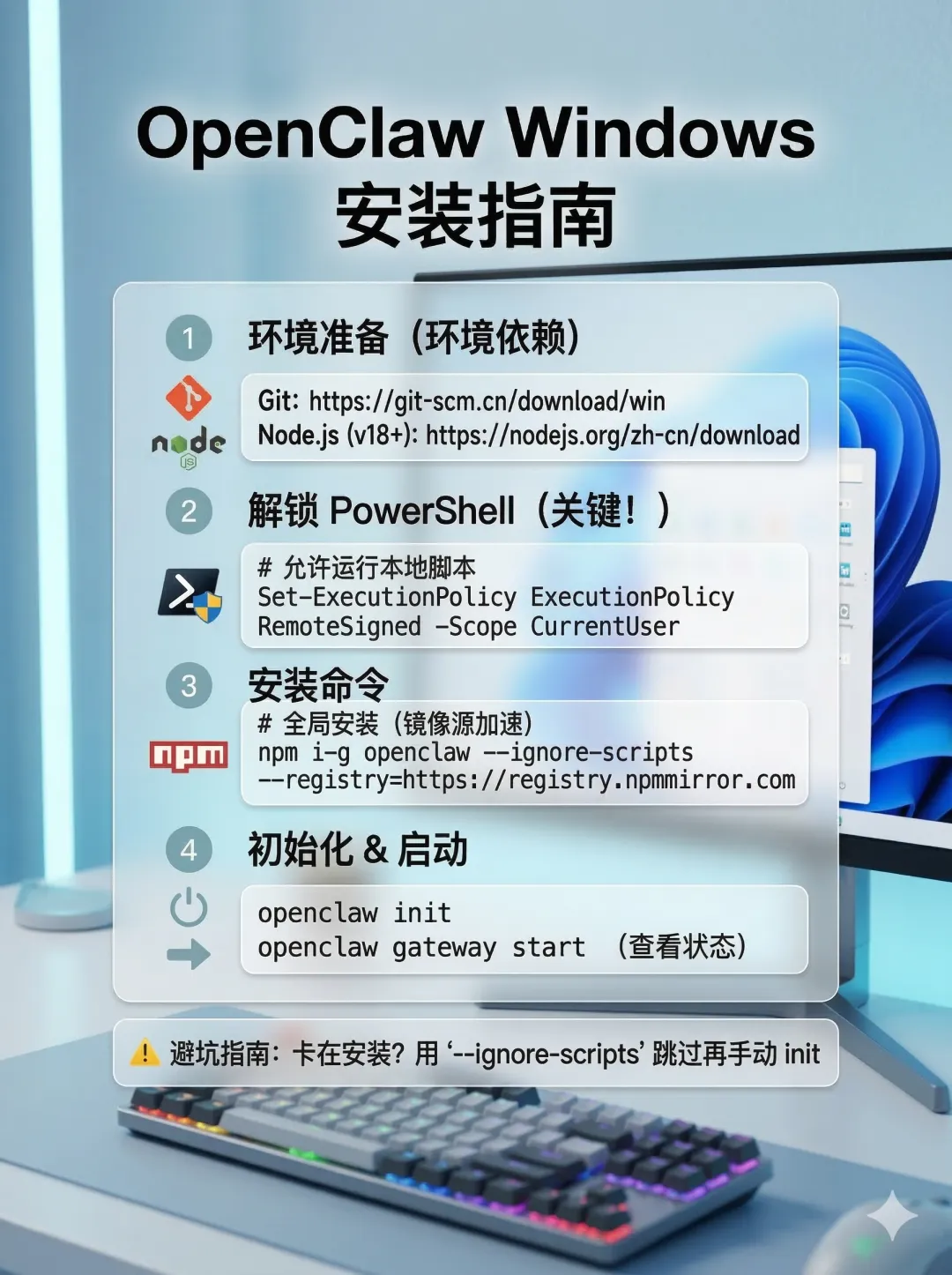
三、Ubuntu / Linux 安装
# 1. 更新软件源并安装 curlsudo apt update && sudo apt install -y curl# 2. 一键安装 OpenClawcurl -fsSL https://openclaw.ai/install.sh | bash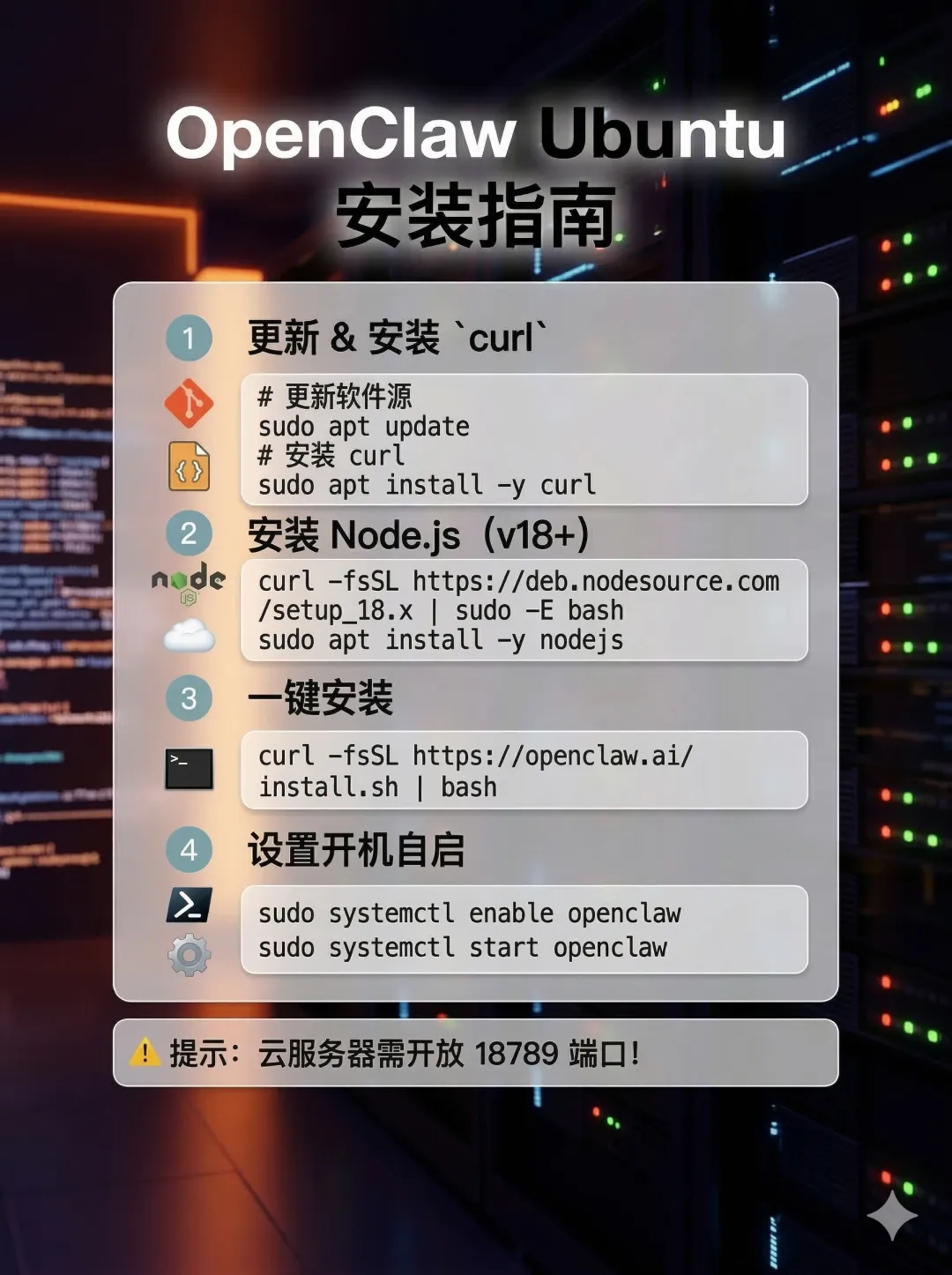
常见问题
--registry=https://registry.npmmirror.com | |
openclaw doctor --fix | |
安装完成后,运行 openclaw start 即可启动服务,通过 Web 控制面板进行配置。
#OpenClaw #AI工具 #效率神器 #开源项目 #技术教程 #macOS #Windows #Linux