ARTICLE · 1134675
Debian 13.7.x安装配置图解教程
Debian 13.7.x安装配置图解教程一、系统安装 系统镜像下载地址: 成功引导系统后进入下面的界面 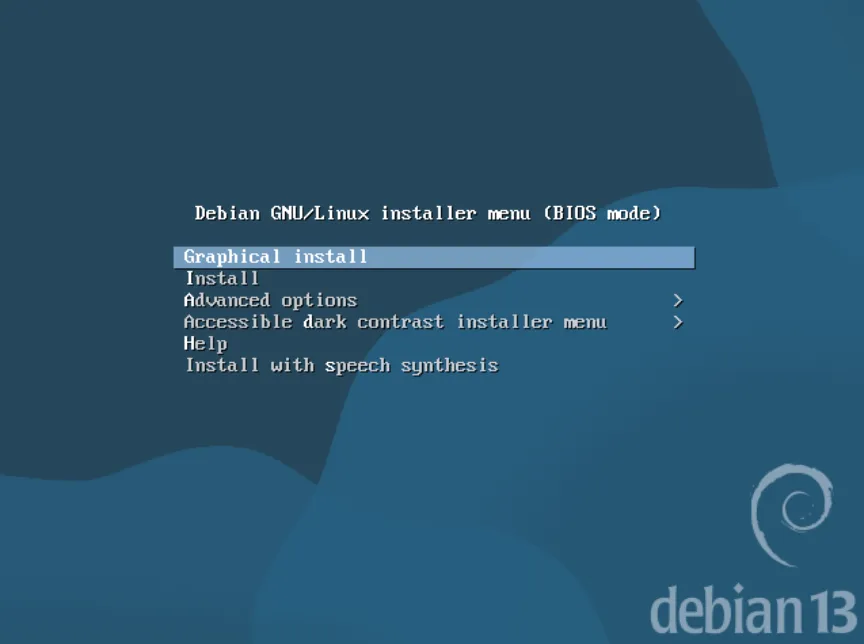
界面说明: Graphical install 图形安装 Install 安装系统 Advanced options 高级选项 Help 帮助 Install with speech synthesis 安装语音合成 我们选择使用图形化界面graphical install来安装系统,回车。 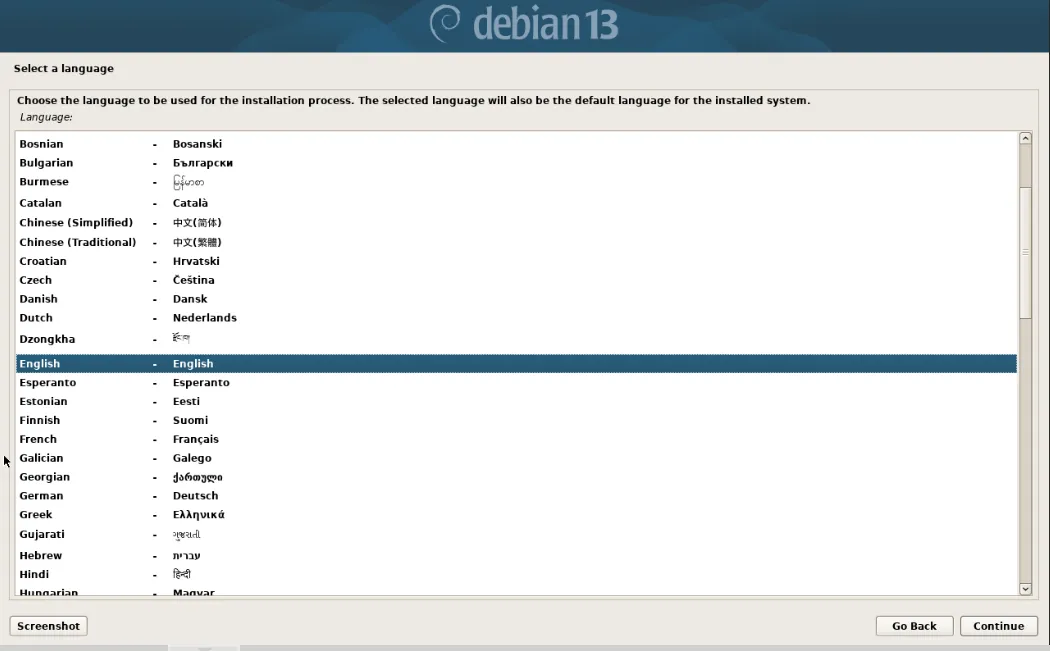
选择安装语言 English 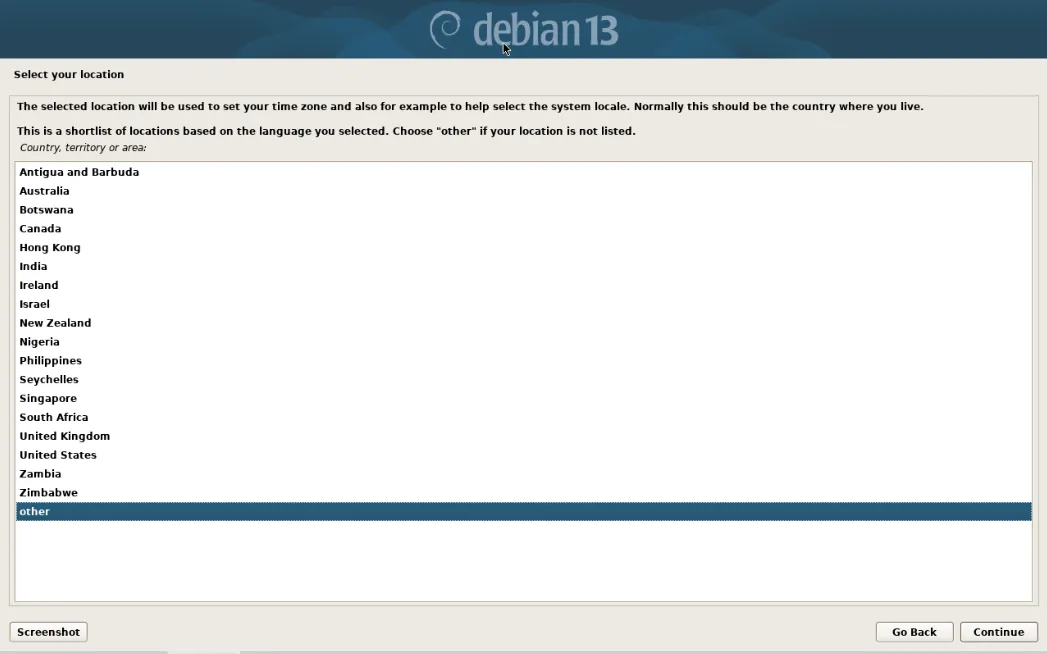
选择地区,other 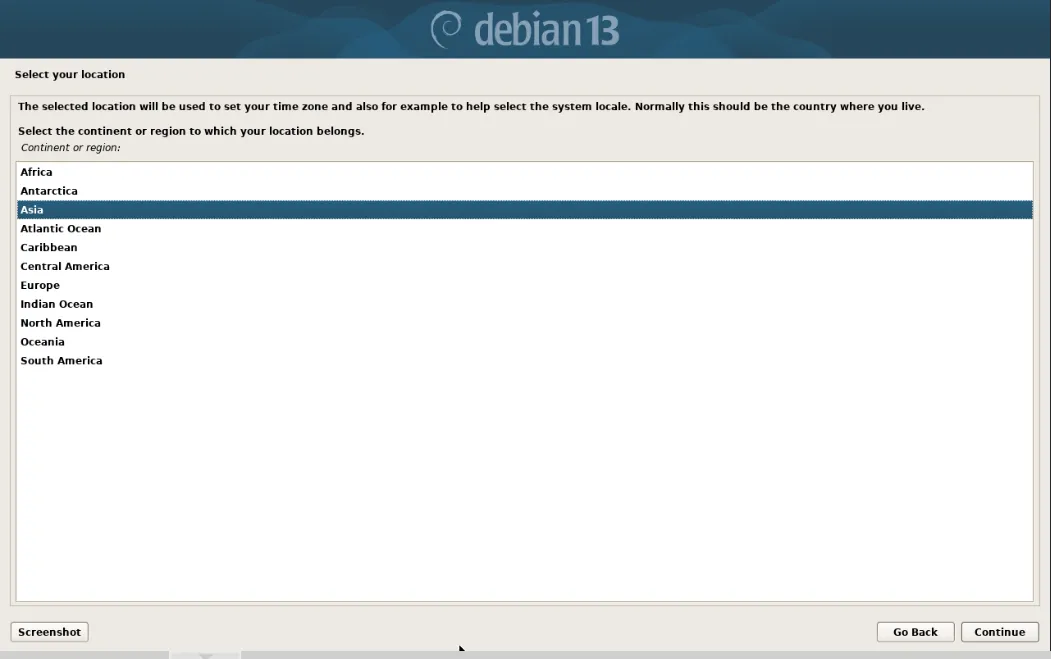
再选择Asia 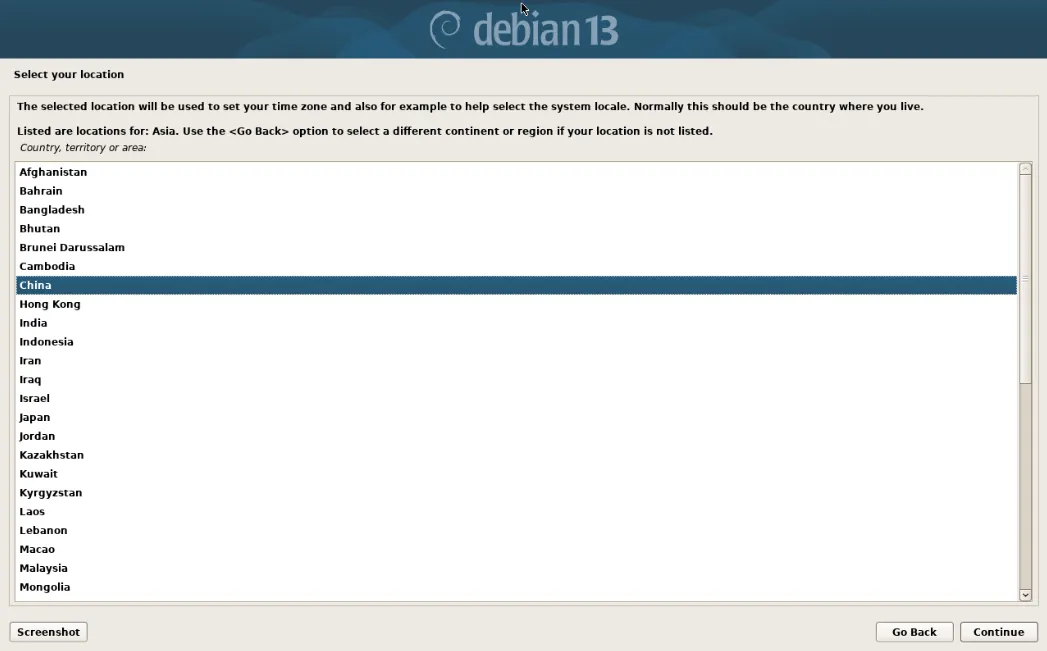
选择China 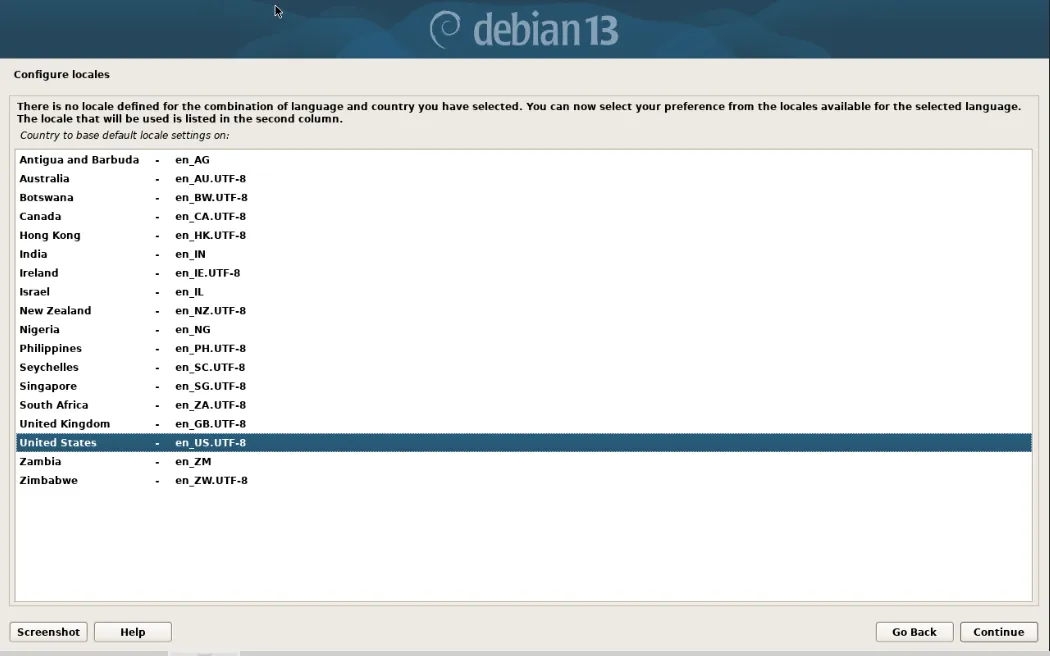
配置键盘,选择 United States 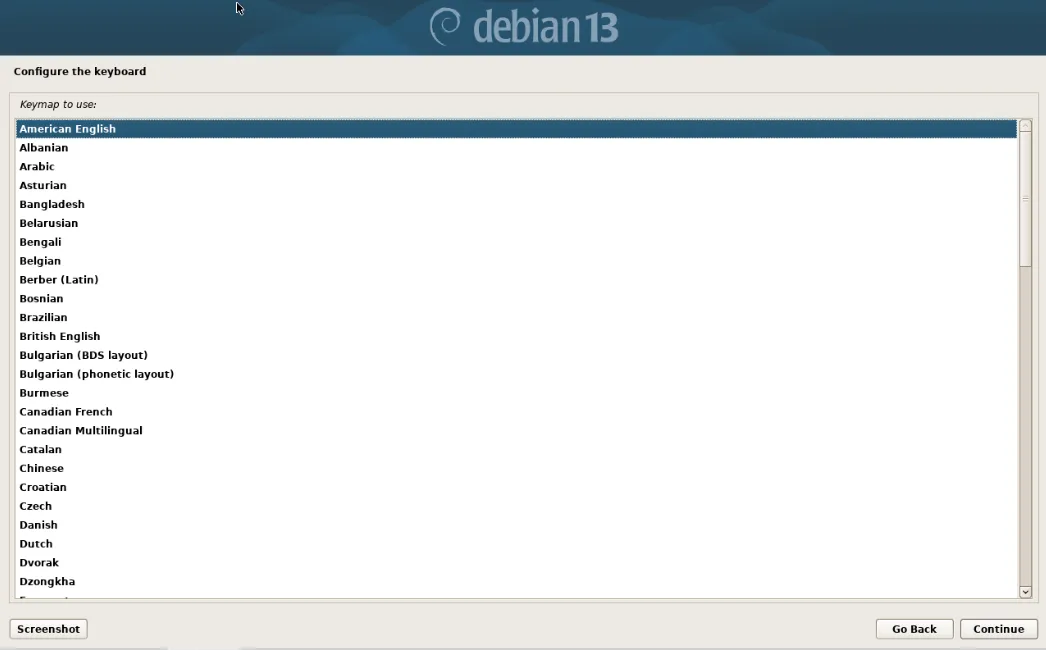
默认第一项 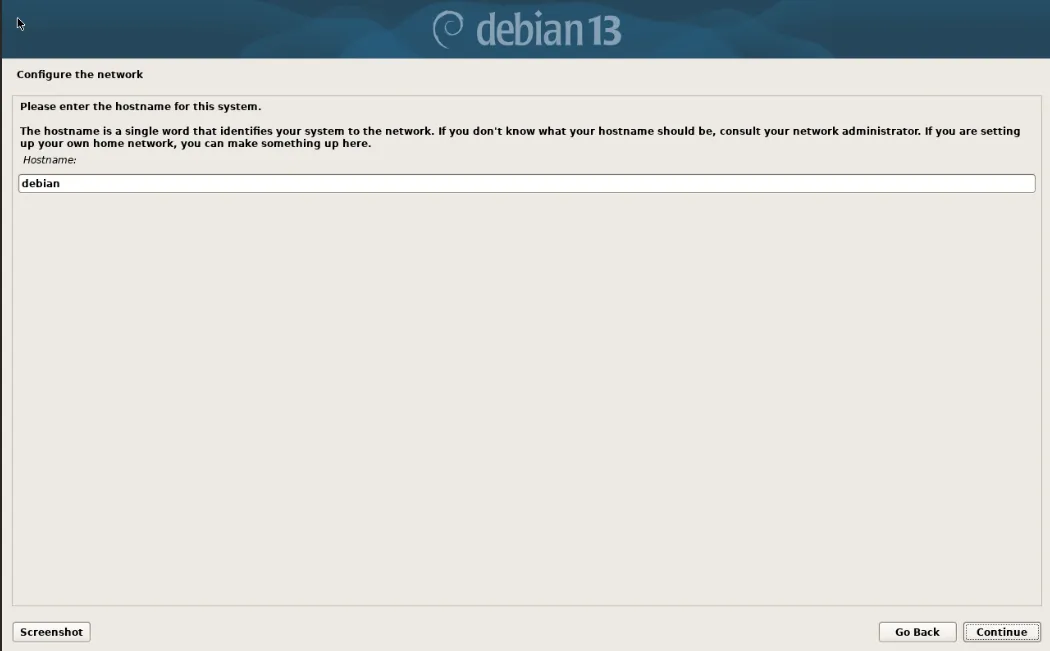
设置主机名字,默认为debian,此处设置的名称在系统登录界面显示 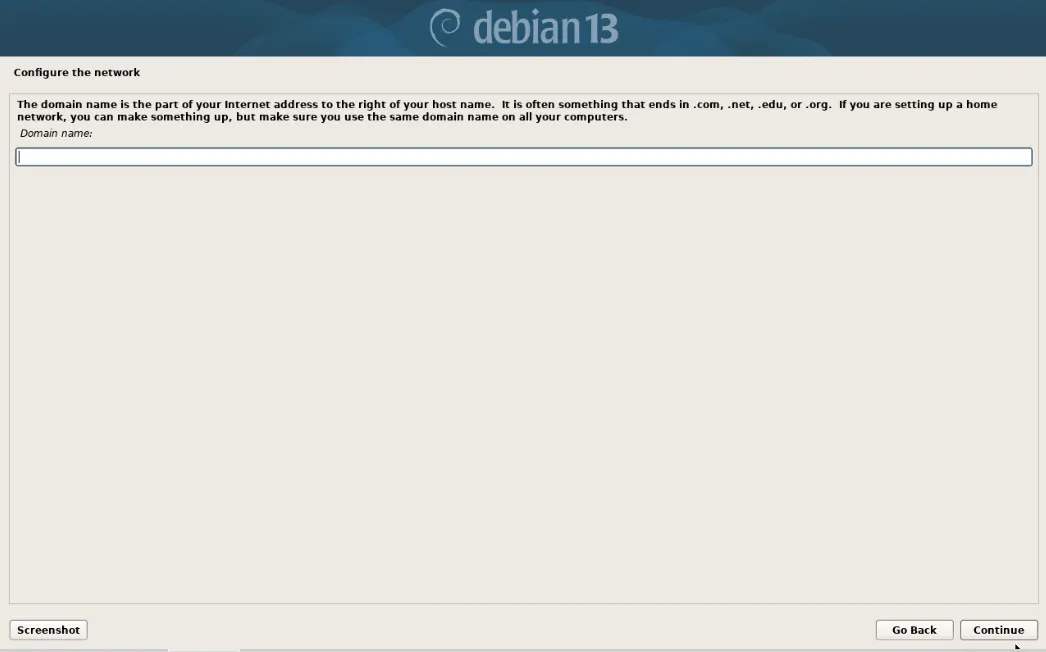
设置域名,留空,可以不用设置 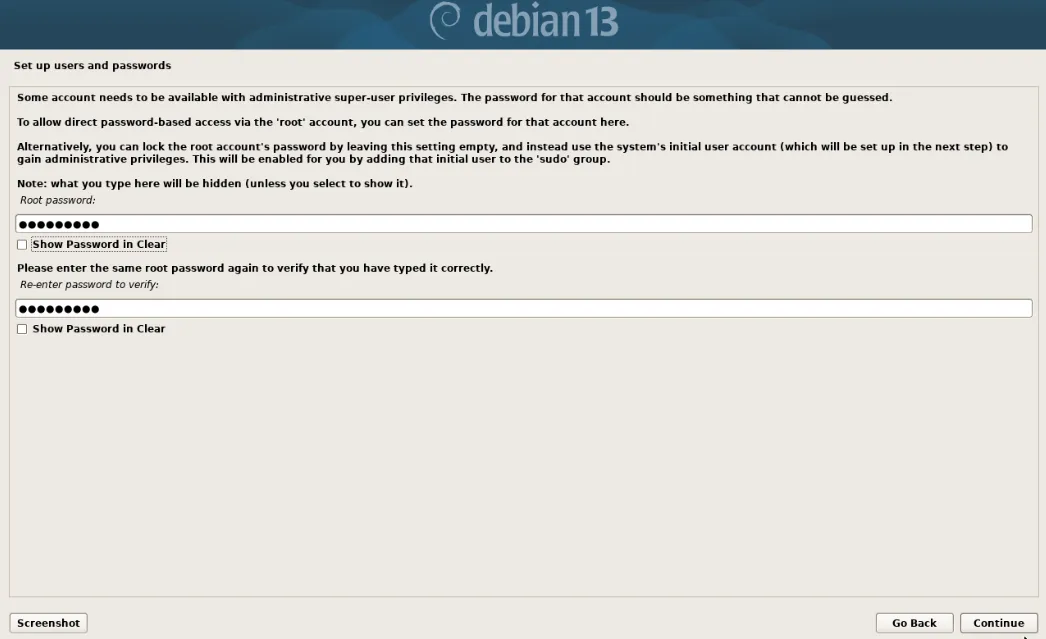
设置root密码 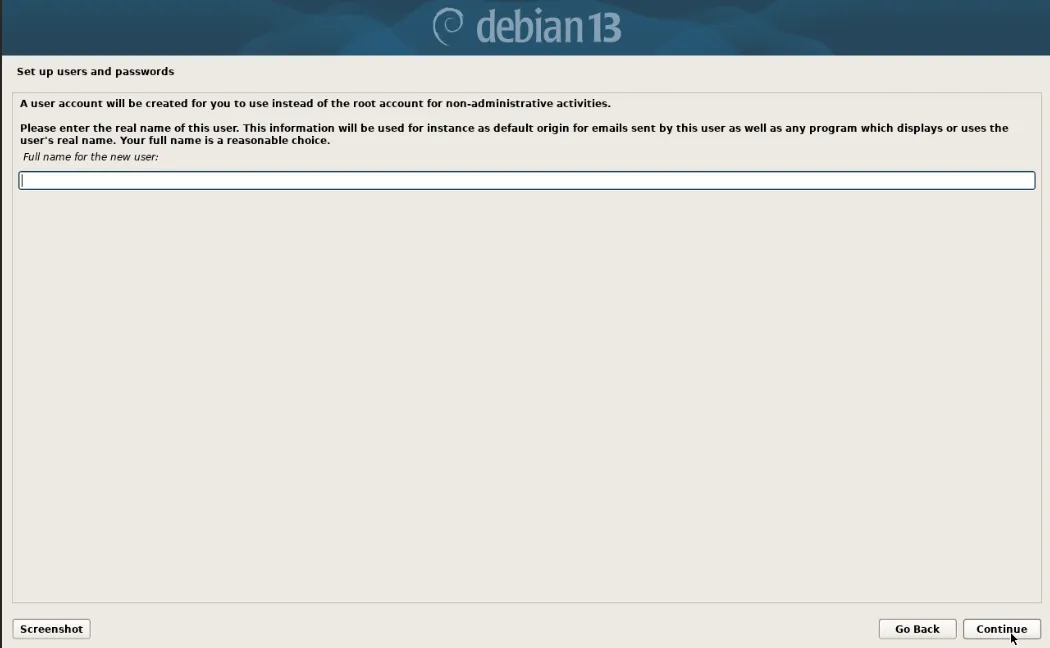
创建新用户:输入新用户全名(注意:不是登录账号,相当于描述) 可以不设置,留空 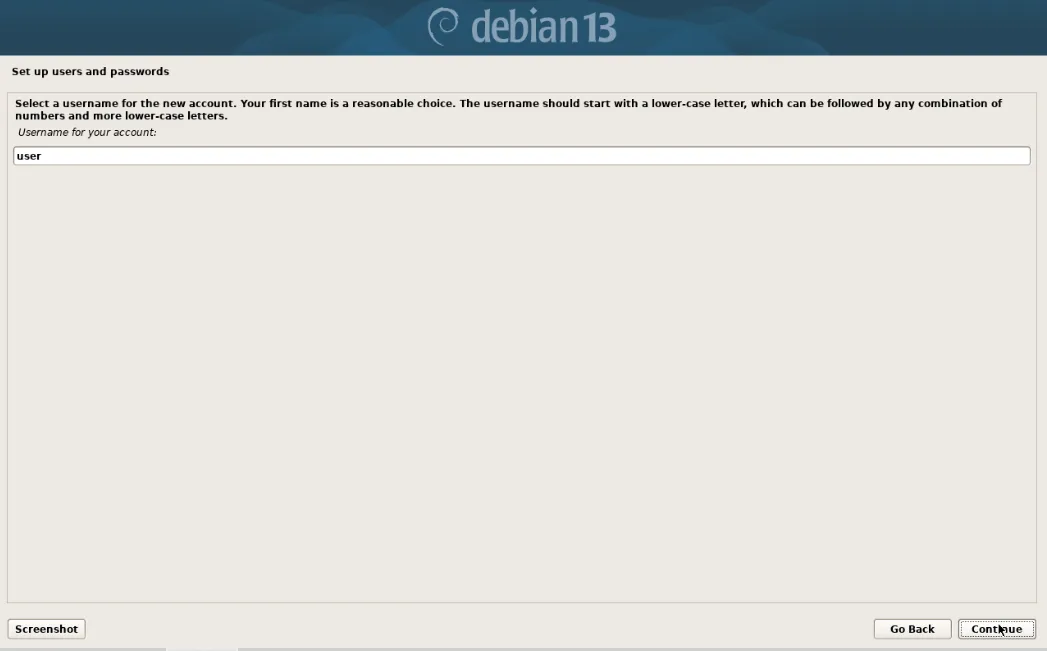
创建登录用户名(用此账号来登录系统):user 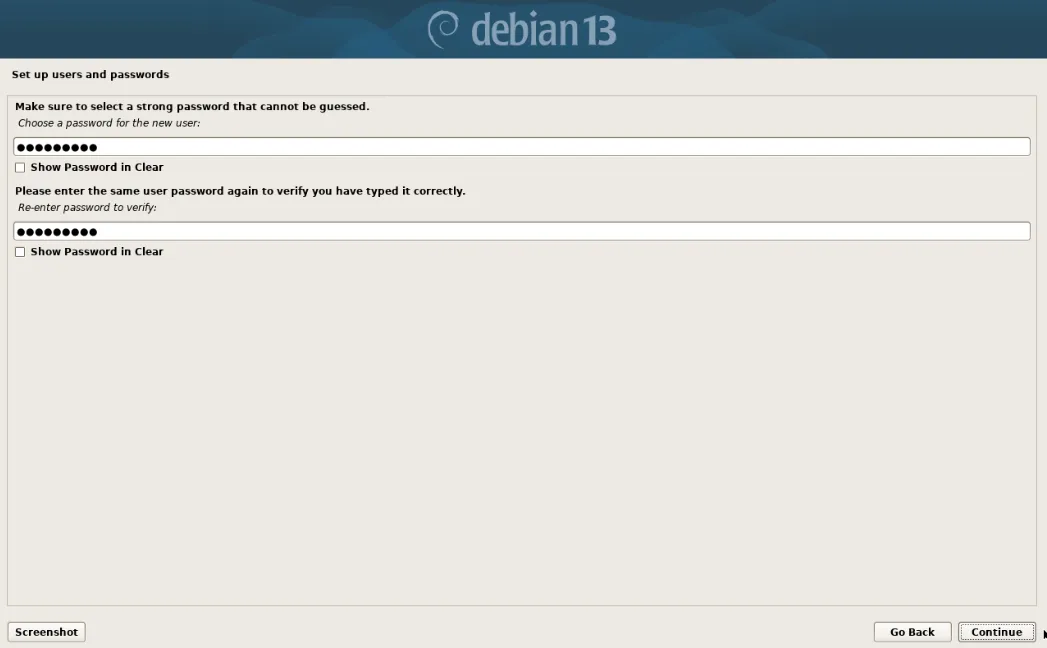
设置密码 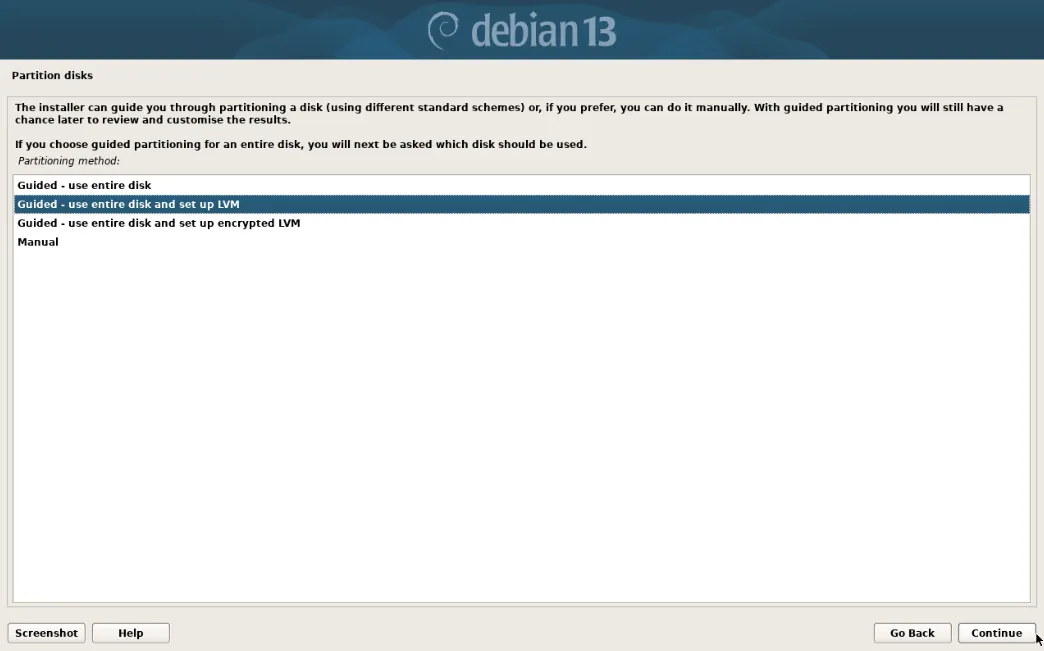
选择:Guided-use entire disk and set up LVM 带引导模式方式使用整块磁盘并使用LVM 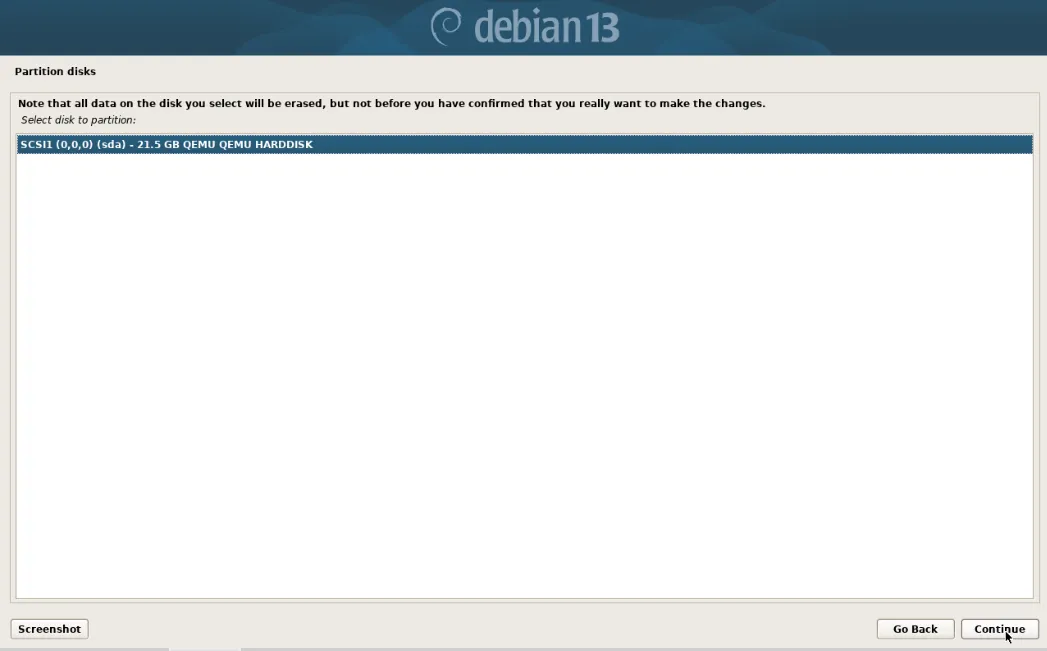
选择磁盘 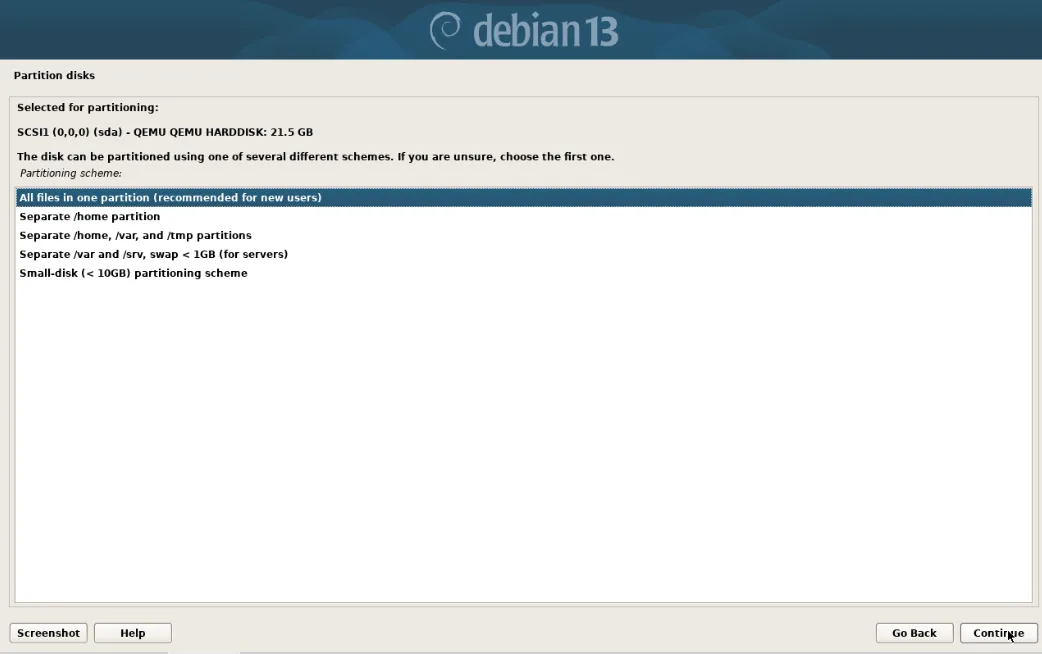
选择:All files in one partition(recommended for new users) 所有的文件都位于一个分区中 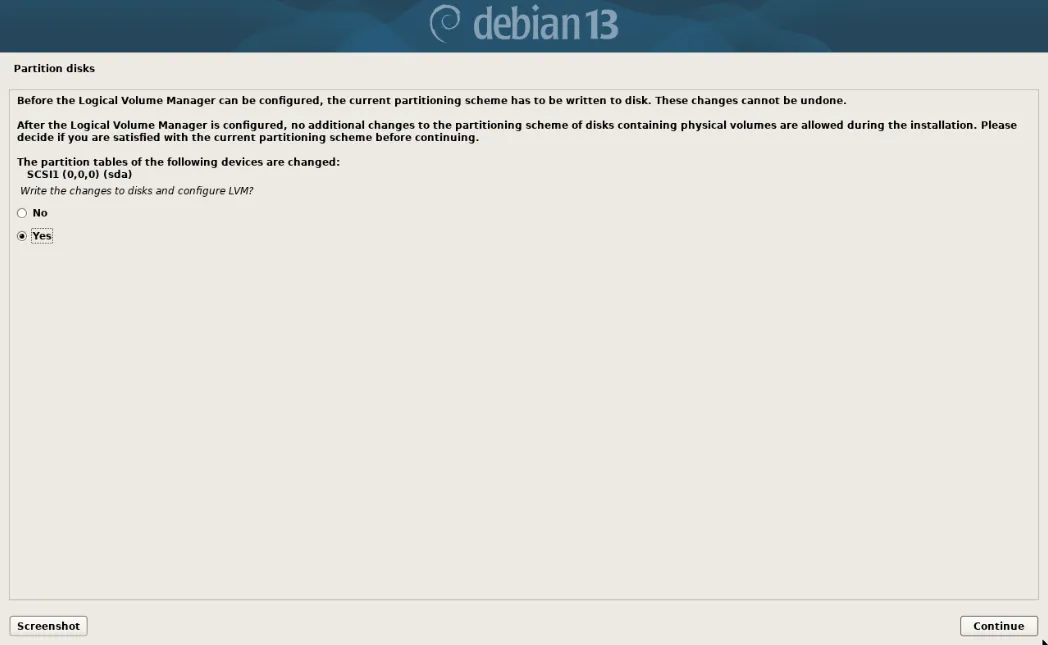
Yes 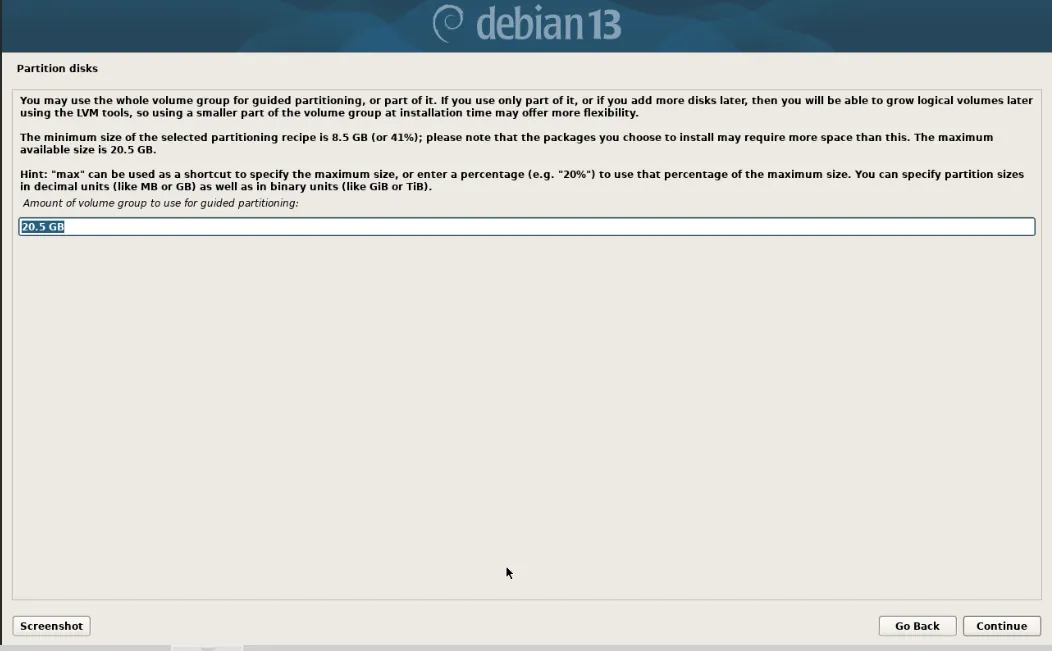
Continue 继续 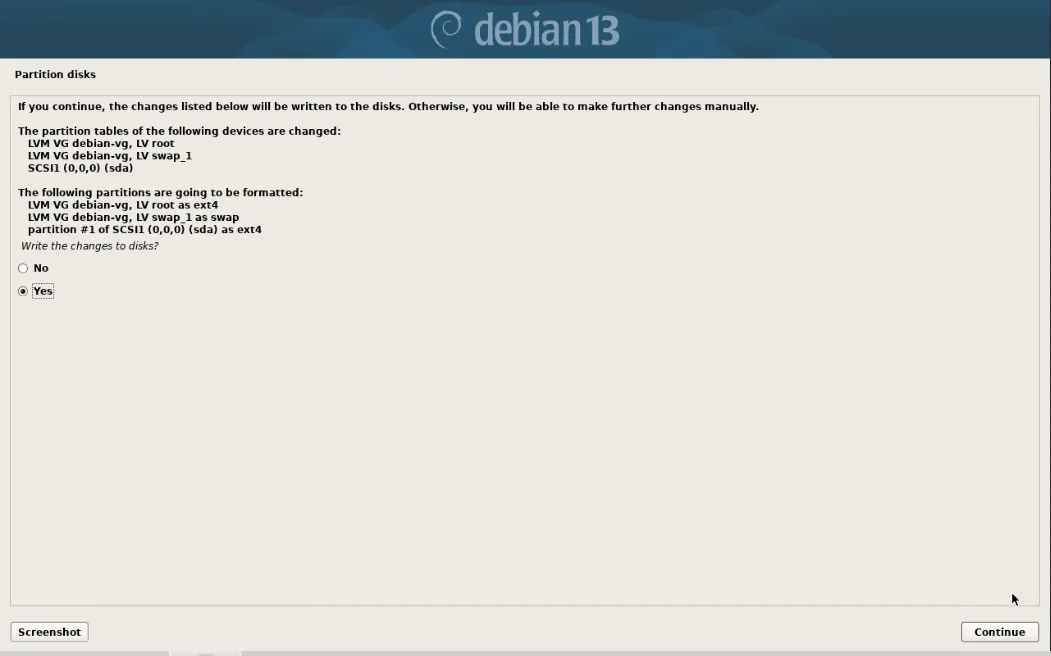
Yes 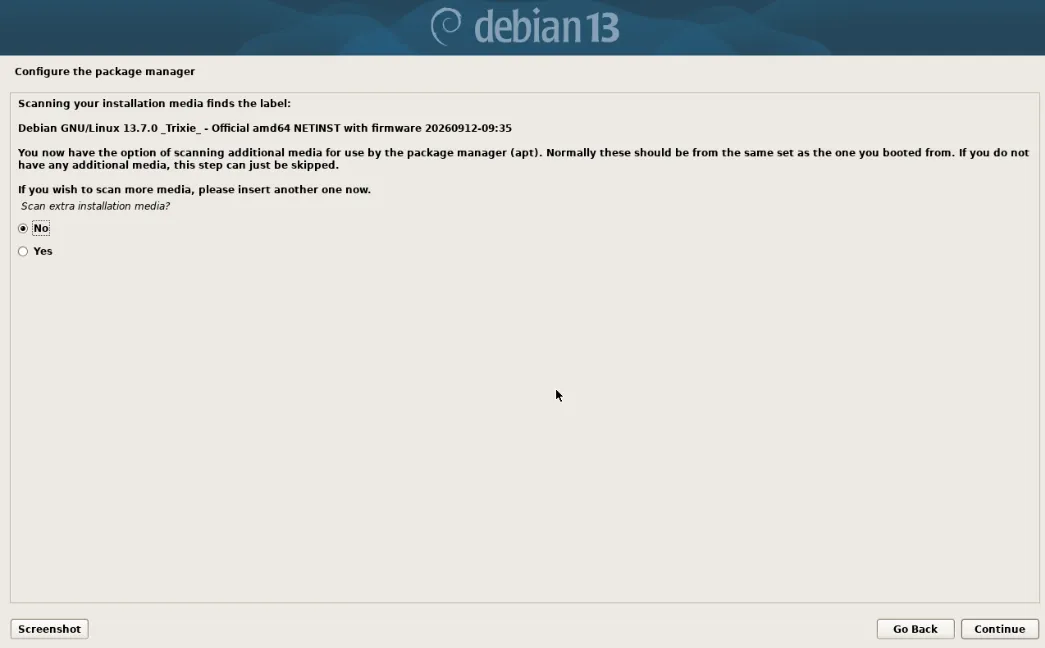
是否扫描安装介质,选择:No 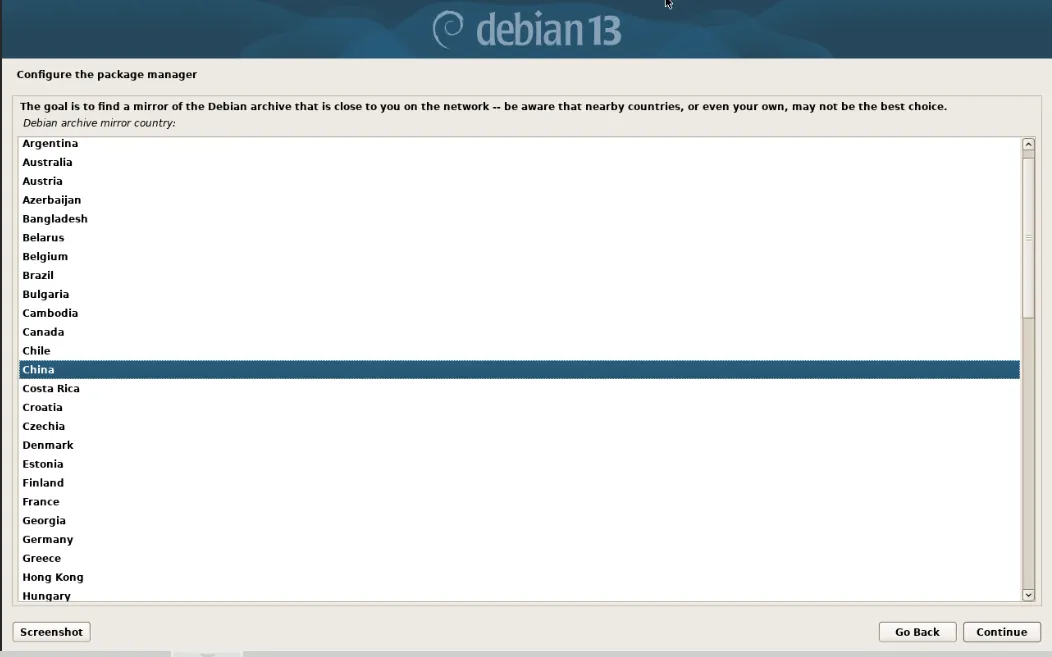
配置镜像源,选择China 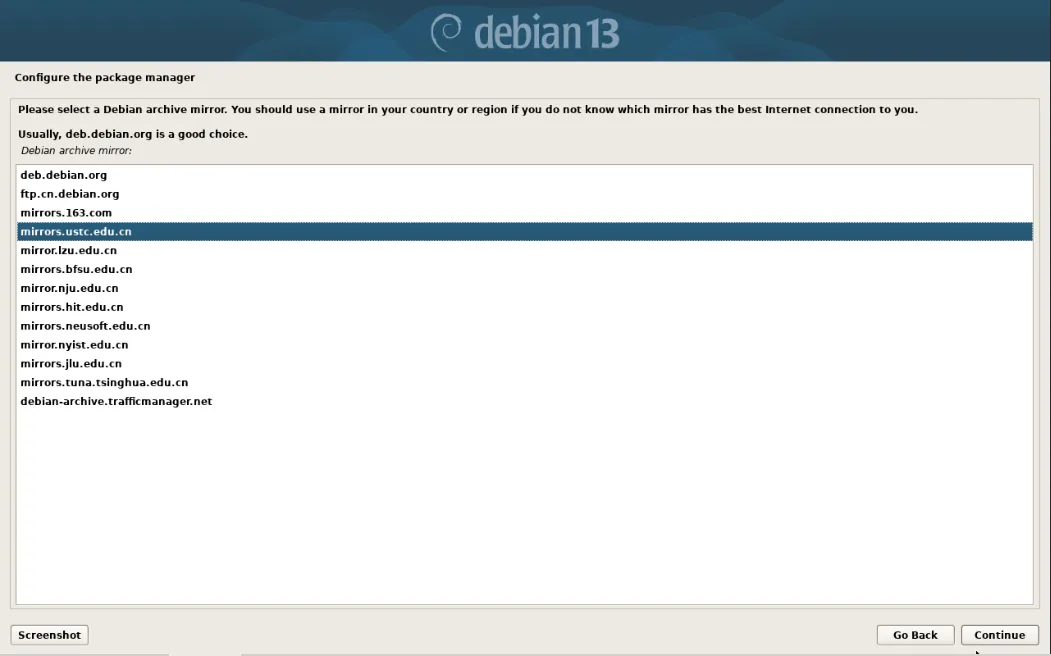
选择默认源,这里选择中科大的源 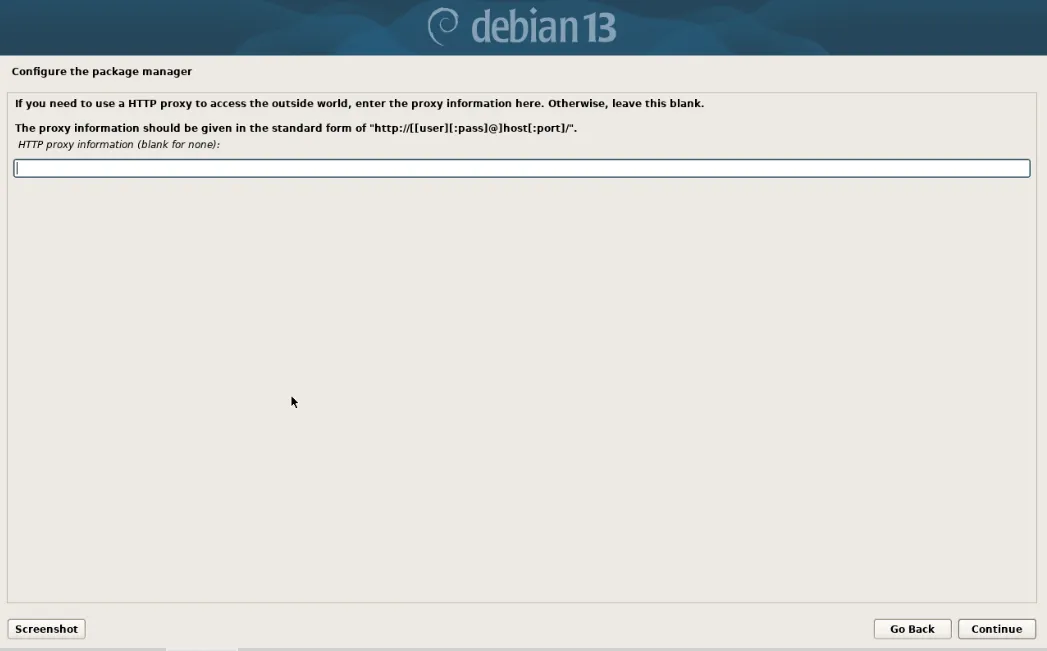
默认不设置,继续 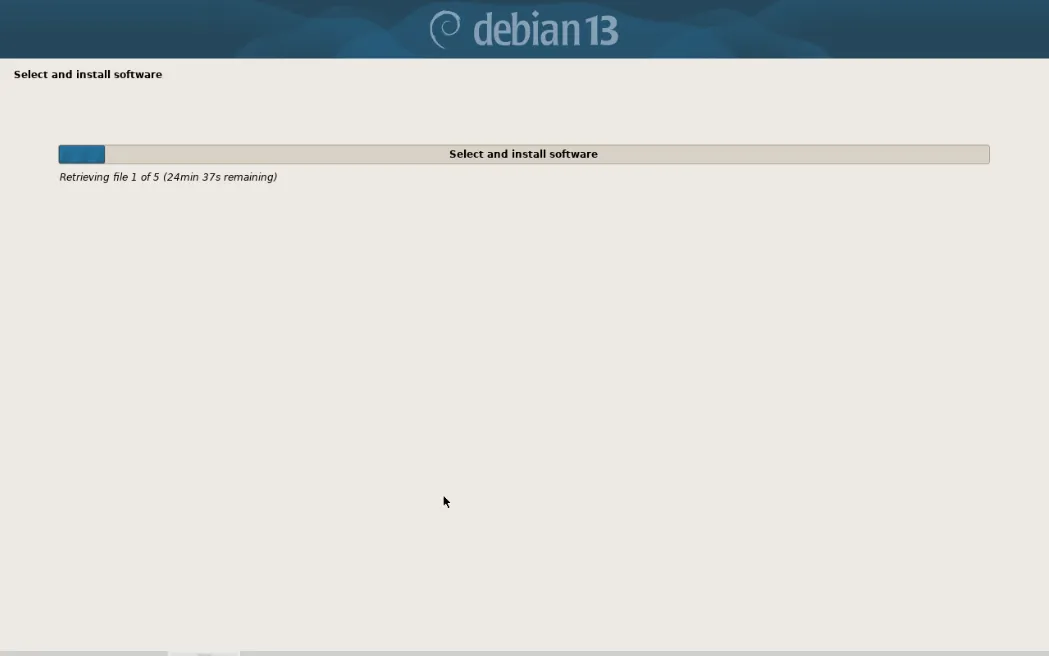
正在配置镜像源 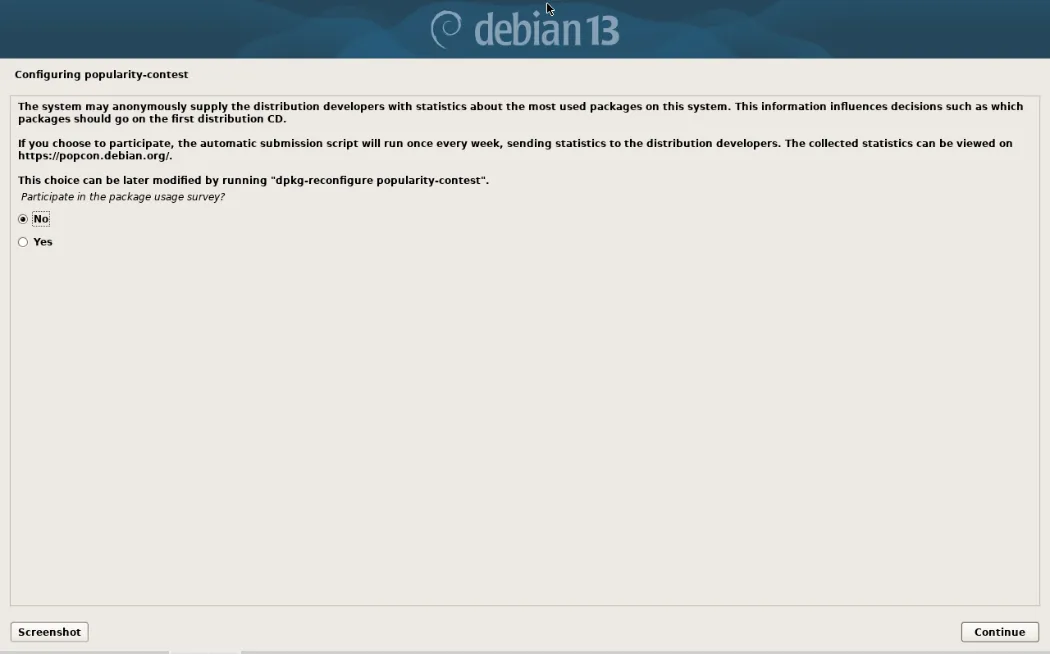
选择:No 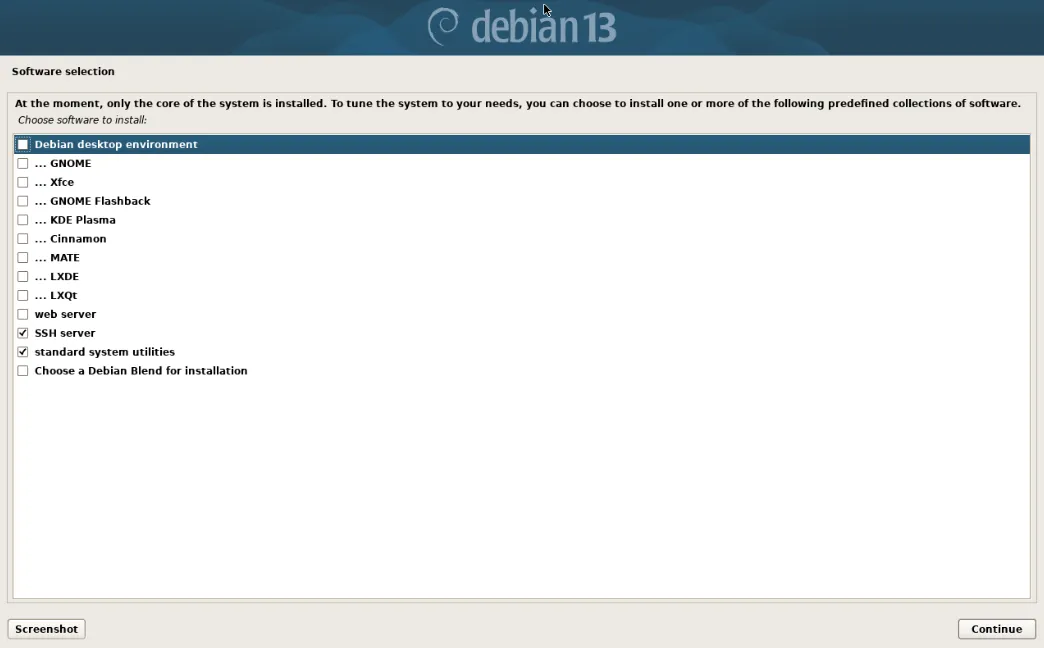
只选择SSH server和standard system utilities 远程登录服务端和基础工具集(man、ping、tar 等) 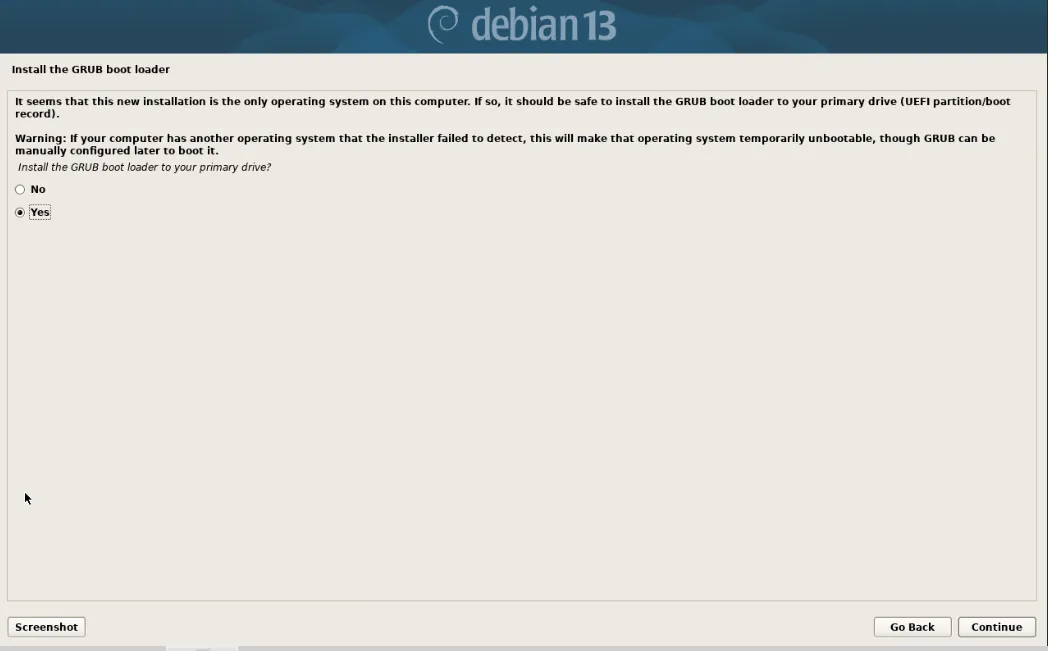
选择:Yes 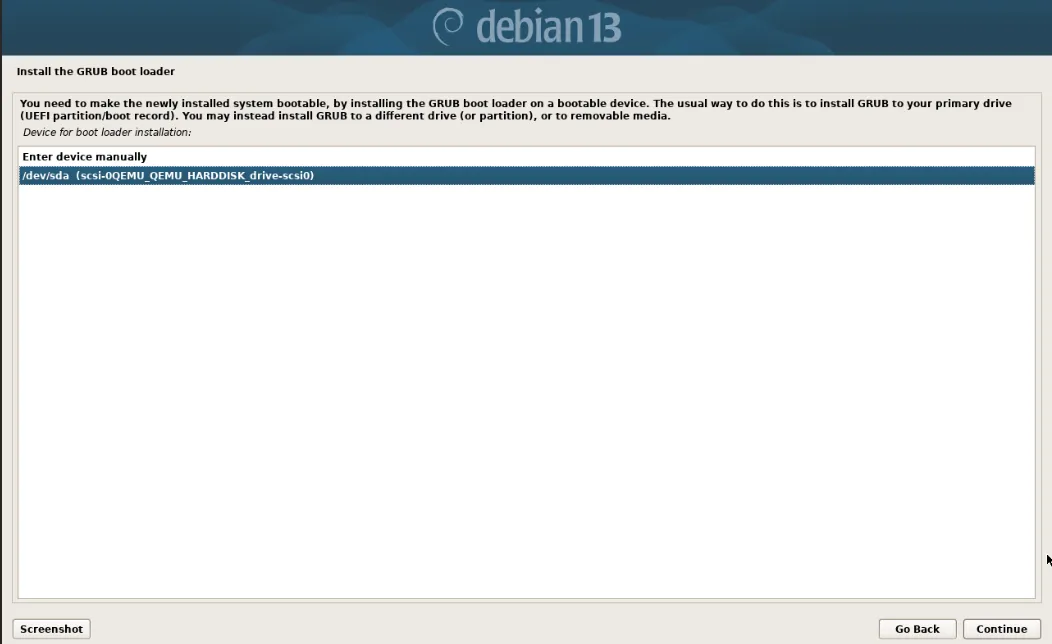
为GRUB加载引导程序选择安装的磁盘 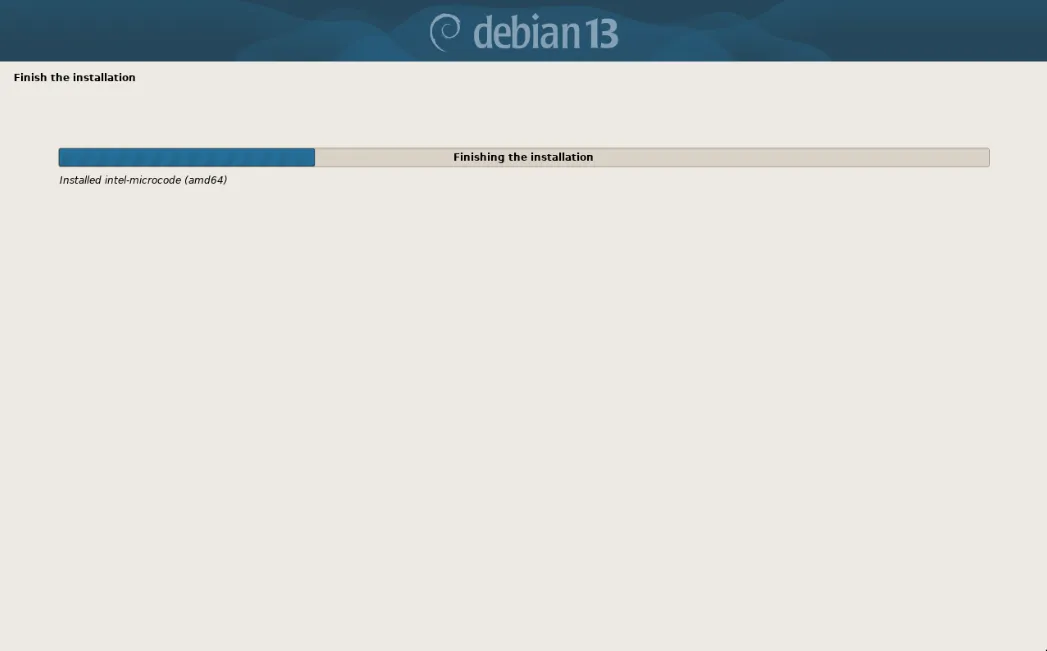
正在安装系统 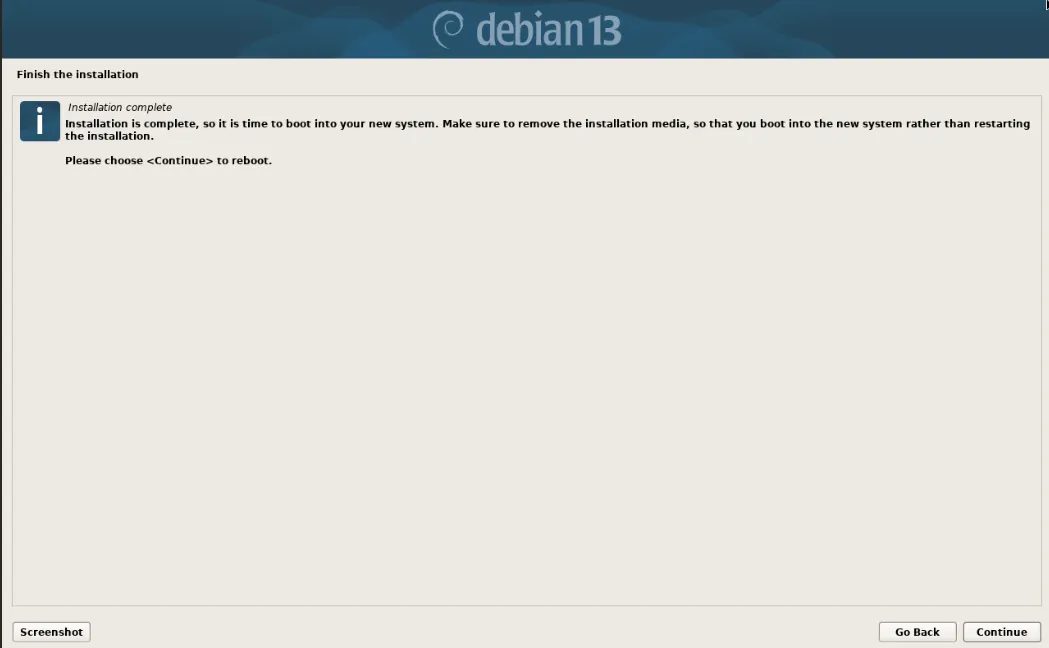
系统安装完成 
进入登陆界面 用户名:user 输入密码 登录系统 su - root 输入root的密码,切换到root账号 二、配置apt-get源 三、设置IP地址、网关、DNS 1、设置ip地址、网关 2、设置DNS 四、修改主机名 五、设置root账号ssh远程登录 默认不允许root用户直接远程登录,如果需要可以开启 六、系统参数优化 至此,Debian 13.7.x安装配置图解教程完成。
https://cdimage.debian.org/debian-cd/current/amd64/iso-cd/debian-13.7.0-amd64-netinst.isohttps://mirrors.tuna.tsinghua.edu.cn/debian-cd/current/amd64/iso-cd/debian-13.7.0-amd64-netinst.iso
#系统默认可能会使用光盘源,我们修改为国内网络源su - root #切换到root用户
nano /etc/apt/sources.list #设置源#注释掉光盘源这一行#deb cdrom:[Debian GNU/Linux 13.7.0 _Trixie_ - Official amd64 NETINST with firmware 20260912-09:35]/ trixie contrib main non-free-firmware#添加以下代码deb http://mirrors.ustc.edu.cn/debian/ trixie main non-free-firmwaredeb-src http://mirrors.ustc.edu.cn/debian/ trixie main non-free-firmwaredeb http://security.debian.org/debian-security trixie-security main non-free-firmwaredeb-src http://security.debian.org/debian-security trixie-security main non-free-firmwaredeb http://mirrors.ustc.edu.cn/debian/ trixie-updates main non-free-firmwaredeb-src http://mirrors.ustc.edu.cn/debian/ trixie-updates main non-free-firmware#我们使用中科大的镜像,Debian 13的发型代号是trixiectrl+o #保存配置ctrl+x #退出
apt-get update #更新软件源apt-get install wget #安装
nano /etc/network/interfaces #编辑网卡配置文件auto loauto ens18 #开机自动连接网络iface lo inet loopbackallow-hotplug ens18iface ens18 inet static #static表示使用固定ip,dhcp表述使用动态ipaddress 192.168.21.109 #设置ip地址netmask 255.255.255.0 #设置子网掩码gateway 192.168.21.2 #设置网关ctrl+o #保存配置ctrl+x #退出
nano /etc/resolv.conf #编辑配置文件nameserver 223.5.5.5 #设置首选dnsnameserver 223.6.6.6 #设置备用dnsctrl+o #保存配置ctrl+x #退出service networking restart #重启网络
nano /etc/hostname #编辑debianctrl+o #保存配置ctrl+x #退出
nano /etc/ssh/sshd_config#PermitRootLogin prohibit-password #默认为禁登录PermitRootLogin yes #改为允许登录ctrl+o #保存配置ctrl+x #退出
systemctl restart sshd #重启ssh服务/etc/init.d/ssh restartservice ssh restart
1、nano /etc/security/limits.conf #编辑添加以下优化信息#rootroot soft core unlimitedroot hard core unlimitedroot soft nproc 1000000root hard nproc 1000000root soft nofile 1000000root hard nofile 1000000root soft memlock 32000root hard memlock 32000root soft msgqueue 8192000root hard msgqueue 8192000#** soft core unlimited* hard core unlimited* soft nproc 1000000* hard nproc 1000000* soft nofile 1000000* hard nofile 1000000* soft memlock 32000* hard memlock 32000* soft msgqueue 8192000* hard msgqueue 8192000ctrl+o #保存配置ctrl+x #退出
2、nano /etc/sysctl.d/99-custom.conf #添加以下优化参数# Controls source route verificationnet.ipv4.conf.default.rp_filter = 1net.ipv4.ip_nonlocal_bind = 1net.ipv4.ip_forward = 1# Do not accept source routingnet.ipv4.conf.default.accept_source_route = 0# SysRq / core dumpkernel.sysrq = 0kernel.core_uses_pid = 1# TCP syncookiesnet.ipv4.tcp_syncookies = 1# Message queue / shared memorykernel.msgmnb = 65536kernel.msgmax = 65536kernel.shmmax = 68719476736kernel.shmall = 4294967296# TCP buffernet.ipv4.tcp_mem = 786432 1048576 1572864net.ipv4.tcp_rmem = 4096 87380 4194304net.ipv4.tcp_wmem = 4096 16384 4194304net.ipv4.tcp_window_scaling = 1net.ipv4.tcp_sack = 1# Socket buffernet.core.wmem_default = 8388608net.core.rmem_default = 8388608net.core.rmem_max = 16777216net.core.wmem_max = 16777216net.core.netdev_max_backlog = 262144net.core.somaxconn = 20480net.core.optmem_max = 81920# TCP connnet.ipv4.tcp_max_syn_backlog = 262144net.ipv4.tcp_syn_retries = 3net.ipv4.tcp_retries1 = 3net.ipv4.tcp_retries2 = 15# TCP conn reusenet.ipv4.tcp_timestamps = 1net.ipv4.tcp_tw_reuse = 1net.ipv4.tcp_fin_timeout = 15net.ipv4.tcp_max_tw_buckets = 20000net.ipv4.tcp_max_orphans = 3276800net.ipv4.tcp_synack_retries = 1# Keepalivenet.ipv4.tcp_keepalive_time = 300net.ipv4.tcp_keepalive_intvl = 30net.ipv4.tcp_keepalive_probes = 3net.ipv4.ip_local_port_range = 10001 65000# BBRnet.core.default_qdisc = fqnet.ipv4.tcp_congestion_control = bbr# Swapvm.overcommit_memory = 1vm.swappiness = 10ctrl+o #保存配置ctrl+x #退出
注意:Debian 13系统的/etc/sysctl.conf文件被官方废弃了,systemd 启动时不再读它。默认的系统参数改放在 /usr/lib/sysctl.d/50-default.conf。用户自定义参数应该写在/etc/sysctl.d/*.conf里。
sysctl --system #使配置立即生效#检查关键参数是否生效sysctl net.ipv4.ip_forwardsysctl net.ipv4.tcp_congestion_controlsysctl net.core.default_qdiscsysctl vm.swappiness