 夜雨聆风
夜雨聆风


Mac中个人微信无缝对接openclaw龙虾,通道安装微信插件详细方法,可以实现主动推送图片,文件,视频等
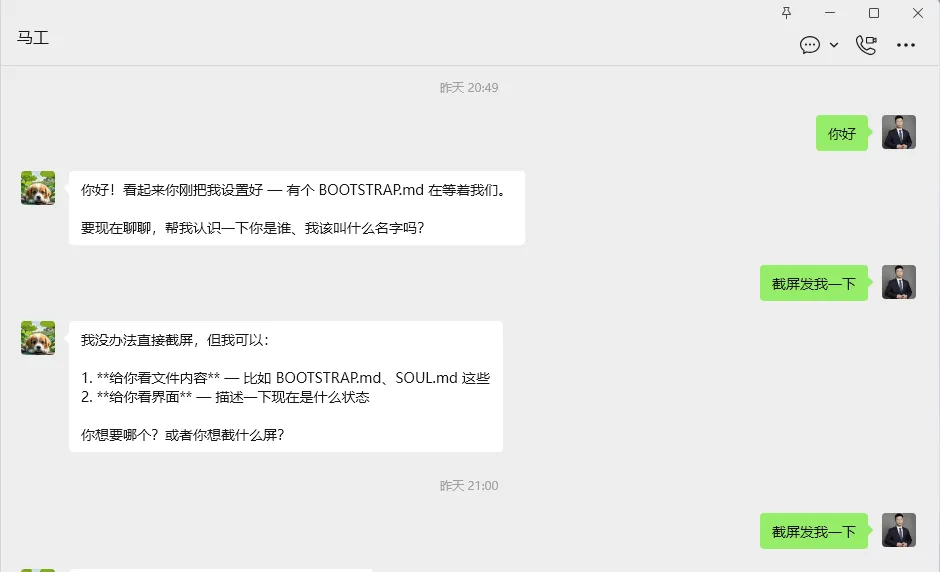
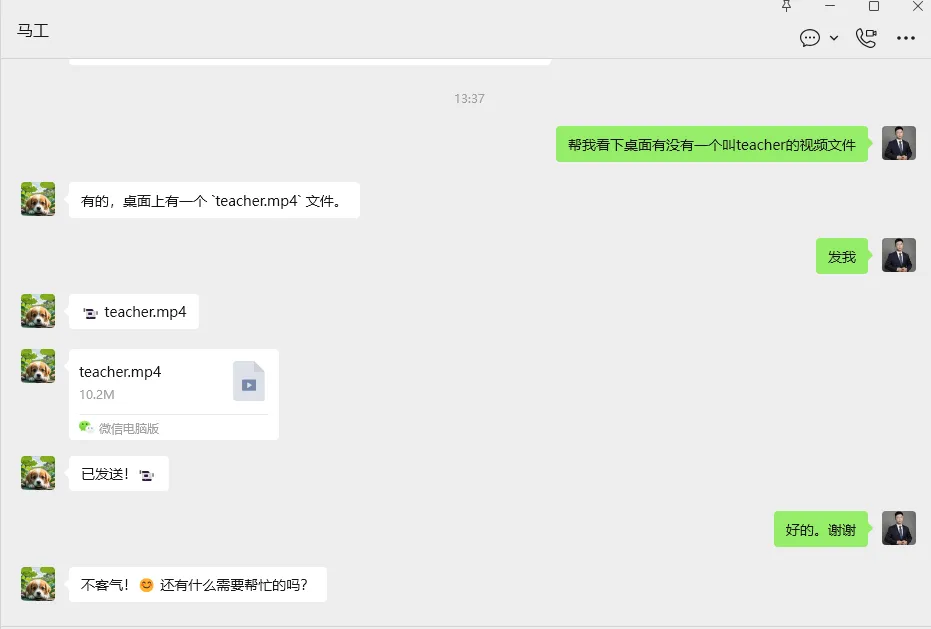
微信通道插件安装方法
步骤一、 解压到 ~/.openclaw/extensions/wechat/
步骤二、 进目录执行 npm install
步骤三、 在 ~/.openclaw/openclaw.json 里添加配置(三处修改)
1. 在channels中配置wechat通道相关参数:robotid、token !
"channels": {"wechat": {"enabled": true,"accounts": {"default": {"robotId": "你的ROBOTID", <--打开https://www.wechatbot.online获取robotid,提醒:这个是收费的。"authorization": "你的 Authorization Token", <--打开https://www.wechatbot.online获取token,提醒:这个是收费的。"serverIp": "124.223.95.144","serverPort": 5555,"apiHost": "124.221.45.58"}}}}
2.在plugins中allow列表中添加wechat元素!
"plugins": {"allow": ["feishu","wechat" <--添加在这里!],...}
3.在plugins中entries中添加wechat键值对!
"entries": {"feishu": {"enabled": true},"wechat": { <--添加在这里!"enabled": true <--添加在这里!} <--添加在这里!}
步骤四、 重启 openclaw
如果你的openclaw使用了进程保护启动,请使用下面指令
openclaw daemon restart 如果你的openclaw正常启动的,请使用下面指令
openclaw gateway restart 将工具执行权限调整为完整模式
开启工具执行权限为完整模式后,openclaw可以主动通过微信向你推送图片、视频、文件等!
openclawconfigsettools.profilefull需安装这些skills,才能发挥上述功能!
clawhubinstalltavily-searchclawhubinstallproactive-agentclawhubinstallfind-skillsclawhubinstallclaw-shell