 夜雨聆风
夜雨聆风
编译openclaw.apk
从github下载openclaw源码,apps/android目录就是一个Android APP工程,使用AnndroidStudio打开工程直接编译,得到openclaw.apk。
把这个apk安装到手机,等待与电脑端的OpenClaw配对。
配对流程
1 生成配对码
在终端运行:
openclaw qr这会显示一个二维码和设置码(setup code)。
如果想只要设置码:
openclaw qr --setup-code-only可能会遇到这个错误:
Error: Gateway is only bound to loopback. Set gateway.bind=lan, enable tailscale serve, or configure plugins.entries.device-pair.config.publicUrl.在web对话里,把错误扔给龙虾,他会帮你修改配置。
2 手机上操作
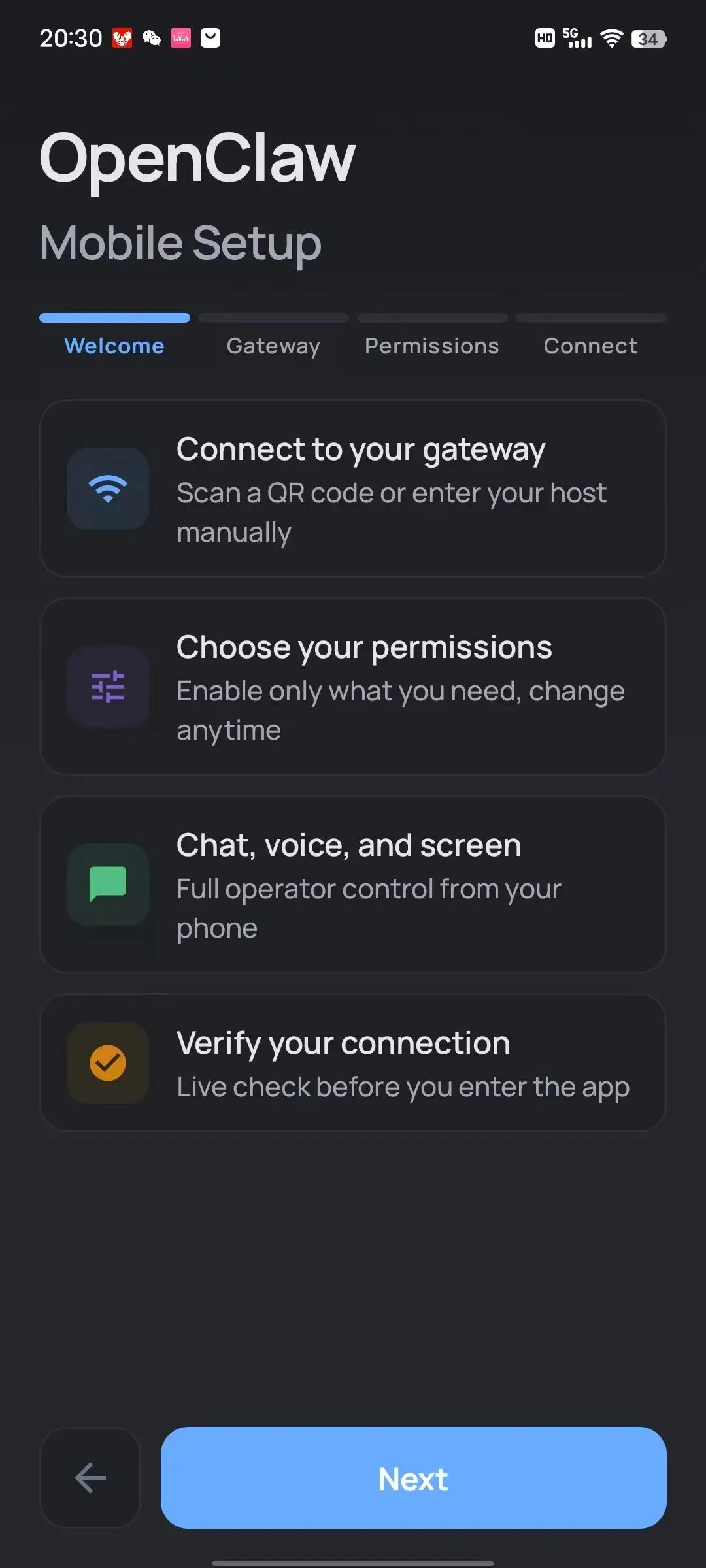
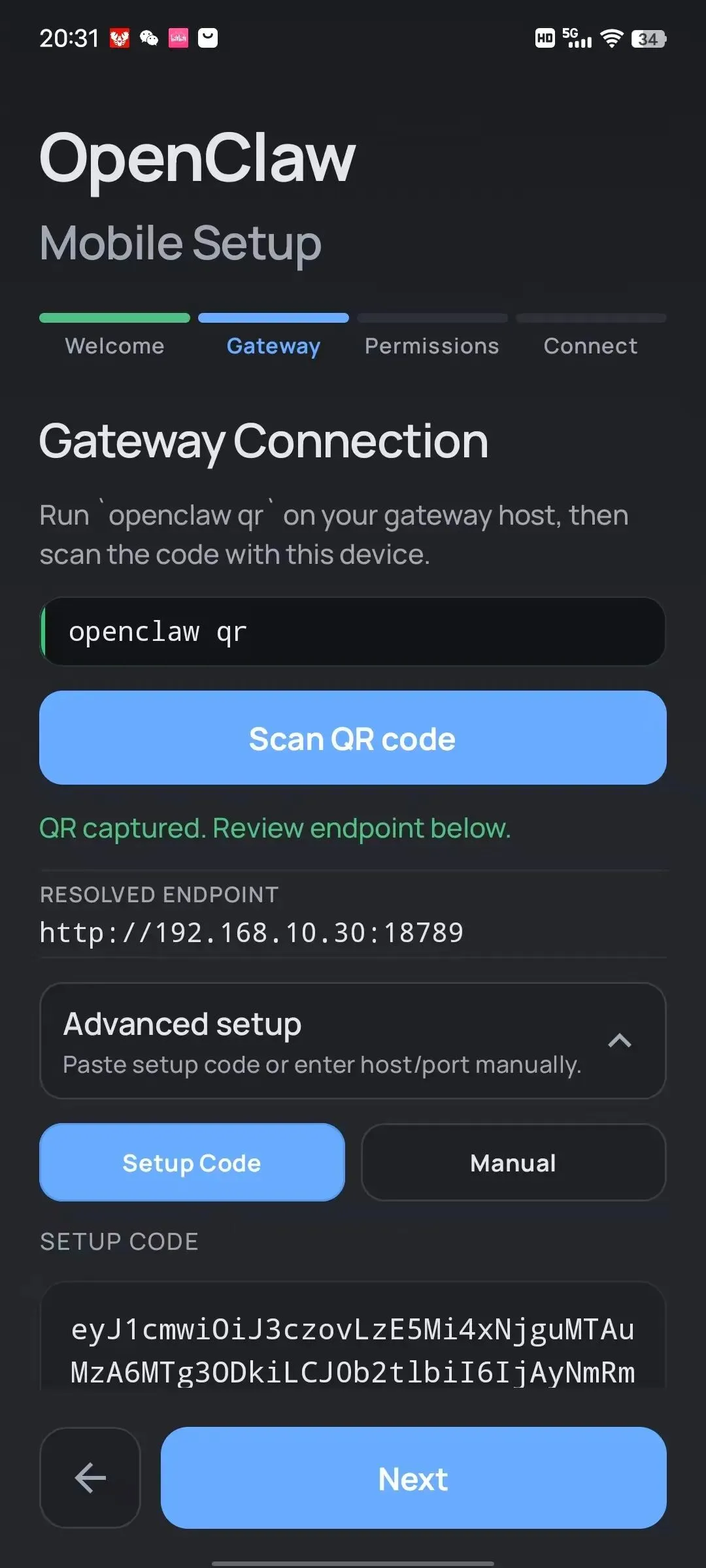
打开手机上的 OpenClaw App,扫描终端显示的二维码,或手动输入设置码。
我的手机点击扫描按钮,提示缺少google服务,无法打开摄像头扫码,直接粘贴设置码即可。
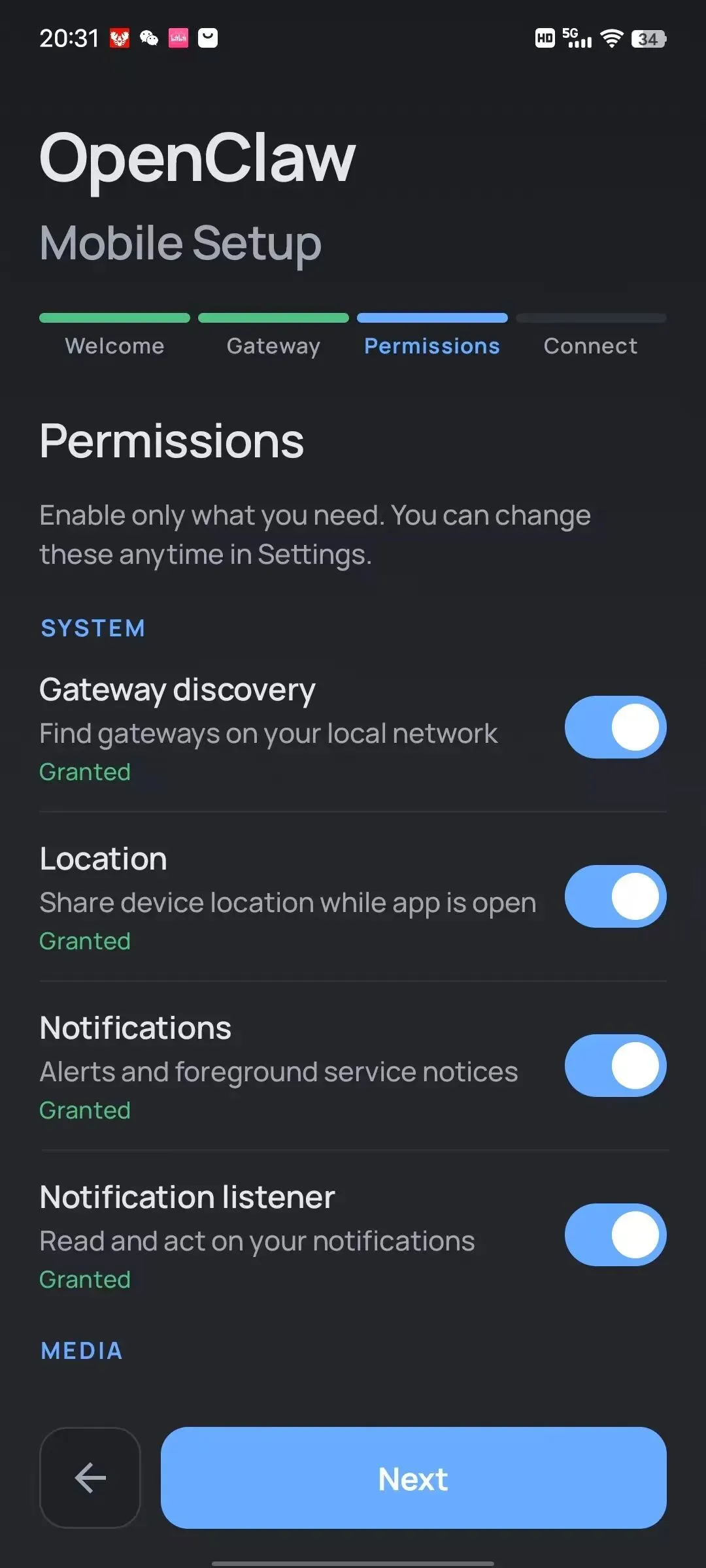
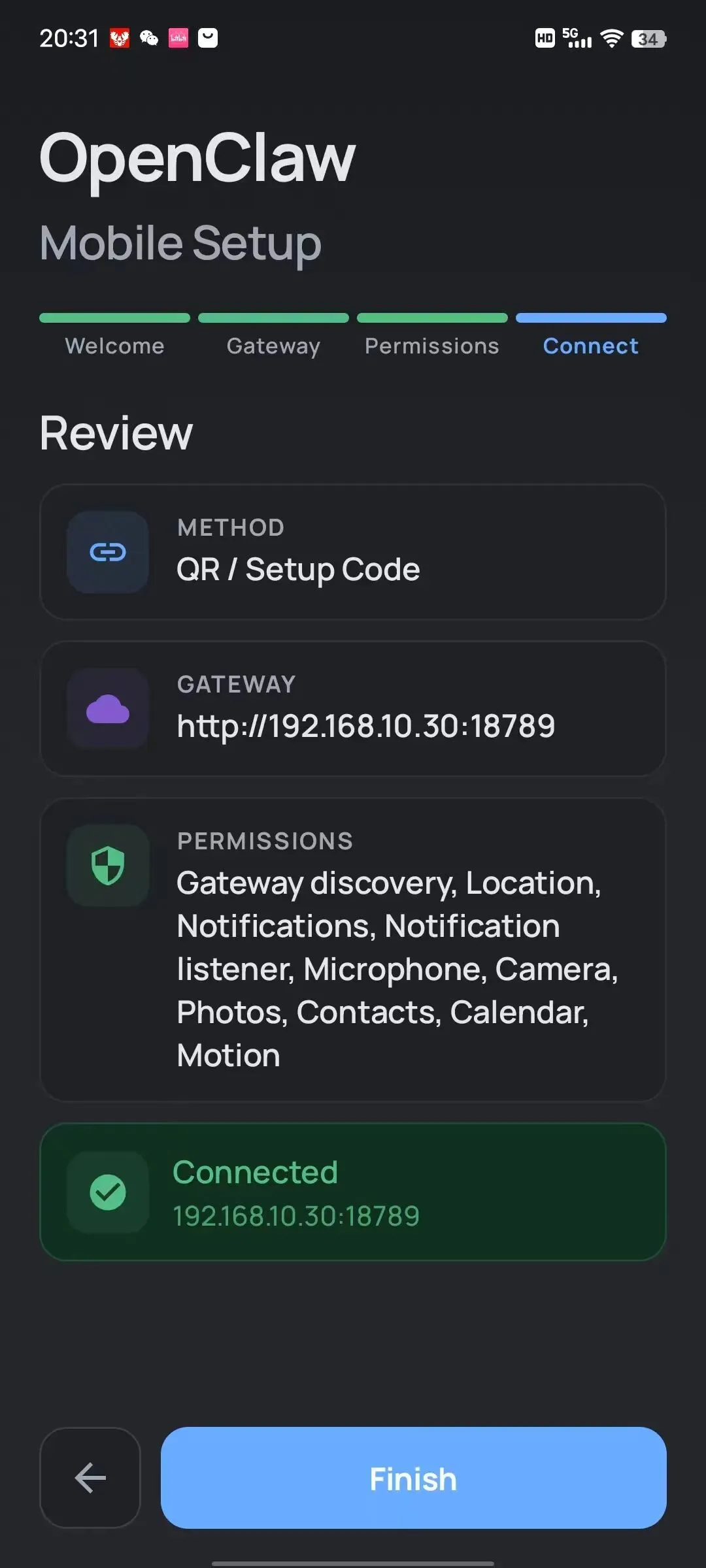
设置APP权限,除了短信和通话,其他权限基本都允许了。
最后点击链接,成功。
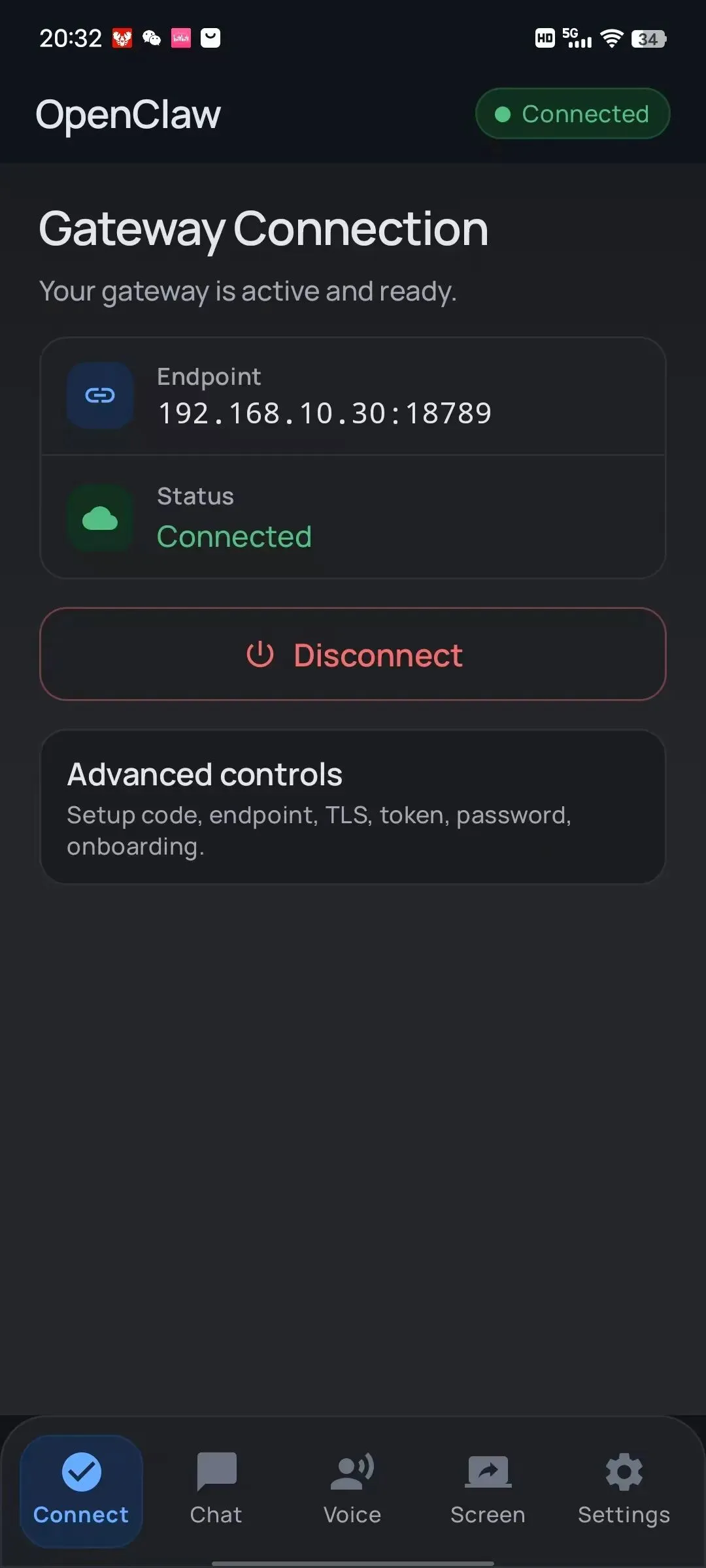
3 批准配对
配对请求会发送到你的网关,在终端运行:
openclaw nodes listopenclaw nodes pending # 查看待批准的请求openclaw nodes approve <RequeestId> # 批准配对4 验证连接
openclaw nodes status # 查看已配对的设备状态openclaw nodes list # 列出所有配对设备配对成功后,理论上就可以:
从手机摄像头拍照 (openclaw nodes camera snap)获取位置信息 (openclaw nodes location)发送通知到手机 (openclaw nodes notify)截取屏幕 (openclaw nodes screen)实际测试的时候,
openclaw nodes camera snap --node <idOrNameOrIp>odes camera snap failed: Error: node command not allowed: "camera.snap" is not in the allowlist for platform "android"这条指令验证好使:
openclaw nodes notify --node <idOrNameOrIp> --title testtitle --body testbodynotify okopenclaw nodes camera list --node <idOrNameOrIp>会列出有哪些摄像头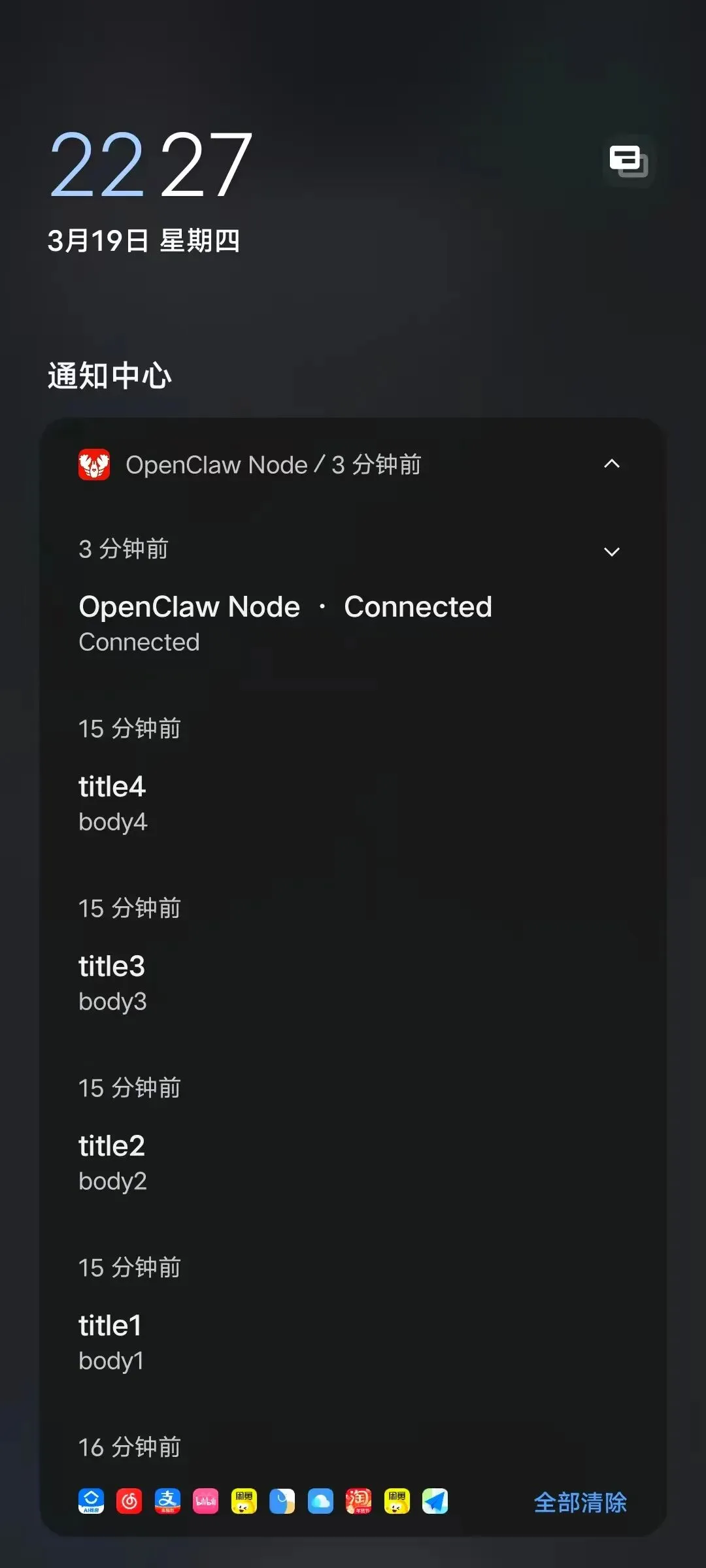
控制指令
Usage: openclaw nodes [options] [command]Manage gateway-owned nodes (pairing, status, invoke, and media)Options: -h, --help Display helpforcommandCommands: approve Approve a pending pairing request camera Capture camera media from a paired node canvas Capture or render canvas content from a paired node describe Describe a node (capabilities + supported invoke commands)help Display helpforcommand invoke Invoke a command on a paired node list List pending and paired nodes location Fetch location from a paired node notify Send a local notification on a node (mac only) pending List pending pairing requests push Send an APNs test push to an iOS node reject Reject a pending pairing request rename Rename a paired node (display name override) run Run a shell command on a node (mac only) screen Capture screen recordings from a paired node status List known nodes with connection status and capabilitiesExamples: openclaw nodes status List known nodes with live status. openclaw nodes pairing pending Show pending node pairing requests. openclaw nodes run --node <id> --raw "uname -a" Run a shell command on a node. openclaw nodes camera snap --node <id> Capture a photo from a node camera.