夜雨聆风
夜雨聆风





WPS-JS宏开发-基础知识-23-文件夹遍历
系统:Windows 11
软件:WPS表格12.1.0
• 本系列介绍一款类Excel的软件,WPS表格 • 当然也是介绍其宏开发,不同的是,使用的JS宏 • 本系列介绍一些基础知识
Part 1: 场景描述
-
1. 指定文件夹后,遍历文件夹里面的所有文件 -
2. 根据文件的格式做了一个筛选
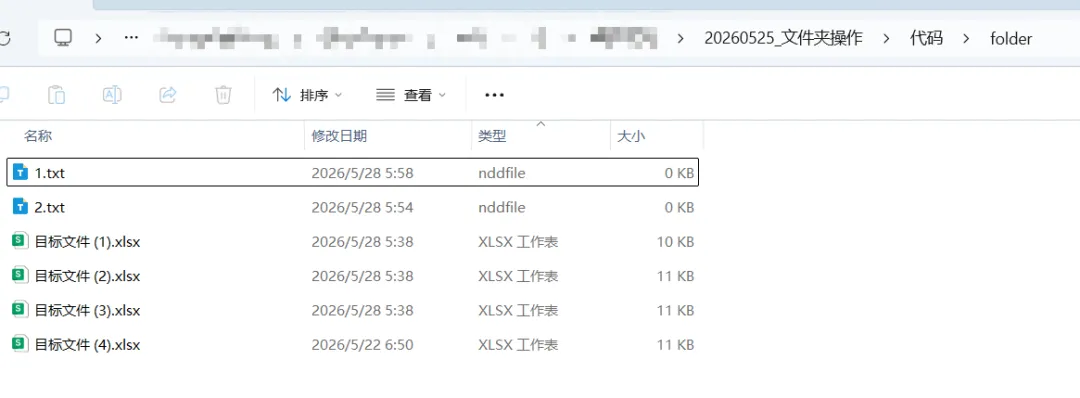
图1 目标文件夹
Part 2: 代码实现
/**
 * CommandButton1_Click Macro
 */
functionCommandButton1_Click()
{

let folderAddress = getFolderPath();
if (folderAddress === null) {
    return
} else {
    const files = getFileList(folderAddress, "txt");

    console.log("共找到 " + files.length + " 个文件");

    for (let i = 0; i < files.length; i++) {
        console.log(files[i]);  // 打印完整路径
	  }
}


}

function getFolderPath() {
// 创建文件夹选择对话框对象
const fd = Application.FileDialog(msoFileDialogFolderPicker);

console.log("设置的 InitialFileName: " + fd.InitialFileName);

if (fd.Show() == -1) { // -1 表示用户点击了确定
let address = fd.SelectedItems(1);
console.log("选择文件夹地址为:");
console.log(address);
return fd.SelectedItems(1); // 返回所选文件夹的完整路径
    }
return null; // 用户取消则返回空
}


function getFileList(folderPath, extension) {
    const filePaths = [];

    // 确保路径以反斜杠结尾
    let path = folderPath;
    if (!path.endsWith("\\")) path += "\\";
    console.log("path:");
    console.log(path);

    // 第一次调用 Dir,传入完整路径和匹配模式,这里匹配所有文件,pattern不好使,直接返回所有
    let fileName = Dir(path + "*");


    // 筛选需要的文件类型
    while (fileName !== "") {
    if (fileName.toLowerCase().endsWith(extension.toLower        Case())) {
            filePaths.push(path + fileName);
        }

// 再次调用 Dir(不加参数)获取下一个文件
        fileName = Dir();
    }

        return filePaths;
}
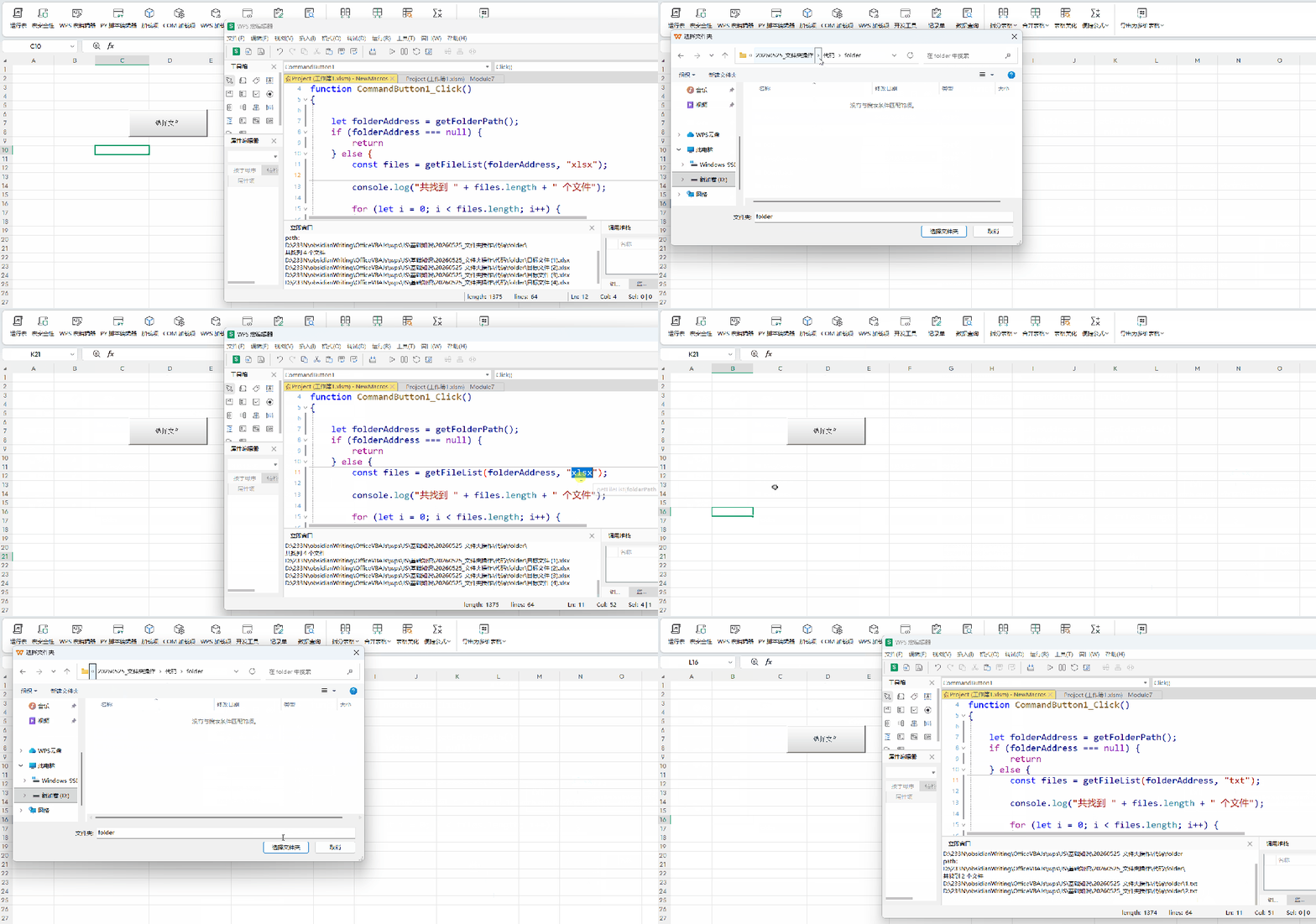
图2 执行过程(动图)
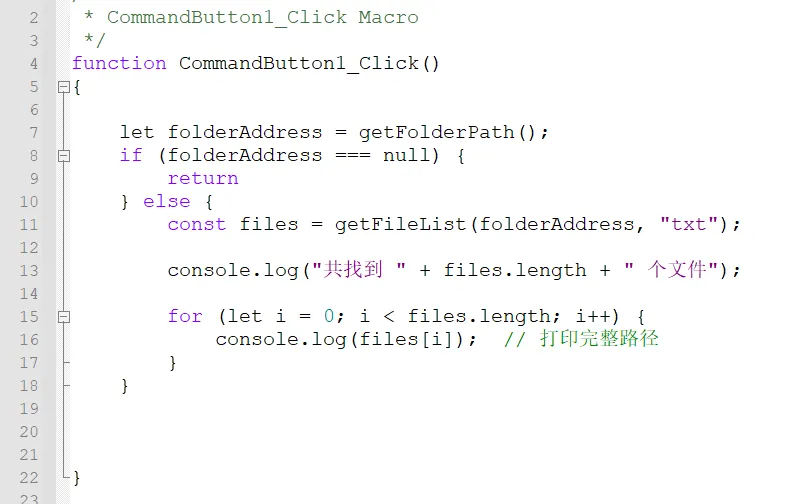
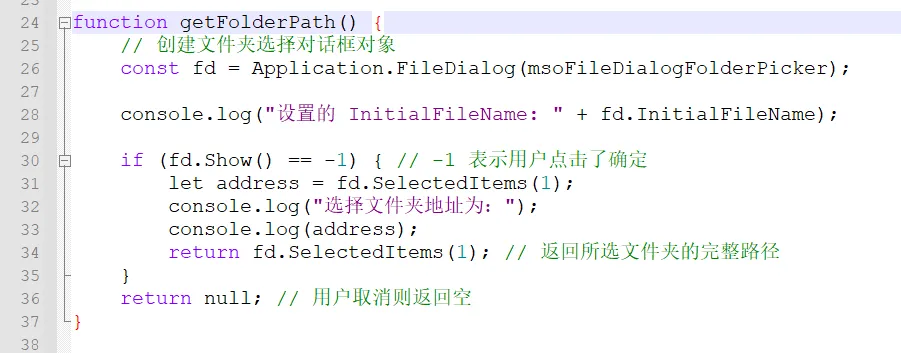
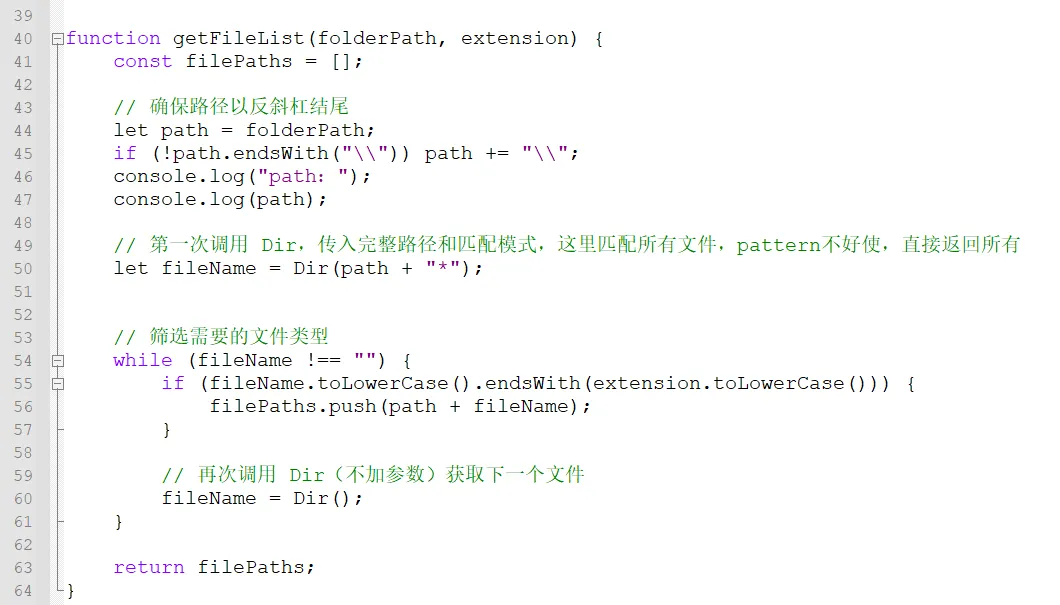
图3 代码截图
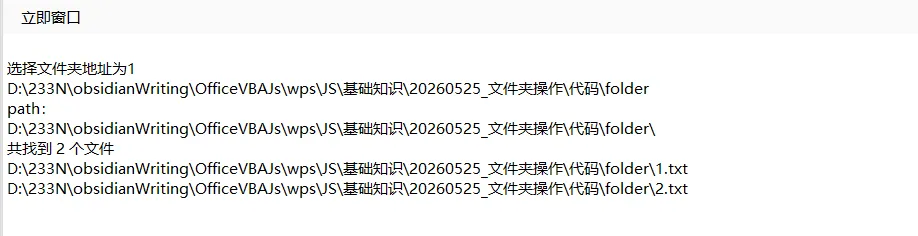
图4 执行结果
Part 3:代码解读
-
1. const fd = Application.FileDialog(msoFileDialogFolderPicker);打开文件夹 -
2. if (!path.endsWith("\\")) path += "\\";windows系统里面需要加上,linux应该是/,使用Linux的可以测试一下 -
3. let fileName = Dir(path + "*");获取文件夹下的文件信息,这里有bug,说是支持pattern参数,直接可以过滤特定文件,但实际测试不好使。所以改为获取所有文件 -
4. fileName.toLowerCase().endsWith(extension.toLowerCase())判断文件格式是否满足特定要求 -
5. fileName = Dir();这个不能少,相当于是一个一个文件获取,写入到filePaths数组中
更多精彩,请关注微信公众号 扫描二维码,关注本公众号