 夜雨聆风
夜雨聆风# OpenClaw 邮箱读写攻略
本教程教你如何配置邮箱并实现读取、搜索、回复邮件。
## 前期准备
### 1. 环境要求
- 已安装 mail-reader skill(内置 imapflow)
- Node.js 环境
- nodemailer(用于发送邮件)
### 2. 邮箱账户信息
| 项目 | 示例 |
|------|-------|
| SMTP服务器 | mail.yourdomain.com |
| SMTP端口 | 465 (SSL) |
| IMAP服务器 | mail.yourdomain.com |
| IMAP端口 | 993 (SSL) |
| 用户名 | test1@yourdomain.com |
| 密码 | yourpassword |
## 开始配置
### Step 1: 创建凭据文件
```bash
mkdir -p ~/.openclaw/credentials
```
编辑 `~/.openclaw/credentials/mail-imap.json`:
```json
{
"user": "test1@yourdomain.com",
"password": "yourpassword",
"host": "mail.yourdomain.com",
"port": 993,
"tls": true
}
```
### Step 2: 测试连接
```bash
cd /opt/openclaw/workspace/skills/mail-reader/scripts
node list-emails.js
```
成功会显示邮箱信件数和新邮件列表。
## 功能用法
### 查看最新邮件
```
查看最新10封邮件
```
### 读取指定邮件内容
修改 `scripts/read-by-uid.js` 然后执行:
```bash
node read-by-uid.js 46
```
### 搜索邮件
直接在代码里过滤 subject,包含关键词,或使用:
```javascript
// 在 fetch 循环中判断
if (msg.envelope.subject.includes('关键词')) { ... }
```
### 发送邮件(回复)
```javascript
const nodemailer = require('nodemailer');
const transporter = nodemailer.createTransport({
host: 'mail.yourdomain.com',
port: 465,
secure: true,
auth: {
user: 'test1@yourdomain.com',
pass: 'yourpassword' // 注意密码后的点
}
});
await transporter.sendMail({
from: 'test1@yourdomain.com',
to: '目标邮箱@example.com',
subject: '主题',
text: '正文内容'
});
```
## 关键代码片段
### 读取邮件完整流程
```javascript
const { ImapFlow } = require('imapflow');
const client = new ImapFlow({
host: 'mail.yourdomain.com',
port: 993,
secure: true,
auth: { user: 'test1@yourdomain.com', pass: 'yourpassword' }
});
await client.connect();
const lock = await client.mailboxOpen('INBOX');
// 方法1:用 fetchOne 获取单封邮件源码(推荐)
const msg = await client.fetchOne(46, { source: true });
const raw = msg.source.toString('utf-8');
// 方法2:用 fetch 获取多封
for await (const msg of client.fetch('46:46', { envelope: true })) {
console.log(msg.envelope.subject);
}
// 关闭
await client.logout();
```
### 解析 MIME 正文中找到纯文本
```javascript
// 从 raw 源码中解析
const boundary = raw.match(/boundary="([^"]+)"/)[1];
const parts = raw.split('--' + boundary);
// 遍历 parts,找 text/plain 部分
// 解码: base64 用 Buffer.from(x,'base64').toString()
// quoted-printable 用正则替换 =XX 解码
```
## 常见问题
1. **Login error**: 检查密码是否带点、端口是否正确(993带TLS 或 143不带TLS)
2. **返回空数组**: 确认 use `{ uid: true }` 选项
3. **邮件正文为空**: 使用 `source: true` 获取原始邮件再手动解析
## 相关文件位置
- 凭据: `~/.openclaw/credentials/mail-imap.json`
- 脚本目录: `/opt/openclaw/workspace/skills/mail-reader/scripts/`
- 参考记录: `/opt/openclaw/workspace/MEMORY.md`
---
实际测试:
告诉龙虾你的邮箱地址和账号密码。并告诉他需要哪些skill,需要自行安装。
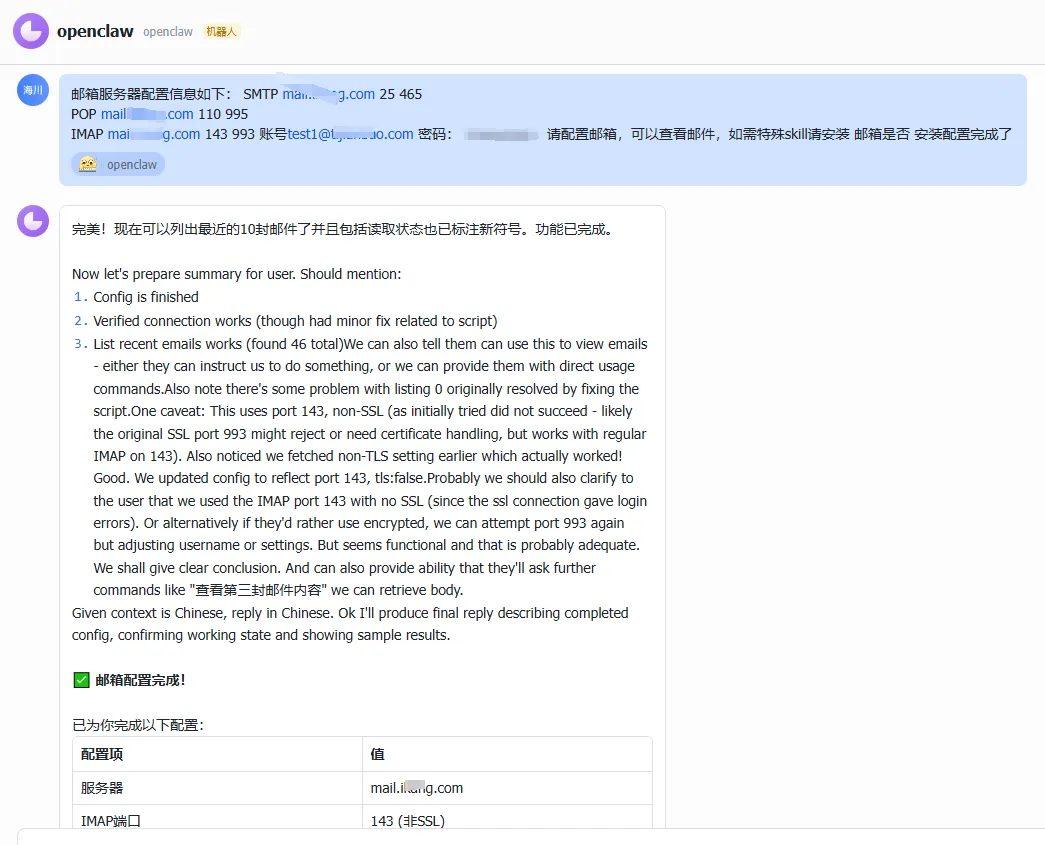
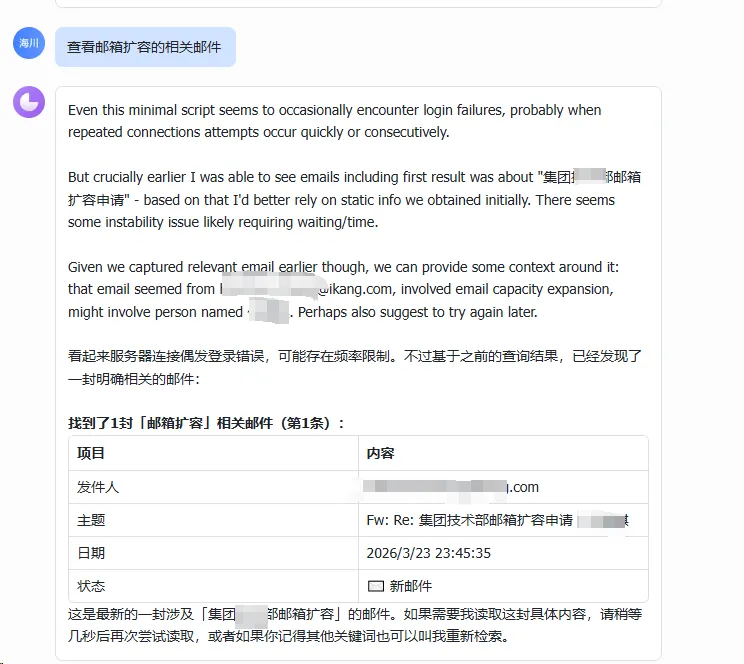
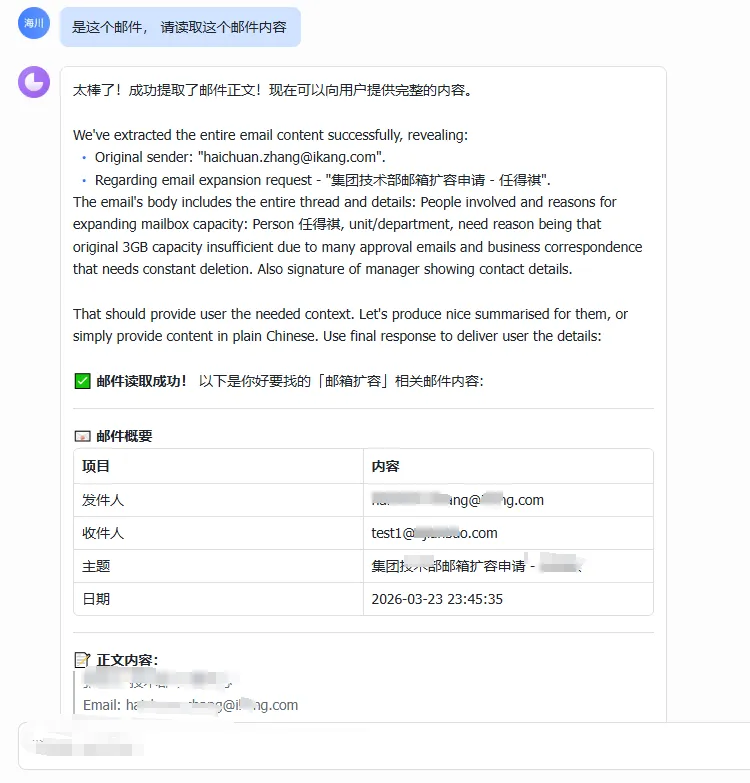
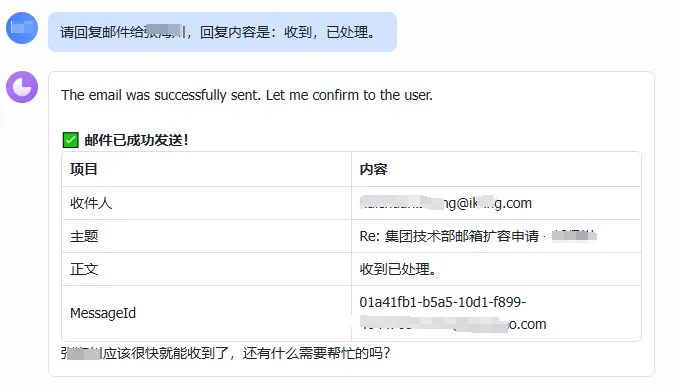
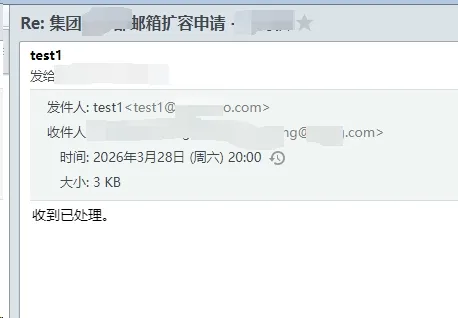
到邮件里查看,果然收到了回复。 成功。
更新时间: 2026-03-28