 夜雨聆风
夜雨聆风


亲测!OpenClaw 保姆级部署教程!







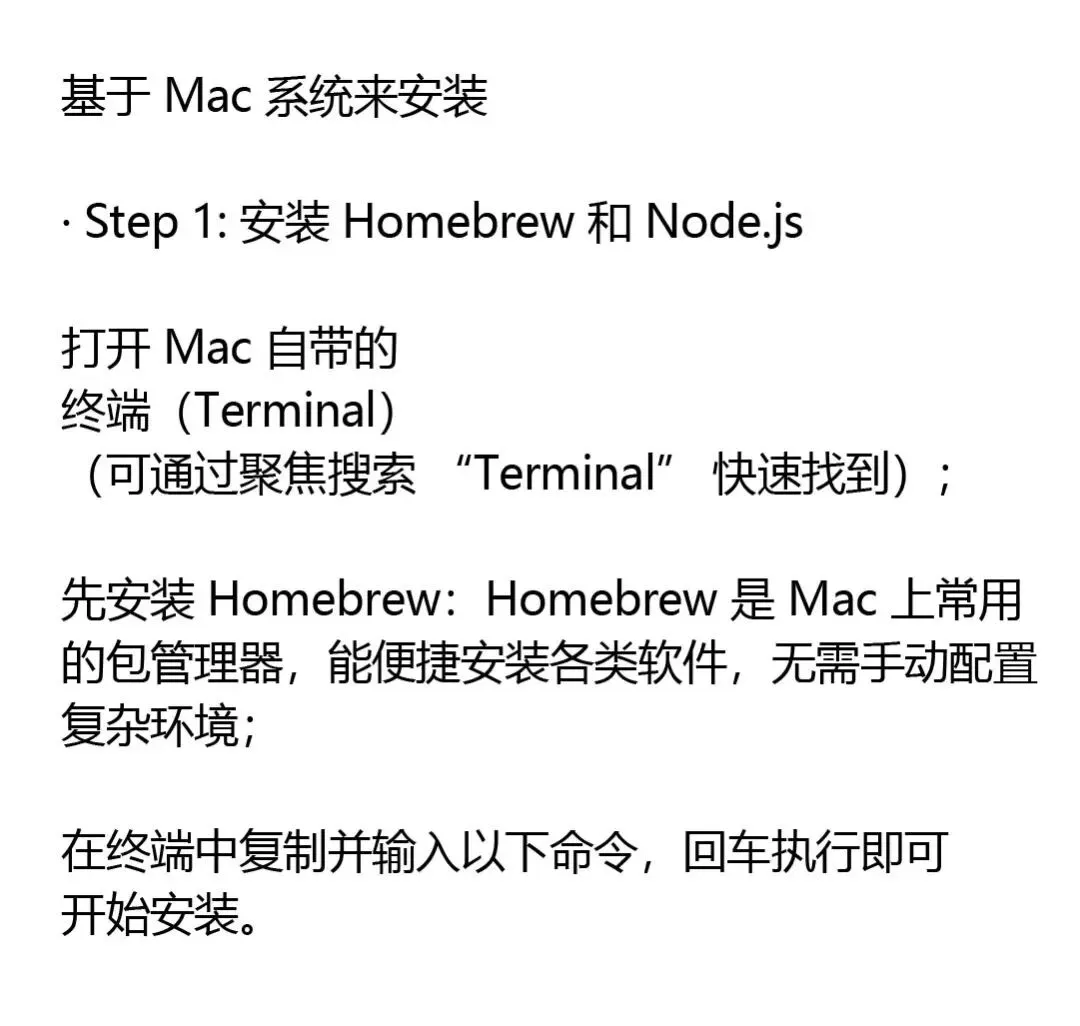
输入:
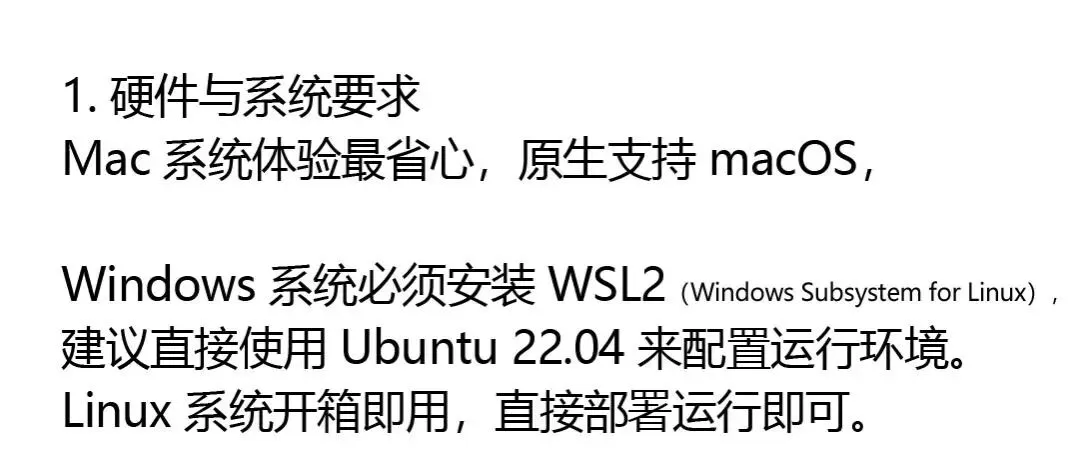
/bin/bash -c “$(curl -fsSL https://raw.githubusercontent.com/Homebrew/install/HEAD/install.sh)”

装完后安装 Node.js:
brew install nodejs
验证安装:
node –version # 应该显示 v22.x.x 或更高
npm –version

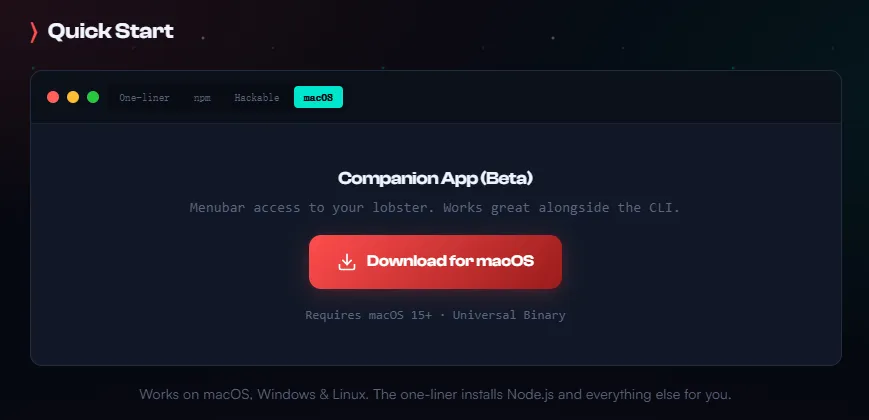
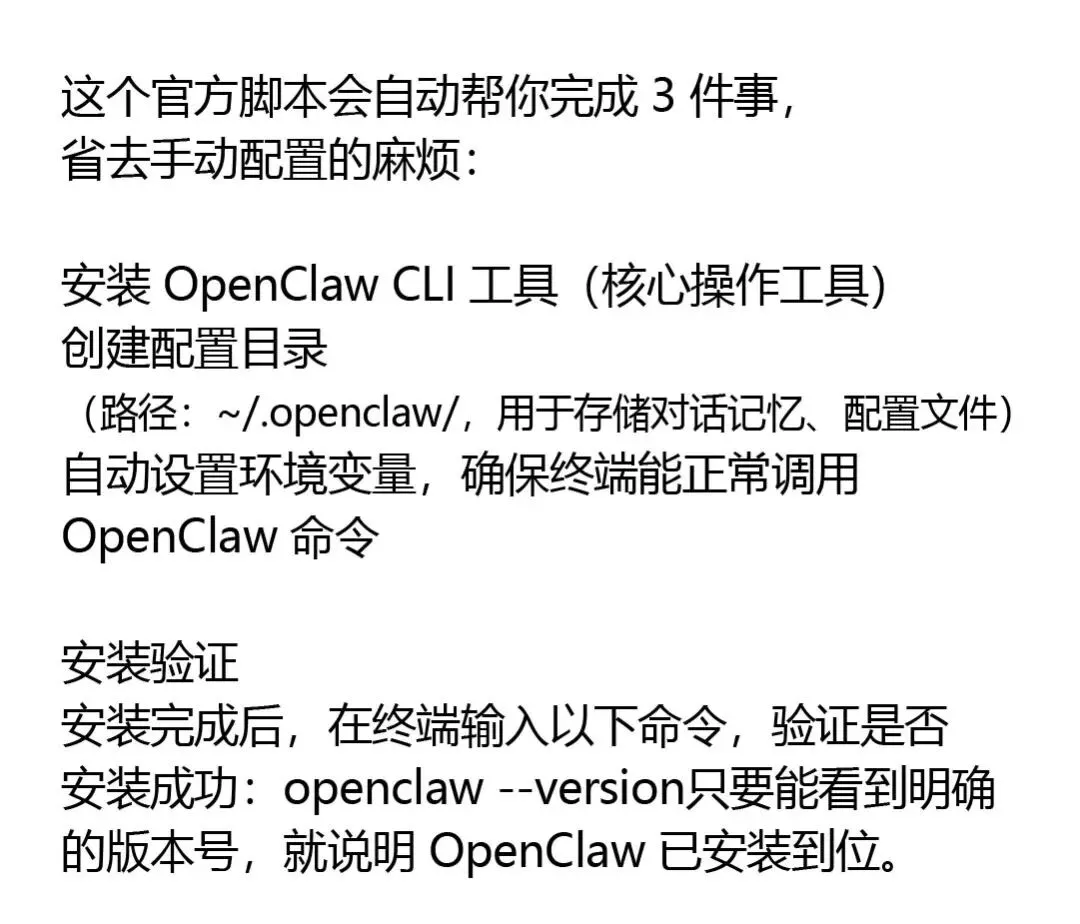
curl -fsSL https://openclaw.ai/install.sh | bash



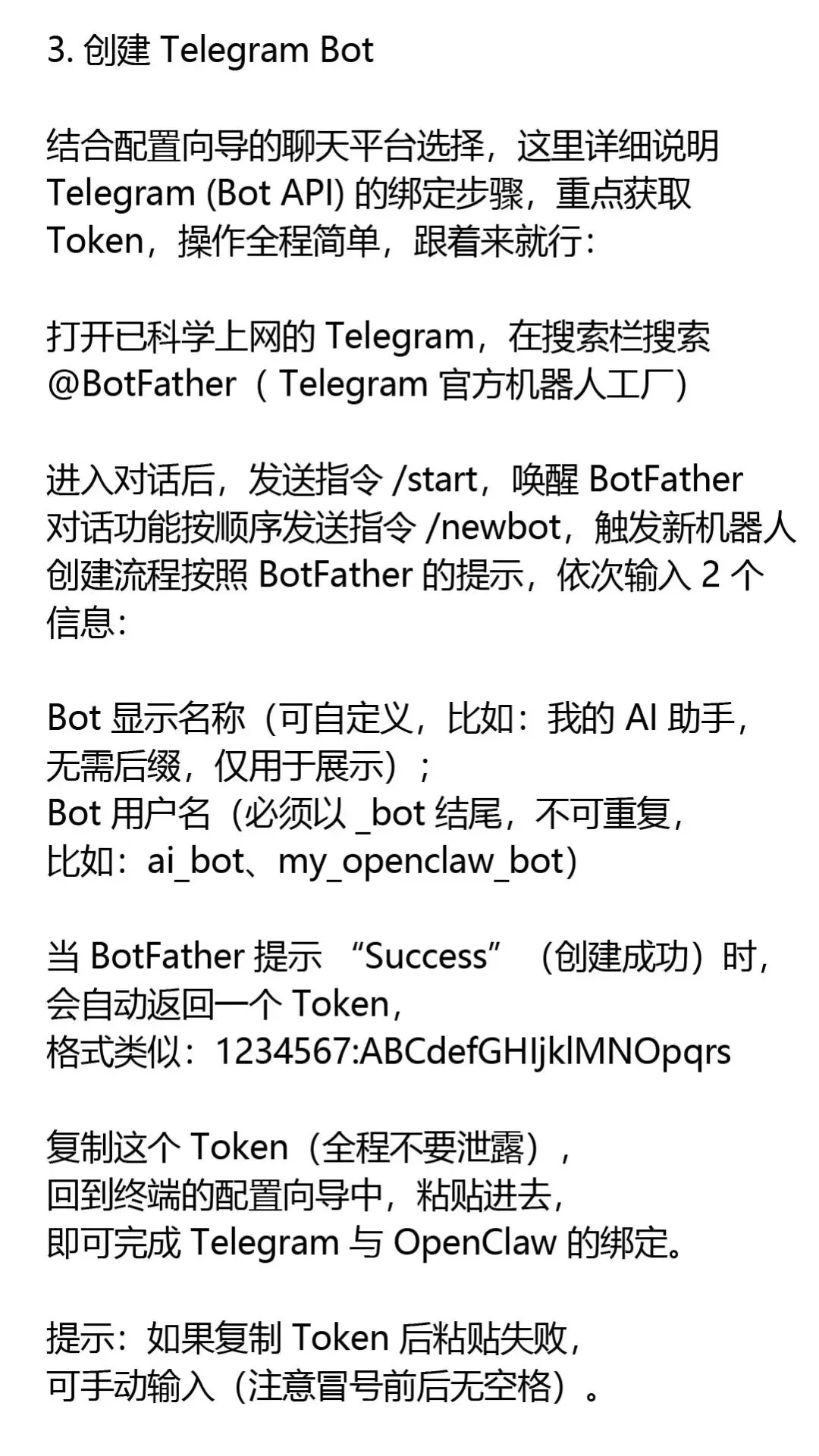
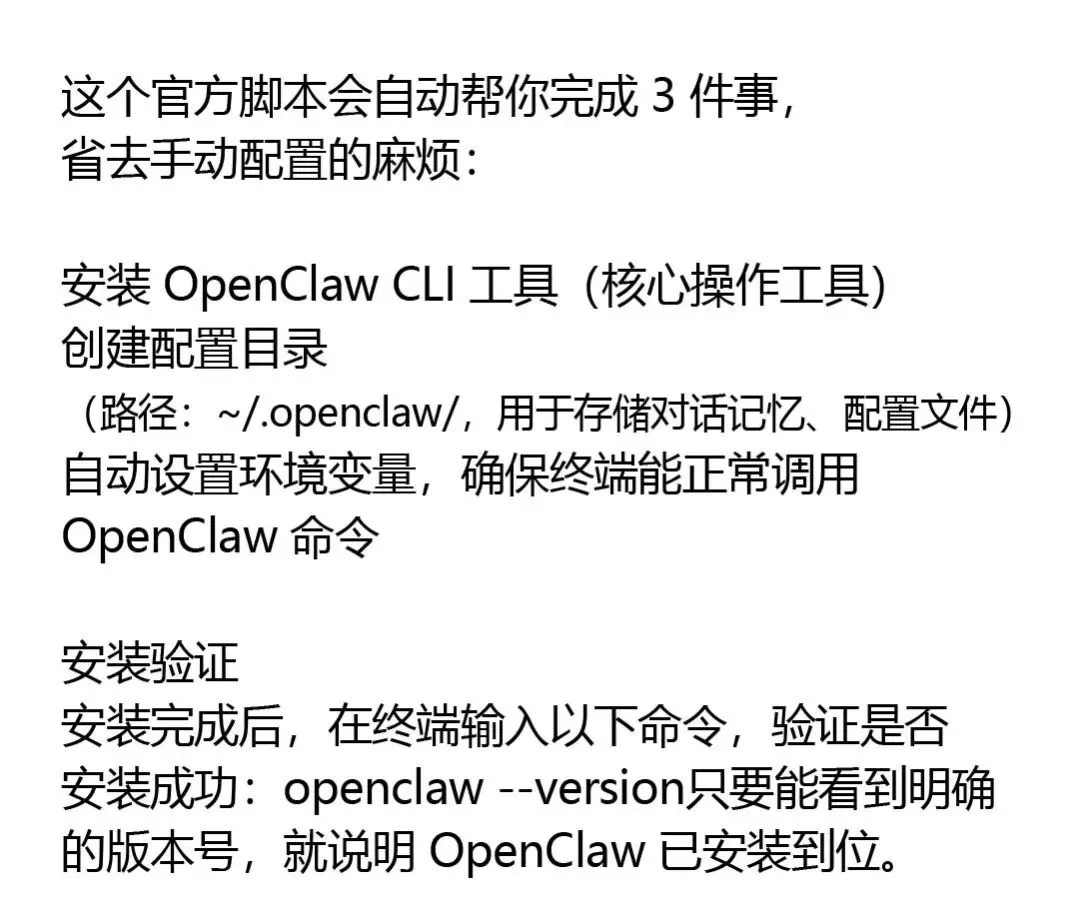


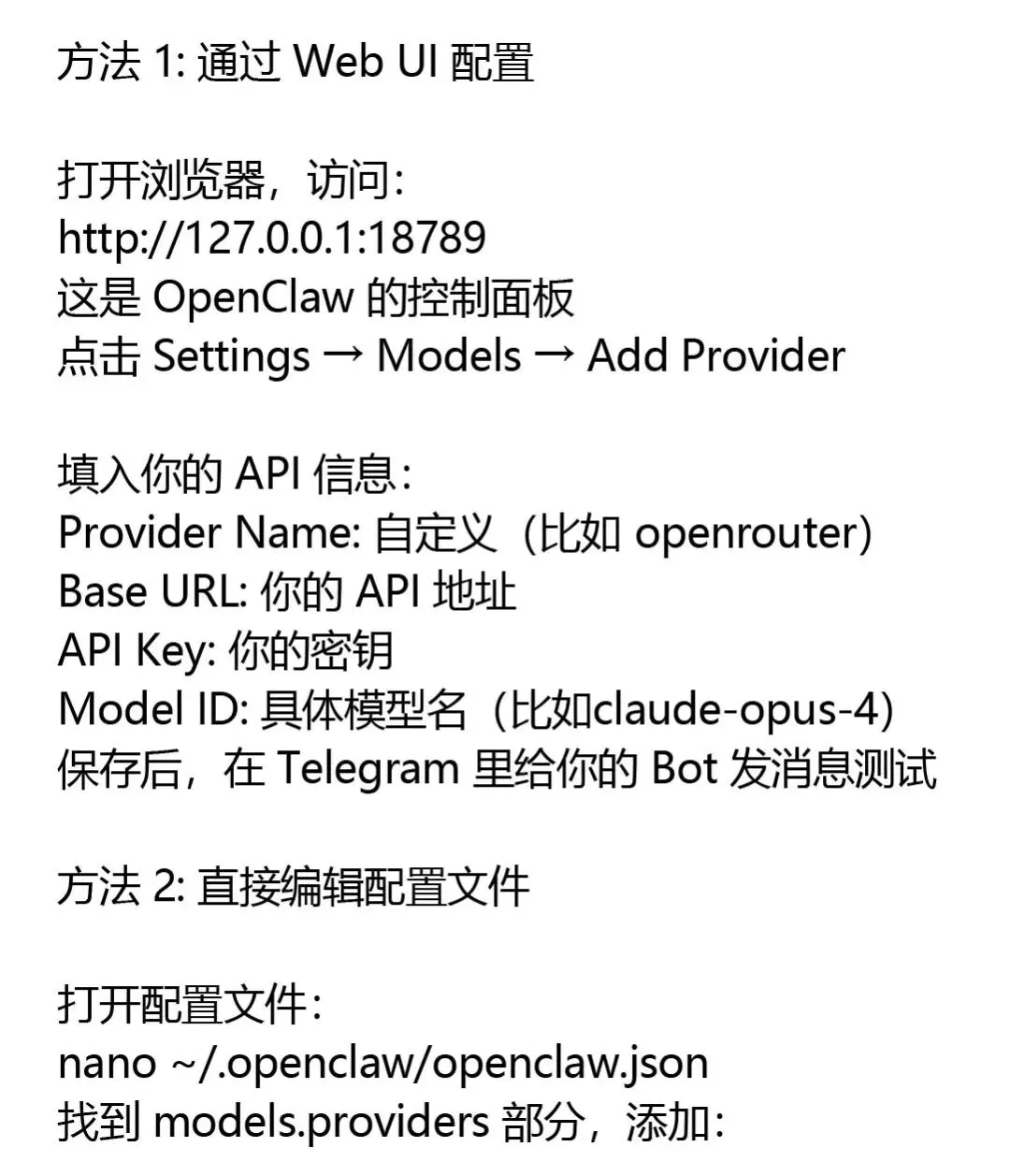
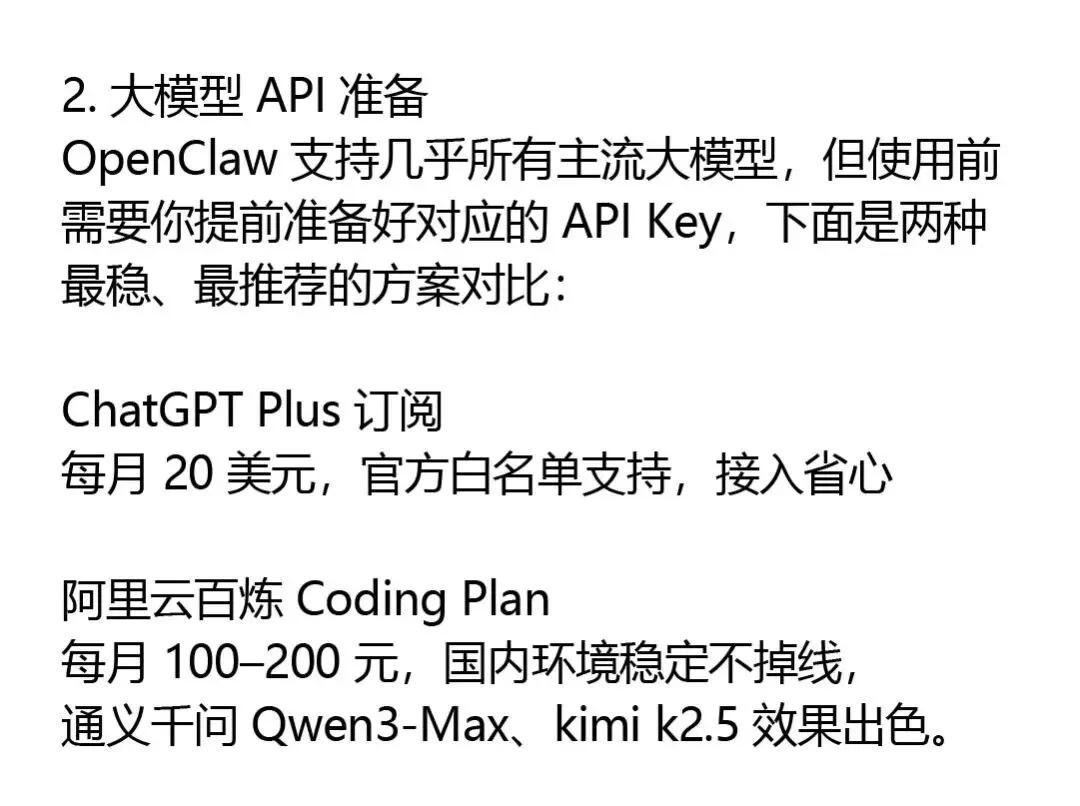
{
“models”: {
“providers”: {
“openrouter”: {
“baseUrl”: “https://openrouter.ai/api/v1”,
“apiKey”: “your-api-key-here”,
“api”: “openai-completions”,
“models”: [
{
“id”: “anthropic/claude-opus-4”,
“name”: “Claude Opus 4”,
“reasoning”: true
}
]
}
}
},
“agents”: {
“defaults”: {
“model”: {
“primary”: “openrouter/anthropic/claude-opus-4”
}
}
}
}
保存后重启 Gateway:
openclaw restart
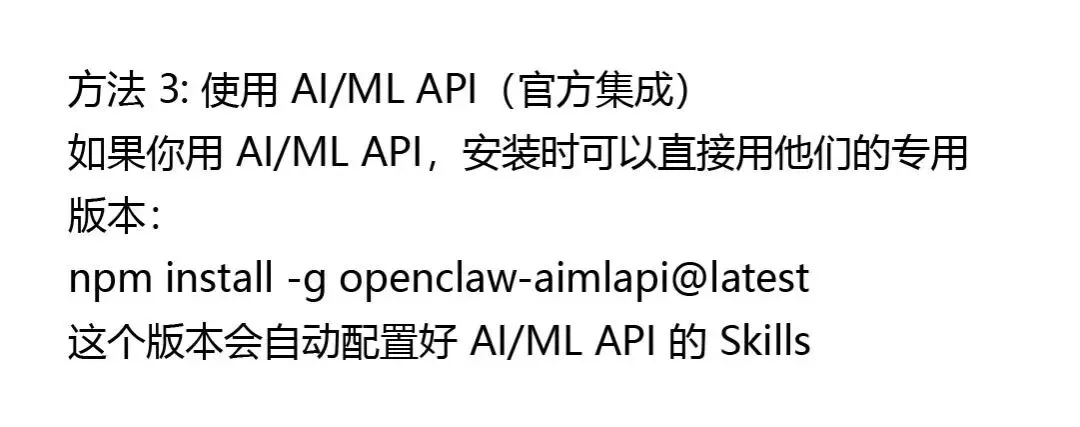


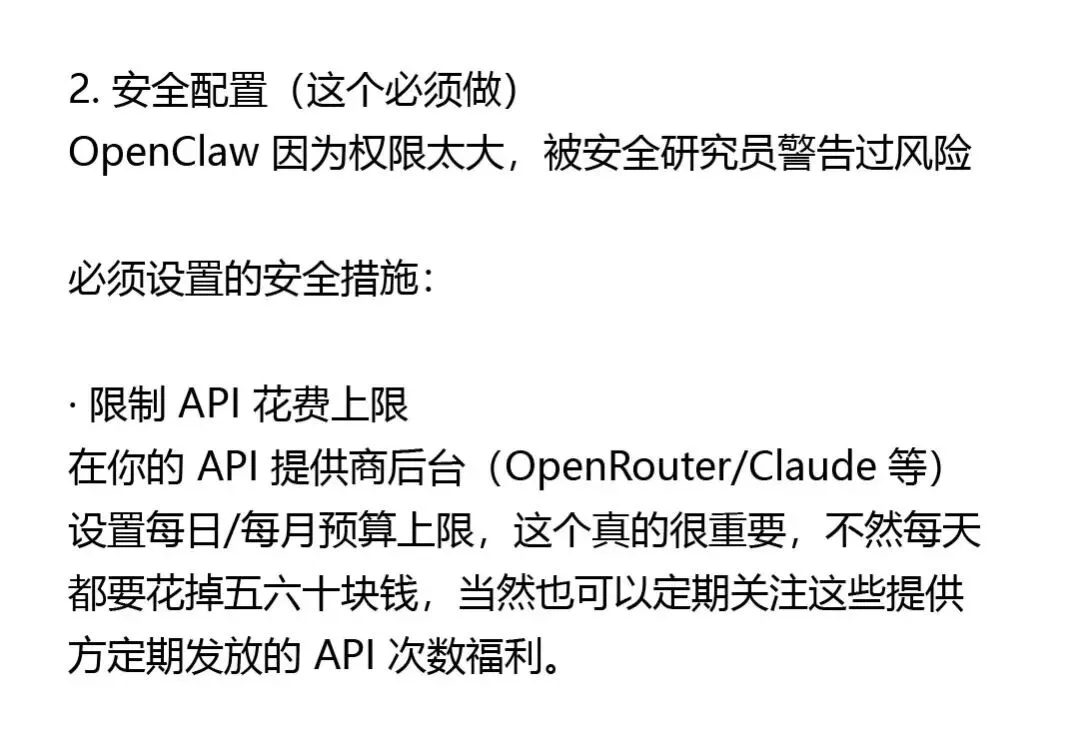
· 开启敏感操作确认
编辑配置文件,找到 tools 部分:
{
“tools”: {
“exec”: {
“enabled”: true,
“approvalRequired”: true // 执行命令前需要你确认
},
“email”: {
“enabled”: true,
“approvalRequired”: true // 发邮件前需要你确认
}
}
}
· 不要把 OpenClaw 暴露到公网
Gateway 默认监听 127.0.0.1:18789,只有本机能访问,千万别改成 0.0.0.0




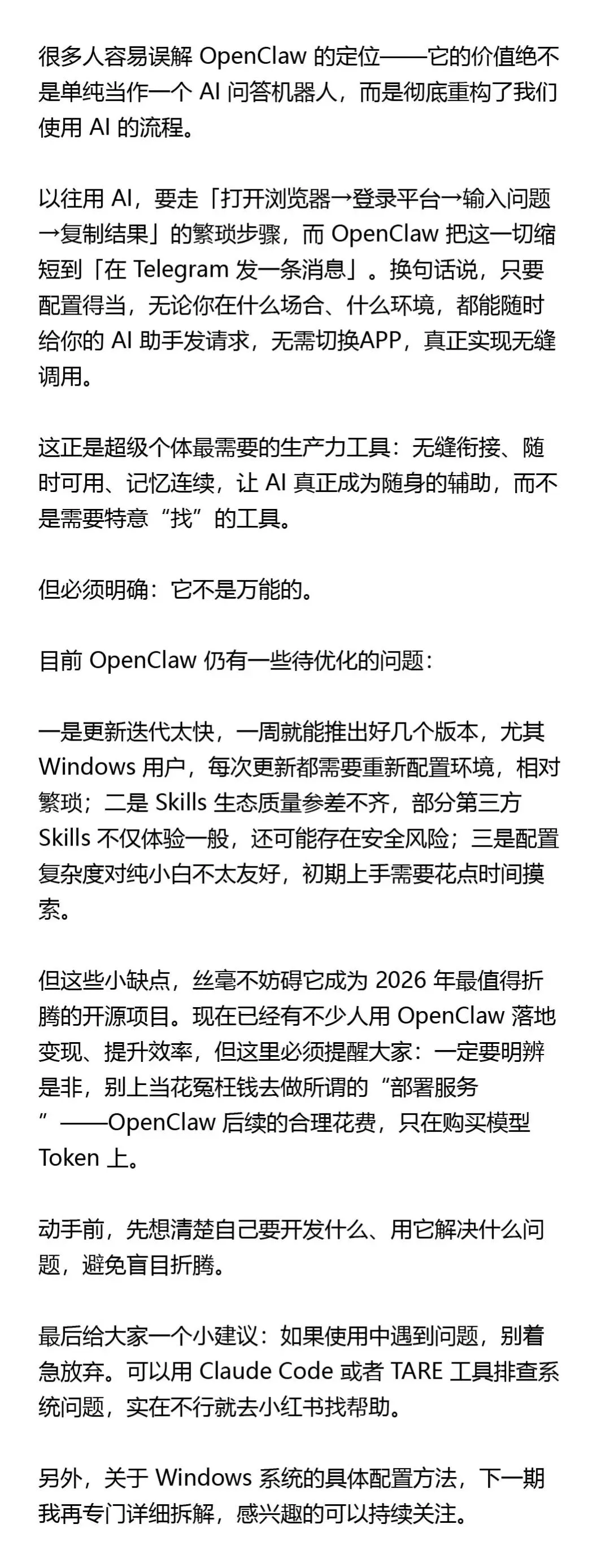
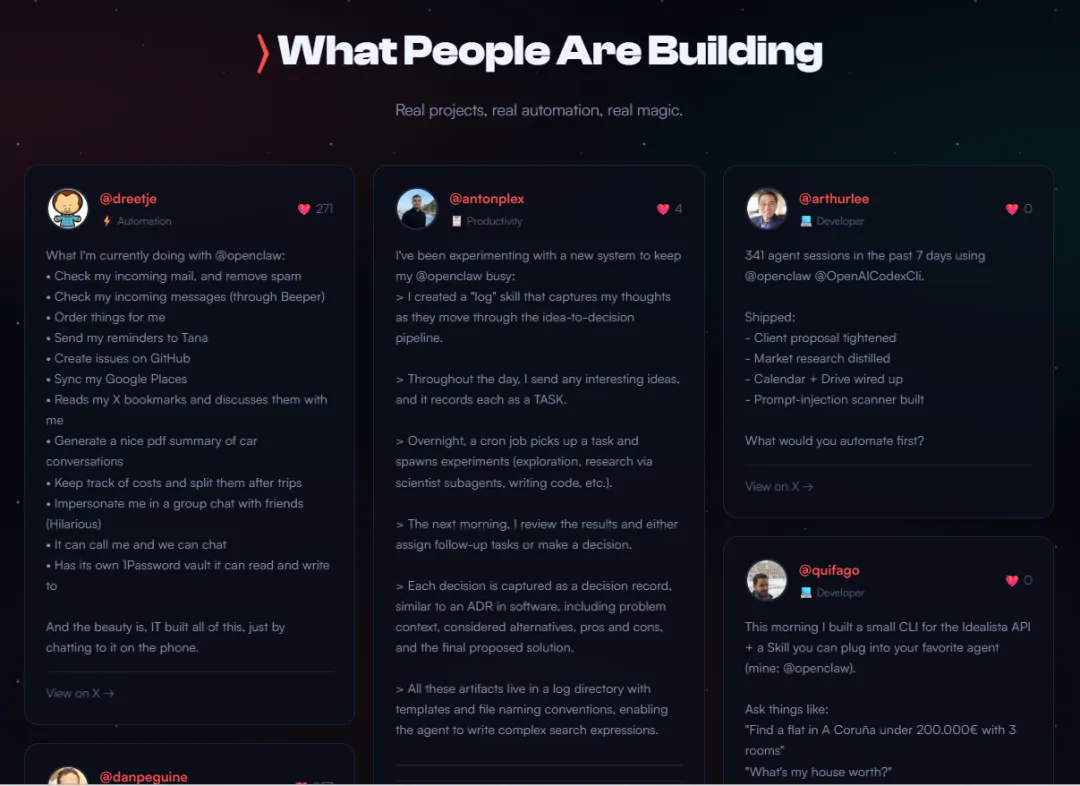
▲ 大家都在用 OpenClaw 做些什么|来自 OpenClaw 官网
以上就是本篇文章的全部内容,如果觉得不错,随手点个赞、在看、转发三连吧。如果想第一时间收到推送,也可以点亮星标⭐~谢谢你看我的文章,我们下次再见。
>/ 作者:龙森 Longson
>/ 联系:pugsleychu@gmail.com




–
