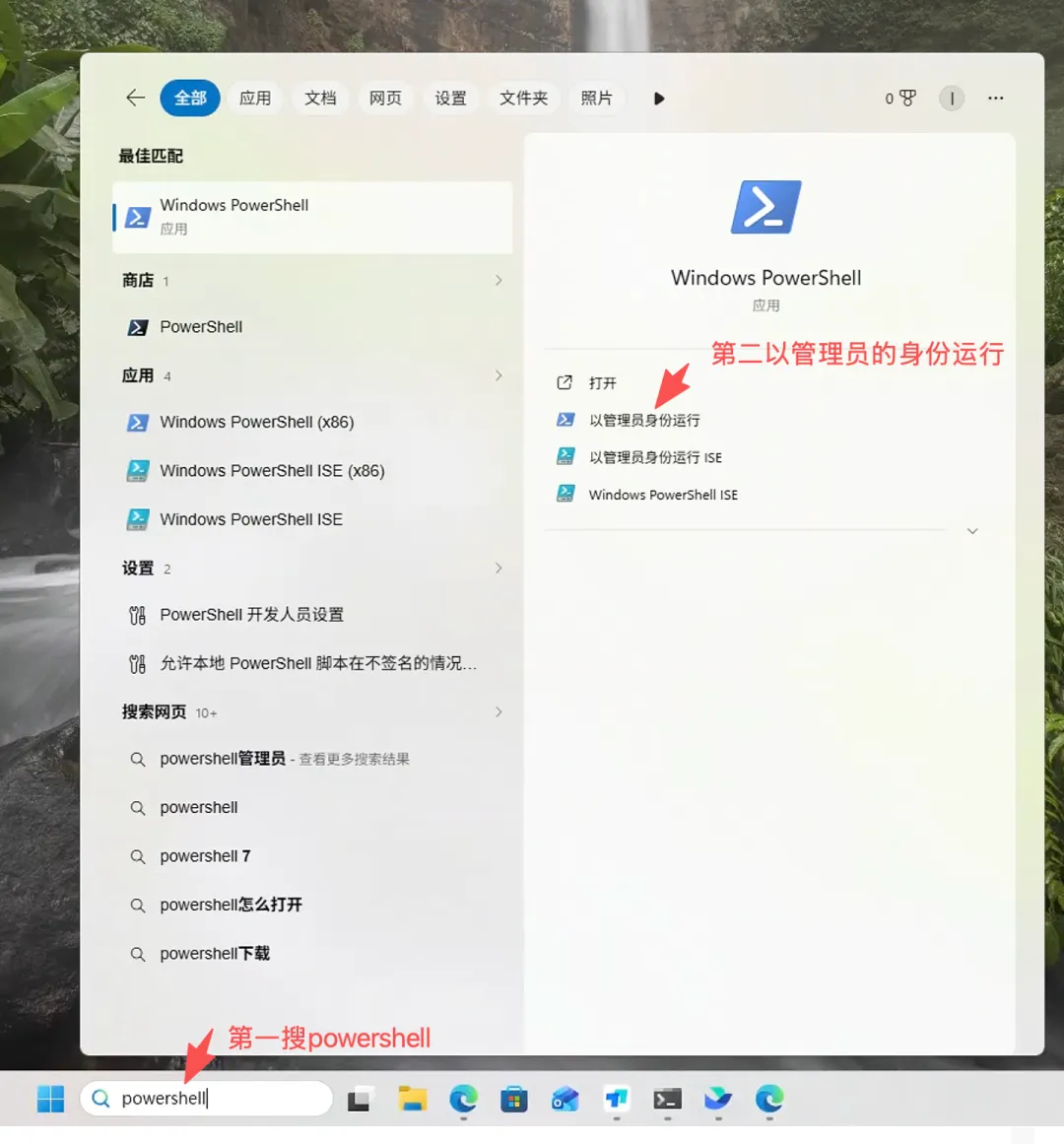
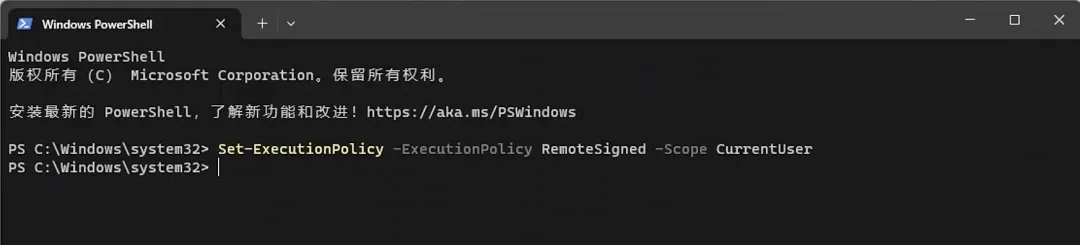
第一,首页打开powershell软件,这个是命令行安装的Set-ExecutionPolicy -ExecutionPolicy RemoteSigned -Scope CurrentUser
winget install --id Git.Git -e --source winget
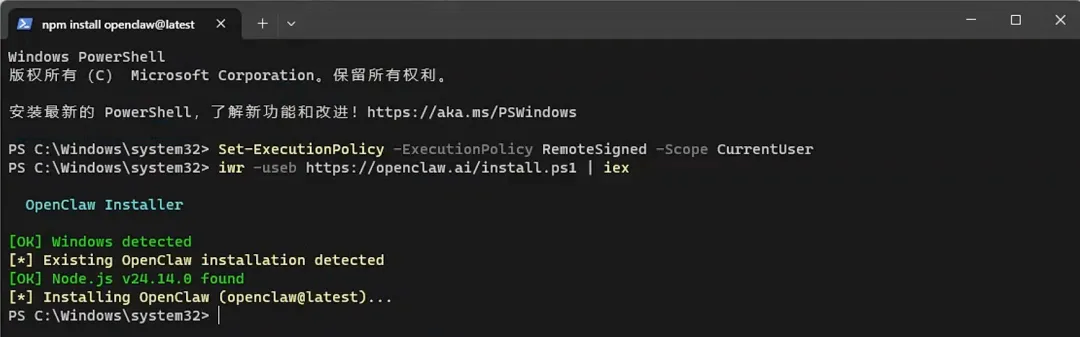
iwr -useb https://openclaw.ai/install.ps1 | iex
注意但由于网络原因,下面命令可能只能安装成功node如下图,如果遇到问题就继续第4步4. 安装pnpm,由于git有网络限制,使用阿里云的镜像源可以更快安装成功,通常几分钟就安装完成npm config set registry https://registry.npmmirror.com
pnpm config set registry https://registry.npmmirror.com
5. 打开新的powershell,安装openclaw,下面命令会安装最新版本的openclaw6. 启动openclaw,注意启动了这个命令千万别关闭openclaw gateway --allow-unconfigured
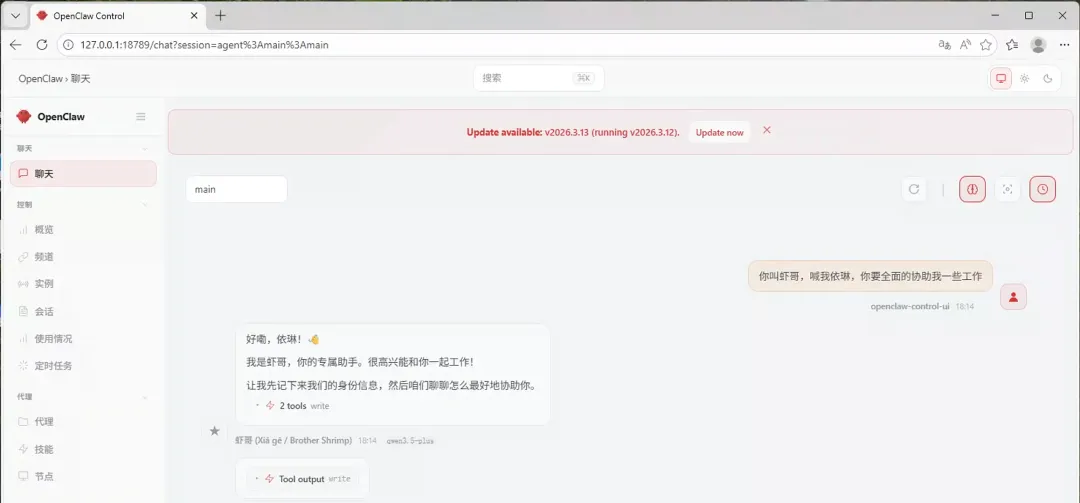
7. 注意新打开另一个powershell,运行下面命令会自动打开浏览器,打开openclaw页面
 夜雨聆风
夜雨聆风