 夜雨聆风
夜雨聆风


OpenCode插件系列: morph-fast-apply
类型:代码编辑加速插件
仓库:https://github.com/JRedeker/opencode-morph-fast-apply
1. 这是什么插件?
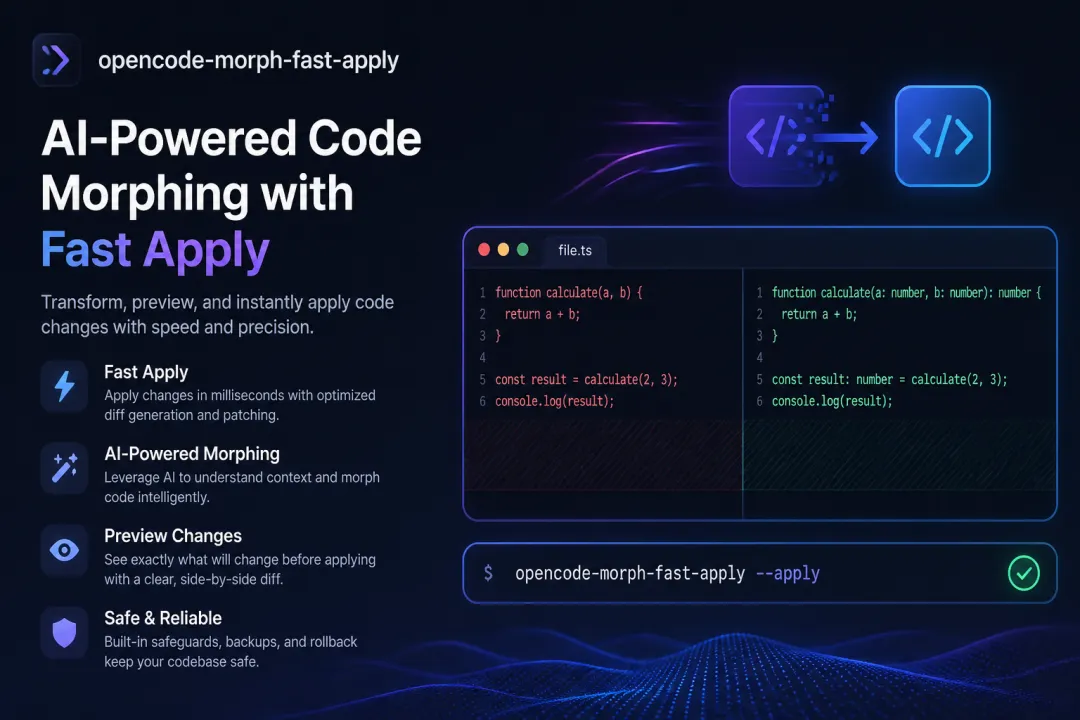
opencode-morph-fast-apply 是一个通过 Morph Fast Apply API 10倍加速代码修改的插件。核心思想:
-
代替 AI agent 为了修改一行代码而重新编写整个文件 -
使用惰性编辑标记——意思是说”这里已更改,其余部分保持不变” -
Morph API 接收这些标记并快速应用到原始文件上
它解决的问题:
不使用 Morph: Agent: [读取整个文件 500 行] Agent: [重新编写整个文件 505 行包含修改] 成本: 1000+ tokens使用 Morph: Agent: [读取文件] Agent: [写入惰性编辑:"+ 在此处添加了新函数"] Morph: [将修改应用到原始文件] 成本: ~100 tokens2. 在什么情况下使用?
使用它来:
-
✅ 节省 10倍 tokens 在文件编辑中 -
✅ 高速修改大型文件 -
✅ 惰性编辑标记——无需编写整个文件的智能修改 -
✅ 修改精度——Morph 专门进行这种应用任务 -
✅ 节省时间——避免 agent 花费大量时间编写大型文件
典型场景:
想象你有一个 800 行的 Vue 组件,想添加新的方法:
不使用 Morph:agent 需要重新编写 800+ 行使用 Morph:agent 只需编写约 50 行的惰性标记3. 如何使用?
步骤 1:获取 Morph API Key
前往 morphllm.com 注册并获取 API key。
步骤 2:安装
在 ~/.config/opencode/opencode.json 中:
{"$schema": "https://opencode.ai/config.json","plugin": ["github:JRedeker/opencode-morph-fast-apply"]}步骤 3:设置 API Key
export MORPH_API_KEY="your-api-key-here"或在 OpenCode 的 env 文件中设置。
使用方式:
该插件自动工作——当 agent 尝试修改文件时,Morph 插件接收编辑并快速应用。 无需手动操作,但你可以在日志中看到 Morph 正在运行:
[INFO] Using Morph Fast Apply for file: src/composables/useAuth.ts4. 何时使用?
在以下情况使用:
-
✅ 处理大型文件 (300+ 行) -
✅ 在单个会话中修改多个文件 -
✅ 按 tokens 付费的 API (Anthropic、OpenAI) -
✅ 处理Vue 组件或大型 React 组件 -
✅ 修改 Nanosoft 的基础层 (大型共享文件) -
✅ 想要在 tokens 和时间上实现真正的节省
不适合使用的情况:
-
❌ 处理小文件 (<100 行) -
❌ 使用免费模型 (Morph API 需要付费) -
❌ 不希望有外部服务依赖 -
❌ 对短文件进行原型设计
⚠️ 重要注意事项
成本:
Morph API 是付费服务。在 morphllm.com 查看定价。
与官方 opencode-morph-plugin 的比较:
还有一个名为 opencode-morph-plugin 的插件,来自 Morph 团队 (morphllm/opencode-morph-plugin),区别:
|
|
|
|
|---|---|---|
|
|
|
|
|
|
|
|
|
|
|
|
|
|
与其他插件的兼容性:
-
✅ 兼容所有其他 OpenCode 插件 -
✅ 特别适合与 opencode-dynamic-context-pruning结合使用 (组合使用可带来成倍的 tokens 节省)
🔗 有用链接
-
仓库:https://github.com/JRedeker/opencode-morph-fast-apply -
Morph:https://morphllm.com -
Morph 官方插件:https://github.com/morphllm/opencode-morph-plugin