夜雨聆风
夜雨聆风💻 杰克使用的设备旧电脑,Mac Mini 2014 版本
(2014版本OS只可以安装到版本12, 通过OpenCore,安装了OS14)
🔑 提前准备好阿里云百炼Coding Plan的API Key,你需要拷贝下来。类似 "sk-sp-xxxxxxxxxxxxxxxxxxxx"
🧰 需要用到工具
MacOS的 终端(Terminal) 浏览器
🛠️ 安装环境/工具
在Mac Mini 打开 终端(Terminal)
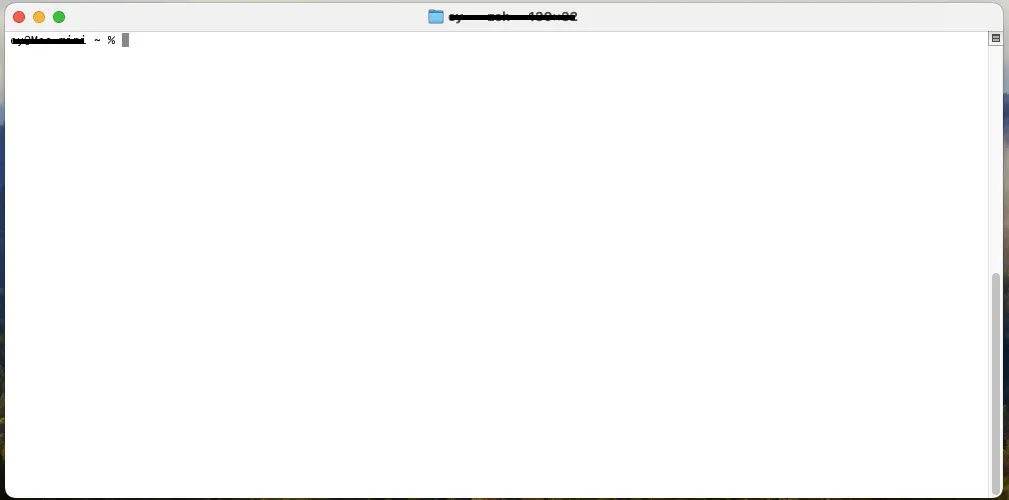
你直接拷贝下面的命令,然后粘贴到你的终端,然后按回车建
1️⃣ 安装 Homebrew (会停留让你输入你登陆密码,然后按“Enter”键)
/bin/bash -c "$(curl -fsSL https://raw.githubusercontent.com/Homebrew/install/HEAD/install.sh)"2️⃣ 把 Homebrew 加入到path
echo 'eval "$(/usr/local/bin/brew shellenv)"' >> ~/.zprofileeval "$(/usr/local/bin/brew shellenv)"3️⃣ 安装 Node
brew install node🦞安装OpenClaw 小龙虾
1️⃣ 安装 OpenClaw(这个需要点时间,等待安装完, 安装完会直接出现下面第二步的配置选项)
curl -fsSL https://openclaw.ai/install.sh | bash2️⃣ 配置OpenClaw (安装完,会直接开启配置)
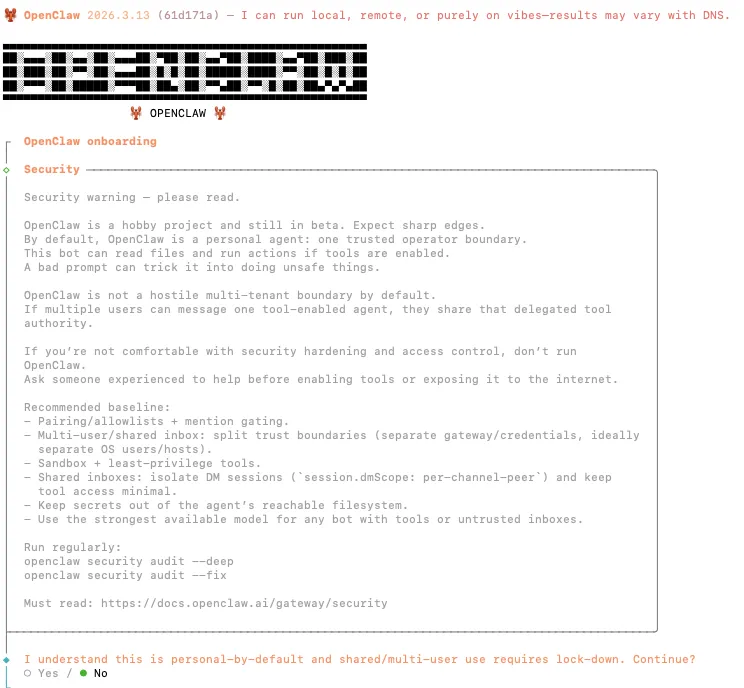
3️⃣ 按照下面的选(使用你键盘的上下左右箭头键):
Yes QuickStart Use existing values Alibaba Cloud Model Studio Coding Plan API Key for China (粘贴你的API Key,然后按“Enter”键) All Providers Keep current Skip for now Skip for now No Skip for now(这里需要先按一下“空格键”,然后按“Enter”键) Restart Open the Web UI
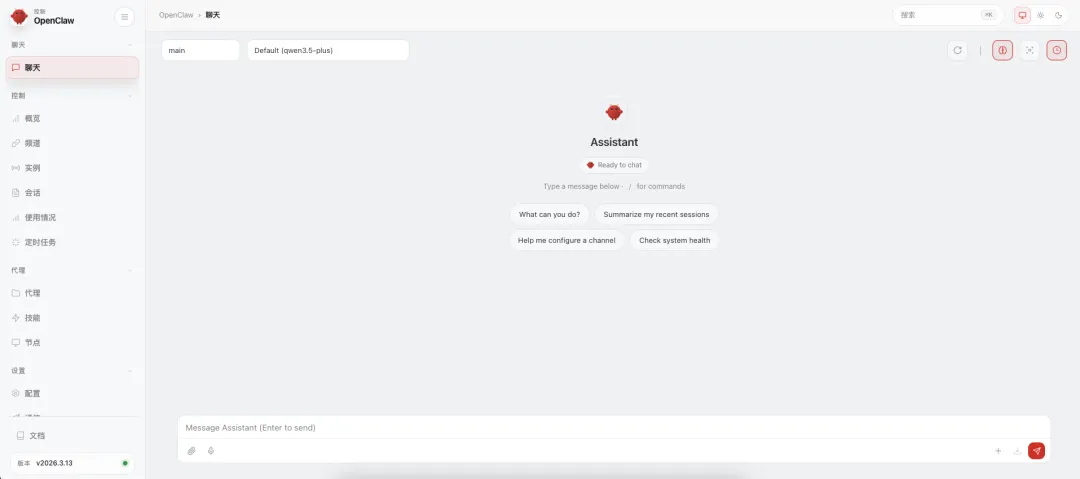
㊗️ 这时候,浏览器会自动打开,出现下面的画面,恭喜你,你的OpenClaw,小龙虾就安装成功了!