 夜雨聆风
夜雨聆风


OpenClaw搭建(小龙虾)
第一阶段:基础环境搭建
sudo apt updatesudo apt upgrade -ysudo apt install -y curl git build-essential python3
2、安装Node.js(核心依赖)
curl -fsSL https://deb.nodesource.com/setup_22.x | sudo -E bash –sudo apt-get install -y nodejsnode -vnpm -v第二阶段:安装OpenClaw
1、执行一键安装、在终端中直接运行官方提供的安装命令:
curl -fsSL https://openclaw.ai/install.sh | bash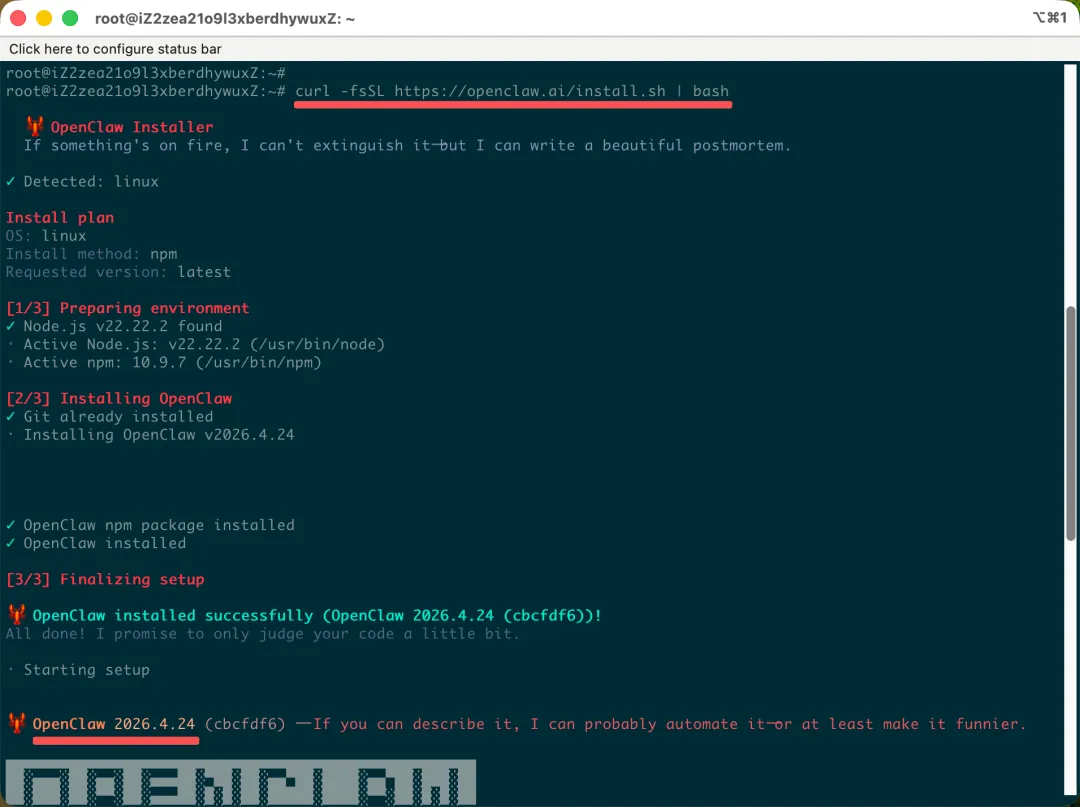
第三阶段:初始化与配置
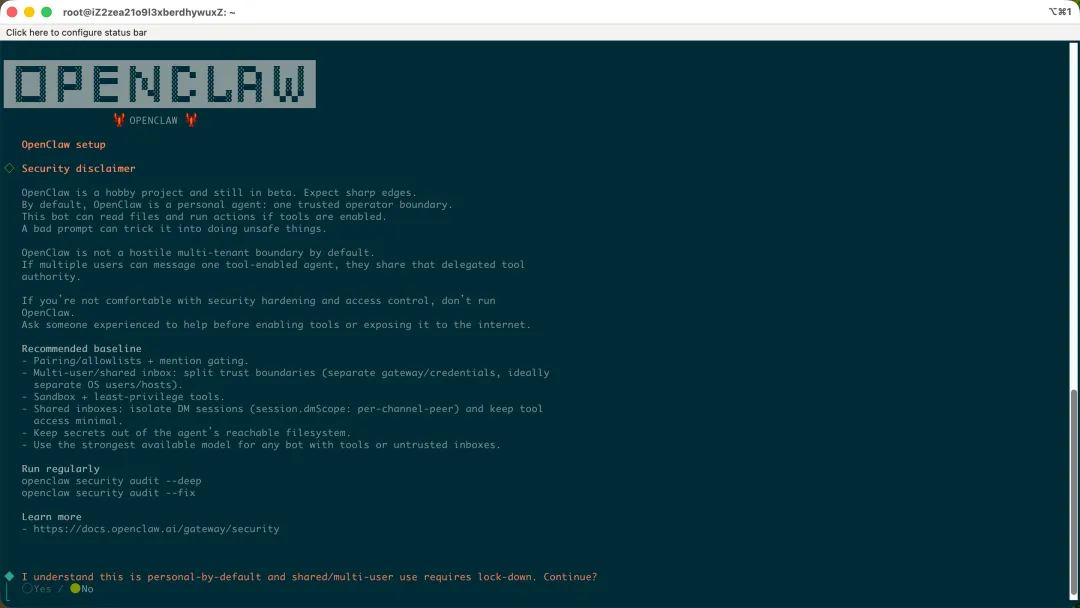

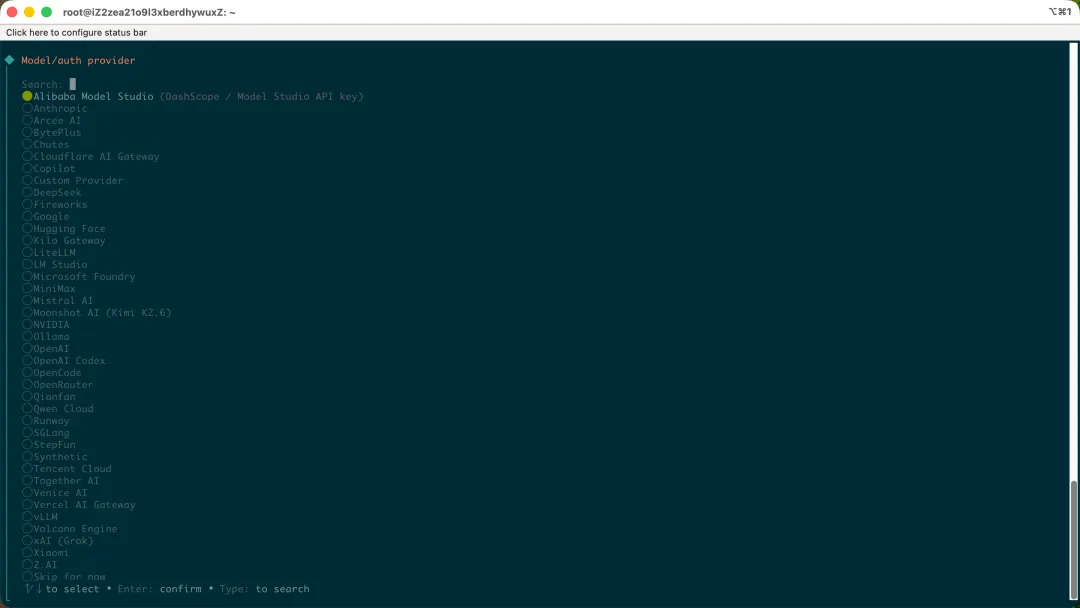
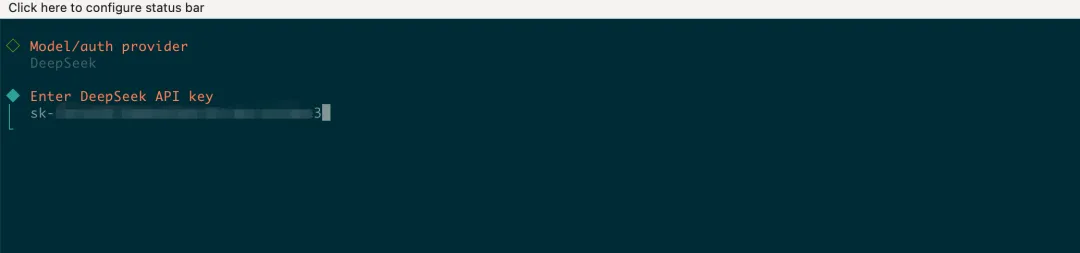
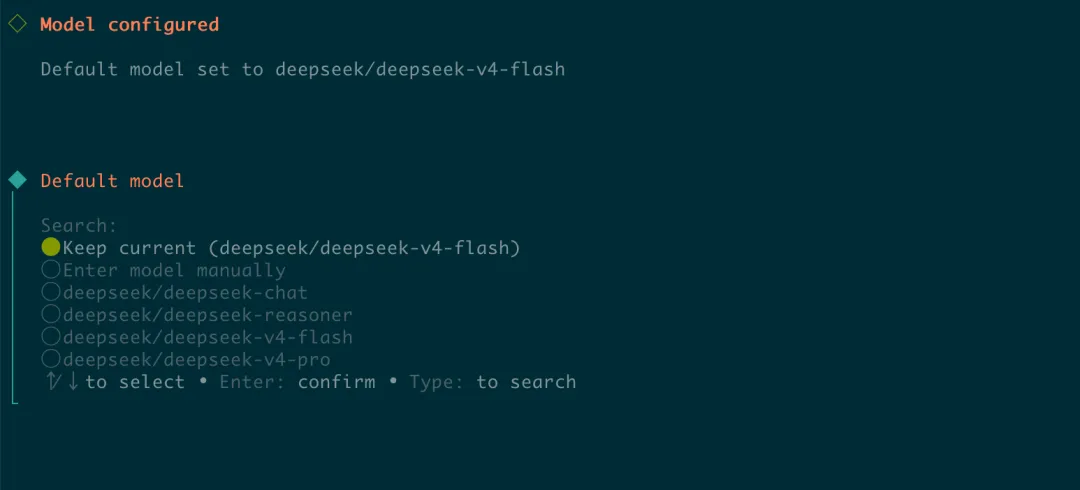
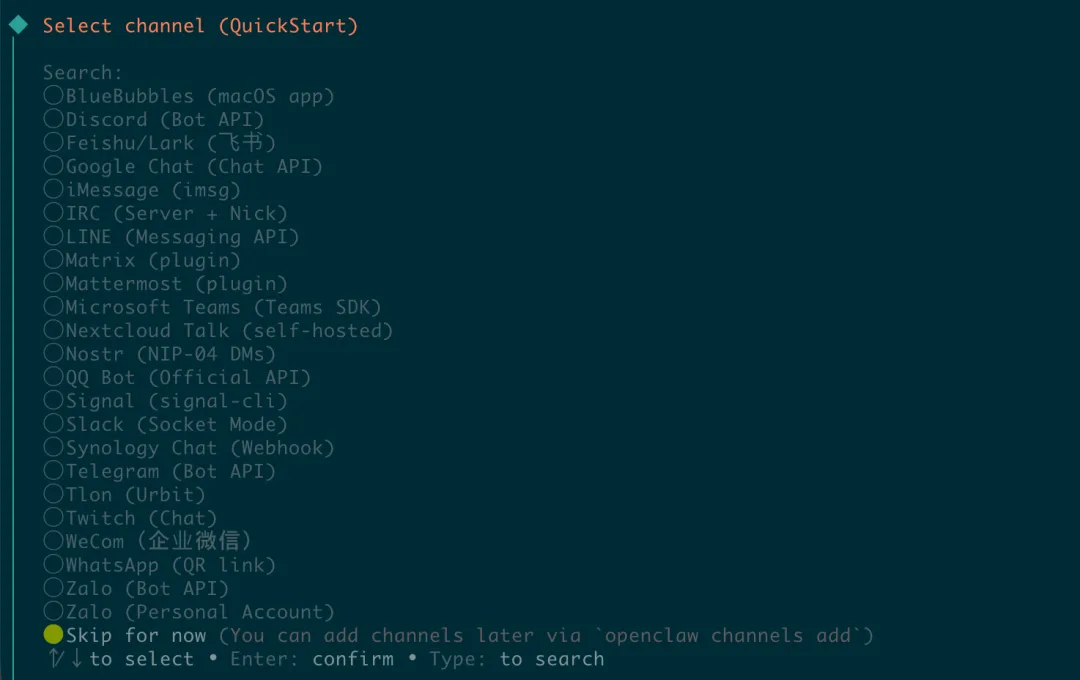
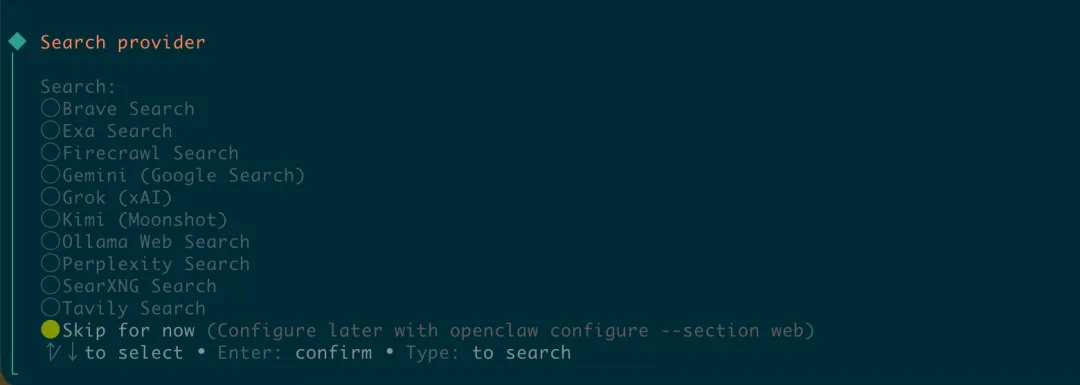
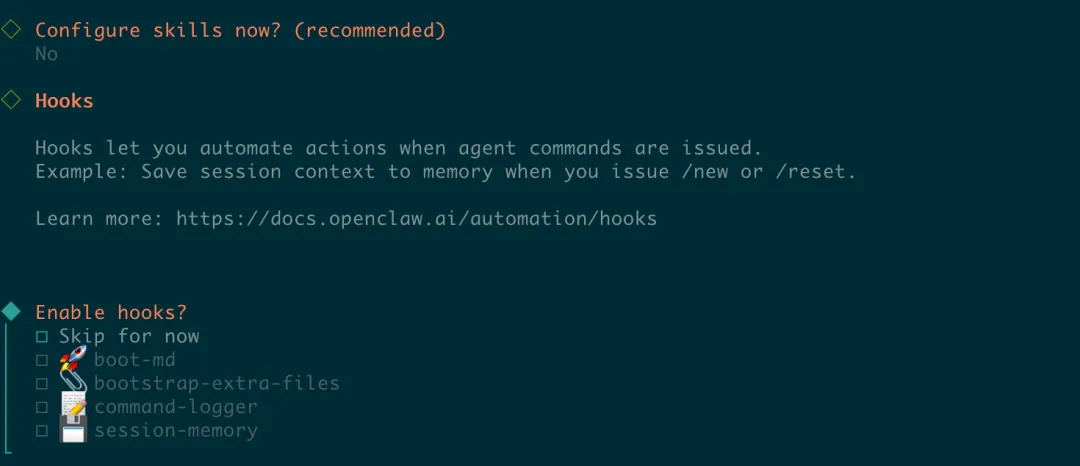
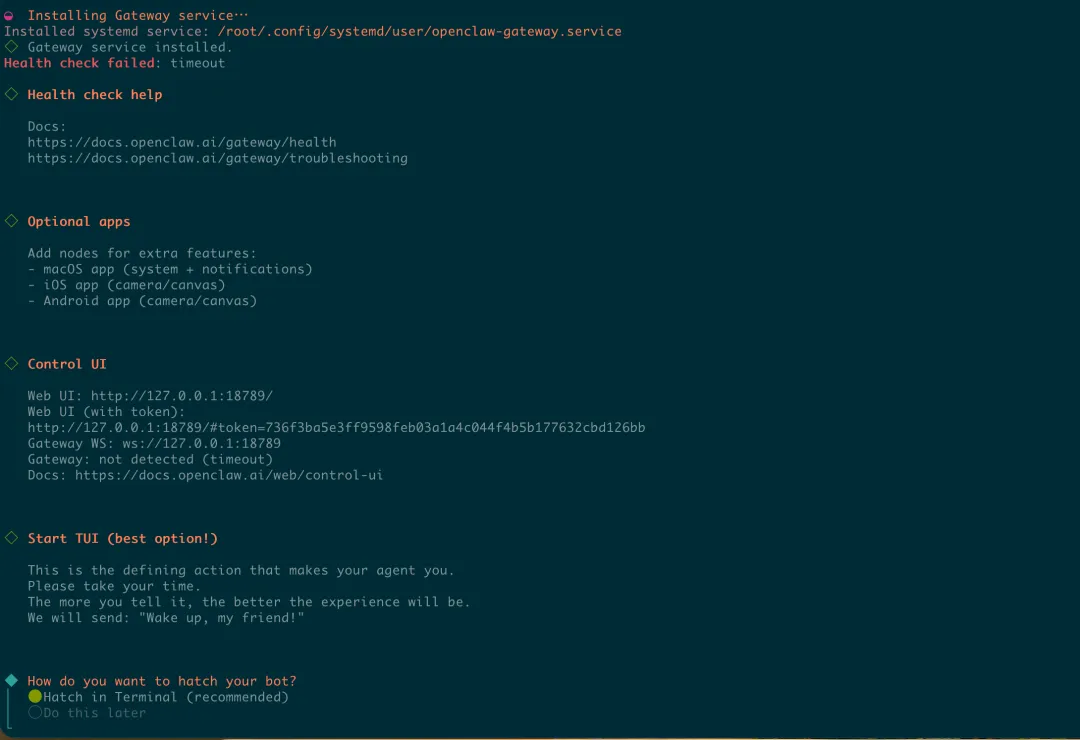
第四阶段:配置远程可登录
第一步:修改绑定模式(开门)
openclaw config set gateway.bind lan第二步:配置允许的来源(解决跨域报错)
#请将192.168.1.100 替换为你Ubuntu 的实际局域网IPopenclaw config set 'gateway.controlUi.allowedOrigins' '["http://192.168.1.100:18789", "http://localhost:18789", "http://127.0.0.1:18789"]'
第三步:调整安全认证(解决登录繁琐问题)
#允许HTTP 协议访问(解决非HTTPS 报错)openclaw config set gateway.controlUi.allowInsecureAuth true
#禁用设备认证(可选,仅限家庭/可信局域网)#开启后不需要输入复杂的设备验证码,直接进后台openclaw config set gateway.controlUi.dangerouslyDisableDeviceAuth true
第四步:重启网关(生效)
openclaw gateway restart