夜雨聆风
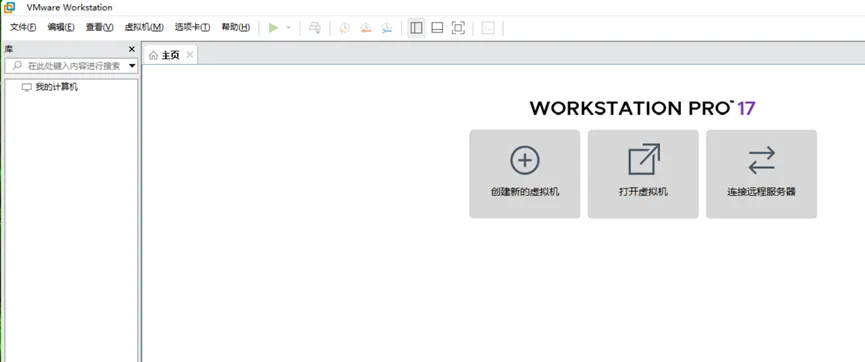
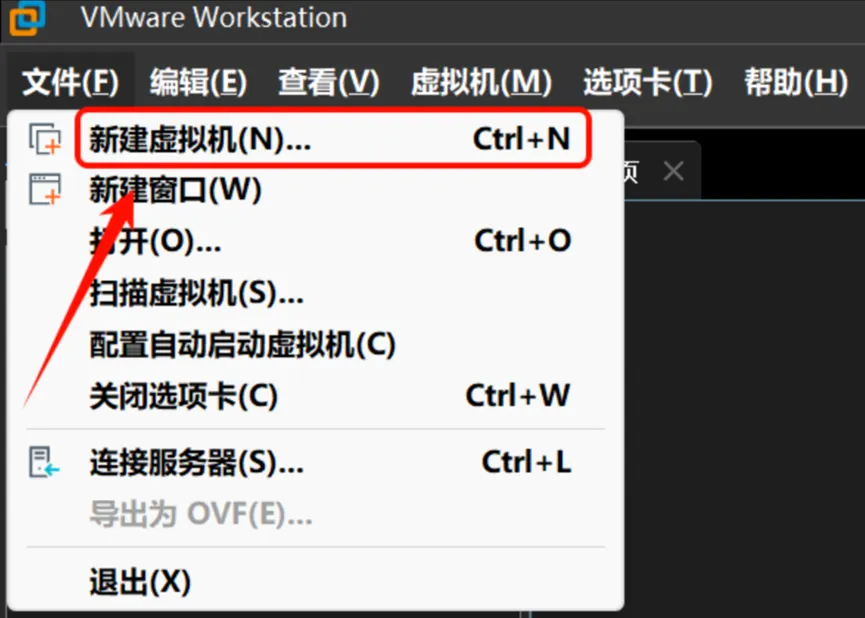
夜雨聆风安装VMware
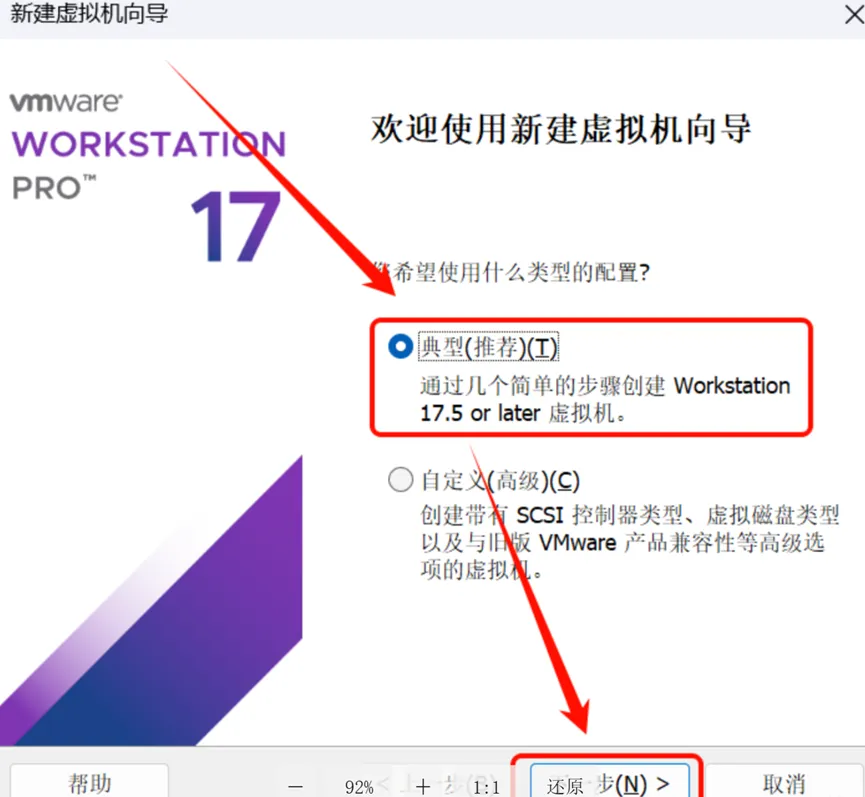
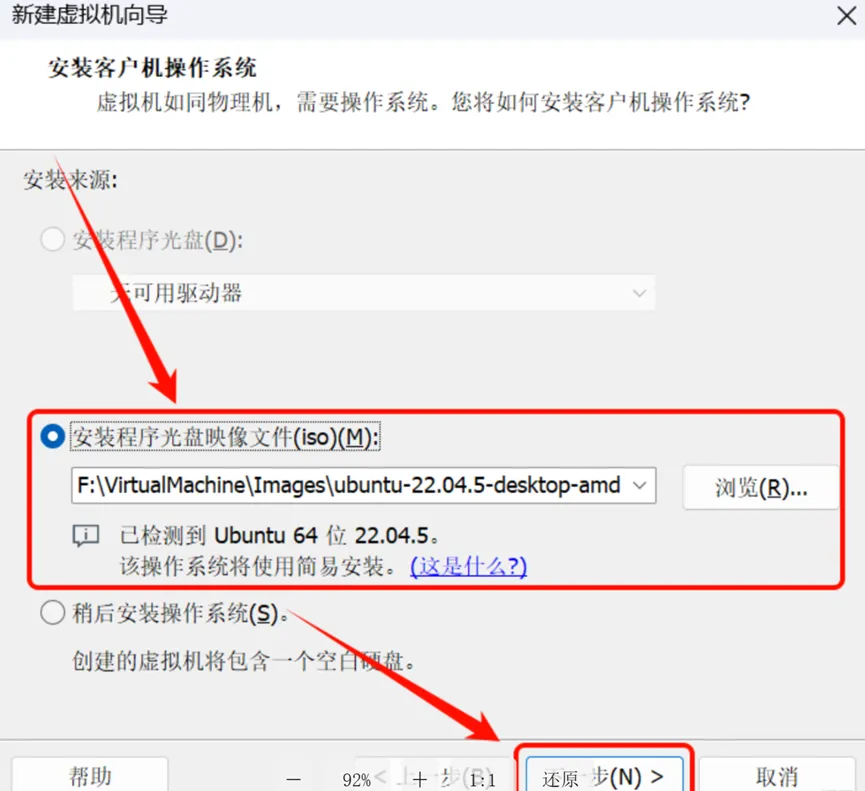
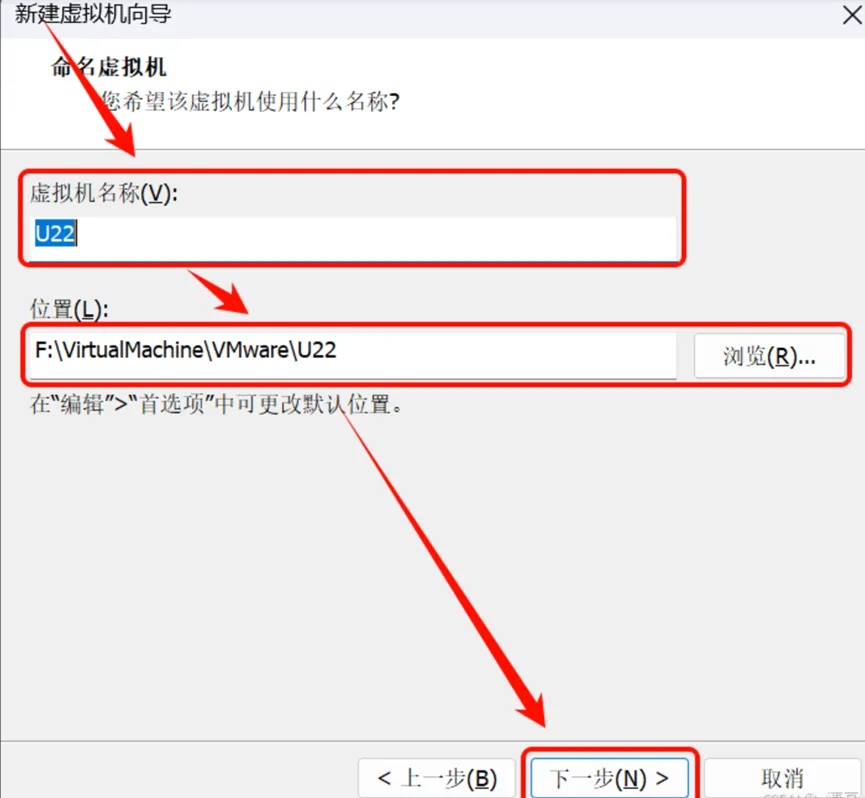
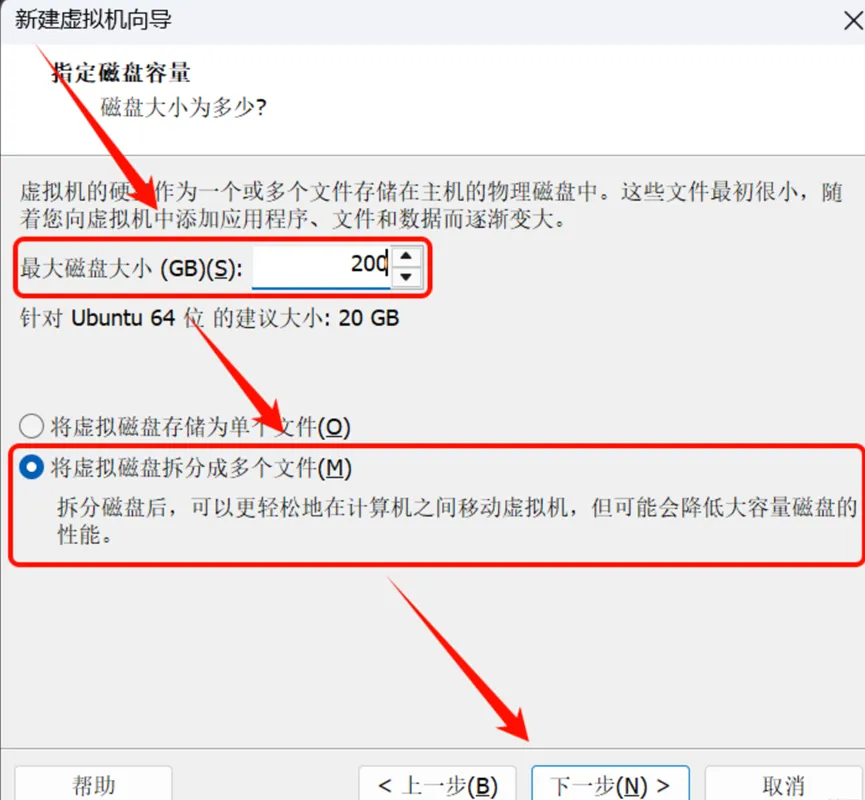
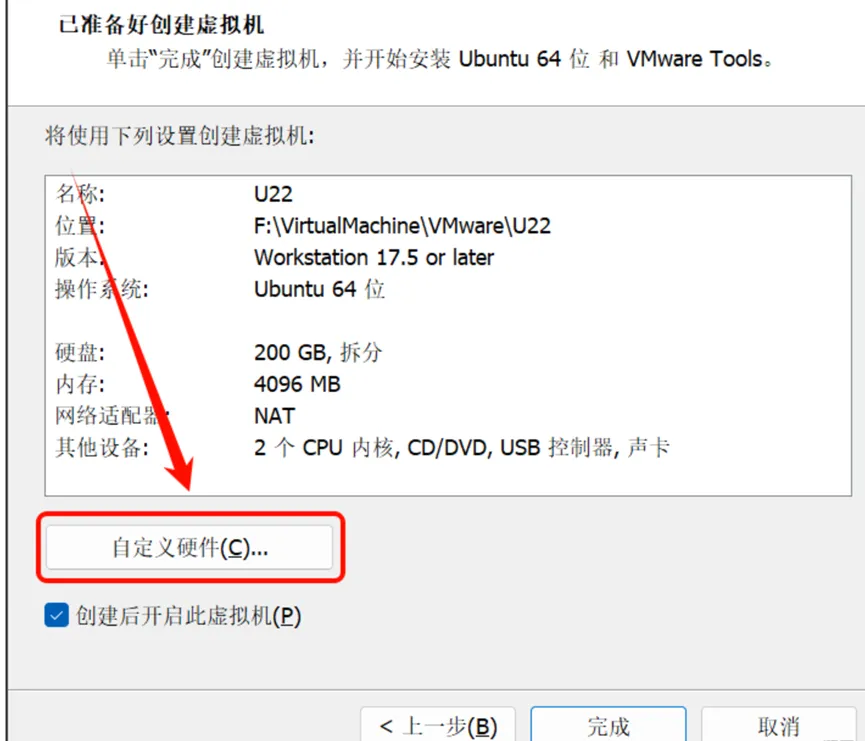
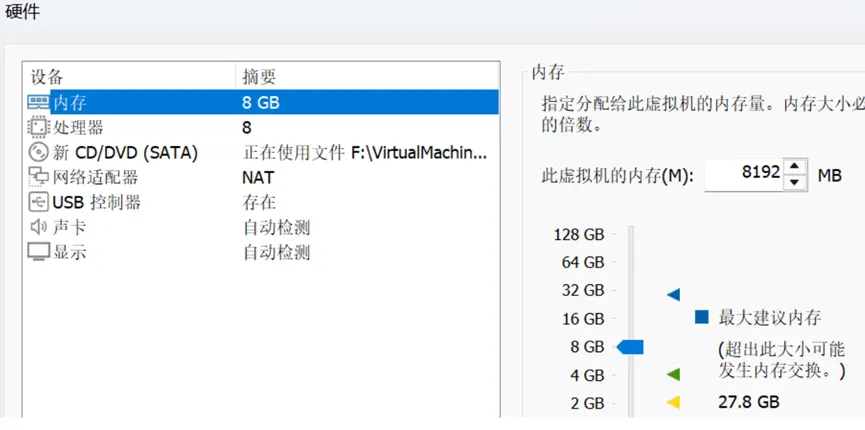
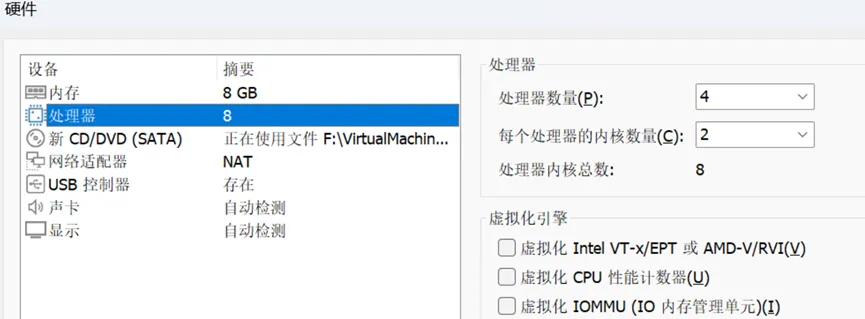
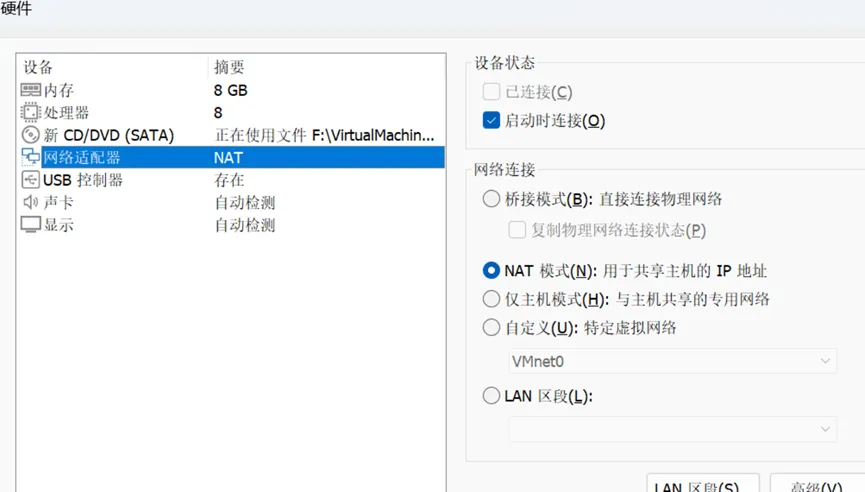
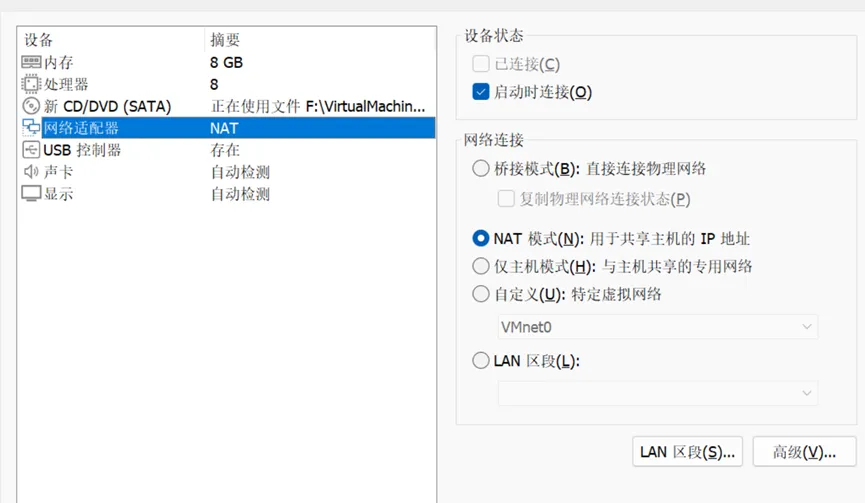
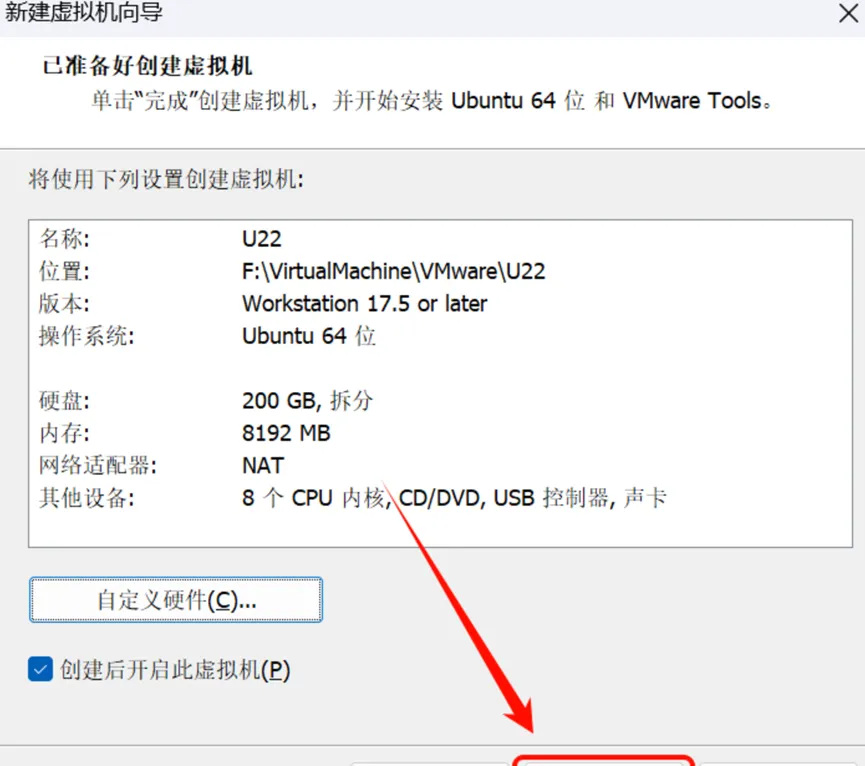
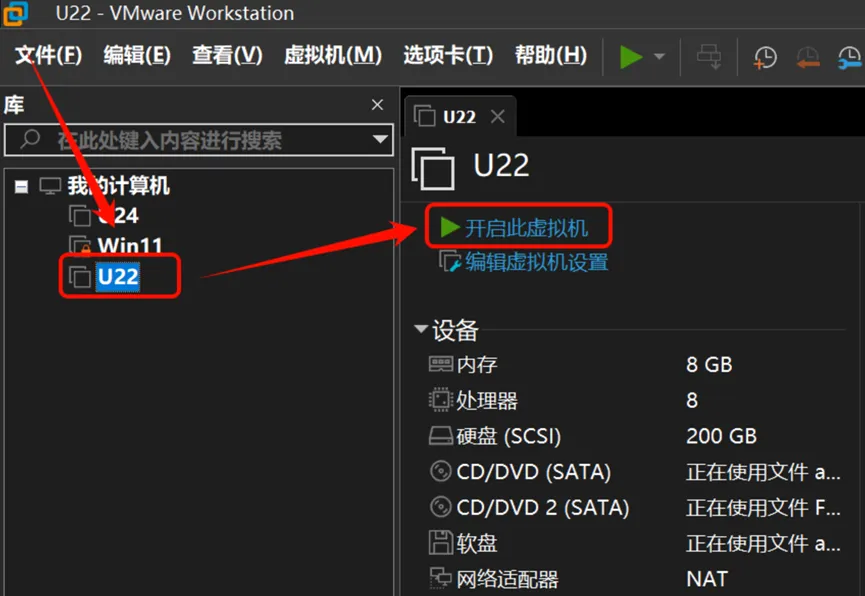
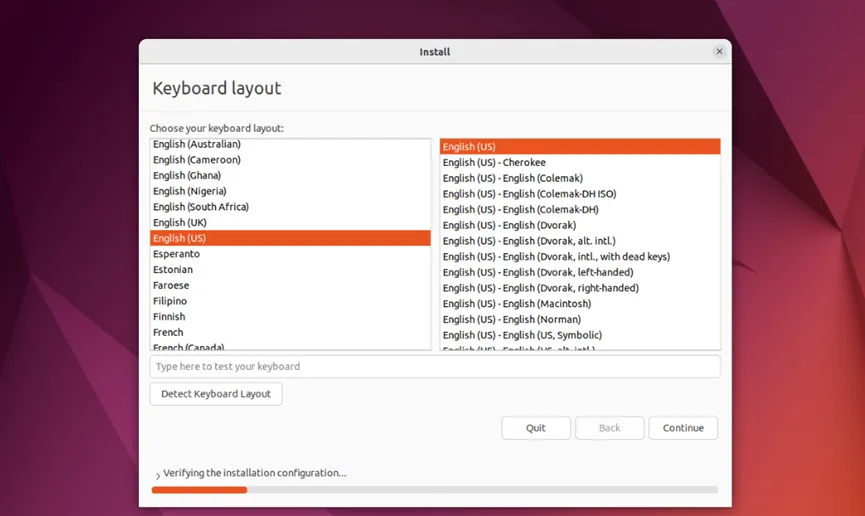
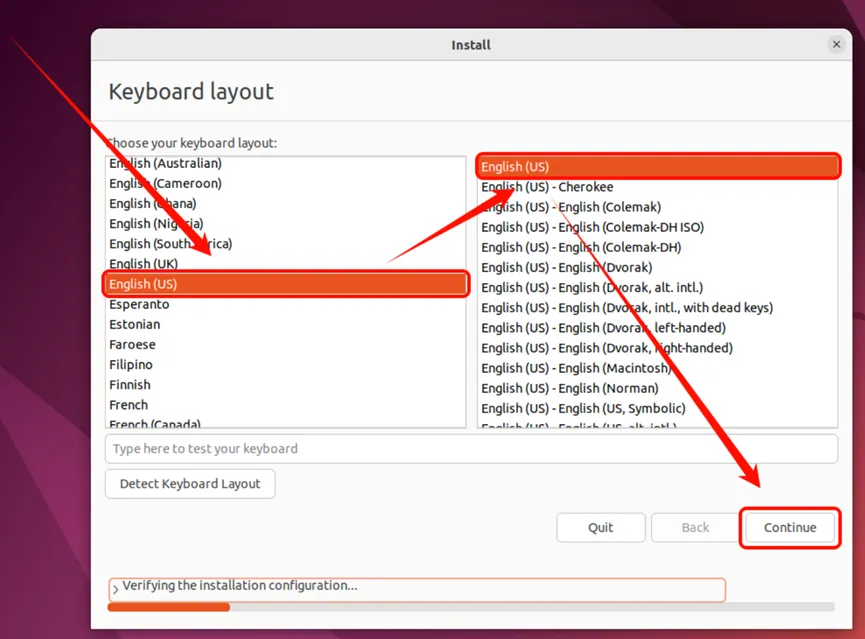
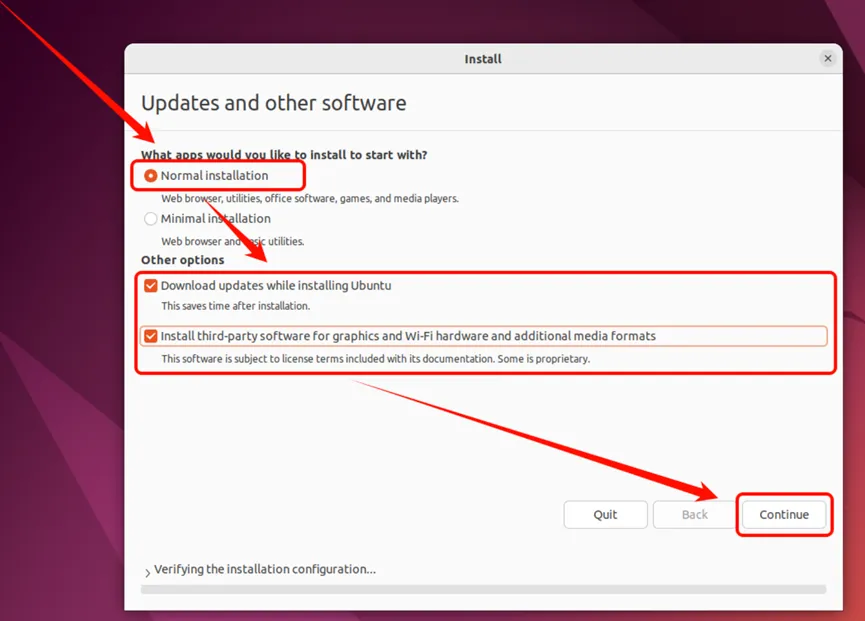
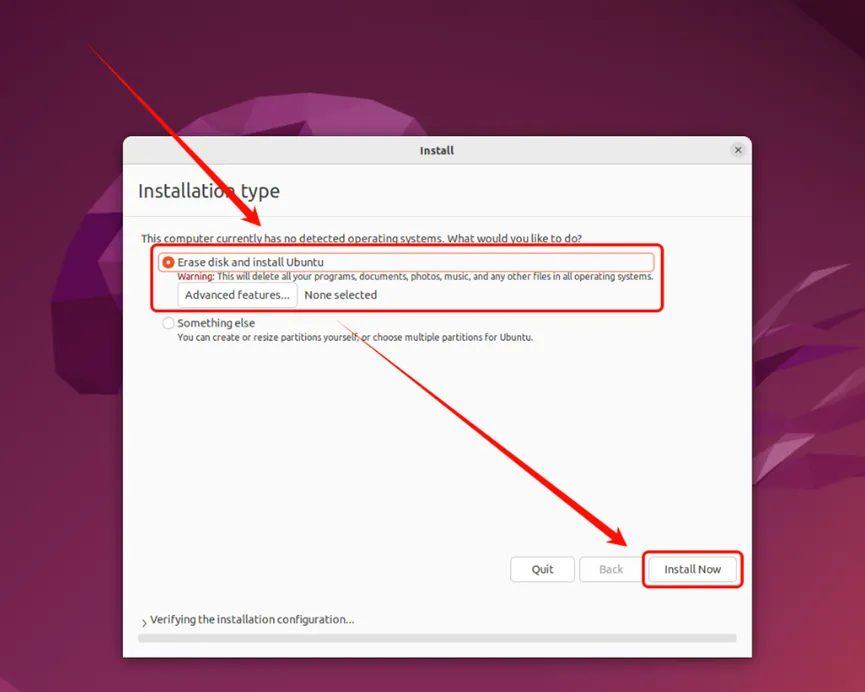
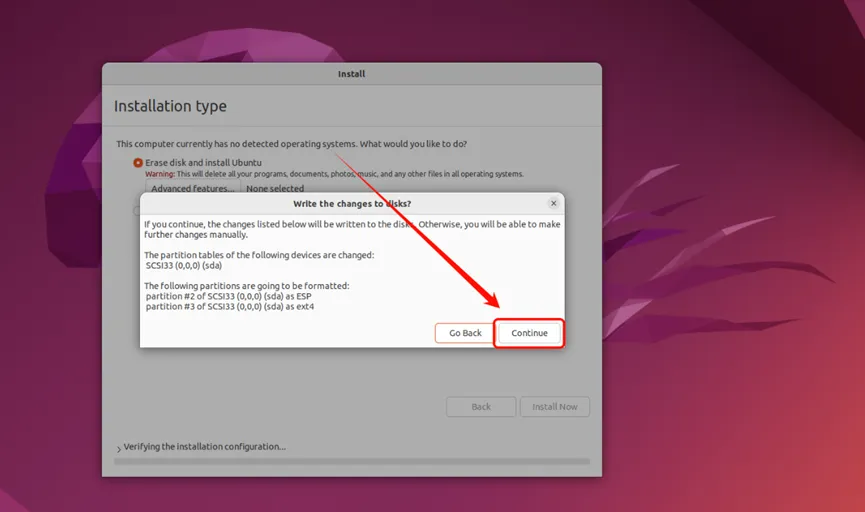
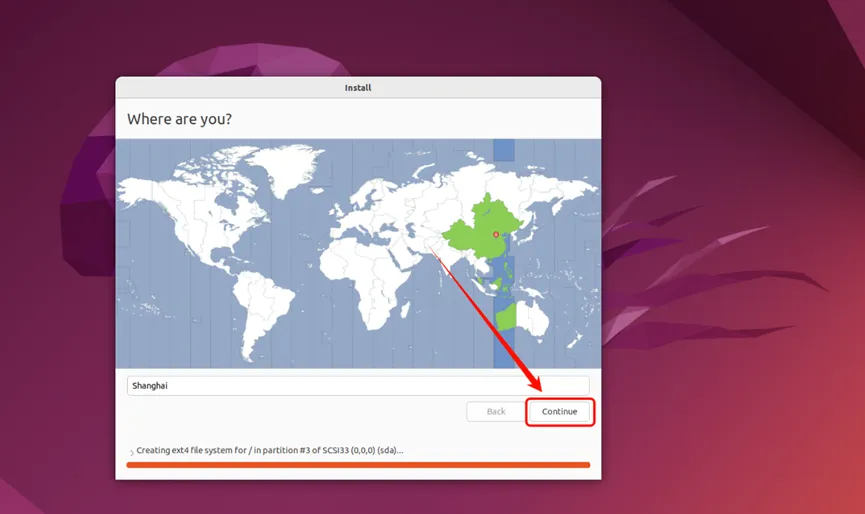
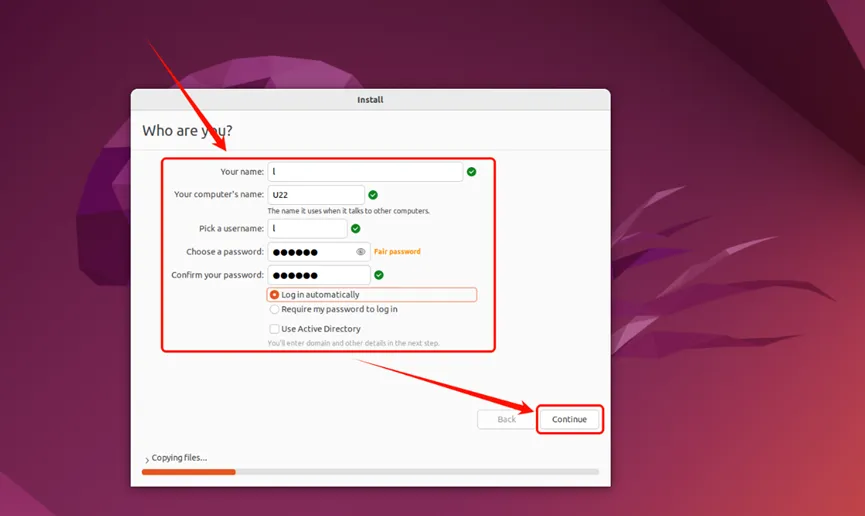
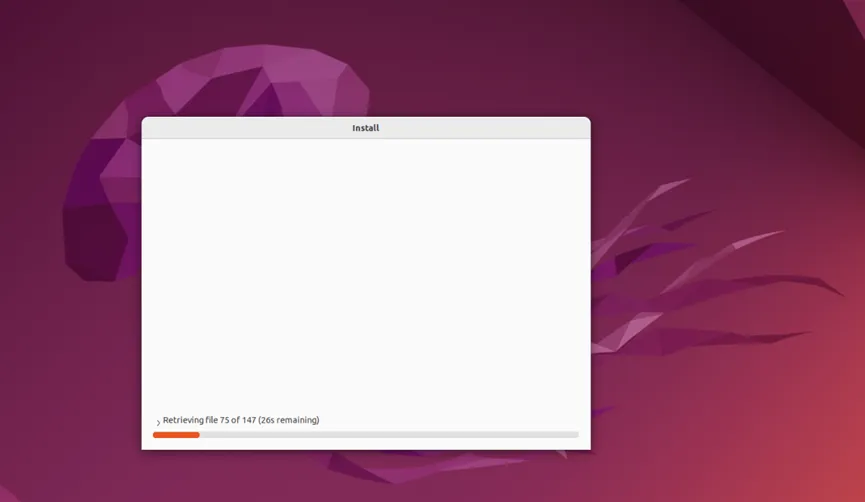
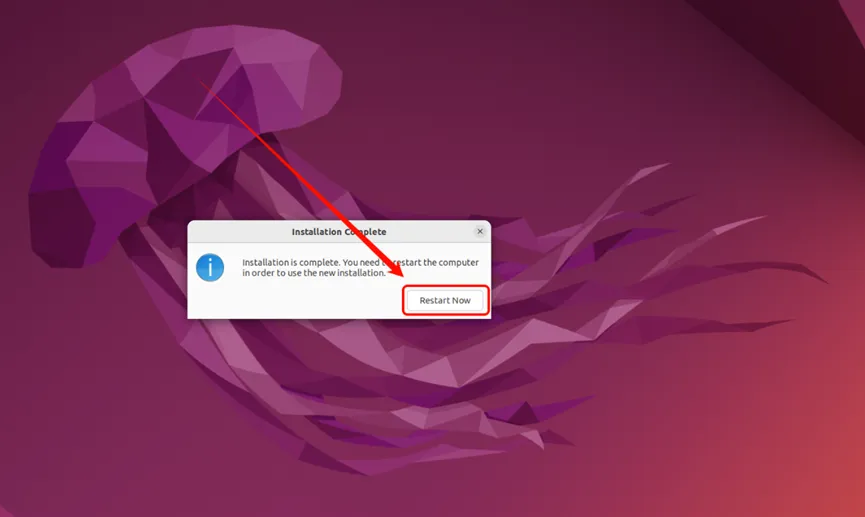
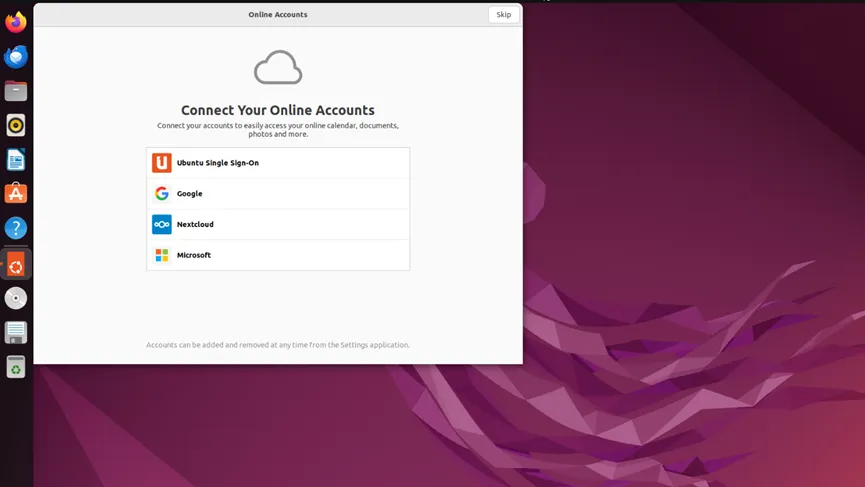
安装ubuntu
Ollama安装
# 使用官方安装脚本curl -fsSL https://ollama.com/install.sh | sh# 启动Ollama服务sudo systemctl enable --now ollama# 验证服务状态systemctl status ollama
Qwen模型下载
可以选择千问其他模型,我这里选择的是qwen3.5 7b模型
ollama pull qwen3.5:7b# 运行模型测试对话ollama run qwen2.5:7b# 输入"你好",如果模型有回复# 输入 /bye 退出对话
安装核心环境
# 更新系统并安装基础依赖sudo apt update && sudo apt upgrade -ysudo apt install -y curl git build-essential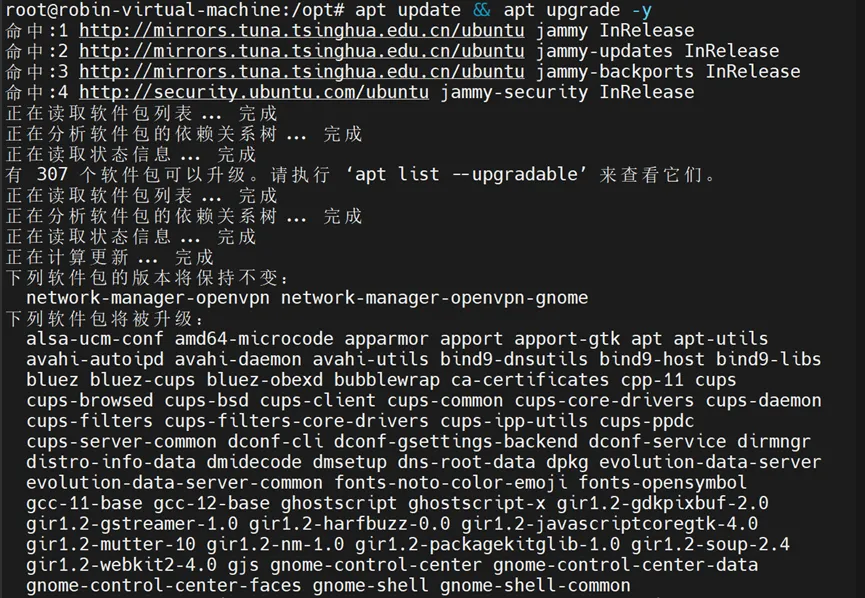
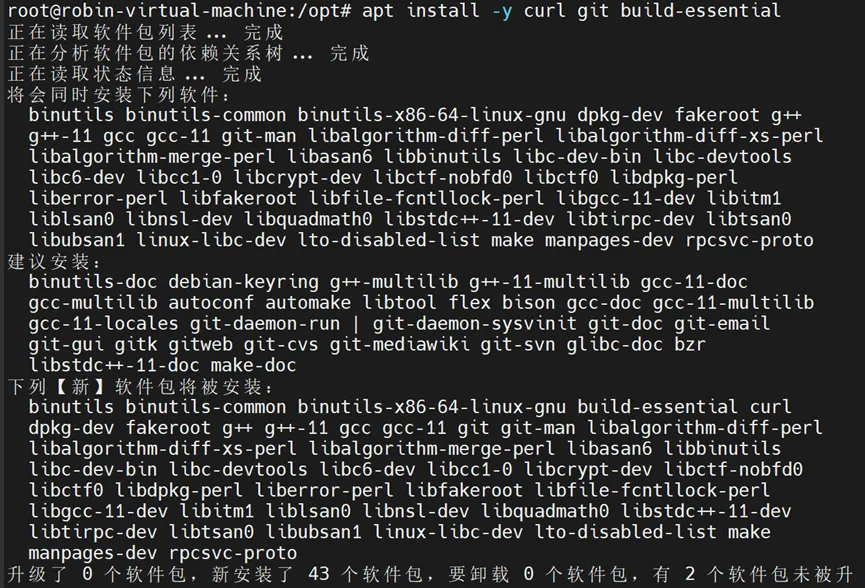
OpenClaw需要Node.js 22或更高版本:
# 使用NodeSource官方源安装Node.js 22curl -fsSL https://deb.nodesource.com/setup_22.x | sudo -E bash –安装 Node.js
OpenClaw需要Node.js 22或更高版本:
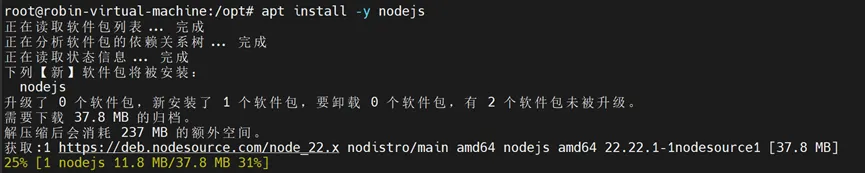
# 使用NodeSource官方源安装Node.js 22curl -fsSL https://deb.nodesource.com/setup_22.x | sudo -E bash -sudo apt install -y nodejs # 验证安装node --version # 应显示 v22.x.x 或更高npm --version # 应显示 10.x.x 或更高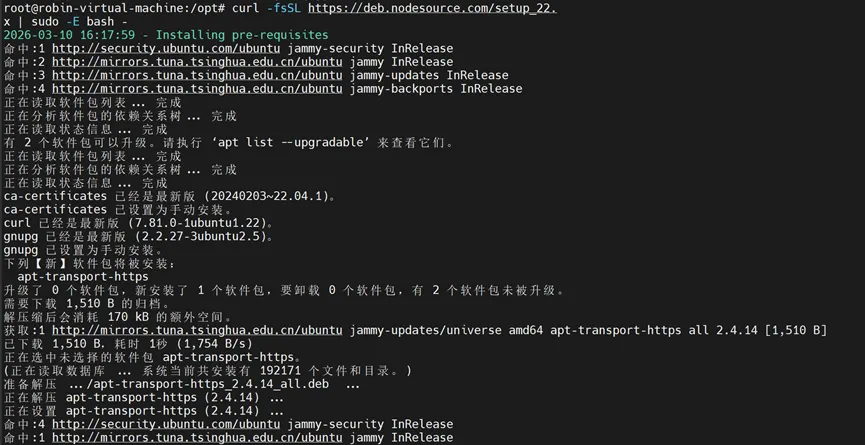

安装openclaw
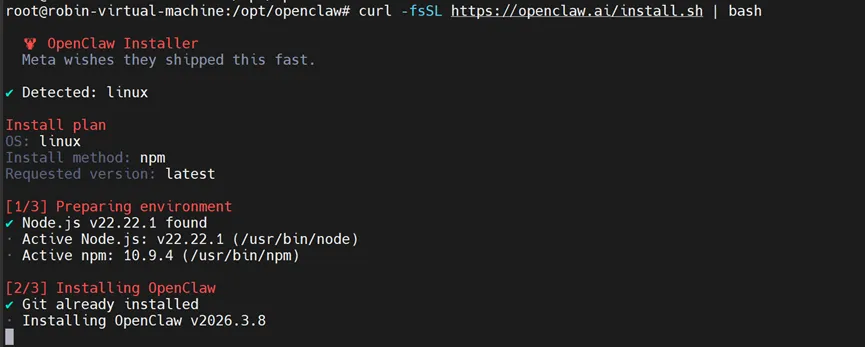
OpenClaw提供了官方Linux安装脚本:
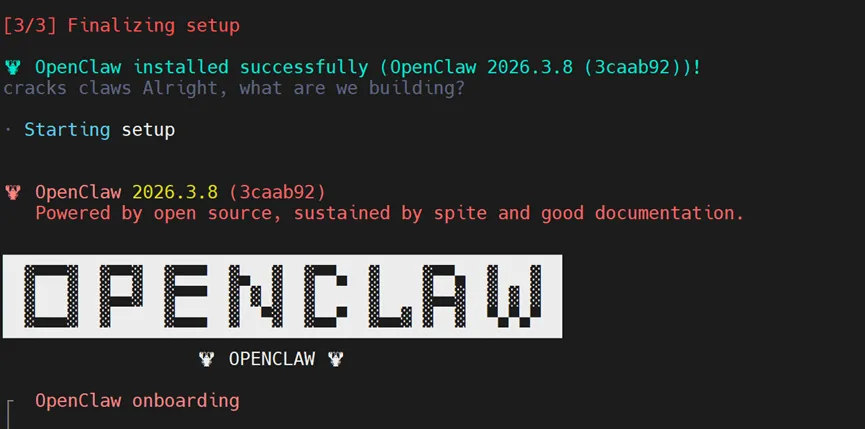
# 使用官方安装脚本(推荐)curl -fsSL https://openclaw.ai/install.sh | bash# 验证安装openclaw --version # 应显示 2026.x.x 或更高
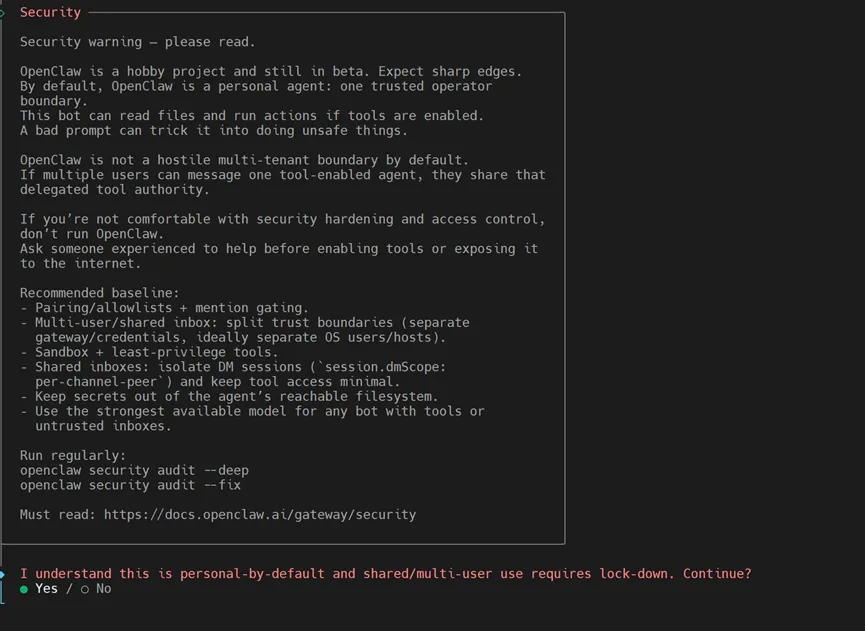
引导模式选择(✅ QuickStart)


这一步选择 “QuickStart”,选择会出提示如下信息:
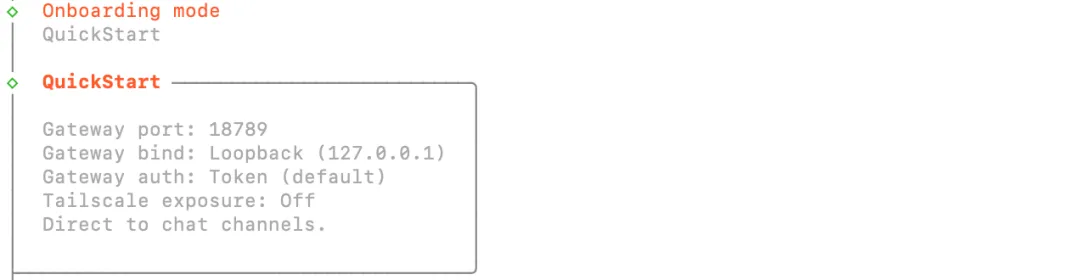
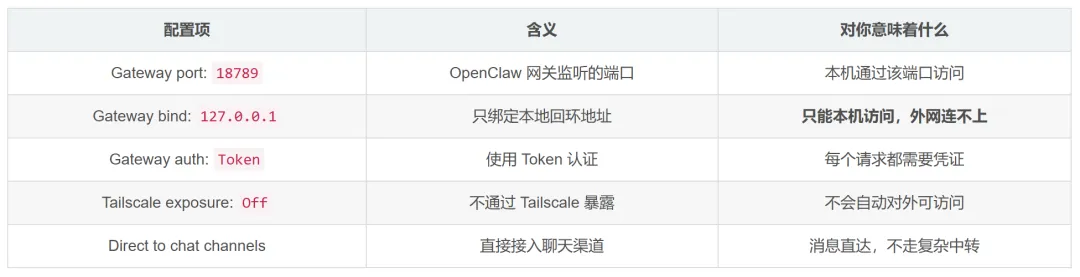
选择模型来源(✅ Qwen)
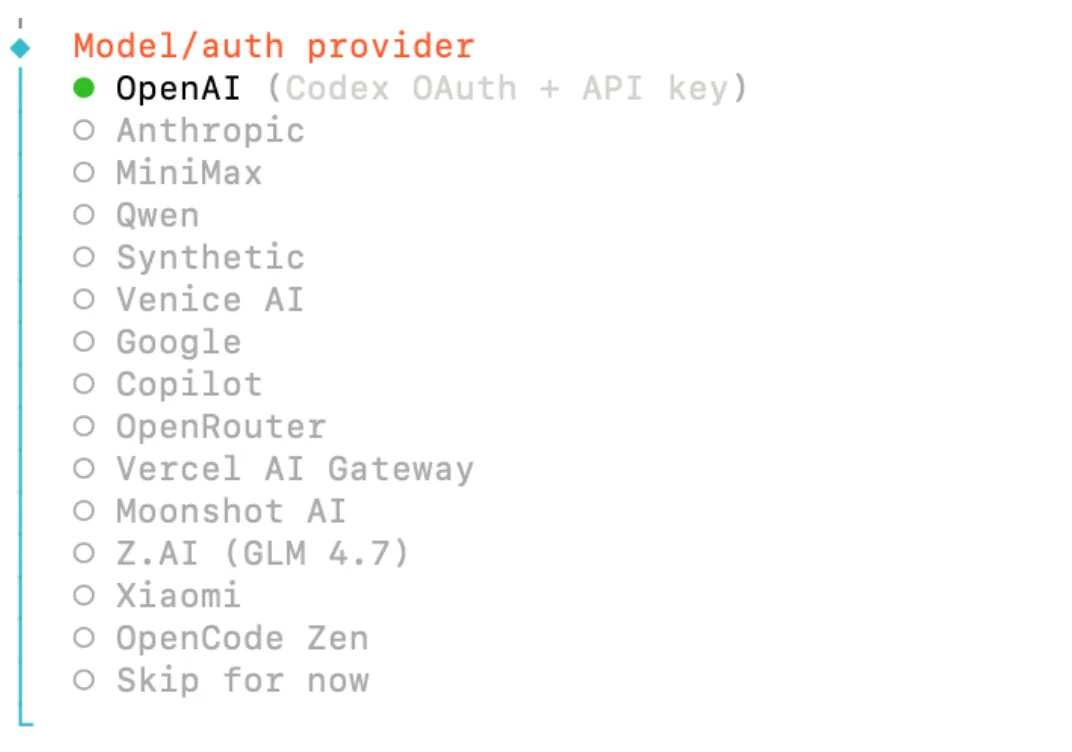
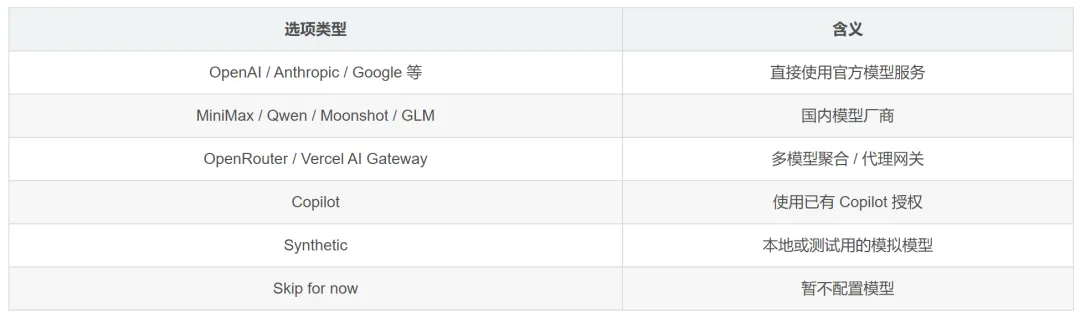
我这里选择的qwen


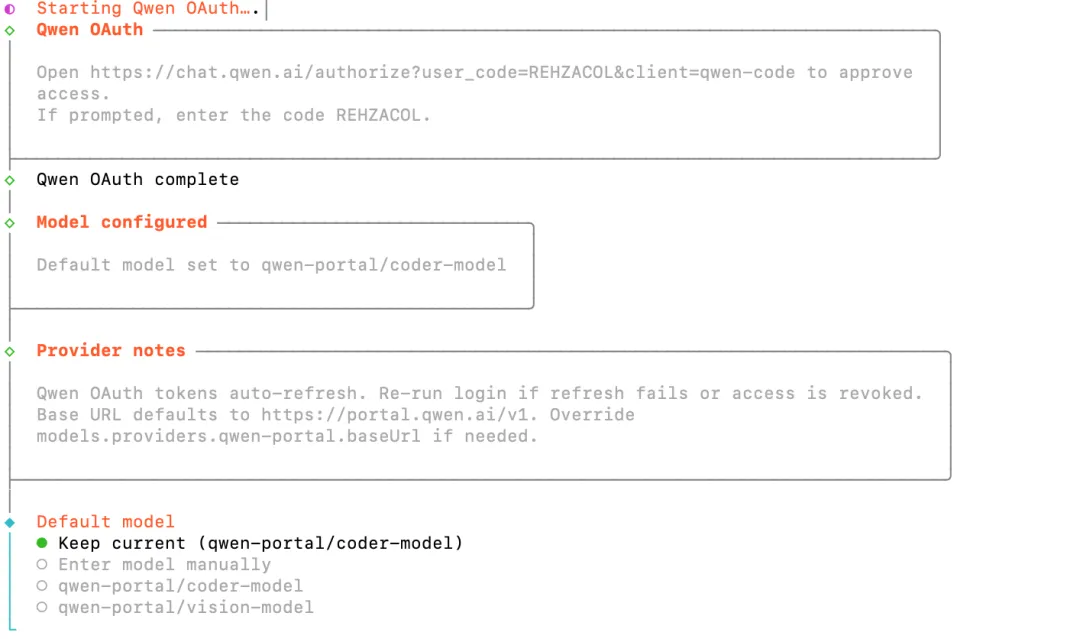
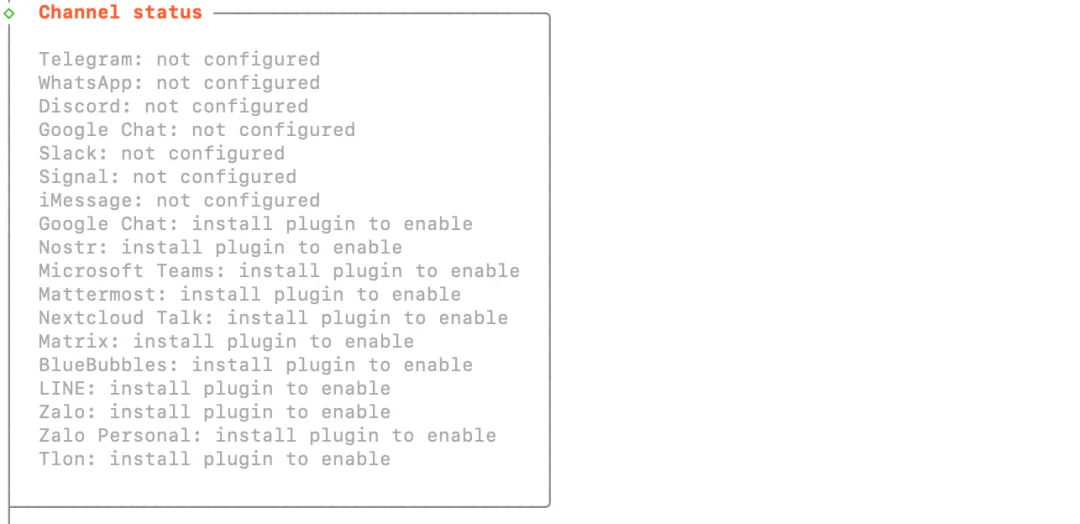
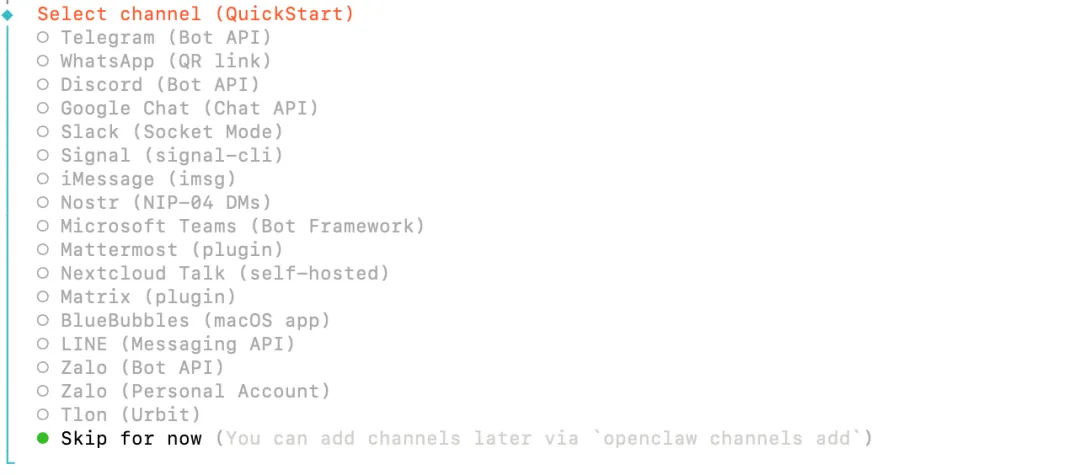
选择对话渠道(✅ Skip for now)
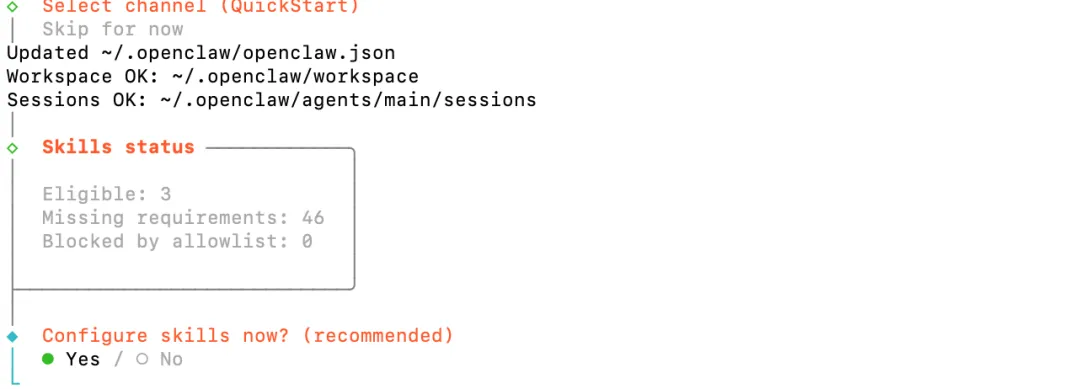
配置工具集(✅ No)
添加自动化 小助手(✅ session-memory ✅ boot-md)
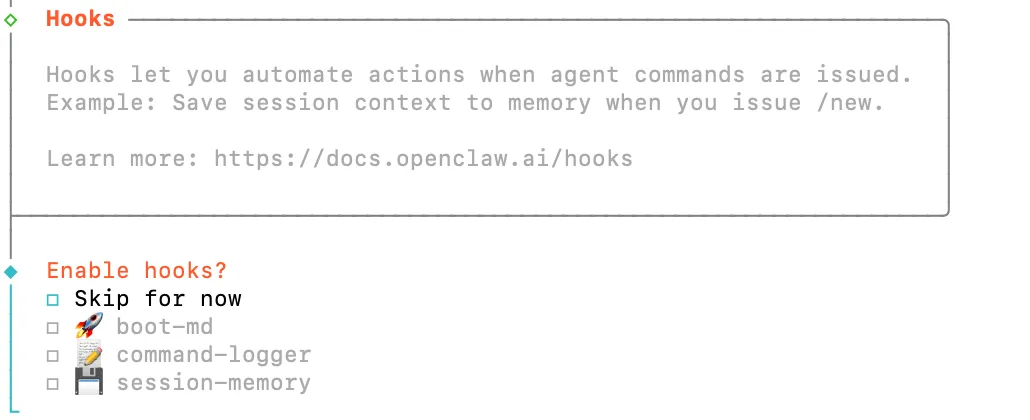
这一步是在问你要不要给 OpenClaw 加“自动化小助手”,以及加哪些。

Gateway 服务重启(✅ Restart)
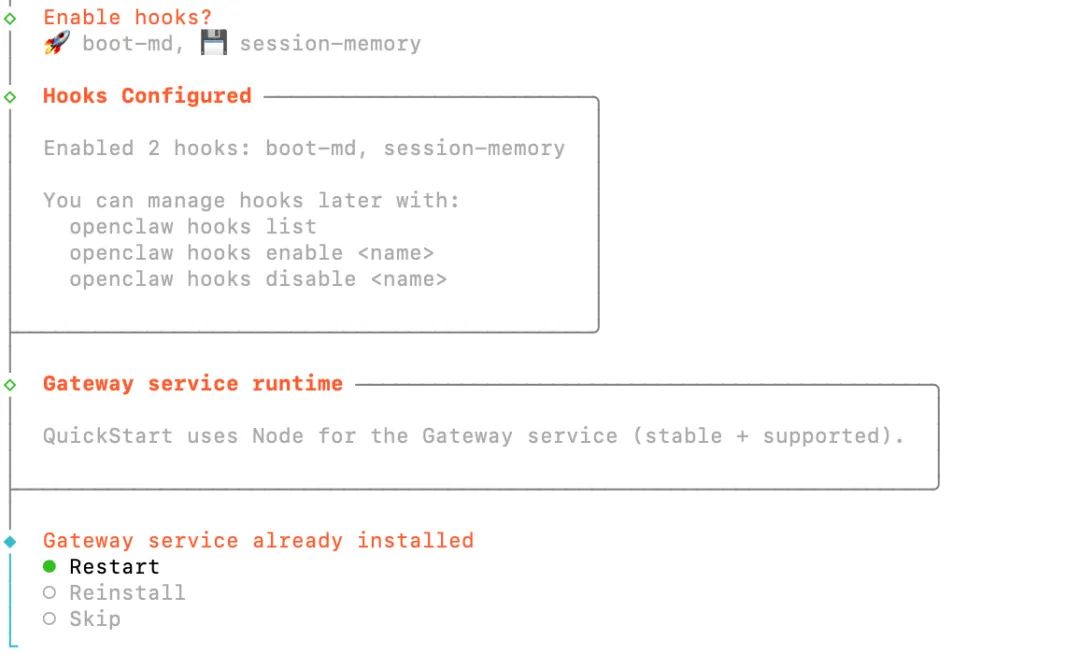
这一步其实是两个独立但连续的确认:
① Hooks 已配置完成,② Gateway 服务怎么处理。

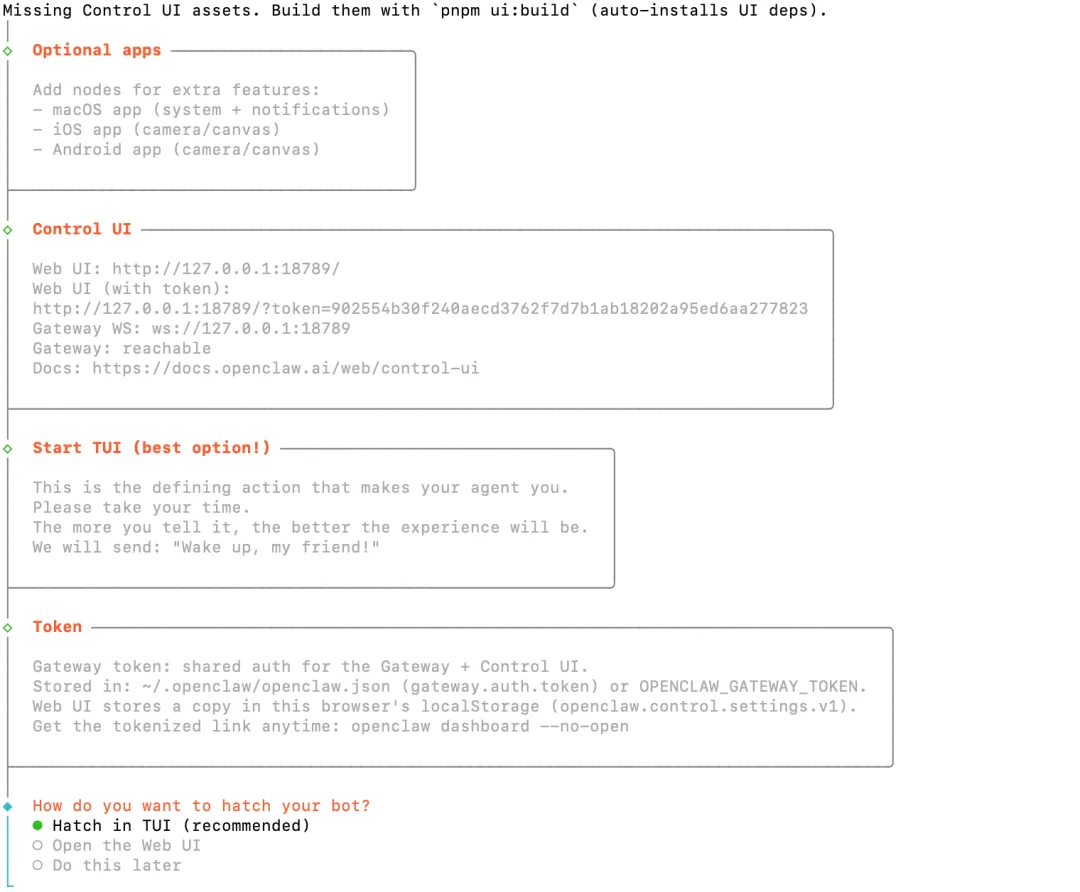
选择启动方式(✅ Hatch in TUI )