夜雨聆风
夜雨聆风Linux中默认的字体很少,而且几乎不支持中文字体,像windows中常见的黑体、微软雅黑、等线等中文字体都是无法使用的。
在Linux R中其实也可以使用这些字体。使用的前提是先将字体安装到Linux服务器中。
Linux服务器安装字体
Linux中安装字体的地方有很多,本文使用的家目录下的.fonts目录,因为这里可以很方便操作,不需要管理员权限。
安装字体的办法很简单,就是把字体ttf文件复制到.fonts文件夹下即可。
我们可以把windows中的字体上传到这里,windows中的字体是存放在“C:\Windows\Fonts”中。
#1. create new fonts directorymkdir -p ~/.fonts#2. copy font files into this directory字体复制好之后,可以刷新和查看一下当前安装的字体:
#3. flush the font cachefc-cache -fv#4. check fonts installedfc-list 现在就可以看到安装的字体了,比如:
fc-list|grep 微软# /home/szt/.fonts/msyhl.ttc: Microsoft YaHei,微软雅黑,Microsoft YaHei Light,微软雅黑 Light:style=Light,Regular# ...Others...fc-list|grep 黑体# /home/szt/.fonts/simhei.ttf: SimHei,黑体:style=Regular,Normal,obyčejné,Standard,Κανονικά,Normaali,Normál,Normale,Standaard,Normalny,Обычный,Normálne,Navadno,Arrunta也能看到微软雅黑的字体标识是’Microsoft YaHei‘,黑体的字体标识是’SimHei‘。
R中pdf更换字体
R中更换字体是通过cairo_pdf实现的,两个方式,一个是直接调用cairo_pdf,另一个是指定ggplot里面的device为cairo_pdf。使用family参数指定字体。
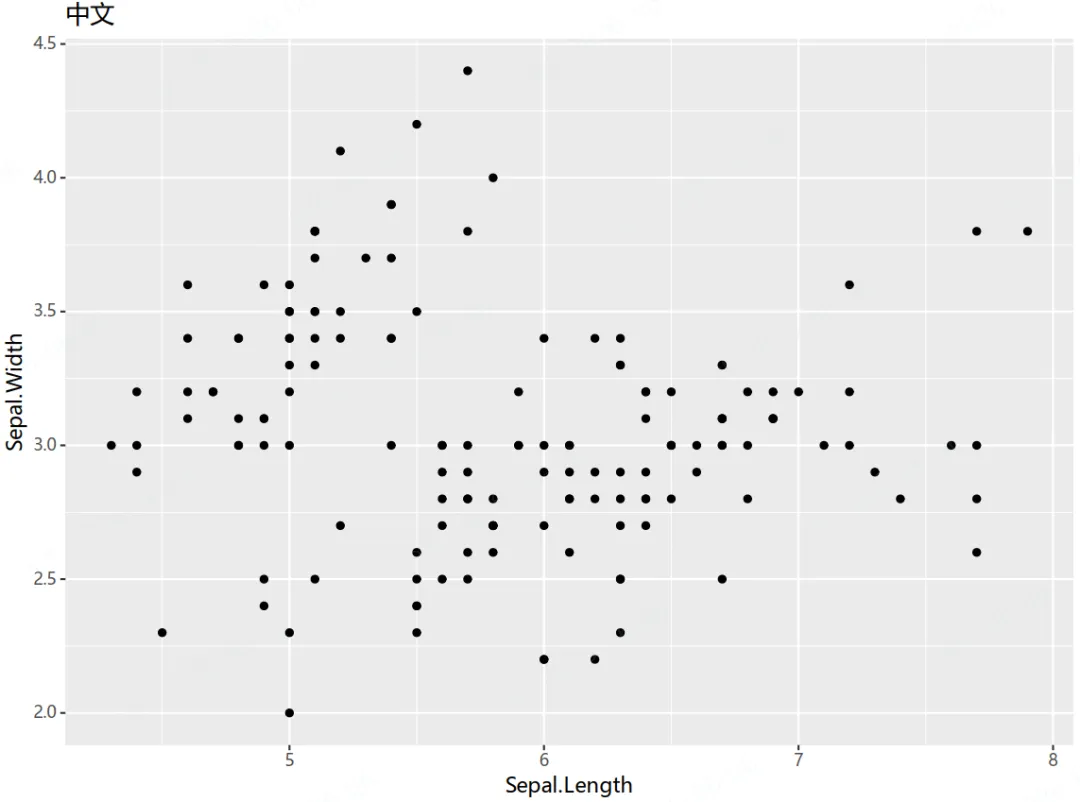
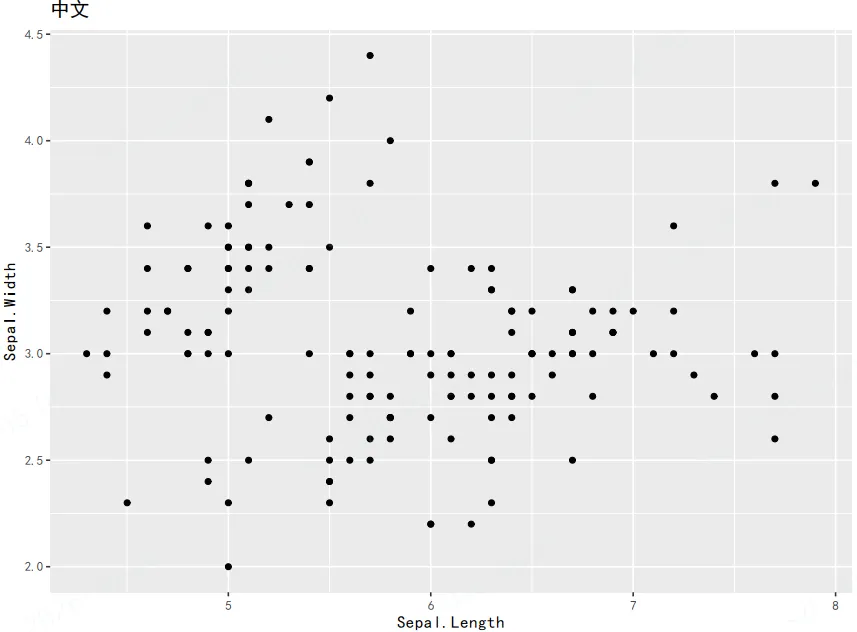
# method1:在 ggsave 中通过 device = cairo_pdf 同时指定字体ggsave("ggplot_cairo.pdf", plot = p, device = cairo_pdf, family = "Microsoft YaHei", width = 8, height = 6)# method2:先调用 cairo_pdf() 打开设备,再执行 print(p) 绘图cairo_pdf("ggplot_cairo_2.pdf", family = "Microsoft YaHei", width = 8, height = 6)print(p)dev.off()示例图如下
微软雅黑:
黑体:
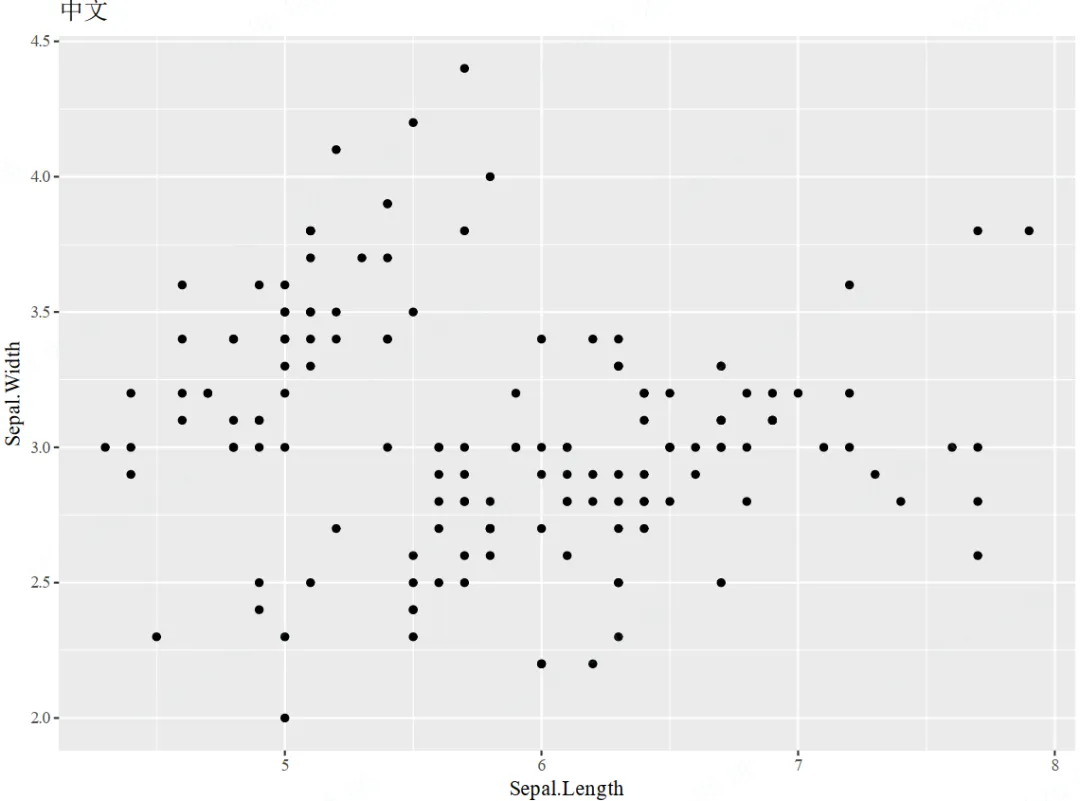
Times New Roman: